

Nearly half of all CCaaS customers are switching providers or actively evaluating alternatives, according to Metrigy's 2025 research. That's not a small number. It means the contact center as a service model works for some businesses, but a lot of companies signed up for something they didn't actually need.
This guide breaks down what CCaaS really is, what it costs (including the fees vendors don't advertise), and how to figure out whether your business needs a full contact center platform or something simpler. If you run an e-commerce store, pay close attention to the last few sections.
Hear what AI support calls sound like for your store. Just paste your Shopify URL and get sample calls in under 20 seconds, no email required. Listen to demo calls for my store.
What is contact center as a service?
Contact center as a service (CCaaS) is a cloud-based software model that replaces traditional on-premises call center hardware with a subscription platform. Instead of buying phone systems, servers, and routing equipment, you pay a monthly fee per agent and get everything through your browser.
The "as a service" part is key. You don't own the infrastructure. The provider hosts it, maintains it, and updates it. Your agents log in from anywhere with an internet connection and start handling calls, chats, emails, and social media messages from a single dashboard.
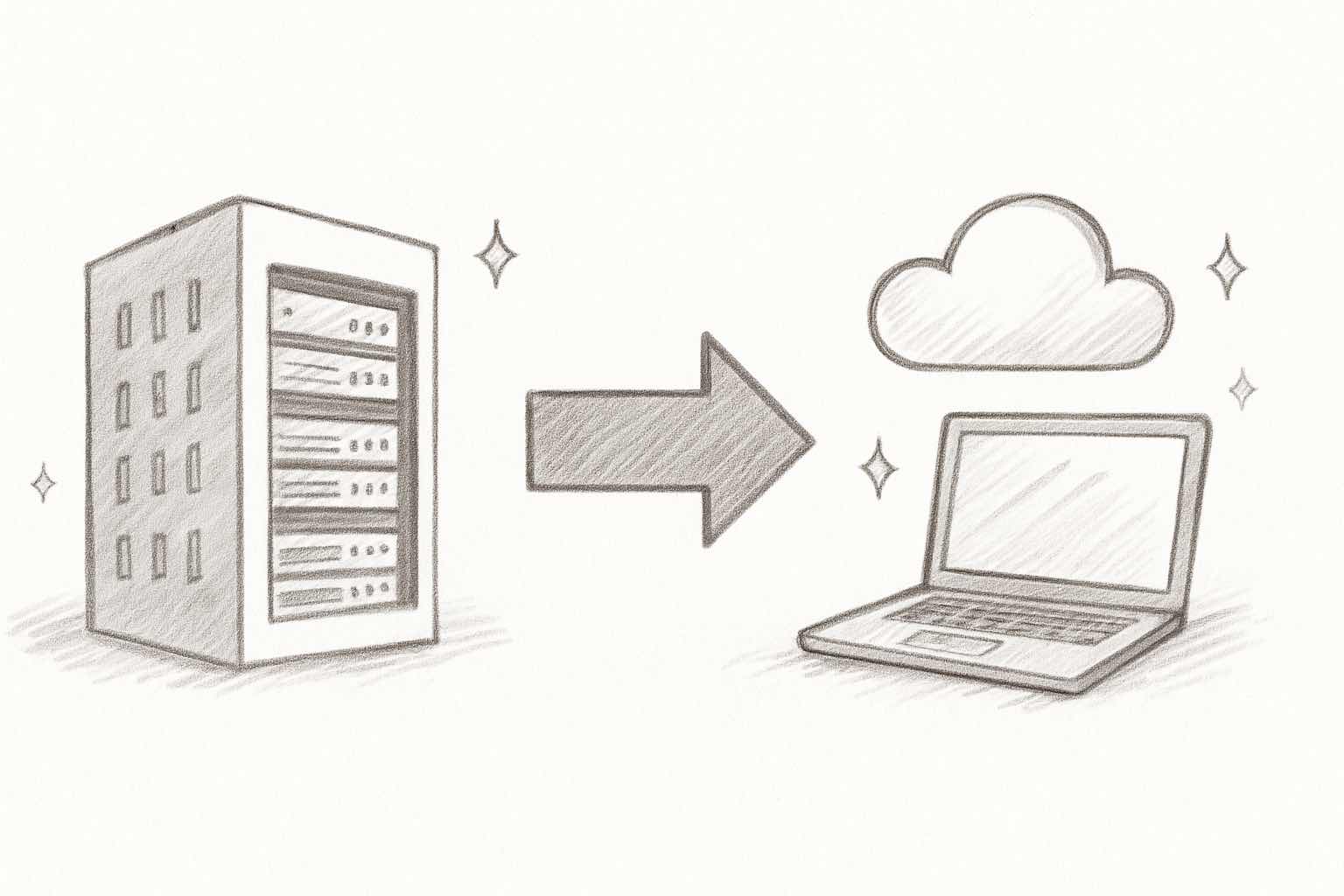
CCaaS evolved from the old on-premises PBX systems that required physical hardware in your office. Hosted contact centers came next, moving some of that to the cloud. Modern CCaaS platforms are fully cloud-native, meaning they were built for the cloud from day one, not retrofitted.
The CCaaS market is projected to grow by $7.58 billion between 2024 and 2029, driven by businesses moving away from legacy systems. Over 62% of enterprises have already shifted at least some contact center operations to the cloud.
Core features of a contact center as a service platform
Not every CCaaS platform includes the same features, but most share a common set of capabilities. Here's what you should expect:
- Omnichannel routing: manages voice calls, email, live chat, SMS, and social media from one interface. Agents see the full conversation history regardless of which channel a customer uses.
- Interactive voice response (IVR): the automated phone menu that routes callers to the right department or lets them self-serve (check order status, pay a bill, reset a password).
- Workforce management (WFM): scheduling tools, demand forecasting, and performance tracking. Helps managers staff the right number of agents at the right times.
- AI and automation: chatbots, virtual agents, agent assist tools, and sentiment analysis. 88% of contact centers now use AI in some capacity, though only 25% have fully integrated it into daily workflows.
- Analytics and reporting: real-time dashboards, call recordings, quality monitoring, and historical trend analysis.
- CRM and helpdesk integrations: connects to Salesforce, HubSpot, Zendesk, Shopify, and other tools so agents have customer context without switching tabs.
The feature set sounds impressive. But here's the thing: most small and mid-sized businesses use maybe 30% of what they're paying for. If you only need phone support, you're paying for email, chat, social, WFM, and analytics infrastructure you'll never touch.
For a deeper look at how AI fits into contact center operations, check out how AI is changing call centers.
How much does contact center as a service cost?
Here's where it gets uncomfortable. The advertised price on a CCaaS contract covers roughly 60% of what you'll actually spend. The rest comes from add-ons, usage fees, and costs that only show up after you sign.
What vendors advertise
| Provider | Entry plan | Omnichannel plan | Full AI suite | Contract |
|---|---|---|---|---|
| Genesys Cloud CX | $75/user/mo | $115/user/mo | $240/user/mo | Annual |
| NICE CXone | $71/user/mo | $110/user/mo | $249/user/mo | Annual |
| Five9 | $119/user/mo | $159/user/mo | Custom | 36 months |
| Talkdesk | $85/user/mo | $165/user/mo | Custom | 3 years |
| RingCentral CC | ~$85/user/mo | ~$120/user/mo | Custom | Annual |
| Amazon Connect | $0.018/min | $0.018/min | Pay-per-use | None |
| Zoom Contact Center | ~$69/user/mo | ~$99/user/mo | Custom | Annual |
For full breakdowns, see our guides on Genesys pricing, Five9 pricing, and Talkdesk pricing.
What actually adds up
The per-seat price is just the starting point. Here's what vendors don't put on the pricing page:
- Call minutes: most CCaaS platforms charge for voice minutes on top of the seat license. Even domestic calls add up at scale.
- AI add-ons: features like agent assist, virtual agents, and AI routing are often locked behind paid add-ons, even on premium plans. NICE CXone and Genesys both do this.
- Onboarding and training: some vendors charge setup fees ranging from a few thousand dollars to $50K+ for enterprise implementations.
- Premium support: 24/7 support or a dedicated account manager? That's extra.
- Integration fees: connecting your CRM or e-commerce platform sometimes requires paid connectors or professional services.
A 10-agent team on a mid-tier plan at $115/user/month looks like $13,800/year. In practice, with minutes, AI features, and support, you're closer to $20,000-$25,000/year. For a detailed look at what a real implementation costs, see our cost per call breakdown.
Top contact center as a service providers in 2026
Here's a quick look at the major players. These are not detailed reviews, just enough to understand who does what and where they fit.
Genesys Cloud CX
The enterprise standard. Genesys handles complex routing, strong native AI, and deep integrations with most CRM platforms. It's built for large teams (100+ agents) that need advanced workforce management and analytics. Pricing starts at $75/user/month for voice only but climbs fast once you add omnichannel and AI. If you're considering Genesys alternatives, the main reasons are usually cost and complexity.
NICE CXone Mpower
The biggest CCaaS vendor by market share. NICE is known for workforce optimization (scheduling, forecasting, performance analytics) and now pushes hard on AI with its Mpower suite. Plans range from $71/user/month (digital only) to $249/user/month (full AI). The AI features are genuinely strong, but many require paid add-ons even on expensive plans.
Five9
Strong on both inbound and outbound. Five9 offers conversational IVR, real-time agent assist, and predictive dialing for outbound campaigns. Plans start at $119/user/month with a 50-seat minimum, which prices out most small businesses. Best for mid-market and enterprise teams running both support and sales operations.
Talkdesk CX Cloud
The industry-specific option. Talkdesk offers pre-built packages for healthcare, financial services, and retail with compliance workflows built in. Voice starts at $105/user/month, omnichannel at $165/user/month. AI features like Autopilot and Copilot are add-ons. Good fit for regulated industries.
RingCentral Contact Center
Best if you're already using RingCentral for internal communications. Bundles UCaaS and CCaaS together, which simplifies billing and reduces app sprawl. Pricing sits around $85-120/user/month. The contact center features are solid but not as deep as Genesys or NICE for pure contact center operations.
Amazon Connect
The pay-per-use wildcard. No seat licenses at all. You pay $0.018 per minute for voice, which can be extremely cheap at low volumes. The catch: Amazon Connect needs technical resources to configure. It's not a "sign up and start" platform. Best for companies with developers who want full customization.
Zoom Contact Center
The affordable entry point at around $69-99/user/month. Good for organizations already using Zoom for meetings and chat. The contact center features are less mature than dedicated CCaaS vendors, but it's improving fast. Works well for small teams that want everything in one Zoom ecosystem.
CCaaS vs. UCaaS vs. CPaaS: what's the difference?
These three acronyms get mixed up constantly. Here's the short version:
| CCaaS | UCaaS | CPaaS | |
|---|---|---|---|
| What it is | Customer-facing contact center | Internal team communication | Developer APIs to build custom solutions |
| Used for | Support calls, chats, emails | Video meetings, team messaging, internal calls | Building voice/SMS into your own app |
| Examples | Genesys, Five9, NICE | Zoom, Microsoft Teams, RingCentral | Twilio, Vonage, Bandwidth |
| Pricing | $69-249/user/month | $15-50/user/month | Pay per API call/minute |
| Best for | Customer support teams | Every employee in the company | Engineering teams building custom tools |
If your team needs to communicate internally, that's UCaaS. If you need to handle customer interactions at scale, that's CCaaS. If you want to build something custom from scratch, that's CPaaS.
Most businesses need UCaaS. Fewer actually need CCaaS. And the ones that need CPaaS usually know it already because they have engineering teams.
When you don't need a full CCaaS platform
This is the question nobody else is asking, and it might be the most important one.
CCaaS platforms are built for enterprises managing hundreds of agents across multiple channels. If that describes you, CCaaS makes sense. But a lot of businesses sign up for CCaaS when they really just need someone (or something) to answer the phone.
You probably need CCaaS if you have:
- 50+ agents handling customer interactions
- Requirements for omnichannel support (voice + chat + email + social)
- Outbound sales or marketing campaigns via phone
- Complex compliance requirements (healthcare, finance)
- A dedicated contact center operations team
You probably don't need CCaaS if you have:
- A small support team (under 10 people)
- Mostly phone-based customer interactions
- An e-commerce store where most calls are about orders, returns, or product questions
- No dedicated IT team to manage the platform
- Revenue under $5M and a tight budget
For e-commerce businesses specifically, the math doesn't work. A 5-agent CCaaS setup at $100/user/month costs $6,000/year in seat licenses alone, plus minutes, plus add-ons. And you're still paying humans to sit in those seats.
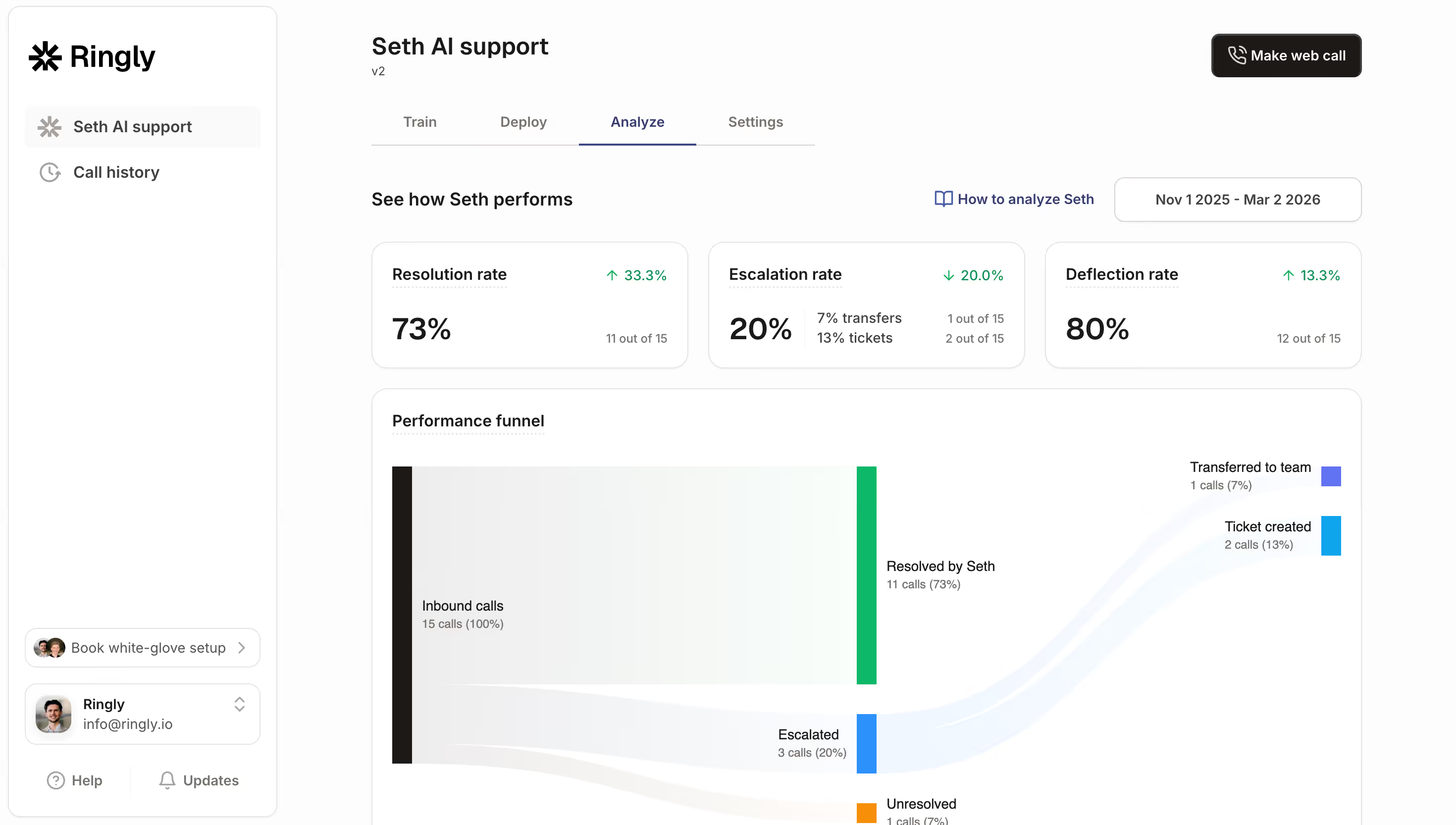
The alternative: AI voice agents that handle inbound calls automatically. Ringly.io puts an AI phone agent on your Shopify store that answers calls 24/7, looks up orders, processes returns, and handles product questions. It resolves about 73% of calls without a human. The cost is $349/month flat, not per seat. Setup takes about three minutes.
That's a very different value proposition than paying $6,000+/year for CCaaS seats and still needing human agents for every call. Try Ringly.io free for 14 days and see the difference.
For more on this comparison, read our guide on hiring vs. AI for customer service.
How to choose the right contact center solution
Your decision depends on team size, call volume, and what channels you actually need. Here's a framework:
- Choose enterprise CCaaS (Genesys, NICE, Five9) if: you have 50+ agents, need true omnichannel support, run outbound campaigns, and have the budget and IT team to manage the platform.
- Choose mid-market CCaaS (Talkdesk, RingCentral, Zoom) if: you have 10-50 agents, need call center analytics and workforce management, and want a platform that's easier to set up than enterprise options.
- Choose an AI phone agent (Ringly.io) if: you run an e-commerce store, want to automate phone support, have a small team, and don't need omnichannel. Especially relevant for Shopify stores where most calls are order-related.
- Choose UCaaS with contact center add-on if: you're already using Teams or Zoom for internal communication and have light contact center needs.
Before you commit to any platform, evaluate these criteria:
- Pricing transparency: can you calculate your total cost before signing? If the vendor won't show pricing publicly (Five9 requires a quote for higher tiers), be cautious.
- AI capabilities: does AI come included, or is it a paid add-on? Gartner predicts agentic AI could resolve up to 80% of routine queries by 2029. You want a platform that's already investing in this.
- Integration depth: does it connect to your existing tools (CRM, helpdesk, Shopify) without expensive custom work?
- Setup time: enterprise CCaaS can take weeks to implement. AI phone agents can be live in minutes.
- Scalability: can you add or remove seats without long-term contract penalties?
Ready to see what AI phone support looks like for your store? Start your free trial. Setup takes three minutes.
Frequently asked questions
What does CCaaS stand for?
CCaaS stands for Contact Center as a Service. It's a cloud-based software model where businesses subscribe to a platform that handles customer interactions across phone, email, chat, and social media. Think of it as renting a fully equipped contact center instead of building one yourself.
How much does CCaaS cost per agent?
Entry-level plans start around $69-85/user/month for basic voice or digital channels. Mid-tier omnichannel plans run $110-165/user/month. Full AI suites can hit $240-249/user/month. But the real cost is 40-100% higher once you add call minutes, AI add-ons, and training.
What is the difference between CCaaS and a call center?
A call center is a physical or virtual operation where agents handle customer calls. CCaaS is the cloud software that powers it. You can run a call center without CCaaS (using on-premises hardware), but CCaaS makes it cheaper, more flexible, and accessible from anywhere. For more, check out our call center statistics for 2026.
Is CCaaS the same as a cloud contact center?
Mostly, yes. CCaaS is the delivery model (software as a service), and "cloud contact center" describes the infrastructure (hosted in the cloud). In practice, the terms are interchangeable. If you're evaluating platforms, our cloud contact center software guide covers the top options.
Can small businesses use CCaaS?
Technically, yes. But most CCaaS platforms are priced and built for mid-market and enterprise teams. Five9 requires a minimum of 50 seats. Even "affordable" platforms like Zoom Contact Center cost $69+/user/month. For small businesses that primarily need phone support, AI answering services or AI phone agents are often a better fit.
What is the best CCaaS provider for e-commerce?
Most CCaaS providers target enterprise and general business use cases, not e-commerce specifically. For Shopify and e-commerce stores, a dedicated AI phone support solution like Ringly.io is usually a better choice. It integrates directly with your store data, handles order lookups and returns automatically, and costs a fraction of a CCaaS seat.
How long does it take to set up a CCaaS platform?
Enterprise CCaaS implementations typically take 4-12 weeks depending on complexity, integrations, and team size. Mid-market platforms can be up in 1-2 weeks. By comparison, AI voice agents like Ringly.io can be set up in under three minutes because they pull directly from your existing store data.
The bottom line
CCaaS is real technology that solves real problems for businesses managing large, multi-channel customer support operations. If you have 50+ agents and need omnichannel routing, workforce management, and outbound capabilities, a platform like Genesys, NICE, or Five9 is worth the investment.
But if you're an e-commerce business that just needs reliable phone support, CCaaS is likely overkill. You'll pay more, configure more, and use less.
For online stores, especially on Shopify, AI phone agents handle the job at a fraction of the cost. Ringly.io answers calls in 40 languages, resolves 73% without human intervention, and takes three minutes to set up. See it in action with a free 14-day trial.