


Your customer calls your business line. They hear "Press 1 for sales, press 2 for support, press 3 for billing." According to consumer research, 61% of them already think the experience is bad. And 51% will consider switching to a competitor after dealing with an automated phone menu.
Auto attendants have been the default phone system for decades. They're cheap, they're reliable, and almost every VoIP provider includes one. But they were designed to route calls between office departments, not to actually help customers. For e-commerce businesses where callers want order updates, return help, or product answers, a phone tree can feel like a dead end.
This guide covers everything you need to know about auto attendants: what they are, how they work, what they cost, and why a growing number of businesses are replacing them with AI phone agents that can actually resolve calls.
Hear what AI support calls sound like for your store. Just paste your Shopify URL and get sample calls in under 20 seconds, no email required. Listen to demo calls for my store.
What is an auto attendant?
An auto attendant is a phone system feature that automatically answers incoming calls, plays a recorded greeting, and routes callers to the right person or department based on their keypad input. You've probably used one hundreds of times. "Press 1 for sales, press 2 for support" is the classic example.
The system goes by a few names: virtual receptionist, automated attendant, phone tree. They all describe the same thing. A caller dials your number, hears a pre-recorded menu, presses a button, and gets transferred.
Here's what an auto attendant does not do: it doesn't answer questions. It doesn't look up information. It doesn't resolve anything. Its only job is routing, getting the caller from point A (your main number) to point B (the right extension or department).
That's fine for an office with clear departments. It's less helpful for an online store where someone calls to ask "where's my order?" and none of the menu options apply.
According to a UniTel Voice study, 85.8% of Fortune 500 companies use auto attendants. The technology is everywhere. But being common doesn't mean it's the best option for every business, especially smaller ones that handle a different kind of call.
How does an auto attendant work?
The call flow is simple. A customer dials your business number. The auto attendant picks up, plays a greeting, and presents menu options. The caller presses a number on their keypad (this is called DTMF input). The system routes the call based on that input.
Here's what happens behind the scenes:
- Greeting message: A recorded welcome that typically includes your business name, hours, and maybe your location. Something like "Thank you for calling Acme Co. Our office hours are 9 to 5 Eastern."
- Menu options: Each number maps to a department, extension, or action. "Press 1 for sales" sends the call to your sales queue. "Press 4 for the company directory" lets them search by name.
- Routing rules: Most systems let you set different menus for business hours, after-hours, holidays, and weekends. A caller at 10 PM might hear a different greeting and get sent to voicemail instead of a live queue.
- Fallback handling: If the caller doesn't press anything or hits an invalid key, the system can repeat the menu, transfer to a default extension, or send them to voicemail.
Some providers offer multi-level auto attendants, which means submenus. Press 2 for support, then press 1 for billing support, press 2 for technical support. This adds flexibility but also adds complexity. Too many layers and callers start pressing 0 out of frustration.
The setup process varies by provider, but it usually involves recording (or typing) your greetings, mapping extensions to menu options, and setting your business hours schedule. Most cloud VoIP platforms handle this through a web dashboard or drag-and-drop editor.
Auto attendant vs IVR: what's the difference?
People use "auto attendant" and "IVR" interchangeably, but they're actually different things. An auto attendant is a subset of IVR, not the same thing.
An auto attendant handles basic call routing. Press a button, get transferred. That's it.
An IVR (Interactive Voice Response) system does everything an auto attendant does, plus it can interact with callers in more advanced ways. It can accept voice input, collect account numbers, process payments, check account balances, and pull data from your backend systems.
| Feature | Auto attendant | IVR |
|---|---|---|
| Input method | Keypad only | Keypad + voice |
| Core function | Route calls | Route calls + self-service |
| Data access | None | Can connect to databases, CRMs |
| Complexity | Simple | Moderate to complex |
| Monthly cost | $15-35/user | $50-200+/user |
| Best for | Small teams, basic routing | Enterprises, high call volume |
The IVR market is valued at over $5 billion in 2026 and growing at 4.9% CAGR, according to Verified Market Research. But here's the thing: 47% of IVR solutions are now AI-powered, driven by a 52% increase in self-service demand. The line between IVR and AI voice agents is blurring fast.
For most small businesses, a basic auto attendant is enough. You don't need a full IVR unless your callers need to authenticate, make payments, or interact with complex backend systems.
Benefits of using an auto attendant
Auto attendants aren't going anywhere soon, and for good reason. They solve real problems for businesses that handle incoming calls.
- 24/7 call handling: Your auto attendant picks up at 3 AM the same way it does at 3 PM. Callers can leave voicemails, hear your hours, or get routed to an after-hours service without anyone on your team being awake.
- Cost savings vs. a receptionist: A full-time receptionist costs $30,000 to $50,000 per year. An auto attendant costs $15 to $35 per user per month. For a 5-person team, that's roughly $900 to $2,100 per year versus $30K+ for a human.
- Professional image: Even a solo founder can sound like an established company. A clean greeting with department options makes your one-person operation sound like it has a whole team.
- Faster call routing: Instead of one person answering every call and manually transferring, callers self-route. This cuts hold times and frees up your staff.
- Spam filtering: Most auto attendants block robocalls and telemarketers before they ever reach a human. The menu itself acts as a filter. Bots don't press buttons.
- Scales with volume: Whether you get 5 calls a day or 500, the auto attendant handles them the same way. No overtime, no extra hires.
Research shows 67% of customers actually prefer self-service over speaking to a representative. When the self-service option works, people are happy to use it. The problem is when it doesn't.
The problem with auto attendants (and why customers hate them)
Here's where it gets honest. Auto attendants are useful, but they're also one of the most-hated features in business phone systems. The data backs this up.
A widely cited consumer study found that 61% of callers say IVR and automated menus lead to a poor customer experience. Even worse, 51% said they'd consider abandoning a company entirely after dealing with one. That's not a small number.
So what goes wrong?
- Too many menu options: If your caller has to listen to 7 choices before hearing the one they need, they're already annoyed. Best practice is 4 to 5 options max, but many businesses pack in 8 or more.
- No option fits their need: "Press 1 for sales, press 2 for support, press 3 for billing." What if they're calling about a product question? Or a return? There's no option for that. They guess, pick wrong, and get transferred again.
- Misrouted calls mean starting over: Every bad transfer means the caller explains their issue again to a new person. No context carries over. This is one of the top complaints on review sites.
- Auto attendants can't actually solve anything: They route. That's all. If your caller wants to know where their package is, the auto attendant can't help. It just passes them to someone who can (eventually).
- The "press 0" problem: The most-used button on any auto attendant is 0, the one that bypasses the entire menu and connects to a human. If everyone's skipping your menu, the menu isn't working.
For e-commerce stores, this is especially painful. Most inbound calls are about order status, shipping, returns, and product questions. A press-1-for-X menu can't handle any of those. The caller ends up in a support queue anyway, waiting for a human who could have been helped in 30 seconds by a system that actually had access to order data.
Missed calls are even worse. If your auto attendant sends callers to voicemail because no one's available, you lose the sale or the customer. Average call abandonment rates sit between 5% and 8%, but some industries hit 20% or higher.
Auto attendant vs AI phone agent: the shift happening now
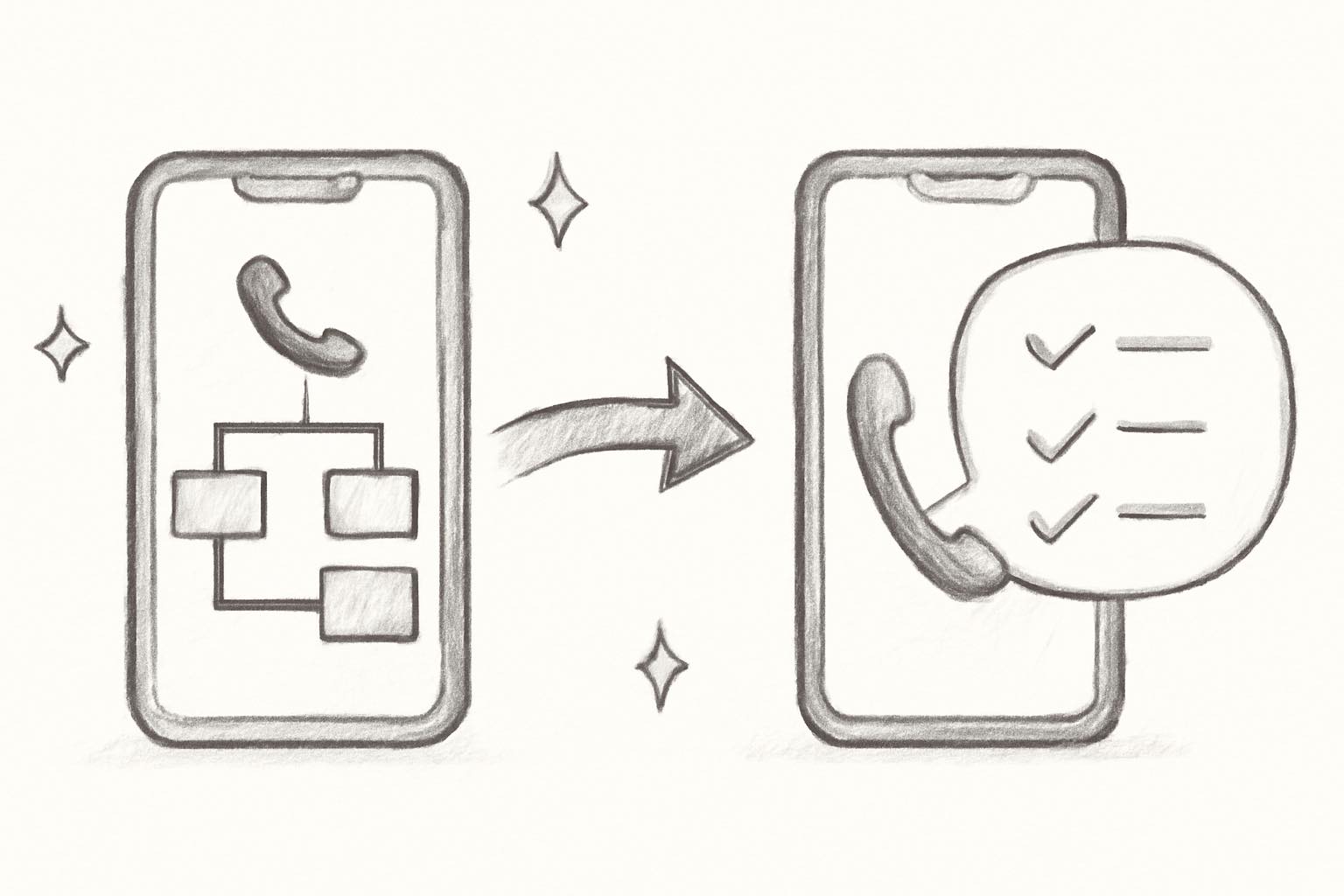
Auto attendants route calls. AI phone agents resolve them. That's the fundamental difference, and it's why the shift is happening.
A traditional auto attendant says "Press 1 for support." An AI phone agent says "Hi, how can I help you today?" and actually understands the answer. It can look up an order, explain a return policy, check if a product is in stock, and handle the conversation naturally, without pressing any buttons.
| Auto attendant | AI phone agent | |
|---|---|---|
| Interaction | Button presses | Natural conversation |
| Capabilities | Routing only | Answering questions, looking up orders, processing returns |
| Resolution rate | 0% (always transfers) | 60-80% without human help |
| Languages | 1 (usually English) | 40+ |
| Setup time | Hours of menu configuration | Minutes |
| Customer experience | "Press 1 for..." | "Hi, how can I help you?" |
The numbers tell the story. The conversational AI market grew to $17.97 billion in 2026 and is projected to reach $82.46 billion by 2034, according to MarketsandMarkets. Gartner predicts that conversational AI will reduce contact center labor costs by $80 billion this year alone.
Here's a real-world example. A customer calls an e-commerce store about a late delivery. With an auto attendant, they press 2 for support, wait in a queue, explain the issue to an agent, and the agent looks up the order. Total time: 5 to 10 minutes.
With an AI voice agent, the customer says "my order hasn't arrived." The AI pulls up their order using caller ID or an order number, checks the carrier tracking, and gives a real-time update. Total time: 30 to 60 seconds. No queue, no hold music, no transfers.
For Shopify store owners, Ringly.io is built exactly for this. The AI agent (called Seth) connects directly to your Shopify store, handles order tracking, returns, product questions, and more. It resolves about 73% of calls without any human involvement. Setup takes roughly three minutes. Try it free for 14 days.
Best auto attendant systems for small business
If you've decided a traditional auto attendant is the right fit (office-based business, clear departments, simple routing needs), here are the top providers worth considering.
RingCentral
RingCentral offers multi-level auto attendant on all plans, with a drag-and-drop call flow editor that makes setup relatively painless.
Pricing: Core starts at $20/user/month (annual), Advanced at $25, Ultra at $45. The AI Receptionist add-on runs $39/month extra. See our full RingCentral pricing breakdown.
Best for mid-size teams that need complex, multi-level routing with lots of extensions. The per-user pricing adds up quickly for bigger teams, though. A 10-person team on the Advanced plan is $250/month before add-ons.
Nextiva
Nextiva is a solid all-in-one communications platform with auto attendant included on all plans (multi-level on Professional and above).
Pricing: Essential starts around $24/user/month, Professional at $28, Enterprise at $40. Their AI receptionist (XBert) starts from $99/month. Full details in our Nextiva pricing guide.
Best for growing businesses that want phone, video, and messaging in one platform. G2 reviewers rate Nextiva 4.5/5 across 3,200+ reviews, which is strong for the VoIP category.
Grasshopper
Grasshopper keeps things simple. It's a virtual phone system built for solopreneurs and small teams who need a professional number with basic auto attendant features.
Pricing: Solo at $29/month ($26 annual), Partner at $49/month ($44 annual), Small Business at $89/month ($80 annual). All plans include unlimited users.
Best for solo founders who want a business number that doesn't ring their personal cell directly. No multi-level auto attendant though, so if you need submenus, look elsewhere.
Ooma Office
Ooma is the budget pick. Every plan includes a virtual receptionist with auto attendant, and the entry price is hard to beat.
Pricing: Essentials at $19.95/user/month, Pro at $24.95, Pro Plus at $29.95. Multi-level auto attendant comes with Pro and above. Pro Plus adds NLP (natural language processing) so callers can speak their menu choice instead of pressing buttons.
Best for small businesses that need auto attendant features without paying enterprise prices. The NLP feature on Pro Plus is a nice touch, though it's not as advanced as a full AI answering service.
8x8
8x8 targets businesses with international customers. Their plans include calling to 48+ countries and a multi-level auto attendant on all tiers.
Pricing: Not publicly listed. You'll need to contact sales for a quote. Estimates suggest $24 to $57/user/month depending on the plan. See our 8x8 pricing breakdown.
Best for companies that take calls from multiple countries and need international dial-in numbers. Overkill if you're a domestic-only operation.
How to set up an auto attendant
Setting up an auto attendant takes anywhere from 30 minutes to a few hours, depending on how complex your call flow is. Here's the process.
Step 1: Choose your provider. Pick a VoIP platform that includes auto attendant (most do). Consider your team size, budget, and whether you need single-level or multi-level menus.
Step 2: Map your call flow. Before touching any settings, sketch out how calls should route. Who handles sales calls? Support? After-hours? Write it down before you build it.
Step 3: Write and record your greeting. Keep it under 30 seconds. Include your business name, hours, and the menu options. Skip the marketing pitch. Callers want information, not a sales message.
Step 4: Configure your menu options. Stick to 4 or 5 choices maximum. The most common layout is: 1 for sales, 2 for support, 3 for hours/location, 0 for operator. If you need more, consider a multi-level menu with submenus instead of a long single-level list.
Step 5: Set up after-hours and holiday routing. Decide where calls go outside business hours. Options usually include voicemail, an after-hours answering service, or a redirect to an on-call number.
Step 6: Test from a real phone. Don't just preview in the admin panel. Call your own number from a cell phone and go through every menu option. Check that transfers work, voicemails record properly, and the experience doesn't feel clunky.
A few best practices: always include a "press 0 for operator" option (people expect it), update your greeting when your hours change or during holidays, and keep the menu to one level if you can. Every extra layer increases the chance of a caller hanging up.
Or, if you'd rather skip the phone tree entirely, Ringly.io sets up in about three minutes and answers calls conversationally instead of making callers press buttons.
When an auto attendant makes sense (and when it doesn't)
Auto attendants aren't bad. They're just limited. Whether one works for you depends entirely on what kind of calls you get.
An auto attendant works well when:
- Your business has clear departments: Sales, support, billing, scheduling. If callers know who they need, a menu gets them there fast.
- Call volume is low to moderate: A handful of calls per day doesn't justify anything more complex.
- Calls are mostly internal routing: Connecting callers to specific people or extensions is exactly what auto attendants were built for.
- Budget is tight: At $15 to $35 per user per month, it's the cheapest way to handle inbound calls professionally.
An auto attendant is a bad fit when:
- Most calls are about orders, returns, or shipping: A phone tree can't look up an order. If you're an e-commerce store, callers will just skip the menu and wait for a human.
- You handle high call volume with repetitive questions: If 80% of calls ask the same 5 questions, an auto attendant still routes every single one to a person. An AI agent answers them directly.
- You're on Shopify: Auto attendants can't access your store data. They can't pull orders, check inventory, or process returns. AI phone agents for Shopify can.
- After-hours coverage matters: An auto attendant after hours just means voicemail. An AI agent keeps answering calls 24/7 with real responses.
The honest answer: if you're a service business with a receptionist-style phone setup, an auto attendant is solid and affordable. If you're a customer-facing e-commerce business where callers need actual help, you'll outgrow a phone tree fast.
Ready to see what AI phone support looks like for your store? Start your free trial. Setup takes three minutes.
Frequently asked questions about auto attendants
How much does an auto attendant cost?
Most VoIP providers include auto attendant in their standard plans. Pricing typically ranges from $15 to $35 per user per month. Providers like Ooma start at $19.95/user/month, while RingCentral ranges from $20 to $45/user/month depending on the plan.
Can an auto attendant handle after-hours calls?
Yes. You can set different greetings and routing rules for after-hours, weekends, and holidays. After-hours callers typically hear a different message and get sent to voicemail or an after-hours service. The auto attendant itself doesn't resolve anything, it just routes differently based on the time.
What's the difference between a virtual receptionist and an auto attendant?
In most cases, they're the same thing. "Virtual receptionist" is a marketing term for an auto attendant. However, some companies use the term to describe a live human answering service, while "AI virtual receptionist" refers to an AI-powered phone agent. Always check what's actually behind the label.
Do auto attendants work with cell phones?
Yes. Cloud-based auto attendants (from providers like RingCentral, Nextiva, or Grasshopper) work with any phone number. You get a business number that routes through the auto attendant, and calls can forward to cell phones, desk phones, or softphone apps.
Can an auto attendant process orders or look up tracking?
No. Traditional auto attendants only route calls. They can't access databases, look up orders, or pull tracking information. For that, you need either a full IVR system connected to your backend, or an AI phone agent that integrates with your e-commerce platform. Ringly.io, for example, connects to Shopify and handles order tracking, returns, and product questions automatically.
What's the best auto attendant alternative for e-commerce?
For e-commerce businesses, AI phone agents are replacing auto attendants because they can actually resolve calls instead of just routing them. They understand natural language, access your store data, and handle common customer questions without human intervention. This is especially true for Shopify stores where order-related calls make up the majority of inbound volume.
The bottom line on auto attendants
Auto attendants solved a real problem: giving small businesses a professional way to handle calls without hiring a receptionist. For basic call routing in office settings, they still do that job well. Providers like RingCentral, Nextiva, and Grasshopper make it easy and affordable.
But the gap between routing a call and resolving a call is huge. If your customers are calling about orders, returns, or product questions, pressing 1 for support just adds friction before they reach someone who can actually help.
That's exactly the problem AI phone agents solve. Instead of a menu, callers get a real conversation. Instead of a transfer, they get an answer. For e-commerce, it's not even close.
Try Ringly.io free for 14 days and get Seth answering your calls in under three minutes.



