

ServiceNow Customer Service Management (CSM) is powerful, no doubt. But for many teams, it's like using a sledgehammer to hang a picture.
The custom pricing, lengthy implementation, and IT-centric design leave customer service managers looking for something leaner.
Let's look at seven alternatives that offer transparent pricing, faster deployment, and features built specifically for customer-facing teams.
Editor’s note: Want to hear some sample AI support calls made for your Shopify store?
- Just paste your store URL
- Hear sample calls for your store (no email required)
- Listen to demo calls for my store
What is ServiceNow Customer Service Management?
ServiceNow CSM is an enterprise-grade platform designed to handle complex customer service operations. It connects customer service with field service, sales, and other departments through a unified system.
The platform excels at case management, omnichannel engagement, and field service coordination. Large enterprises love it because it integrates deeply with other ServiceNow modules and handles massive scale.
But here's the catch: ServiceNow CSM was built with IT service management DNA. For customer service teams that just need to answer tickets and resolve issues quickly, it can feel like overkill.
Why consider ServiceNow alternatives?
The most common complaints about ServiceNow CSM fall into four categories:
Pricing opacity. ServiceNow doesn't publish standard pricing. You need to contact sales for a custom quote, and estimates start around $100 per user per month with additional fees for implementation and customization.
Implementation complexity. Rolling out ServiceNow typically requires consultants and takes weeks to months. For teams that need to get up and running quickly, this is a major hurdle.
Steep learning curve. The platform is designed for IT professionals. Customer service agents often find the interface overwhelming and unintuitive.
Over-engineering. ServiceNow packs in features most customer service teams never use. You're paying for (and navigating through) capabilities designed for enterprise IT operations.
Most teams just need fast deployment, transparent pricing, and an interface that doesn't require a certification to use.
ServiceNow customer service management alternatives comparison
| Tool | Starting Price | Free Tier | Best For | Key Strength |
|---|---|---|---|---|
| Zendesk | $19/agent/month | No | Omnichannel support | AI-powered automation |
| Freshdesk | $0 (2 agents) | Yes (6 months) | Quick setup | Intuitive interface |
| Salesforce Service Cloud | $25/user/month | Yes (2 users) | CRM integration | 360-degree customer view |
| HubSpot Service Hub | $0 (2 users) | Yes | Growing businesses | Generous free plan |
| Zoho Desk | $0 (3 agents) | Yes | Budget-conscious teams | Affordable AI features |
| Jira Service Management | $0 (3 agents) | Yes | IT/Dev teams | ITIL compliance |
| LiveAgent | $15/agent/month | No | Built-in call center | Voice included |
1. Zendesk

Zendesk has been the gold standard for customer support software since 2007. It serves over 100,000 businesses including Uber, Siemens, and Lush.
The platform shines with its unified agent workspace. All customer interactions, whether from email, chat, phone, or social media, flow into one interface. Agents don't waste time switching between tabs.
Key features:
- AI-powered automation with generative replies
- Omnichannel support across email, chat, phone, and social
- 1,000+ app integrations via the Marketplace
- Customizable help centers for self-service
- Real-time analytics and reporting
Pricing:
| Plan | Price (Annual) | Best For |
|---|---|---|
| Support Team | $19/agent/month | Small teams needing core ticketing |
| Suite Team | $55/agent/month | Growing teams wanting AI features |
| Suite Professional | $115/agent/month | Multi-brand support operations |
| Suite Enterprise | $169/agent/month | Large-scale deployments |
Pros:
- Industry-leading feature set
- Extensive integration ecosystem
- Strong AI capabilities
- Reliable uptime and performance
Cons:
- Can get expensive at scale
- Complex customization requires expertise
- Learning curve for advanced features
Zendesk works best for teams that need proven omnichannel support and plan to scale significantly.
2. Freshdesk

Freshdesk, part of the Freshworks suite, offers an intuitive alternative that's quick to deploy. Founded in 2010, it now serves 74,000+ businesses including Pearson and Bridgestone.
The interface feels modern and uncluttered. New agents can start handling tickets within hours, not days.
Key features:
- Collision detection to prevent duplicate responses
- Field service management add-on
- Freddy AI for ticket automation
- Multi-language support
- Strong automation capabilities
Pricing:
| Plan | Price (Annual) | Best For |
|---|---|---|
| Free | $0 (up to 2 agents, 6 months) | Testing the waters |
| Growth | $19/agent/month | Small teams |
| Pro | $55/agent/month | Growing operations |
| Enterprise | $89/agent/month | Large organizations |
AI add-ons:
- Freddy AI Agent: First 500 sessions included, then $49 per 100 sessions
Pros:
- Very intuitive interface
- Fast deployment
- Affordable pricing tiers
- Good automation out of the box
Cons:
- Limited advanced features on lower tiers
- Basic reporting on Growth plan
- Smaller integration ecosystem than Zendesk
Freshdesk fits teams that want to get started quickly without sacrificing essential features.
3. Salesforce Service Cloud
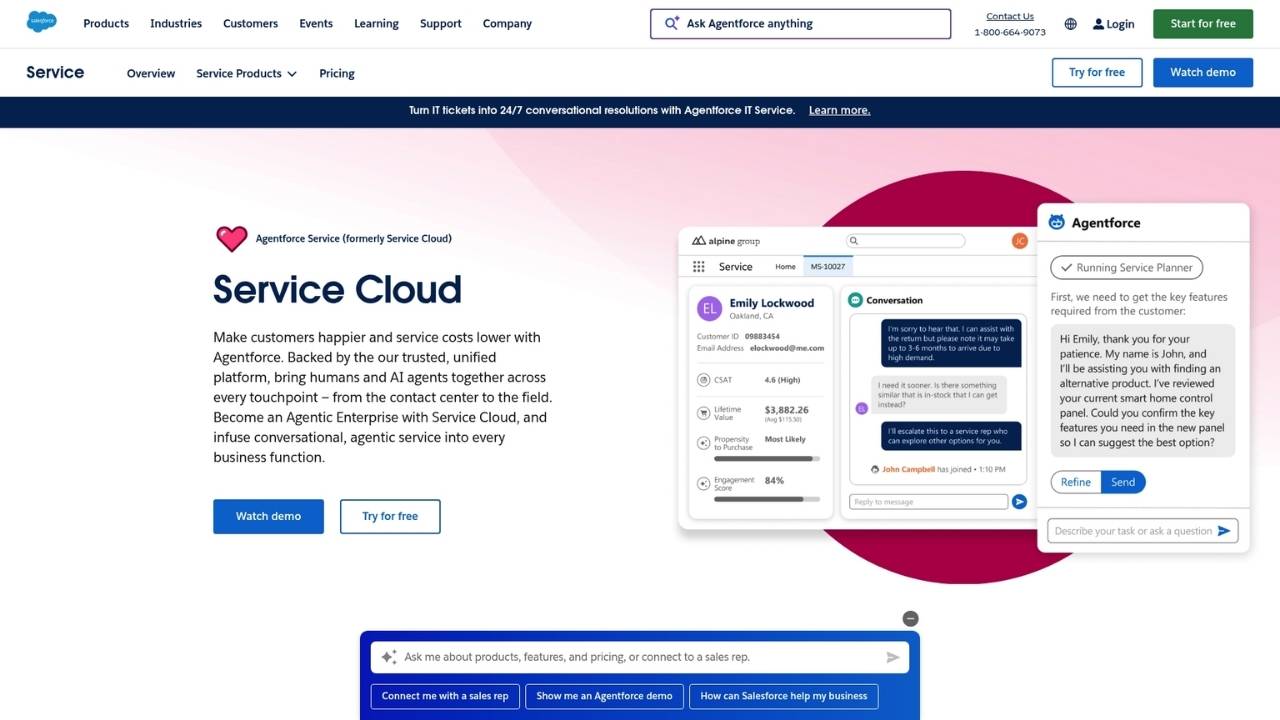
Salesforce Service Cloud makes sense when you're already invested in the Salesforce ecosystem. It delivers a true 360-degree view of every customer by connecting service data with sales, marketing, and commerce information.
The Einstein AI engine provides case classification, routing recommendations, and article suggestions. It's enterprise-grade AI that actually works.
Key features:
- Deep CRM integration
- Einstein AI for case management
- Omni-channel routing
- Self-service portals and knowledge base
- Extensive AppExchange marketplace
Pricing:
| Plan | Price (Annual) | Best For |
|---|---|---|
| Starter Suite | $25/user/month | Small teams |
| Pro Suite | $100/user/month | Growing businesses |
| Enterprise | $175/user/month | AI-powered service |
| Unlimited | $350/user/month | Advanced features |
| Agentforce 1 Service | $550/user/month | Full AI suite |
Pros:
- Unmatched CRM integration
- Powerful AI capabilities
- Highly scalable
- Extensive customization options
Cons:
- Expensive, especially at higher tiers
- Complex setup and configuration
- Can be overwhelming for simple needs
Choose Salesforce if CRM integration is non-negotiable and you have the budget for implementation.
4. HubSpot Service Hub
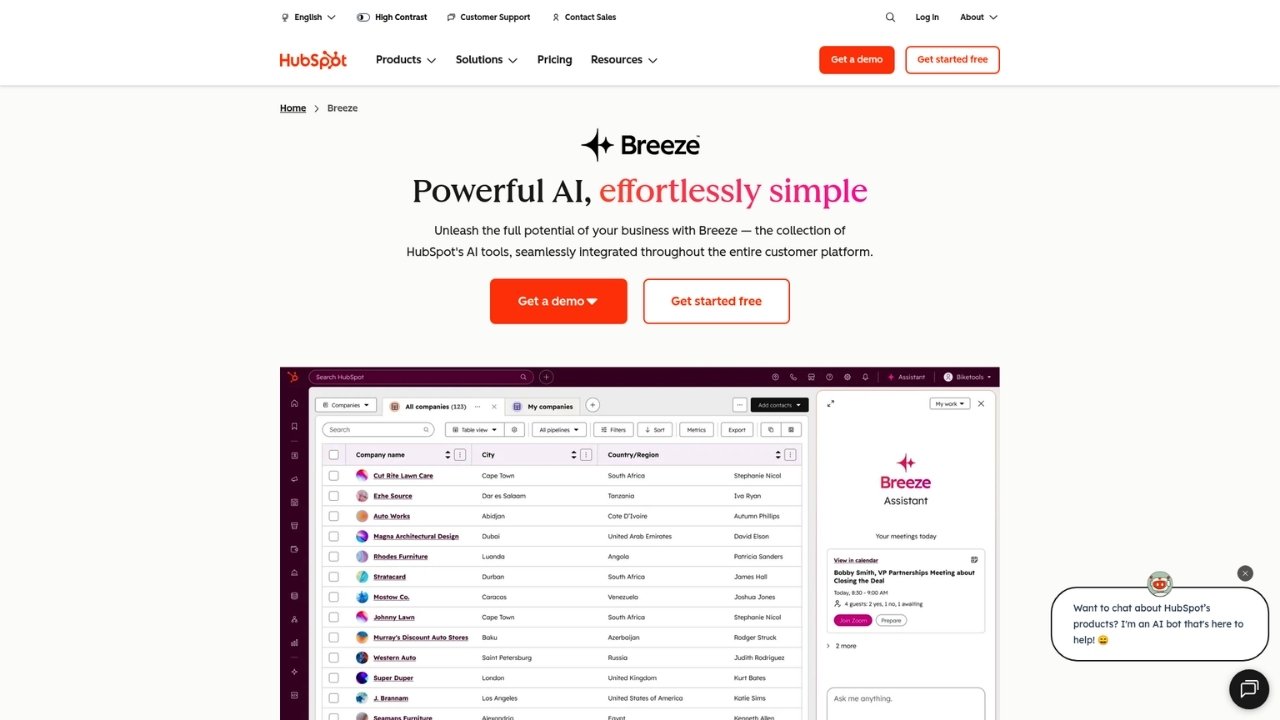
HubSpot Service Hub stands out for its generous free tier and seamless integration with HubSpot's CRM, Marketing, and Sales hubs. If you're already using HubSpot, this is the obvious choice.
The platform emphasizes customer feedback with built-in NPS, CSAT, and CES surveys. You can track customer health scores and proactively address issues before they escalate.
Key features:
- Free tier for up to 2 users
- Customer portal and knowledge base
- Feedback surveys (NPS, CSAT, CES)
- Playbooks and sequences for consistency
- Seamless CRM integration
Pricing:
| Plan | Price (Annual) | Best For |
|---|---|---|
| Free | $0 (up to 2 users) | Getting started |
| Starter | $9/month/seat | Essential features |
| Professional | $90/month/seat | Scaling support |
| Enterprise | $150/month/seat | Advanced controls |
Note: Professional and Enterprise plans require one-time onboarding fees ($1,500 and $3,500 respectively).
Pros:
- Excellent free plan
- Easy to use
- Great for HubSpot ecosystem users
- Strong customer feedback tools
Cons:
- Limited customization
- Expensive at higher tiers
- Onboarding fees add to initial cost
HubSpot Service Hub works best for growing businesses already using HubSpot's other products.
5. Zoho Desk

Zoho Desk delivers remarkable value for the price. Starting at just $7 per user per month (and free for up to 3 agents), it's the most budget-friendly option on this list.
Don't let the low price fool you. Zoho Desk includes AI features through Zia, their AI assistant, which provides sentiment analysis, auto-tagging, and field predictions.
Key features:
- Zia AI assistant for automation
- Multi-channel support (email, chat, social, phone)
- ASAP self-service widget
- Blueprints visual workflow builder
- Multi-brand help center (Enterprise)
Pricing:
| Plan | Price (Annual) | Best For |
|---|---|---|
| Free | $0 (up to 3 agents) | Small teams |
| Express | $7/user/month | Micro businesses |
| Standard | $14/user/month | Growing teams |
| Professional | $23/user/month | Multi-department |
| Enterprise | $40/user/month | AI-powered support |
Pros:
- Extremely affordable
- Feature-rich even on lower tiers
- Strong AI capabilities
- Good automation tools
Cons:
- Interface can feel cluttered
- Limited third-party integrations
- Smaller ecosystem than competitors
Zoho Desk is ideal for budget-conscious teams that still need solid features and AI capabilities.
6. Jira Service Management
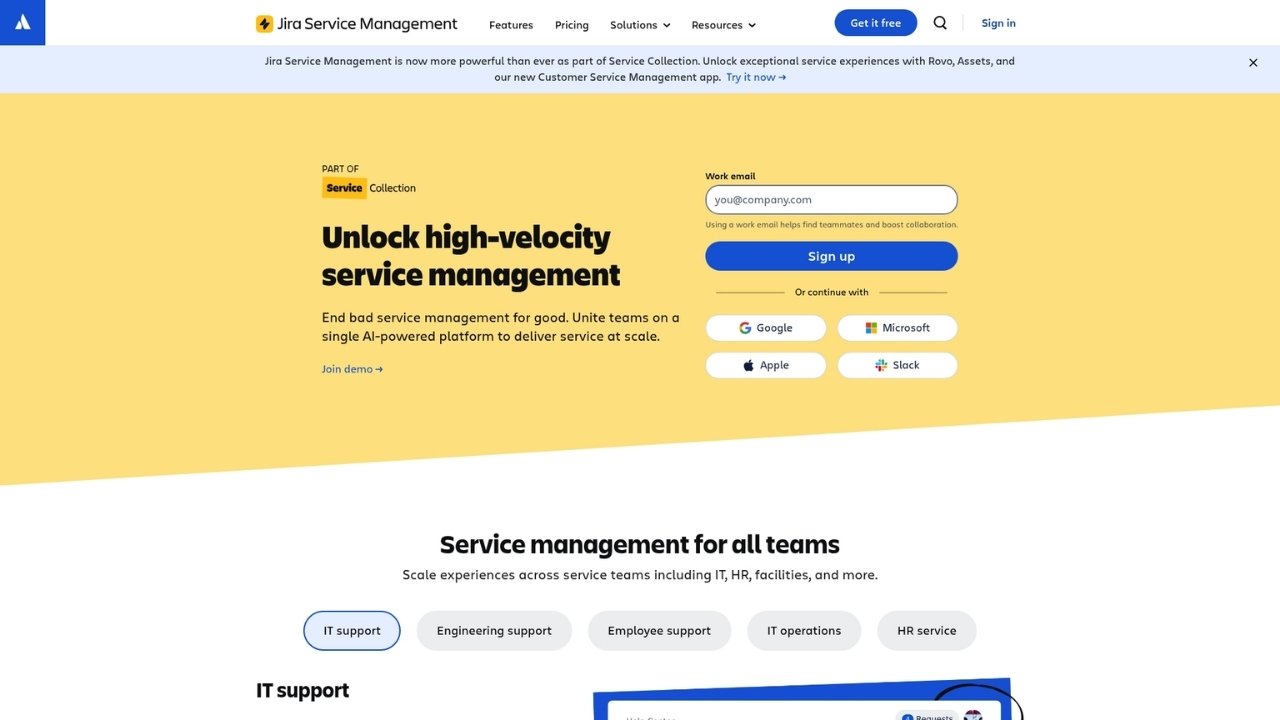
Jira Service Management (formerly Jira Service Desk) is the go-to choice for IT teams and development organizations. It aligns with ITIL practices and integrates seamlessly with Jira Software.
The platform excels at incident, problem, and change management. If your customer service team works closely with IT or development, this integration is invaluable.
Key features:
- ITIL-aligned practices
- Asset and configuration management
- AIOps for alert grouping and incident creation
- Deep Jira Software integration
- Strong DevOps integration
Pricing:
| Plan | Price (Annual) | Best For |
|---|---|---|
| Free | $0 (up to 3 agents) | Small teams |
| Standard | $20/agent/month | Growing IT teams |
| Premium | $51.42/agent/month | Advanced ITSM |
| Enterprise | Contact sales | Large organizations |
Usage-based add-ons:
- Assets objects: 5,000 (Standard), 50,000 (Premium) included
- Virtual agent conversations: 1,000/month included on Premium+
Pros:
- Excellent for IT service management
- Developer-friendly
- Affordable compared to ServiceNow
- Strong automation capabilities
Cons:
- IT-focused, not ideal for pure customer service
- Can feel technical for non-IT users
- Learning curve for advanced features
Choose Jira Service Management if you're an IT team or work closely with development.
7. LiveAgent
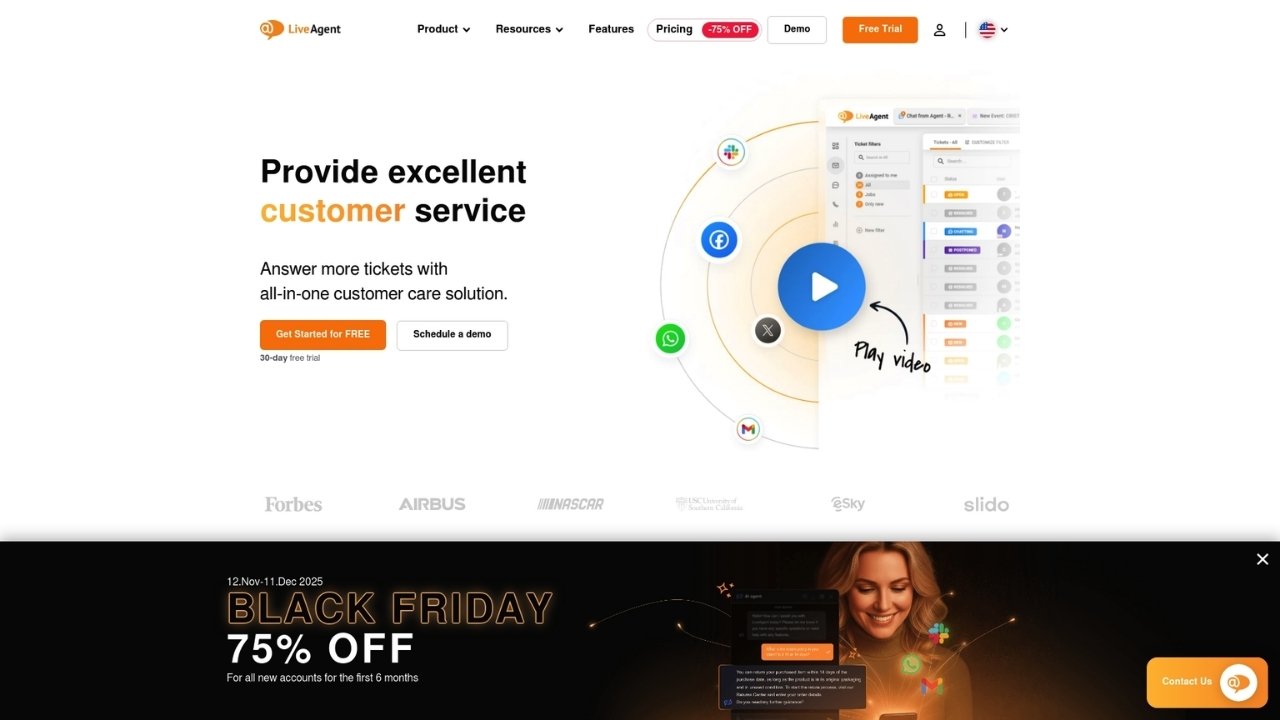
LiveAgent differentiates itself with built-in call center capabilities at no extra cost on Medium and higher plans. While competitors charge separately for voice, LiveAgent includes it.
The platform offers a universal inbox that consolidates all communication channels. Real-time visitor monitoring lets you proactively engage website visitors before they even submit a ticket.
Key features:
- Built-in call center and IVR
- Universal inbox for all channels
- Real-time visitor monitoring
- Gamification features
- AI Answer Assistant included on all plans
Pricing:
| Plan | Price (Annual) | Best For |
|---|---|---|
| Small Business | $15/agent/month | Basic needs |
| Medium Business | $29/agent/month | Full call center |
| Large Business | $49/agent/month | Social channels |
| Enterprise | $69/agent/month | White-glove service |
Add-ons:
- Social channels (on lower tiers): $39/month each
- WhatsApp integration: $39/month
Pros:
- Call center included at reasonable price
- Fast setup
- Good value overall
- AI features on all plans
Cons:
- Less brand recognition
- Smaller integration ecosystem
- Interface less polished than competitors
LiveAgent suits teams that need voice support without breaking the budget.
How to choose the right ServiceNow alternative
Selecting the right platform depends on your specific situation. Consider these factors:
Team size. Small teams (under 10 agents) should prioritize affordability and ease of use. Freshdesk, Zoho Desk, and HubSpot's free tiers work well here. Larger teams need scalability and advanced features where Zendesk and Salesforce excel.
Budget constraints. If budget is tight, Zoho Desk offers the best value. Freshdesk and HubSpot provide generous free tiers. LiveAgent delivers call center features at a fraction of competitors' costs.
Integration requirements. Already using Salesforce? Service Cloud is the obvious choice. HubSpot ecosystem users should pick Service Hub. Development teams will love Jira Service Management's Jira integration.
Implementation timeline. Need to launch this week? Freshdesk and HubSpot can be live in days. Zendesk and Salesforce require more configuration time. ServiceNow implementations take months.
AI and automation priorities. Zendesk and Salesforce lead on AI capabilities. Zoho Desk punches above its weight with Zia. All platforms offer automation, but sophistication varies by tier.
Choosing the best ServiceNow alternative for your team
ServiceNow CSM works for large enterprises with complex requirements and deep pockets. For everyone else, these alternatives offer better value and faster time-to-value.
Zendesk is your pick for proven omnichannel support at scale.
Freshdesk wins for quick deployment and intuitive design.
Salesforce Service Cloud makes sense when CRM integration is critical.
HubSpot Service Hub fits growing businesses already in the HubSpot ecosystem.
Zoho Desk delivers the best bang for your buck.
Jira Service Management serves IT and development teams perfectly.
LiveAgent provides affordable voice capabilities.
The best choice is the one your team will actually use. Start with free trials, test the interfaces, and see which platform feels right for your workflow.
Frequently Asked Questions
What makes ServiceNow customer service management alternatives more affordable?
Most alternatives offer transparent, tiered pricing starting as low as $7-19 per user per month. They don't require expensive consultants for implementation and have lower total cost of ownership.
Can ServiceNow customer service management alternatives handle enterprise scale?
Yes. Zendesk, Salesforce Service Cloud, and Jira Service Management all serve enterprise customers with thousands of agents. They offer the scalability without ServiceNow's complexity.
Which ServiceNow customer service management alternative has the best free plan?
HubSpot Service Hub and Zoho Desk offer the most generous free tiers. HubSpot gives you core ticketing and live chat for up to 2 users. Zoho Desk supports up to 3 agents with email ticketing included.
How long does it take to implement ServiceNow customer service management alternatives?
Most alternatives can be configured in days or weeks, not months. Freshdesk and HubSpot can be live within a day. Zendesk and Salesforce typically take 2-4 weeks depending on customization needs.
Do ServiceNow customer service management alternatives offer AI features?
Yes. Zendesk, Salesforce, and Zoho Desk all include AI capabilities for automation, sentiment analysis, and response suggestions. Even budget options like LiveAgent now include AI Answer Assistant on all plans.
Which ServiceNow customer service management alternative is best for IT teams?
Jira Service Management is purpose-built for IT service management with ITIL alignment, asset management, and deep developer tool integration. It's the natural choice for technical teams.



