
Salesforce Service Cloud dominates the CRM landscape. It powers some of the world's largest enterprises and generates billions in revenue.
But that power comes with a steep price, and not just in dollars.
Many teams find themselves stuck in what you might call the "Salesforce Paradox." They bought it to be more efficient, yet the complexity slows them down.
Users consistently report clunky interfaces that require multiple clicks for simple tasks, deployments that drag on for months, and a total reliance on developers to make even basic workflow changes.
Editor’s note: Want to hear some sample AI support calls made for your Shopify store?
- Just paste your store URL
- Get sample calls in under 20 seconds (no email required)
- Listen to demo calls for my store
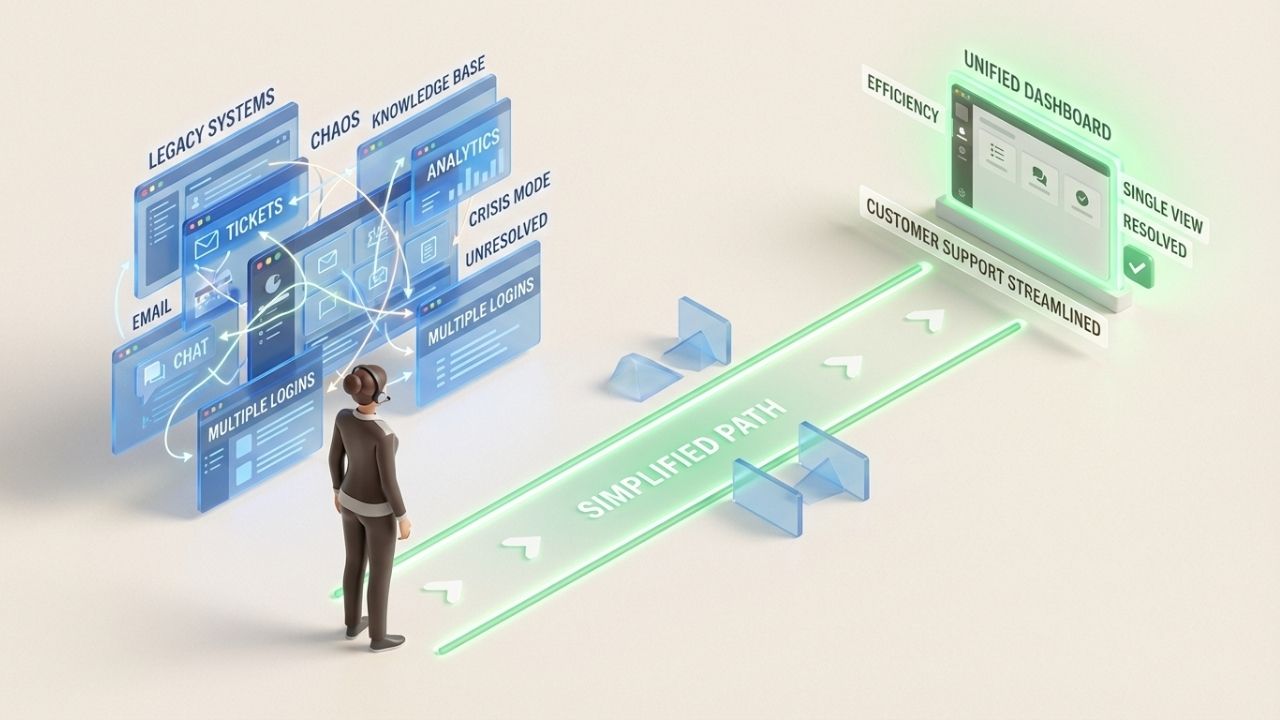
If you're tired of fighting your tools to support your customers, you're not alone. This guide reviews seven of the best Salesforce Service Cloud alternatives for 2026. These platforms offer enterprise-grade capabilities without the enterprise headaches.
Why businesses look beyond Salesforce Service Cloud
The decision to leave Salesforce rarely stems from a lack of features. It's about the difficulty of using them.
For many teams, the platform's "complexity tax" eventually outweighs its benefits.
Here are the specific pain points driving businesses to switch:
- Slow, clunky interface: Users often describe Salesforce Service Cloud's UI as inefficient and frustrating. One reviewer put it bluntly: "Clicking five things just to close a case is a painful exercise in frustration." Slow page loads add to the productivity drain.
- Overly complicated setup: Many teams need dedicated IT resources or external consultants just to configure basic workflows. The steep learning curve creates a barrier that smaller teams struggle to overcome.
- Inconsistent support: When issues arise, getting help from Salesforce can be slow. Changes often require work from Salesforce developers, leading to long delays.
- Unpredictable costs: Pricing escalates quickly as you add features, users, or integrations. Many businesses find their total cost of ownership far exceeds initial expectations.
- Vendor lock-in: Canceling contracts and migrating away can be difficult, leaving teams feeling trapped after investing heavily in the platform.
The good news? The customer service software market has evolved significantly. Modern alternatives deliver sophisticated AI, omnichannel support, and deep customization without requiring a computer science degree to manage.
How we evaluated these Salesforce Service Cloud alternatives
To create this list, we looked at several key criteria that matter most to teams considering a switch:
- Pricing transparency: Clear, predictable costs without hidden fees or surprise add-ons
- Ease of setup: How quickly can you get up and running without dedicated IT resources
- AI and automation: Modern AI capabilities for routing, resolution, and agent assistance
- Omnichannel support: Unified handling of email, chat, phone, and social channels
- Scalability: Room to grow without hitting feature walls or exponential cost increases
- User feedback: Real reviews from G2, Capterra, and other platforms
All pricing verified from official sources in February 2026.
Quick comparison at a glance
| Platform | Starting Price | Best For | Free Trial | Key Strength |
|---|---|---|---|---|
| Zendesk | $55/agent/month | AI-powered support | 14 days | Pre-trained AI on 18B interactions |
| HubSpot Service Hub | $20/agent/month | CRM integration | Available | Unified "Core Seat" CRM model |
| Freshdesk | $15/agent/month | Budget-conscious teams | 14 days | Strong free tier & affordable scaling |
| Zoho Desk | $14/user/month | Zoho ecosystem users | 15 days | Deep Zoho & Zia AI integration |
| Monday.com Service | $31/seat/month | Visual service ops | 14 days | No-code automation & visual workflows |
| Kustomer | $89/user/month | E-commerce/retail | None | Unified timeline (no "ticket" silos) |
| Supportbench | $32/agent/month | B2B support teams | Available | Predictable pricing with built-in AI |
The 7 best Salesforce Service Cloud alternatives
1. Zendesk

Zendesk positions itself as the leading customer experience solution for the AI era. With over 100,000 customers including Uber, Siemens, and Lush, it has the scale and track record to back up that claim.
Key features:
- AI agents pre-trained on 18 billion service interactions
- Omnichannel Agent Workspace unifying all channels
- 1,500+ apps and integrations
- Generative AI replies and knowledge builder
- Skills-based routing and IVR
Pricing:
| Plan | Annual Price | Key Inclusions |
|---|---|---|
| Support Team | $19/agent/month | Email ticketing, social support (Facebook/X), 1000+ integrations |
| Suite Team | $55/agent/month | AI agents (Essential), omnichannel messaging, live chat, phone support |
| Suite Professional | $115/agent/month | Agent Copilot, 5 help centers, skills-based routing, SLA management |
| Suite Enterprise | $169/agent/month | 300 help centers, sandboxes, custom roles, advanced audit logs |
What works well:
- AI capabilities are genuinely impressive and ready to use out of the box
- Fast setup compared to Salesforce
- Strong reporting and analytics
- Proven scalability for large teams
Limitations:
- Costs escalate quickly with add-ons (Copilot is $50/agent/month extra)
- Can feel complex for small teams that don't need enterprise features
- Some users report that integrations with tools like Slack feel less seamless than newer alternatives
Best for: Mid-market to enterprise teams wanting AI-powered support with proven scalability. If you need sophisticated automation and can justify the investment, Zendesk delivers.
2. HubSpot Service Hub
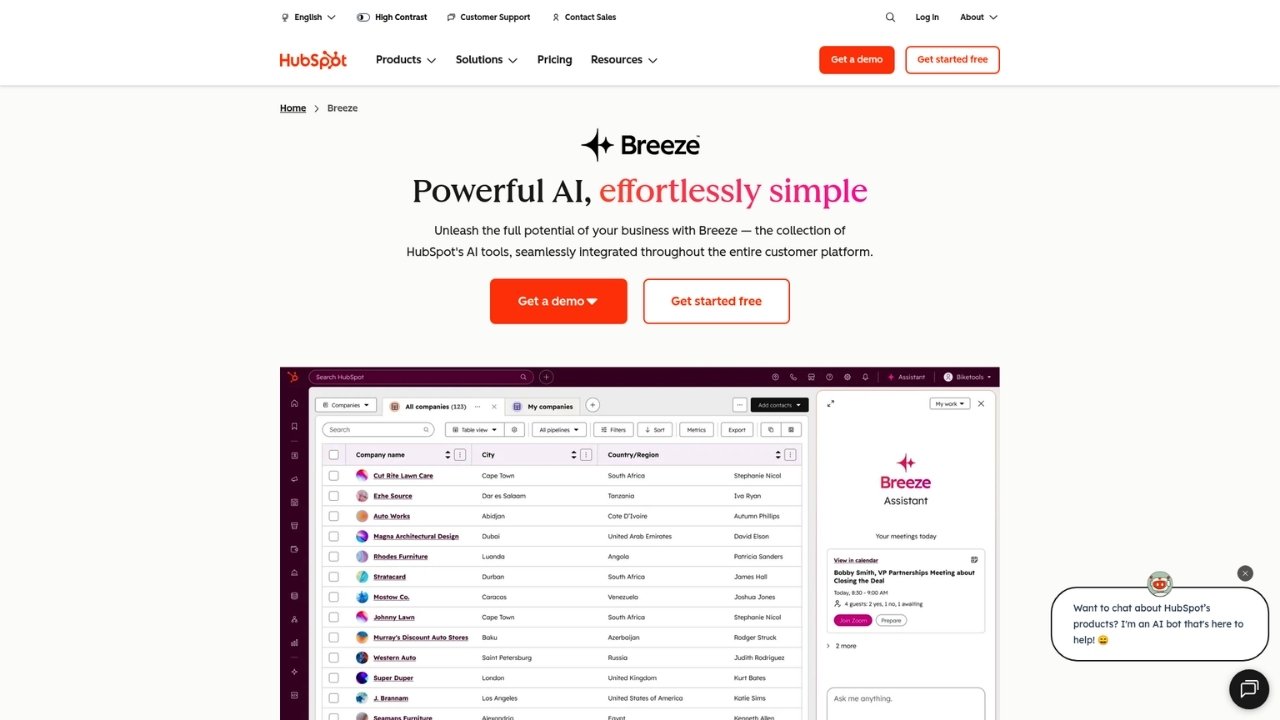
HubSpot Service Hub stands out for teams already using HubSpot's marketing or sales tools. The integration is seamless, and the free tier is genuinely useful for small teams just getting started.
Key features:
- Deep integration with HubSpot CRM
- Customer Agent AI (uses HubSpot Credits system)
- Knowledge base and customer portal
- Customer feedback surveys (NPS, CSAT, CES)
- 1,500+ integrations
Pricing:
| Plan | Price | Key Features |
|---|---|---|
| Free | $0 | Up to 2 users, ticketing, live chat, basic automation, and mobile app |
| Starter | $9/seat/month (annual) | Ticket pipelines, shared inbox, 500 HubSpot Credits, and simple routing |
| Professional | $90/seat/month (annual) | Help desk workspace, knowledge base, customer portal, and SLA management |
| Enterprise | $150/seat/month (annual) | Skill-based routing, conditional SLAs, IVR, and advanced Breeze AI agents |
Note: Professional and Enterprise plans require one-time onboarding fees ($1,500 and $3,500 respectively).
What works well:
- Generous free plan that actually covers basic needs
- Seamless CRM integration if you're already in the HubSpot ecosystem
- Intuitive interface with minimal learning curve
- Strong customer feedback tools
Limitations:
- Advanced features require higher tiers
- Onboarding fees add to initial costs
- Limited customization compared to enterprise-focused platforms
- HubSpot Credits system can be confusing for AI feature usage
Best for: Small to mid-size businesses already using HubSpot CRM, or teams wanting an all-in-one platform with a strong free tier to start.
3. Freshdesk

Freshdesk from Freshworks serves over 74,000 businesses including Pearson, Bridgestone, and Decathlon. It strikes a balance between affordability and capability that makes it attractive for growing teams.
Key features:
- Freddy AI Agent and Copilot
- Omnichannel support (email, chat, phone, social)
- Field service management
- Custom objects and modules
- Multi-brand help center
Pricing:
| Plan | Annual Price | Key Features |
|---|---|---|
| Free | $0 | Unlimited agents on free forever plan (with limits) |
| Growth | $19/agent/month | Ticketing, customer portal, knowledge base, basic reports |
| Pro | $55/agent/month | Custom objects, advanced ticketing, Freddy AI Copilot |
| Enterprise | $89/agent/month | Audit logs, approval workflows, skills-based assignment |
AI pricing: Freddy AI Agent sessions cost $49 per 100 sessions after the included 500.
What works well:
- Strong free tier that's actually usable
- Affordable paid plans with clear upgrade paths
- Good AI features at competitive prices
- Solid field service capabilities
Limitations:
- Interface can feel dated compared to newer platforms
- Limited advanced reporting on lower tiers
- AI session costs can add up for high-volume teams
Best for: Budget-conscious teams needing solid basics with room to scale. The free tier makes it easy to try before committing.
4. Zoho Desk

Zoho Desk serves over 100,000 companies as part of Zoho's integrated business suite. If you're already using Zoho CRM, Books, or other Zoho apps, the integration is hard to beat.
Key features:
- Zia AI assistant with sentiment analysis and auto-tagging
- AI Agents for autonomous support tasks
- ASAP self-service widget
- Multi-level IVR
- Integration with 40+ Zoho apps
Pricing:
| Plan | Annual Price | Key Features |
|---|---|---|
| Free | $0 | 3 users, email ticketing, basic workflows |
| Express | $7/user/month | Social media, web forms, custom domain |
| Standard | $14/user/month | Live chat, instant messaging, knowledge base, generative AI |
| Professional | $23/user/month | Telephony, Blueprint automation, multi-department |
| Enterprise | $40/user/month | AI Agents, Zia AI, live chat (SalesIQ), sandbox |
What works well:
- Extremely affordable compared to competitors
- Deep integration with Zoho ecosystem
- Strong automation capabilities
- Good AI features at lower price points
Limitations:
- UI less polished than some competitors
- Steeper learning curve for teams not familiar with Zoho
- Smaller third-party integration ecosystem outside Zoho apps
Best for: Teams already using Zoho products, cost-sensitive buyers, and those wanting an integrated business suite rather than standalone support software.
5. Monday.com
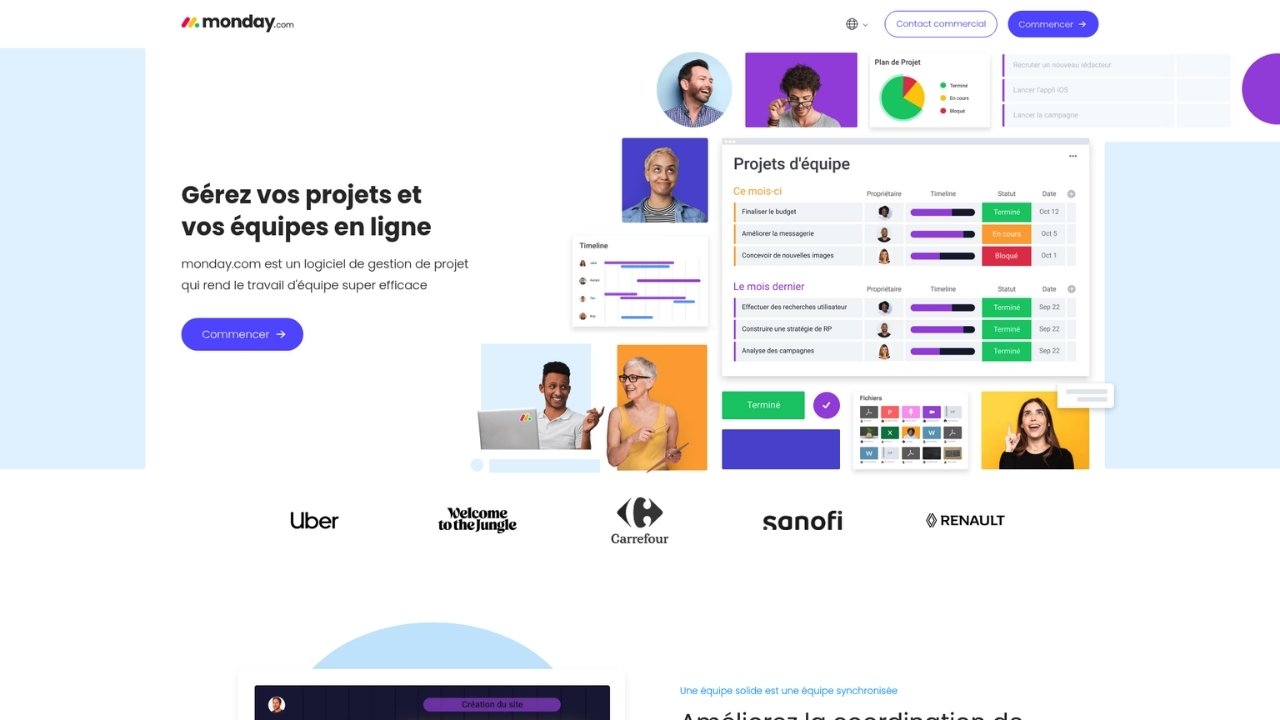
Monday.com takes a different approach. It's a Work OS platform with service management capabilities rather than a purpose-built help desk. For teams wanting to unify project work and customer support, this is compelling.
Key features:
- AI Sidekick (context-aware AI assistant)
- Visual workflow builder
- Portfolio and resource management
- 200+ integrations
- Highly customizable boards and dashboards
Pricing:
| Plan | Annual Price | Key Features |
|---|---|---|
| Free | $0 | Up to 2 seats, 3 boards, 200+ templates |
| Basic | $9/seat/month | Unlimited items, 5GB storage, prioritized support |
| Standard | $12/seat/month | Timeline views, guest access, 250 automations/month |
| Pro | $19/seat/month | Time tracking, private boards, 25K automations/month |
| Enterprise | Contact sales | Enterprise AI, portfolio management, 250K automations |
What works well:
- Highly visual interface that's genuinely enjoyable to use
- Flexible enough to handle support, projects, and operations in one place
- Strong automation capabilities
- Good for cross-team collaboration
Limitations:
- Not purpose-built for customer support (requires configuration)
- Support-specific features lag dedicated help desks
- Can become expensive as you add seats and features
Best for: Teams wanting unified work and service management, or those who prioritize visual project tracking alongside customer support.
6. Kustomer

Kustomer, now owned by Meta, takes a different approach with its timeline-based interface. Instead of tickets, you see a continuous conversation history with each customer across all channels.
Key features:
- 360-degree customer timeline view
- Native AI architecture (AI Agent Studio)
- Omnichannel support (email, chat, phone, social, SMS)
- Unified customer profile
- No-code workflow builder
Pricing:
Kustomer uses custom enterprise pricing. Contact their sales team for quotes. Historically, pricing starts at higher tiers compared to competitors, reflecting its enterprise focus.
What works well:
- Unified conversation timeline provides unmatched customer context
- Modern architecture with AI built-in from the ground up
- Strong for e-commerce and retail use cases
- Clean, intuitive interface
Limitations:
- No transparent pricing (enterprise-focused)
- Overkill for small teams
- Smaller ecosystem compared to Zendesk or Salesforce
Best for: E-commerce and retail brands needing rich customer context and unified conversation history. Mid-market to enterprise teams with the budget for a premium solution.
7. Supportbench
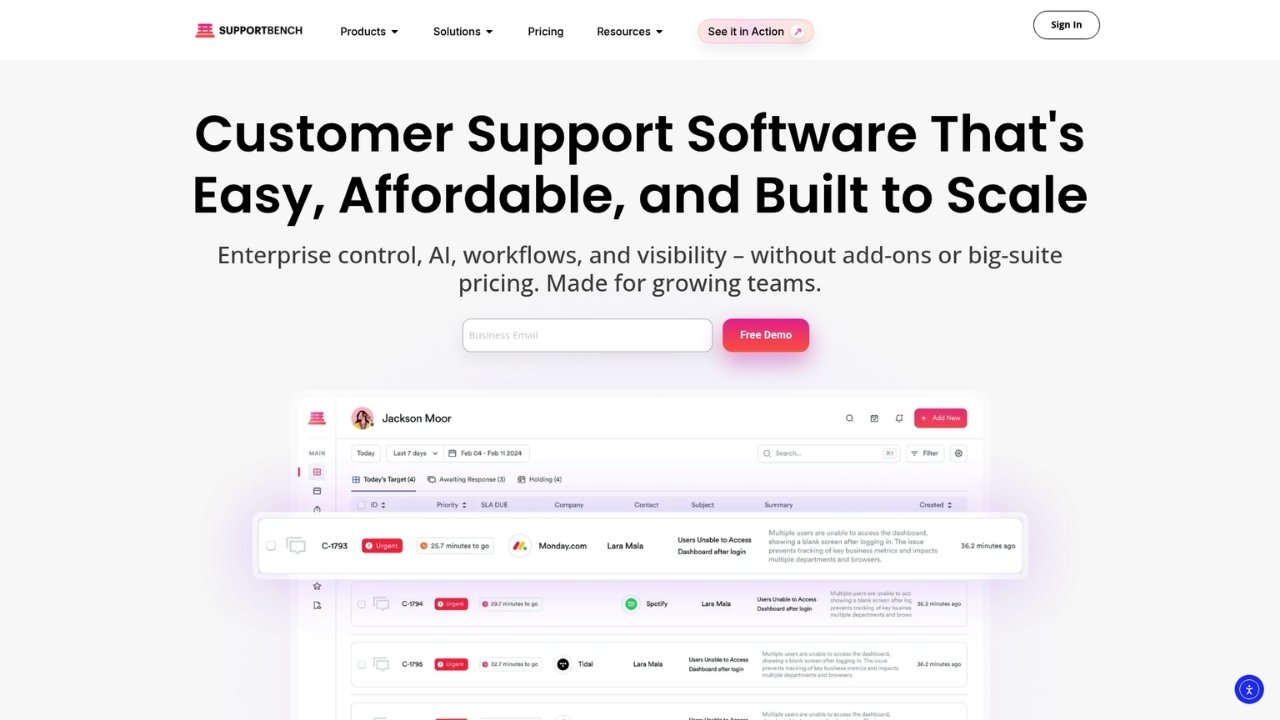
Supportbench focuses specifically on B2B support needs. If you manage complex accounts with multiple stakeholders, entitlements, and SLAs, this platform is purpose-built for you.
Key features:
- AI Copilot powered by GPT-4o
- 360° customer view with account hierarchies
- Dynamic SLA policies
- Parent/child case management
- Bidirectional Salesforce integration
Pricing:
| Plan | Annual Price | Monthly Price | Key Features |
|---|---|---|---|
| Professional | $32/agent/month | $40/agent/month | AI Copilot, ticketing, knowledge base, health scoring, surveys |
| Enterprise | $100/agent/month | $125/agent/month | Sandbox, white labeling, SSO, dedicated success manager |
Pricing notes: Base price covers first 15 agents. Each additional agent adds $2.50/month, capped at $150 per agent. Teams with 60+ agents automatically move to Enterprise.
What works well:
- Built specifically for B2B workflows
- Predictable pricing with no hidden fees
- Strong AI capabilities at competitive prices
- Excellent for complex account management
Limitations:
- Smaller ecosystem than major players
- Less brand recognition (newer to market)
- B2B focus means some B2C features are less developed
Best for: B2B companies with complex account management needs, dynamic SLAs, and those wanting predictable pricing without surprise add-ons.
Which Salesforce Service Cloud alternative should you choose?
The right choice depends on your team size, budget, and specific needs. Here's a quick decision framework:
Choose Zendesk if: You want the most mature AI capabilities and have the budget for a premium solution. Best for mid-market to enterprise teams prioritizing automation.
Choose HubSpot if: You're already using HubSpot CRM or want an all-in-one platform with a genuinely useful free tier.
Choose Freshdesk if: Budget is a primary concern but you still want solid AI features and room to grow.
Choose Zoho Desk if: You're invested in the Zoho ecosystem or want the most affordable option with decent capabilities.
Choose Monday.com if: You want to unify project management and customer support in one visual platform.
Choose Kustomer if: You're in e-commerce or retail and need rich customer context with a modern interface.
Choose Supportbench if: You're a B2B company with complex account management needs and want predictable pricing.
Making the switch from Salesforce Service Cloud
Migrating from Salesforce requires planning, but it's absolutely doable. Here are some practical tips:
- Audit your current workflows: Document what you actually use before trying to replicate everything. Many teams find they're paying for features they never touch.
- Plan your data migration: Most alternatives offer migration assistance. Take advantage of it. Historical ticket data, customer records, and knowledge base articles can usually transfer over.
- Consider parallel running: If possible, run both systems for a short period during transition. This reduces risk and gives your team time to adjust.
- Train incrementally: Don't try to learn everything at once. Start with core ticketing, then add automation and advanced features as your team gets comfortable.
- Evaluate after 30 days: Most platforms take a month to truly evaluate. Use that time to test real workflows, not just demo scenarios.
Don't forget about phone support
While these platforms excel at tickets, chat, and email, many businesses still handle significant call volume. That's where we come in.
At Ringly.io, our AI phone agent the AI integrates with your existing help desk to handle inbound calls automatically. the AI can look up orders, answer FAQs, process returns, and resolve common issues without human intervention. When a call needs a human touch, the AI escalates with full context.
Our customers see up to 73% of phone calls resolved without human intervention. If phone support is part of your mix, start your free trial and see how AI can transform your call handling.
Frequently Asked Questions
Which Salesforce Service Cloud alternative offers the best free plan?
Freshdesk and HubSpot both offer genuinely useful free tiers. Freshdesk's free plan supports unlimited agents (with feature limits), while HubSpot's free tier includes up to 2 users with solid ticketing and chat capabilities.
Are these Salesforce Service Cloud alternatives really cheaper?
Generally yes, especially when you factor in total cost of ownership. Most alternatives have transparent pricing without the hidden implementation and consulting costs that often accompany Salesforce deployments.
Can I migrate my data from Salesforce Service Cloud to these alternatives?
Yes. All the platforms listed offer migration tools or services. Zendesk, HubSpot, and Freshdesk in particular have well-established migration paths from Salesforce.
Which alternative has the best AI features?
Zendesk leads in AI maturity with agents pre-trained on 18 billion interactions. Supportbench also offers strong AI capabilities powered by GPT-4o at a lower price point.
Is there a good Salesforce Service Cloud alternative for small businesses?
HubSpot Service Hub and Freshdesk are both excellent for small businesses. HubSpot offers better CRM integration, while Freshdesk provides more affordable paid tiers as you scale.
What should I look for when evaluating Salesforce Service Cloud alternatives?
Focus on pricing transparency, ease of setup, AI capabilities, omnichannel support, and scalability. Most importantly, run a real trial with your actual workflows before committing.