


An ecommerce chatbot is software that answers shopper questions in a chat window on your store, usually pulling from your help content and, in better setups, your order data. Used for everything, it frustrates people at the exact moment they want help.
This page treats the chatbot as a customer service decision. Our view: automate the repeat, factual questions, and keep a clear path to a human or a phone call for anything with money, emotion or an exception attached.
Hear what AI support calls sound like for your store. Just paste your Shopify URL and get sample calls in under 20 seconds, no email required. Listen to demo calls for my store.
What an ecommerce chatbot actually is (and what it is not)
What it is not: a replacement for your whole support operation. A chatbot is one channel.
If you want the broader definition and a list of options, our customer service chatbot guide covers it.
Why Shopify stores are adding AI to customer service now
Two pressures push in the same direction: shoppers expect fast answers, and the same questions keep landing in your inbox.
AI adoption is already common. Around 55% of businesses reported using AI in 2023 to 72% in 2024, according to a McKinsey Report, and ecommerce brands are leading the charge. A 2024 Harvard Business Review Analytic Services survey found that 70% of respondents believed it was very or extremely important to implement AI into their e-commerce processes.
Personalization matters too. In a 2025 survey, 26% of consumers indicated they would walk away from a brand that fails to personalize their experience. A bot that greets a shopper generically and asks for an order number they already gave you is the opposite of that.
And returns raise the stakes. Ecommerce return rates hit 19.3% in 2025, according to NRF and Happy Returns.
For the staffing side of this, see hiring vs. AI for ecommerce customer service.
The customer questions a chatbot can handle well
A chatbot does best when the answer is factual, the same every time, and findable in your own content. Think of these as the safe starting list:
- Shipping and delivery policy: costs, regions, handling times, what carriers you use
- Return and exchange policy: the window, the conditions, how to start one
- Product questions: sizing, materials, compatibility, what is in the box
- Order status: where is my order, when it arrives, if the bot can read your order data
The order status item has a condition: the bot needs a connection to Shopify and carrier tracking to answer it.
Our guide to ecommerce customer service automation walks through which tickets are worth automating first.
You can also get ahead of those questions before they come in, and these proactive customer service strategies show how.
Where chatbots fall short: returns, edge cases and upset customers
Be honest about the limits, because shoppers find them fast.
- Returns with exceptions: a bot can explain your policy, and a person should handle the exceptions.
- Upset customers: someone with a wrong or late order wants to feel heard.
With return rates at 19.3%, a store with steady volume will have plenty of these. The right design is a bot that handles the easy policy questions and hands the messy ones over with context, so the shopper does not repeat themselves.
Handoff is the make-or-break feature. A good one passes the conversation history to your team, and a bad one drops the customer back at the start.
Chat vs voice: what mobile shopping means for support
Your shoppers are on phones. Mobile devices generated 55.94% of global web traffic in March 2026, according to Statcounter. In a 2026 PYMNTS Intelligence study, consumers globally made 53% of their most recent purchases with mobile devices, up from 48% in 2024.
Another stat from the same Shopify page: 26% of consumers make purchases on their phones daily, and 39% use their mobile devices to research purchases.
What does that mean for support? Test it on your own store: check how many calls and chats you get on the same topics.
The practical takeaway is to treat chat and voice as two doors into the same support desk. Whatever a shopper learns in one channel should not have to be repeated in the other.
Chatbot capabilities to compare across ecommerce platforms
Use this table as a scorecard when you compare tools. Fill in each row from the vendor's own docs and a live test.
| Capability | What to check |
|---|---|
| Shopify integration | Does it connect natively, or do you export data by hand? |
| Order lookup | Can it read live order and tracking data for the specific customer? |
| Returns handling | Does it only explain policy, or can it start a return for your team to approve? |
| Human handoff | Does the full conversation pass to a person, and can you set when it triggers? |
| Voice support | Is there a phone option, or chat only? |
| Analytics | Can you see resolved vs escalated conversations and what people ask about? |
For side-by-side reviews of real products, see our roundups of AI customer service tools for ecommerce and Shopify customer service apps. If you are asking which is the best AI chatbot for Shopify, the honest answer depends on whether your volume is mostly policy questions, order status, or returns. Our AI customer service tools list helps you match tools to that.
How to set up and test a chatbot on a Shopify store
Setup differs by tool, but the sequence is similar.
- Pull your top questions. Look through your recent tickets and tag the repeats. Start with the most common.
- Clean your source content. The bot is only as good as your policies and product pages. Fix contradictions first.
- Connect your store. Link Shopify so the bot can see products and orders as well as your FAQ.
- Set handoff rules. Decide what always goes to a person: refunds over a set amount, angry messages, anything the bot cannot answer.
- Test with real questions. Ask the awkward ones: a late order, a return past the window, a misspelled product name.
- Launch narrow, then widen. Turn on a few topics, review transcripts weekly, and add more as it proves itself.
Read the first 50 conversations yourself before you trust the numbers. Keep a short list of the awkward questions you tested, so you can run them again after every content change to your policies or product pages.
How to choose: a checklist before you commit
Before you sign anything, run through this:
- Volume: do you get enough repeat questions that automation pays off?
- Question mix: are most of them factual (policy, order status) rather than exceptions?
- Data access: can the tool read your Shopify orders, or only your FAQ?
- Handoff quality: does a person get the full history, and can you control when it happens?
- Channels: do you need phone as well as chat, given how many shoppers are on mobile?
- Reporting: can you see what was resolved, what was escalated, and why?
- Testing: can you try it on real questions before going live?
If most answers point to simple, repeat questions, a chatbot is a sound first step. If your pain is urgent calls and complicated orders, weigh a phone option as well. Our ecommerce customer service guide puts the pieces together.
How Ringly.io handles ecommerce support on the phone
Ringly.io covers the phone side of this decision. It is AI phone support for Shopify brands: Seth answers your calls, and what he cannot resolve goes to your team.
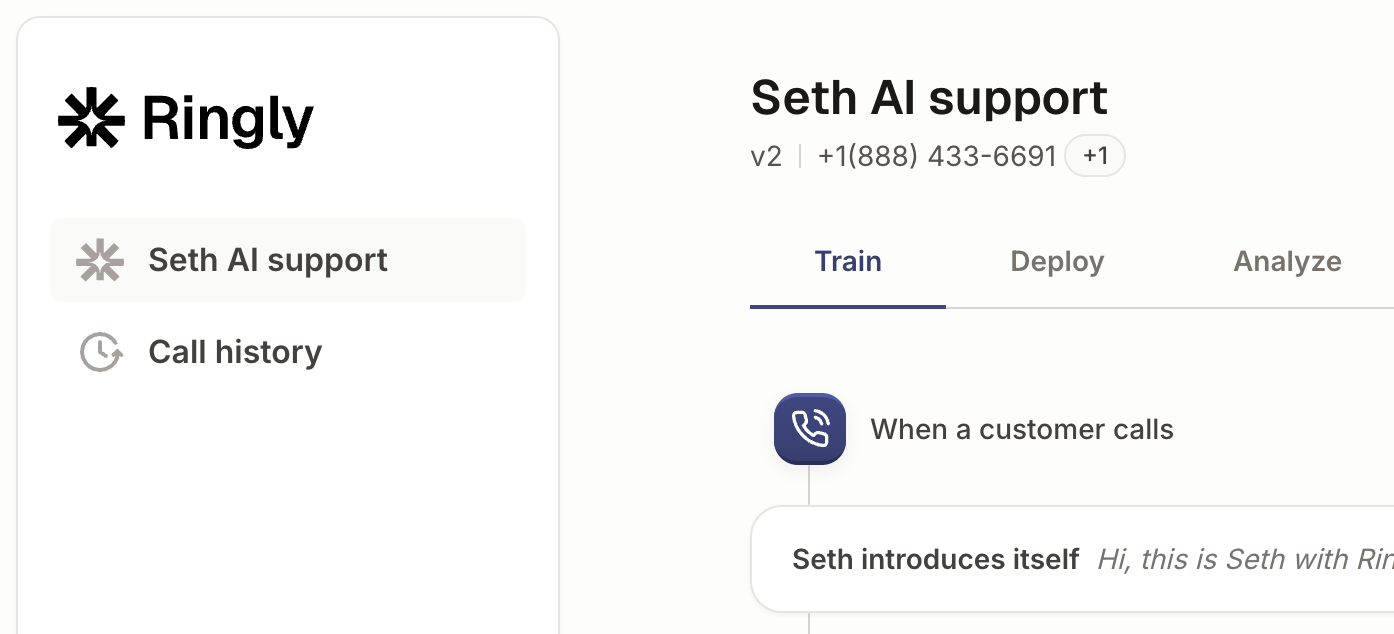
On Shopify, Seth matches the caller's phone number to a customer, looks up orders, and requests returns as drafts your team approves. TrackingMore covers carrier tracking, and Gorgias and Zendesk receive escalations as tickets. With Twilio you can import a phone number for Seth to answer on, and custom skills let Seth call any endpoint your store uses through an API. The full list is on the integrations page.
AI Coach is a chat assistant inside the dashboard. It reads your settings and real calls, tells you what to fix first, and proposes changes as cards you apply or dismiss. Coach is in beta, so you read each card and test the change.
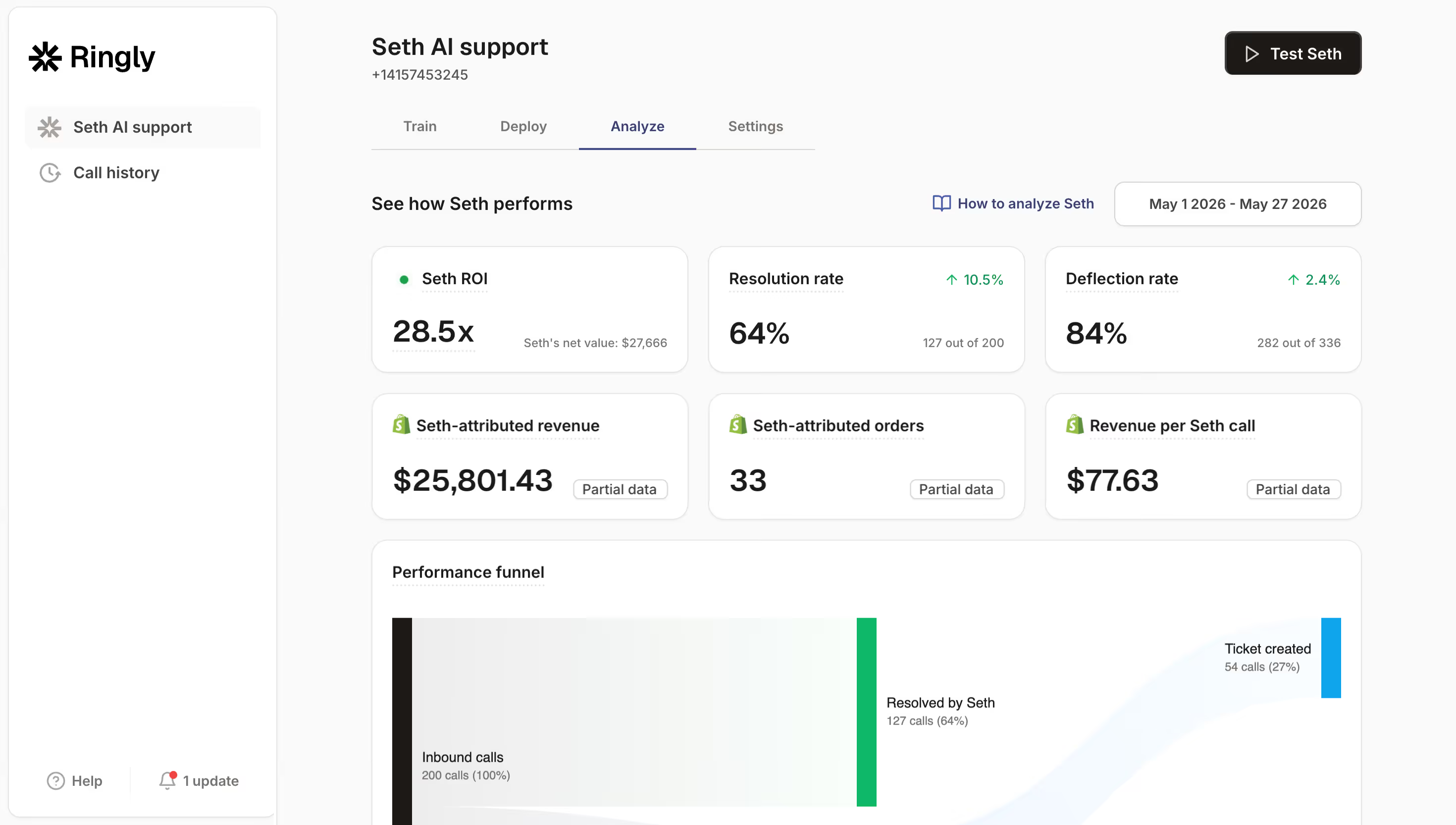
Before any real call, you can test Seth by typing in Try Seth and see the step he moves to. Afterward, the Analyze tab shows resolution rate for the period you select.
Ringly.io charges per phone conversation, see pricing.
Frequently asked questions
What is an ecommerce chatbot and how does it work?
It is a chat widget on your store that answers shopper questions from your help content, product data and, in better setups, order data.
Can an AI chatbot handle customer service for an online store?
It can handle the repeat, factual part: shipping policy, return policy, product details and, with a store connection, order status. Exceptions, refunds with judgment and upset customers still need a person.
Which customer questions can an ecommerce chatbot answer on its own?
Policy, product and store-info questions are the safest. Order status works if the bot can read your Shopify and tracking data.
When should a chatbot hand a customer over to a human?
Hand over when the bot cannot answer, when money or an exception is involved, or when the customer is clearly upset.
Can an AI chatbot reduce returns?
It can answer sizing and product questions before purchase, which may help, and it can speed up return requests afterward. With return rates at 19.3% in 2025, both matter, but check your own data to see the effect.
Is a chatbot or a phone line better for mobile shoppers?
Neither wins outright. Compare how many calls and chats you get on the same topics, and offer both if the numbers justify it.
What happens when a phone call needs a person?
With Ringly.io, you choose how escalation works: always transfer, transfer during business hours with a ticket otherwise, or a support ticket only. You can also set Seth to try to resolve first when a caller asks for a human, or to escalate immediately. Pick the setting that matches how your team is staffed, then test it before real calls come in.