

TL;DR.
- Best overall for Shopify brands that take calls: Ringly. Voice-first, priced per call, live in under an hour, 65% resolution guarantee.
- Best Shopify-native helpdesk: Gorgias. Native order actions, $10/mo entry, weak on voice (add-on is volume-billed).
- Skip Intercom alternatives entirely if you're 100% chat-and-email, AOV under $30, and nobody on your team has ever picked up the phone for a customer. Intercom's entry tier is fine for that.
- The thing every other article misses: phone. WashCo recovered $22,664 in attributed revenue in 7 days by routing calls through AI. None of the 10 tools below can match that, because nine of them are chat-first.

- How we picked these alternatives
- The 10 best Intercom alternatives
- Pricing compared
- How to pick the right one for you
- Frequently asked questions
Why teams leave Intercom (and what they're actually looking for)
A Shopify founder I talked to last month was paying Intercom $2,100 a month for ten seats on Advanced, plus Fin AI usage that crept up every time the bot got better at resolving tickets. Her actual complaint wasn't the bill. It was that her support team kept tab-switching between Intercom and Shopify admin to process refunds, and her after-hours queue stacked up every weekend because Intercom doesn't really do phone.
She wanted three things: predictable pricing, native Shopify actions, and someone (or something) that picks up the phone at 11 p.m. on a Sunday. Intercom is genuinely good at conversational chat. It's not built for either of the other two.
That's why this list exists. If you're a DTC operator running a Shopify brand above $2.4M in annual revenue, with AOV over $30, and customers who call (supplements, beauty, CBD, gear, baby, anything where buyers ask questions before they buy), the right Intercom alternative is the one that handles voice as a first-class channel, not a $0.40-per-ticket add-on.
I'm Ruben, co-founder of Ringly.io. We run AI phone support for about fifty Shopify brands. The list below is built from talking to roughly 200 operators about why they switched off Intercom (or wished they could), plus pricing pulled directly from each vendor's page this week. If you want to skip the comparison and just walk through your call volume on a 20-minute call, book one with me here.
How we picked these alternatives
Four lenses. Every tool below was scored against the same checklist before it earned a spot.
- Voice-and-phone fit. Does the product actually handle inbound phone calls, or is voice a $0.40-per-ticket bolt-on? This is the lens every other Intercom-alternatives article skips, and it's the one that matters most for DTC.
- Shopify integration depth. Native order lookup, refund, address change, tracking. Or do reps still tab-switch?
- Pricing predictability. Per-seat flat beats usage-billed AI in 90% of cases. The better Intercom's Fin AI gets, the more you pay $0.99 per resolution. That's backwards. Tools that bill the same way got marked down.
- Real merchant proof. Named customers with hard numbers, not a logo wall. We pulled call data from our own 50+ Shopify-brand customer base for context: WashCo (a brand we launched in 2026) recovered $22,664 in attributed revenue in its first 7 days post-launch, with 271 calls handled at 85% deflection. None of the nine other tools below can point to an equivalent attributed-revenue number on phone, because nine of them aren't voice-first.
We also called each tool's published sales line, where one exists, to see how long they take to answer a real prospect. Two never picked up.
The 10 best Intercom alternatives for 2026
1. Ringly.io. Best for DTC brands where customers actually call.
Best for: Shopify brands above $2.4M/yr revenue where phone is a meaningful channel.

Ringly is an AI voice agent purpose-built for Shopify support calls. It picks up the phone 24/7, looks up orders natively, processes refunds and address changes through Shopify's API, and routes the calls that need a human to your team. It's voice-first. Chat is not the point.
Pricing
| Plan | Monthly | Included | Best for |
|---|---|---|---|
| Pay per call | $99 | First 50 included, then $1.99 per conversation | Brands testing the channel |
| Custom | Custom | 1,000+ calls a month | $50M+ brands |
We back every account with a 65% resolution guarantee. If Seth resolves under 65% of calls in a month, that month comes back as credit (after 90 days on Pay per call).
What works
- Voice is the product. Calls get answered in under a second, the agent sounds human (we get that comment a lot), and it knows your refund policy because we trained it on your help docs.
- Native Shopify actions. Order lookup, refund, address change, cancel, tracking. No tab-switching.
- Predictable pricing. Flat monthly with simple per-minute overage. No per-resolution surcharge that punishes you for being more efficient.
- Real merchant proof. WashCo recovered $22,664 in 7 days at 85% deflection. TechCraft Studio handles 88% of calls without a human and 78% resolution. BioLongevity Labs (supplements) hits 79% end-to-end resolution. Gear Rider handled 1,595 motorcycle-gear sales calls in 90 days without a phone rep.
What doesn't
- Not for 100% chat-only ops. If your customers never call, you don't need us. Get Help Scout.
- You still pay a monthly minimum. Cheaper than ten seats on Intercom, but not the cheapest tool on this list if you're sub-$1M revenue.
- We're new-ish. Founded 2024. Fewer integrations than Zendesk's 1,000+. We integrate with what Shopify brands actually use (Klaviyo, Gorgias, Slack, Webflow, Postscript, the Shopify admin itself).
"My customers also feel like it's a normal person. They feel like they can communicate if they have questions."
Claudia Droge, TechCraft Studio
Why it ranks #1. Every other tool on this list is chat-first with voice as an add-on. If you're a DTC operator and phone is a real channel, none of them give you Shopify-native voice, priced per call, with a resolution guarantee.
2. Gorgias. Shopify-native helpdesk for chat-and-email teams.
Best for: Shopify brands that need email + chat + social with native order actions and don't take a lot of inbound calls.
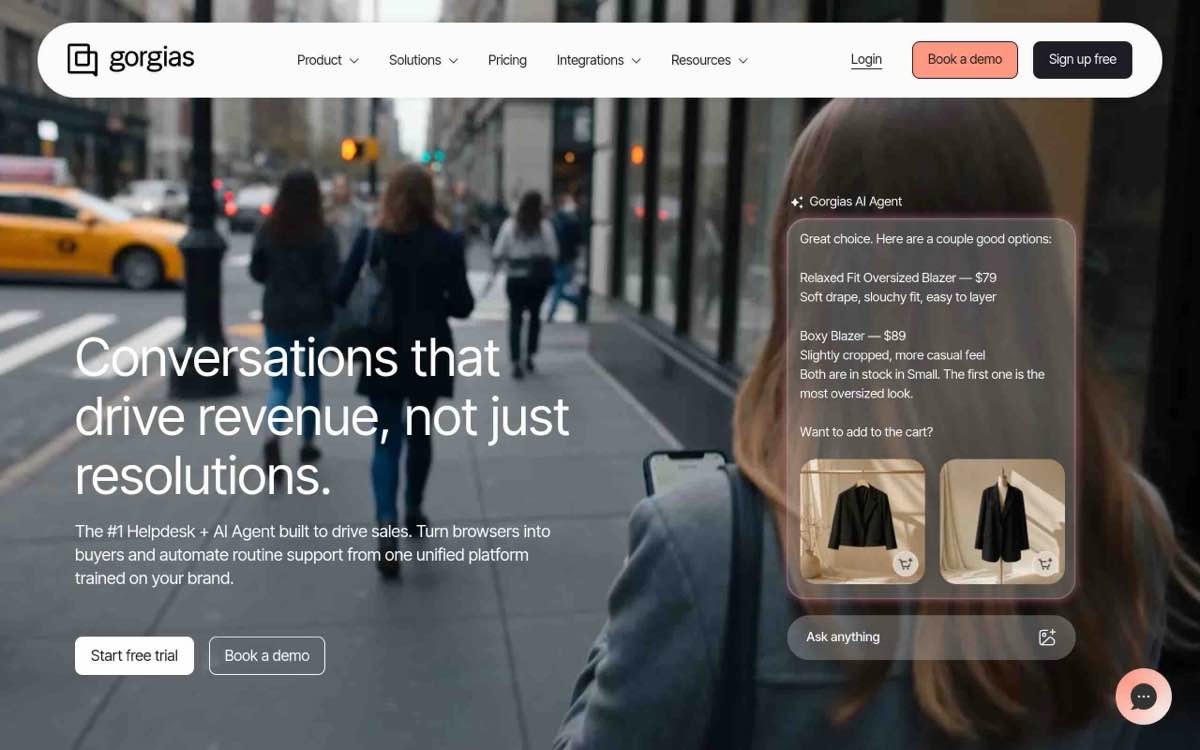
Gorgias is the closest thing to an Intercom replacement built specifically for Shopify ecommerce. It does native order lookup, refunds, and one-click actions inside the helpdesk view, which is the single biggest gap in Intercom for ecom teams.
Pricing
- Starter: $10/mo (50 tickets, $0.40/ticket overage)
- Basic: $60/mo (300 tickets)
- Pro: $360/mo (2,000 tickets)
- Advanced: $900/mo (5,000 tickets)
- Enterprise: custom
- AI Agent: $1.00/resolution monthly, $0.90/yearly
- Voice add-on: $0.40 to $1.20 per ticket
What works
- Shopify-native depth. Refund, address change, cancel from inside Gorgias. Reps don't tab-switch.
- Ticket-based pricing, not per-seat. Unlimited seats. Good for support teams that share login responsibility.
- Strong automation. Gorgias quotes "30-40% of repetitive tickets automated" in their marketing, which roughly matches what operators we talked to report.
What doesn't
- Voice is an add-on, billed by ticket. $0.40-$1.20 per voice ticket scales weirdly. A 500-call month on the high end costs $600 in voice usage alone, on top of your helpdesk plan.
- AI Agent billed per resolution. Same Intercom problem. Better the AI gets, more you pay.
- Ticket caps. Going over costs $36 per 100 tickets, which adds up fast for high-volume brands.
Why it ranks #2. If you're chat-and-email-first with a tiny call volume, Gorgias is the right pick. If phone is a real channel, the voice add-on math gets ugly. See our full Gorgias vs Intercom breakdown for the head-to-head.
3. Help Scout. Flat pricing, shared inbox, zero voice.
Best for: Operators who want predictable per-seat billing and don't need phone support.
Help Scout is the most "honest" tool on this list. It's an email-first shared inbox with a knowledge base and light AI. Pricing is flat per seat, with no usage-billed surprises (except the AI Answers add-on if you opt in).
Pricing
- Free: 5 users, 1 inbox
- Standard: $25/user/mo
- Plus: $45/user/mo
- Pro: $75/user/mo
- AI Answers: $0.75/resolution (3-month free trial)
15-day trial on Standard and Plus, no credit card.
What works
- Flat per-seat pricing. Finance teams love it. A 10-agent Standard plan is $250/mo, period.
- Clean shared-inbox UX. Quietly the best one for teams under 20 reps.
- AI Answers is optional and capped. You set a monthly spending cap. The bill doesn't surprise you.
What doesn't
- No native voice. Zero. If customers call, you'll need another tool.
- Light Shopify integration. Works through Zapier or third-party connectors, not native.
- Reporting is thin at Standard tier.
Why it ranks #3. Best Intercom alternative if you've decided phone isn't your channel. The pricing is the most predictable on this list.
4. Freshdesk. Cheap entry, broad product, older UX.
Best for: Global DTC brands on a tight budget who can absorb feature sprawl.
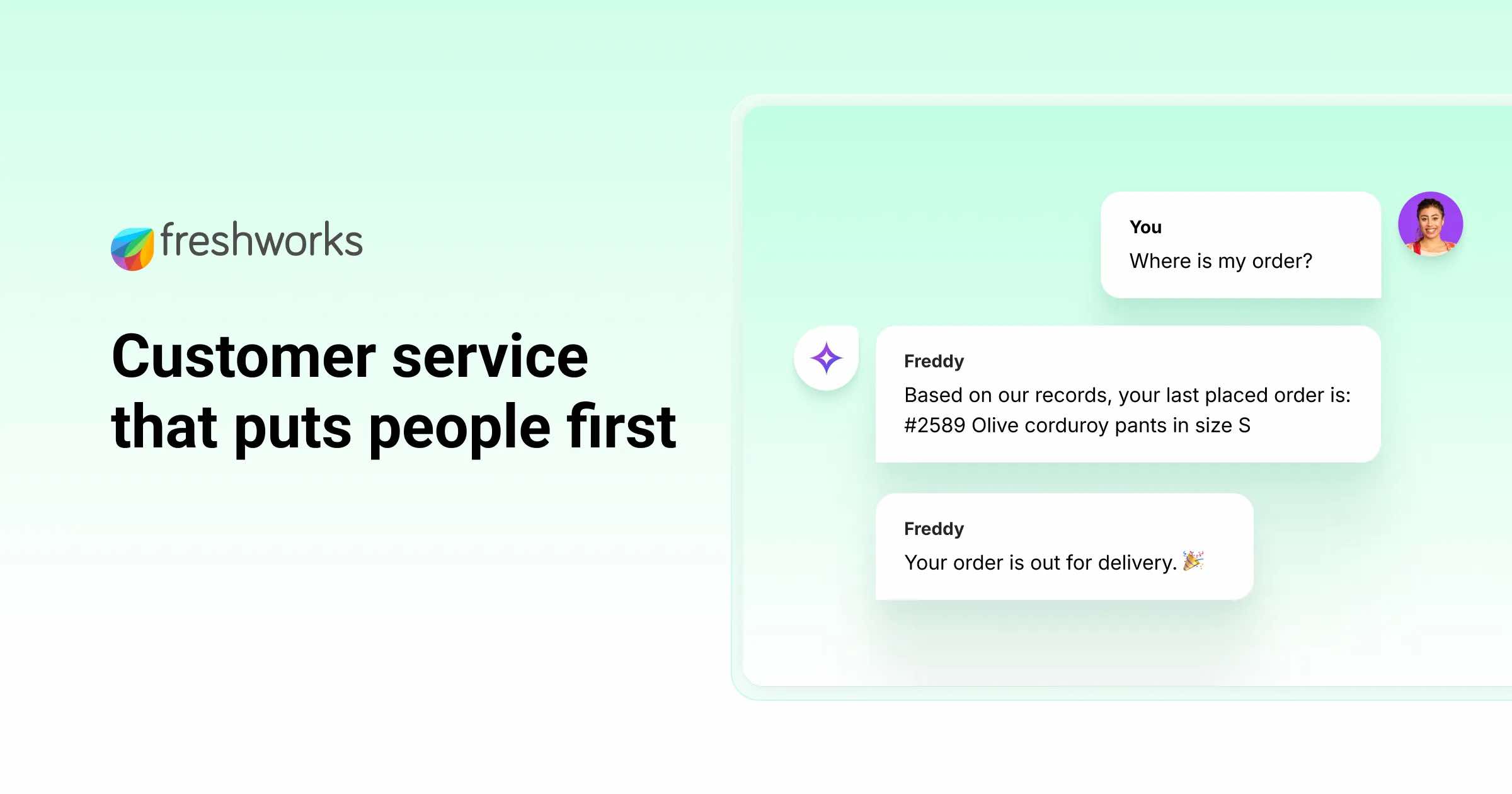
Freshdesk has a free tier up to 10 agents, which is genuinely unusual. The catch is that the product has grown wide, the UI feels older, and AI Agent sessions are sold in packs ($100 per 1,000), which makes the math harder to predict at volume.
Pricing
- Free: up to 10 agents
- Growth: $19/agent/mo
- Pro: $55/agent/mo
- Enterprise: $89/agent/mo (annual)
- Freddy AI Copilot: $29/agent/mo
- Freddy AI Agent sessions: $100 per 1,000
What works
- Genuinely free up to 10 agents. No other tool on this list matches that.
- Wide integration library. Freshworks ecosystem covers most use cases.
- Annual billing saves ~20%.
What doesn't
- UI feels older than Help Scout or Gorgias.
- Shopify integration is shallow. Order actions go through Freshworks Marketplace apps, not native.
- AI Agent session packs make pricing hard to forecast at high volume.
Why it ranks #4. Best free tier on this list. Best if your support is global and you want one helpdesk for many channels and many countries.
5. Zendesk. Enterprise ticketing, enterprise pricing.
Best for: Mid-to-enterprise CX teams with a dedicated ops person who can set it up.
Zendesk is the heavyweight here. Deep ticketing, big integration library, decent voice through Zendesk Talk. The catch is real cost. Pricing reports consistently put the actual blended per-seat cost at 2-3x the base tier once you add Copilot, Advanced AI, and QA add-ons.
Pricing
- Support Team: $19/agent/mo
- Suite Team: $55/agent/mo
- Suite Professional: $115/agent/mo
- Suite Enterprise: $169/agent/mo (annual)
- Copilot: $50/agent/mo
- Advanced AI: $50/agent/mo, plus $1.50-$2.00/automated resolution
What works
- Deep ticketing engine. Best-in-class macros, triggers, SLAs, workflows.
- Big integration library (1,000+ apps).
- Zendesk Talk is a real voice channel, not a chat-first afterthought.
What doesn't
- Real cost is 2-3x base after typical add-ons (Copilot, Advanced AI, QA).
- Per-resolution AI billing runs $1.50-$2.00 per automated ticket on top of seat costs.
- Heavy setup. Most brands need a dedicated CX ops person or an implementation partner.
- Shopify-native depth requires third-party app (Zendesk's Shopify integration is decent but not as deep as Gorgias).
Why it ranks #5. Right answer if you're 100+ agents with complex workflows and a budget. Wrong answer if you're a 5-person Shopify brand looking for a cheaper Intercom.
6. Kustomer. Customer-record-first CRM, Meta-owned.
Best for: Mid-market brands that want a unified customer record across every channel.
Kustomer treats the customer (not the ticket) as the primary record. Every email, chat, return, and order shows up on one timeline. Powerful, but pricey, and there's an 8-seat annual minimum that rules out most small DTC teams.
Pricing
- Enterprise: $89/seat/mo
- Ultimate: $139/seat/mo
- AI for Customers: $0.60/engaged conversation
- AI for Reps: $40/seat/mo
- 8-seat annual minimum ($8,544/yr floor)
What works
- Unified customer timeline. Sees the whole relationship, not just the open ticket.
- Workflow flexibility for complex CX ops.
- Strong CRM-shaped data model if you have downstream reporting needs.
What doesn't
- 8-seat annual minimum. Hard floor of $8,544/yr at Enterprise. SMB-hostile.
- Per-conversation AI billing ($0.60) stacks fast.
- Voice is light. Phone is supported through Twilio or partners, not native.
Why it ranks #6. Real answer for $100M+ brands with complex CRM needs. Skip if you're under $20M.
7. Front. Shared inbox built for collaboration.
Best for: Ops-heavy teams (logistics, B2B-leaning DTC, agencies) that want shared-inbox collaboration on every customer thread.
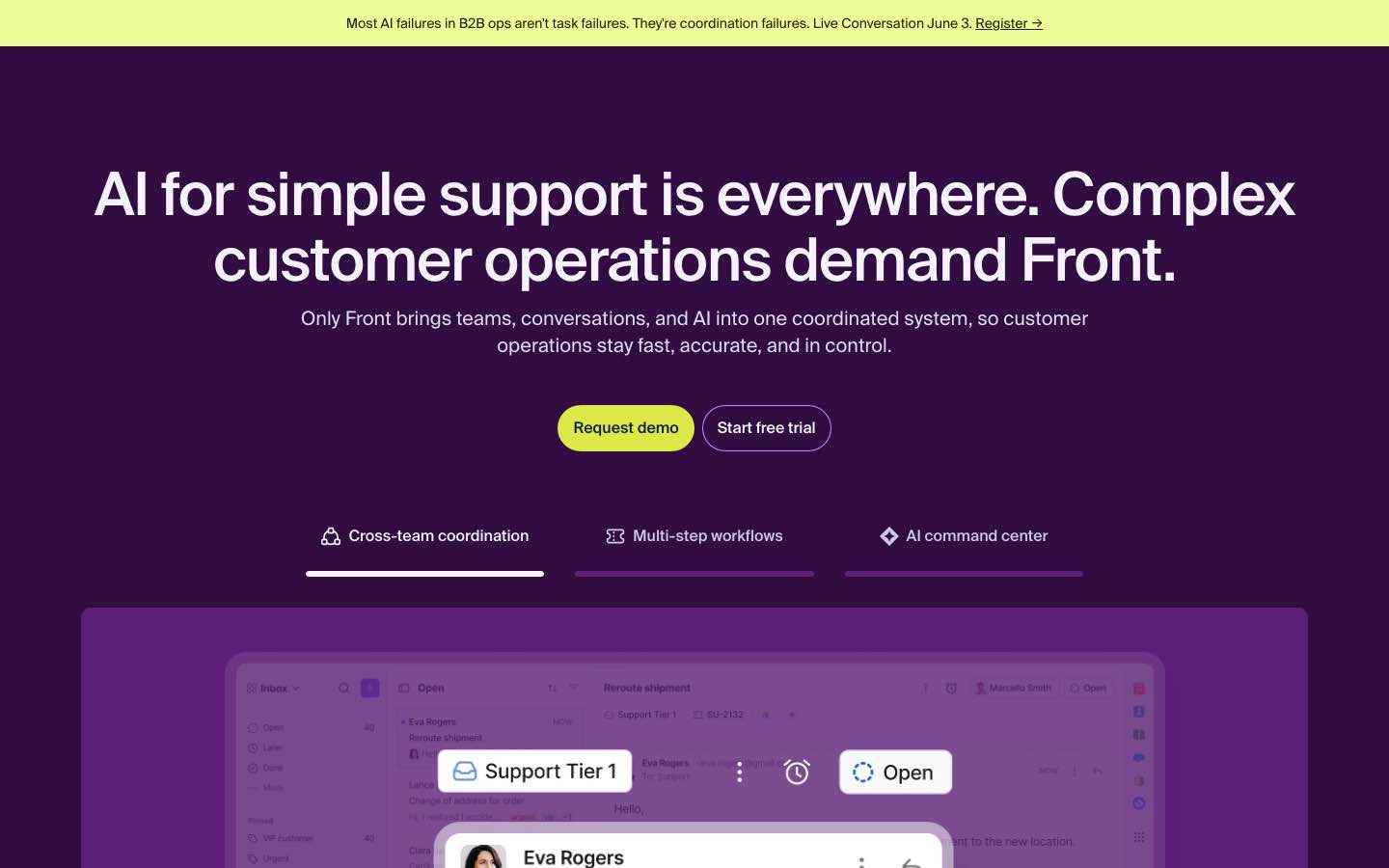
Front feels like a productivity tool with a helpdesk strapped on. The shared-inbox collaboration is unusually good: internal comments on threads, draft handoffs, smart assignment. The AI features are gated behind add-ons, though, and stacking them brings the per-seat cost into Zendesk territory.
Pricing
- Starter: $19/seat/mo annual (1 channel, 10-seat cap)
- Professional: $65/seat/mo (omnichannel)
- Enterprise: $105/seat/mo
- Copilot: $20/seat/mo
- Smart QA: $20/seat/mo
- Smart CSAT: $10/seat/mo
- 14-day trial
What works
- Best-in-class collaboration features. Internal comments + draft handoff + assignment rules.
- Clean UI. Feels like an email client, not a ticketing tool.
- Good for cross-functional teams where ops, support, and logistics share the inbox.
What doesn't
- AI features stack expensively. Copilot + QA + CSAT add $50/seat on Professional, landing at $115/seat total.
- No native voice.
- Less Shopify-specific than Gorgias or Re:amaze.
Why it ranks #7. Right tool for teams where collaboration matters more than ticket throughput. Not the cheap alternative most operators are looking for.
8. Tidio. Cheap chat for tiny stores.
Best for: Small Shopify stores with low conversation volume that just need chat and a Shopify-friendly setup.
Tidio is what you reach for if you're under $1M in revenue and Intercom feels like overkill. The Lyro AI chatbot is decent for simple FAQ deflection. The catch is the pricing cliff: Growth at $59/mo, Plus at $749/mo, and nothing in between.
Pricing
- Free
- Starter: $29/mo
- Growth: $59/mo
- Plus: from $749/mo
- Lyro AI: from $39/mo
- Flows: from $29/mo
What works
- Free tier exists and is usable for very low volume.
- Cheap entry tier at $29.
- Easy Shopify install.
What doesn't
- Pricing cliff from $59 to $749 with no middle tier. If you outgrow Growth, you're in for a 12x jump.
- No voice channel.
- Lyro AI billed separately, stacking with Flows. Real entry cost is closer to $115/mo than $29 once you turn AI on.
Why it ranks #8. Right answer for tiny stores. Wrong answer the moment you cross the Growth tier's volume limit.
9. Re:amaze. Affordable Shopify-friendly omnichannel.
Best for: SMB Shopify stores that want omnichannel without per-resolution AI billing.
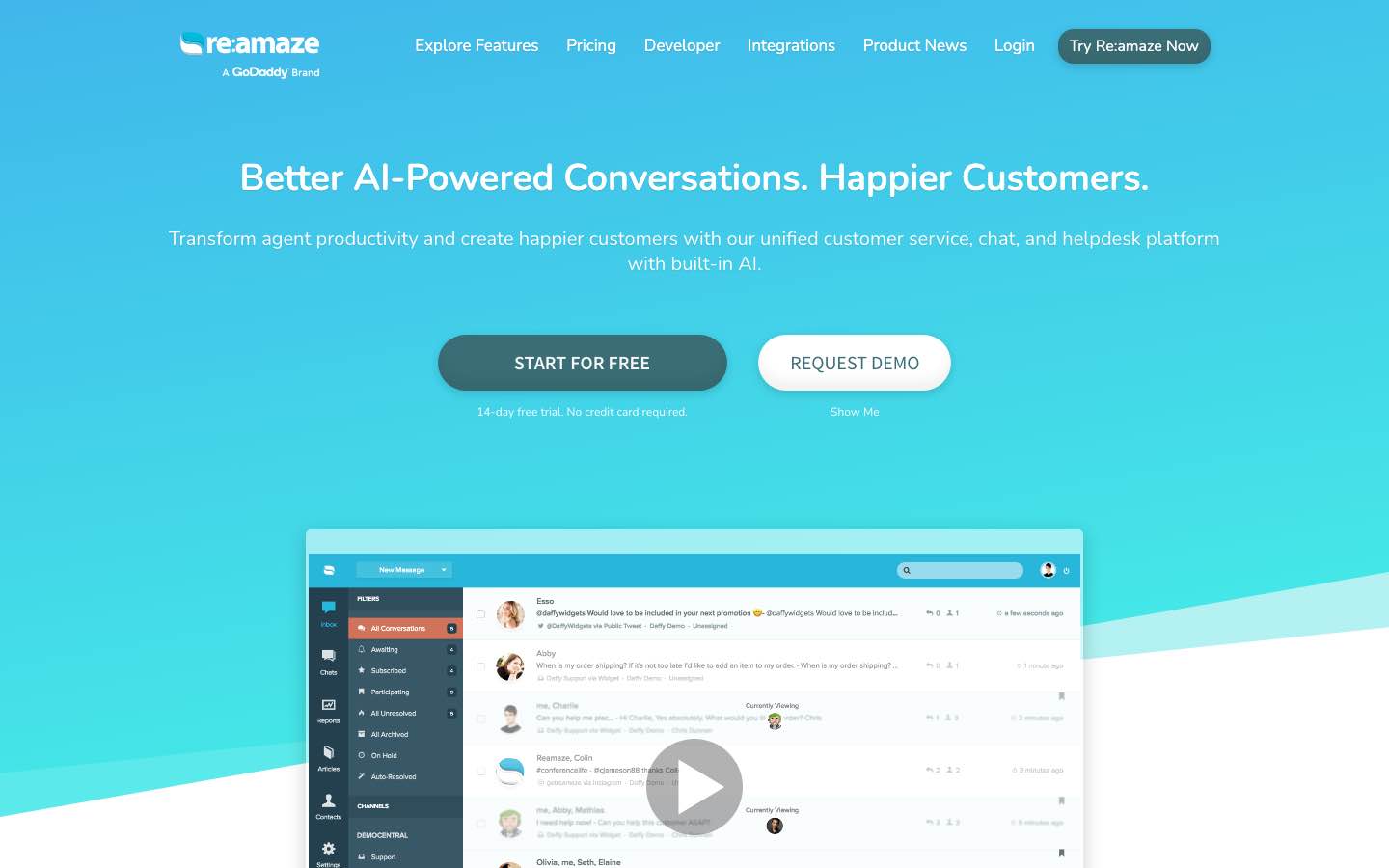
Re:amaze is the underdog on this list. It has a real Shopify app, omnichannel support (email, chat, SMS, social), and a reasonable per-seat price. Brand recognition is lower than Gorgias or Help Scout, which is why most "best Intercom alternatives" articles skip it.
Pricing
- Basic: $29/team-member/mo
- Pro: $49/team-member/mo
- Plus: $69/team-member/mo
- Starter (alt): $59/mo flat with 500 active conversation cap
- Annual ~10% off
What works
- Real Shopify app integration (4.8/5 on Shopify App Store, 32+ reviews).
- Per-team-member pricing that scales linearly.
- Omnichannel without AI surprises at the lower tiers.
What doesn't
- SMS/Voice run through Twilio (cost layered on top).
- Lower brand recognition can be a buyer-confidence issue for the founder.
- AI features less mature than Gorgias or Intercom.
Why it ranks #9. Good budget Shopify-friendly omnichannel pick. Skip if you need first-class voice or AI maturity.
10. Chatway. Affordable live chat and AI for small teams.
Best for: small teams that want live chat, an AI agent, and a shared inbox without standing up a full helpdesk.
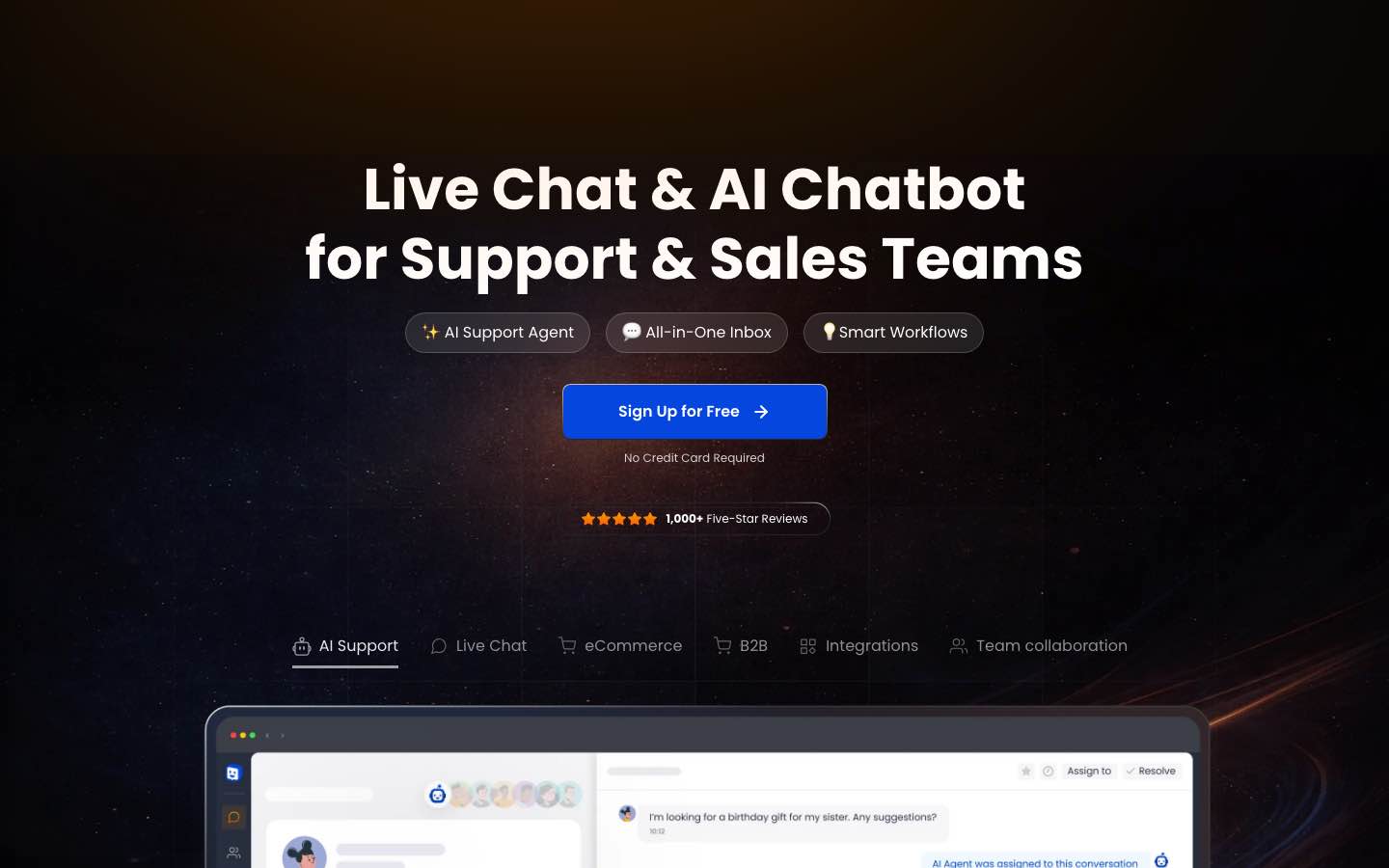
Chatway is the lightweight option on this list. You drop a live chat widget on your site, then bolt on the extra pieces (AI support, FAQs, canned responses, team assignments, connected channels) as you need them. It doesn't feel like a tool built only for big support teams, which is the point.
It pulls WhatsApp, Messenger, Instagram, email, and website chat into one inbox, and the Shopify and WooCommerce sync lets agents see order, cart, and customer details mid-conversation instead of tab-switching. The AI Support Agent is an add-on: it answers 24/7 from your site and knowledge base, replies in multiple languages, and hands complex threads to a human.
Pricing
- Free forever: 1 seat
- Pro: $29/mo monthly, $24/mo billed yearly
- AI Support Agent: $0.50 per resolved AI conversation (works on every plan, including free)
What works
- Genuinely light setup. Live chat widget, FAQs, and basic inbox are up without much technical work.
- Unified inbox. Website chat, WhatsApp, Messenger, Instagram, and email in one place.
- Shopify and WooCommerce sync. Order, cart, and customer context inside the chat, plus the ability to share products, coupons, or order details live.
- AI billed per resolution, no extra seat. $0.50 per resolved AI conversation, available on every plan including free.
- Strong app-store reviews. Chatway cites 1,000+ five-star reviews across iOS and Android, plus listings on Shopify, Wix, G2, Capterra, and Trustpilot.
What doesn't
- No native voice. Phone isn't the use case. If customers call, you need another tool.
- Free plan is one seat. Fine for a solo founder, not a team.
- Team features and full store sync sit in paid plans. Assignments, private notes, and deep ecommerce context aren't on free.
Why it ranks #10. Best pick if you're a small team that wants live chat plus light AI without an enterprise stack. It lands at #10 because, like most of this list, voice isn't part of the product, so it's not the answer for DTC brands where phone is a real channel.
Pricing compared
| Tool | Entry tier | Mid-tier | AI billing | Voice native? |
|---|---|---|---|---|
| Ringly | $99/mo for the first 50 conversations, then $1.99 per conversation | Custom from 1,000+ calls a month | Included | Yes (voice-first) |
| Intercom | $29/seat | $85/seat | $0.99/Fin resolution | Pay-as-you-go add-on |
| Gorgias | $10/mo (50 tickets) | $360/mo (2,000) | $1.00/resolution | $0.40-$1.20/ticket |
| Help Scout | $25/seat | $45/seat | $0.75/resolution | No |
| Freshdesk | Free (10 agents) | $55/agent | $100/1,000 sessions | Add-on |
| Zendesk | $19/agent | $115/agent | $1.50-$2.00/resolution | Yes (Talk) |
| Kustomer | $89/seat (8-seat min) | $139/seat | $0.60/conversation | Twilio |
| Front | $19/seat | $65/seat | +$20/seat add-on | No |
| Tidio | $29/mo | $59/mo (jumps to $749) | +$39/mo Lyro | No |
| Re:amaze | $29/member | $49/member | Twilio passthrough | Twilio |
| Chatway | Free / $29/mo | $24/mo (annual) | $0.50/AI resolution | No |
Two patterns to notice. One: nearly every Intercom alternative still bills AI per resolution, which means the better the bot gets at its job, the more you pay. Two: voice is missing or bolted-on in nine of ten. If phone matters to your business, that's the lens that should drive the decision.
ROI math: what an Intercom switch is actually worth
The math is simple once you put real numbers on it. Take a Shopify brand running six support reps at a fully-loaded $4,000/month each (salary + benefits + management overhead): that's $24,000/month in support payroll. About 70% of inbound volume is repetitive (order status, returns, where's my order, address change). If AI handles that 70%, you free four reps' worth of work, and the remaining two reps can focus on retention and upsell.
Hard dollars on the table: roughly $16,000/month in reallocated payroll, plus the recovered revenue from after-hours calls you used to miss. WashCo's 7-day result was $22,664 in attributed revenue, 271 calls handled, 85% deflection, at $0.91 per call versus $2.70 per human-handled call. That's a 28.5x ROI on the dashboard example we publish on the homepage.
For higher-AOV brands ($150+ AOV in supplements, beauty, CBD, gear), the recovered-revenue side of the math dwarfs the payroll-savings side. A single missed Sunday-night call worth $200 in attributed revenue covers more than half a month of Ringly's entry tier.
You qualify if:
- You sell on Shopify and your customers regularly call your support line.
- AOV is $30+ and annual revenue is $2.4M+.
- You take 50+ inbound support calls per week.
- Your support team feels stretched on the basics (order status, refunds, after-hours).
What happens on the call.
- Fifteen minutes. You show me your last 30 days of call volume from your current phone system.
- I show you what an AI voice agent would resolve, what it would escalate, and what the recovered-revenue number would look like for your AOV.
- No deck. No homework before the call. If we're a fit, most brands go live in under an hour. If we're not, you walk away with a number.
If you want that math against your real call log, book a 20-min Lost-Calls Audit. I'll be on it.
How to pick the right Intercom alternative for you
Five short rules, in plain English.
- If you take 50+ calls a week and sell on Shopify: Ringly. The only voice-first option on the list, the only one with a resolution guarantee.
- If you're chat-and-email-first with native Shopify order actions as the priority: Gorgias. Best ticket-based pricing for Shopify ecom. Read our Intercom vs Gorgias comparison for the head-to-head.
- If you want flat per-seat pricing and don't need voice at all: Help Scout. The least surprising bill on the list.
- If you're enterprise scale with a dedicated CX ops person: Zendesk or Kustomer. Both real, both expensive, both require setup investment.
- If you're sub-$1M revenue and just need cheap chat: Tidio or Re:amaze. Free or near-free for low volume.
Real merchant proof point on the voice path: TechCraft Studio runs Ringly and handles 88% of inbound calls without a human, with 78% resolution. Their founder says customers feel like they're talking to a normal person. That's the bar that voice-first AI needs to hit before it's a real Intercom alternative for ecom.
Frequently asked questions
What's the cheapest Intercom alternative for Shopify brands?
If you're under 10 agents and OK with email-first support, Freshdesk's free tier is the cheapest real option. For tiny stores with low chat volume, Tidio's free tier works. Below the free tiers, Help Scout's $25/seat is the cheapest predictable per-seat pricing on the list.
Which Intercom alternative actually handles phone calls?
Ringly is the only voice-first option here, built for inbound Shopify phone support with native order actions. Zendesk Talk is a real voice channel but it's bundled into the broader Zendesk price stack. Gorgias has a voice add-on but it's volume-billed per ticket. Most of the others have no native voice at all.
How does Ringly compare to Intercom Fin's AI pricing?
Intercom Fin charges $0.99 per AI resolution on top of seat costs, which scales up the more your AI succeeds. Ringly charges per phone conversation, not per resolution (see Ringly's pricing), so your bill does not go up as the AI resolves more calls. See our full Intercom Fin Voice alternative breakdown.
Can I migrate from Intercom without breaking my workflows?
Most teams can move chat + email + ticketing to a new helpdesk inside 2-3 weeks. Voice is faster (most brands go live on Ringly in under an hour). The hard part is rebuilding any custom Intercom automations and re-training the team. For most DTC brands the rebuild is worth it inside 60 days.
What about voice? Does Intercom Fin Voice work for DTC?
Fin Voice exists but it's positioned as a chat-first AI with a voice mode, not a native phone-support product. For DTC brands where customers expect a voice agent to look up orders, process refunds, and handle product questions live, it doesn't match a purpose-built voice product.
Which Intercom alternative is best for high-AOV brands ($150+)?
Ringly. The math on missed phone calls flips when AOV is $150+: every after-hours call you recover is a real-money win. For high-AOV brands in supplements, beauty, CBD, baby, gear, jewelry, BioLongevity Labs runs at 79% end-to-end resolution autonomously, which is the kind of number that pays for the platform inside a month.
Talk to us about your call volume
If you're a Shopify brand above $2.4M/yr with phone as a real channel, the right Intercom alternative is probably the one where voice isn't an afterthought. We back that with a real guarantee.
Ruben (Ringly co-founder) takes these calls personally.
Book a 20-min call and I'll walk you through what your call log would look like routed through AI.
What Intercom and the top alternatives actually cost (2026)
Pricing is the most common reason teams leave Intercom, so here is how the seat costs compare at entry level:
- Intercom — Essential $29, Advanced $85, Expert $132 per seat/month; Fin AI charged at $0.99 per resolution
- Help Scout — Standard $25, Plus $45, Pro $75 per seat/month
- Gorgias — from $10/month (Starter, 50 tickets), scaling by ticket volume
The headline difference is the AI billing model: Intercom's per-resolution Fin charge is usage-based, so heavy ticket volume can make a flat-seat alternative cheaper. Confirm current pricing on each vendor's site (verified June 2026).
Switching from Intercom: common questions
Is there a cheaper alternative to Intercom?
Yes. Gorgias starts at $10/month and Help Scout at $25/seat, both below Intercom's $29 entry seat. The bigger savings often come from avoiding Intercom's $0.99-per-resolution Fin AI charge if you handle high ticket volume.
What is the best Intercom alternative for ecommerce?
For Shopify stores, Gorgias is the most common switch because it's built around ecommerce tickets and order actions. Teams wanting a simpler shared inbox often pick Help Scout.
How much does Intercom's Fin AI cost?
Fin is billed at $0.99 per successful resolution, on top of your seat subscription. That usage model can be cost-effective at low volume but expensive at scale, which is a key reason teams compare alternatives.
You can also compare customer engagement tools on Software Finder.



