

Yes, Re:amaze integrates with Shopify, and it's a native integration that puts customers' Shopify order information and data in front of agents.
Hear what AI support calls sound like for your store. Just paste your Shopify URL and get sample calls in under 20 seconds, no email required. Listen to demo calls for my store.
Does Re:amaze integrate with Shopify?
It does. Re:amaze describes it as a native integration that lets agents access customers' Shopify order information and data inside the conversation.
Agents see the customer's Shopify order information and data inside the conversation itself. Phone calls come in through a separate route, covered below.
How to install and connect Re:amaze from the Shopify App Store
The install starts in the Shopify App Store. Re:amaze's walkthrough tells you to open the store and search for Re:amaze.
Once connected, Re:amaze says you can manage customer conversations, add live chat widgets and proactively engage shoppers from your storefront. That makes the order check and the widget check the two worth doing first.
Here's the basic path:
- Find the app: search for Re:amaze in the Shopify App Store
- Connect it to your store: once connected, Re:amaze says you can manage customer conversations from Shopify
- Check the order panel: open a conversation from a customer who has ordered and confirm their orders show up
- Add the chat widget: Re:amaze says connecting lets you add live chat widgets, covered below
If you're still comparing helpdesks before you commit, our breakdown of Re:amaze alternatives lays out the other options.
What agents see and do: orders, refunds and cancellations
Re:amaze lists these order actions among its Shopify features:
- Refund: Re:amaze lists the ability to refund each order
- Cancel: it also lists the ability to cancel each order
So yes, Re:amaze lists refunding and canceling each order among its Shopify features.
When Shopify is connected, the Re:amaze AI Agent's knowledge sources include product details and order information.
If you want to see how other helpdesks handle the same job, we've written up the Zendesk and Shopify setup and the Freshdesk and Shopify setup.
Draft orders from a conversation
With Shopify connected, your team can create Shopify draft orders directly from a customer conversation. Draft orders sit alongside the refund and cancel actions described above. Test the flow on a sample order before your team relies on it.
Attributing orders to conversations
The same help page says orders can be attributed to conversations even if the conversation started two months before the order was placed. In other words, a conversation that began two months before the order was placed can still be linked to that order. Two months between the start of a conversation and the order is the example Re:amaze gives.
Chat widget and Cues on the storefront, and what a theme update can break
Re:amaze warns that updating or changing your Shopify theme can affect elements connected to your storefront, including your chat widget and Cues.
After a theme change, check that both the chat widget and Cues are still showing on the storefront. Those are the two elements Re:amaze names, so those are the two to recheck. Re:amaze names both the chat widget and Cues as elements that updating or changing your Shopify theme can affect.
A practical habit: after any theme update or switch, load your storefront in a private window and confirm the widget shows up before you assume it's fine.
Re:amaze Shopify features at a glance
| Feature | What it does |
|---|---|
| Order access | Shows customer Shopify order information and data in the conversation |
| Refund | Lists the ability to refund each order |
| Cancel | Lists the ability to cancel each order |
| Draft orders | Create Shopify draft orders from a conversation |
| Chat widget and Cues | Engage shoppers on the storefront |
| Order attribution | Attribute orders to conversations, even if the conversation started two months before the order |
Where phone calls fit
Re:amaze integrates with several voice providers, so a team can manage calls, voicemails and call recordings from the dashboard. Calls, voicemails and recordings are the three things Re:amaze names. Decide early whether phone stays outside the inbox or comes in through a connection.
Re:amaze is also now part of GoDaddy, which acquired it.
If your inbox is the thing you're trying to fix, see our roundups of the best Shopify helpdesk apps and the best ecommerce helpdesk software.
Checklist before you connect
- Pick the plan first: confirm your Re:amaze plan fits your team
- Install from the Shopify App Store: search for Re:amaze and connect your store
- Test an order lookup: open a conversation from a past customer and check the order shows
- Try a refund or draft order flow: do it on a test order before you rely on it
- Add the chat widget: then recheck it after every theme update
- Decide on phone: choose whether calls stay outside the inbox or come in through a connection
How Ringly.io handles phone calls with Re:amaze
Ringly.io is AI phone support for Shopify brands. Seth answers the call, looks up the order through Shopify, and, through the Re:amaze connection (currently in beta), sends the calls that need a person to Re:amaze.
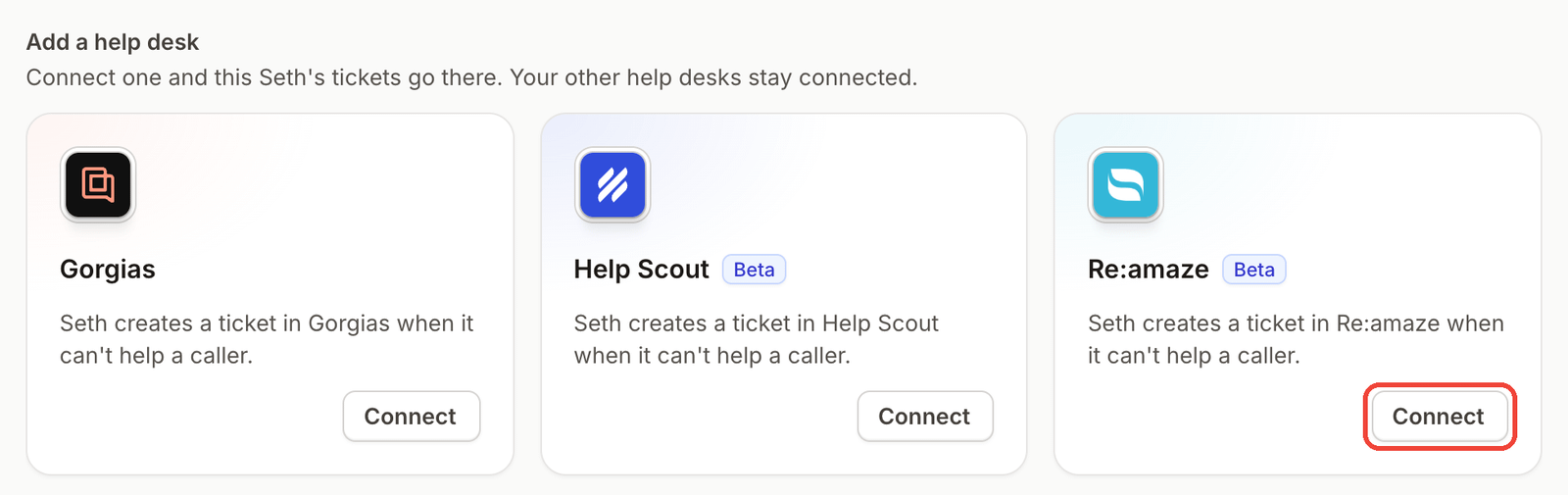
Per Ringly's Re:amaze article, a call that needs a person, or a caller who asks to cancel an order, becomes an open conversation in your Support channel. The full details sit in a private internal note: the summary, the caller's number, the time of the call, the transcript and a link to the call in Ringly.
AI Coach is a chat assistant inside the Seth dashboard. It reads your settings and real calls, tells you what to fix first, and makes most of those changes for you. It's in beta, so it can be wrong. Coach shows every suggested change as a card, and nothing is saved until you click the button that names the change. See how Coach works.
Before Seth shares order details, he verifies the caller, either silently by phone match or with the shipping ZIP code plus order number or email.
Seth can also text the caller during a call once you connect a Twilio account, and a custom skill lets him call any API endpoint mid-call, so a tool that isn't listed can still be connected if it has an API.
Ringly.io charges per phone conversation, see pricing.
Frequently asked questions
Does Re:amaze integrate with Shopify?
Yes. It's a native integration that gives agents access to customers' Shopify order information and data in the conversation.
Can I refund or cancel a Shopify order from Re:amaze?
Yes. Re:amaze lists the ability to refund each order and the ability to cancel each order among its Shopify features. Both actions are listed on its Shopify integration page.
Can I create Shopify draft orders from Re:amaze?
Yes. With Shopify connected, your team can create Shopify draft orders directly from a customer conversation.
Why did my Re:amaze chat widget disappear after a Shopify theme update?
Re:amaze says updating or changing your Shopify theme can affect storefront elements, including the chat widget and Cues. Check the widget after any theme change. Reload your storefront after the change to confirm both still show.
Does Re:amaze handle phone calls for a Shopify store?
Re:amaze connects to voice providers for calls, voicemails and recordings, and tools like Ringly.io can send phone calls into Re:amaze as conversations.
What lands in Re:amaze when a call needs a person?
When Ringly's Re:amaze connection is set up, a call that needs a person becomes an open conversation in your Support channel. The details sit in a private internal note: the summary, the caller's number, the time of the call, the transcript and a link to the call.
More on Re:amaze: Re:amaze phone integration, best AI agents for Re:amaze and how Ringly connects to Re:amaze.