Finding the right customer support platform directly impacts your team's efficiency.
If you're considering switching from HelpCrunch or exploring alternatives, this guide breaks down seven solid options worth your time.
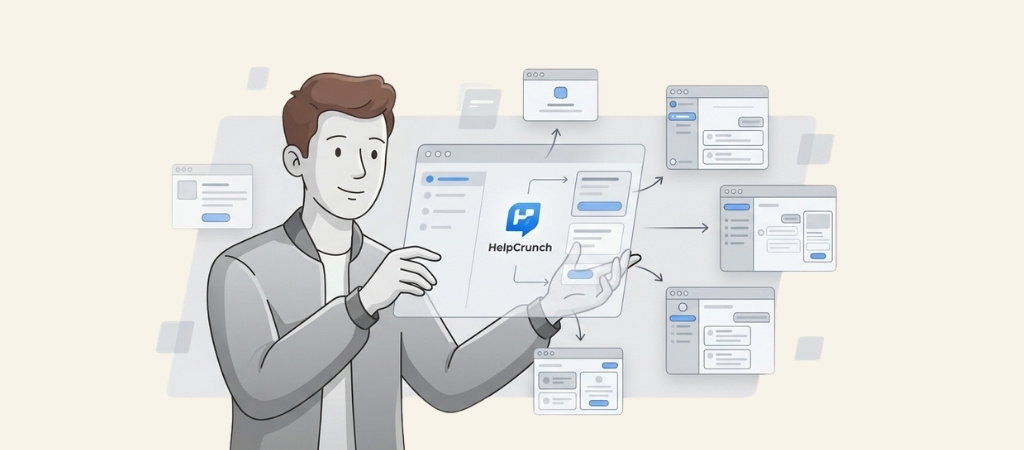
HelpCrunch has built a reputation as an all-in-one customer communication platform, combining live chat, email automation, and help desk features.
But it's not perfect for everyone. Some teams find the pricing doesn't scale well as they grow.
Others want more advanced AI capabilities or simply prefer a different interface.
Whatever your reason for looking elsewhere, there's likely a better fit out there.
Editor’s note: Want to hear some sample AI support calls made for your Shopify store?
- Just paste your store URL
- Get sample calls in under 20 seconds (no email required)
- Listen to demo calls for my store
What is HelpCrunch?
HelpCrunch positions itself as an all-in-one customer communication platform.
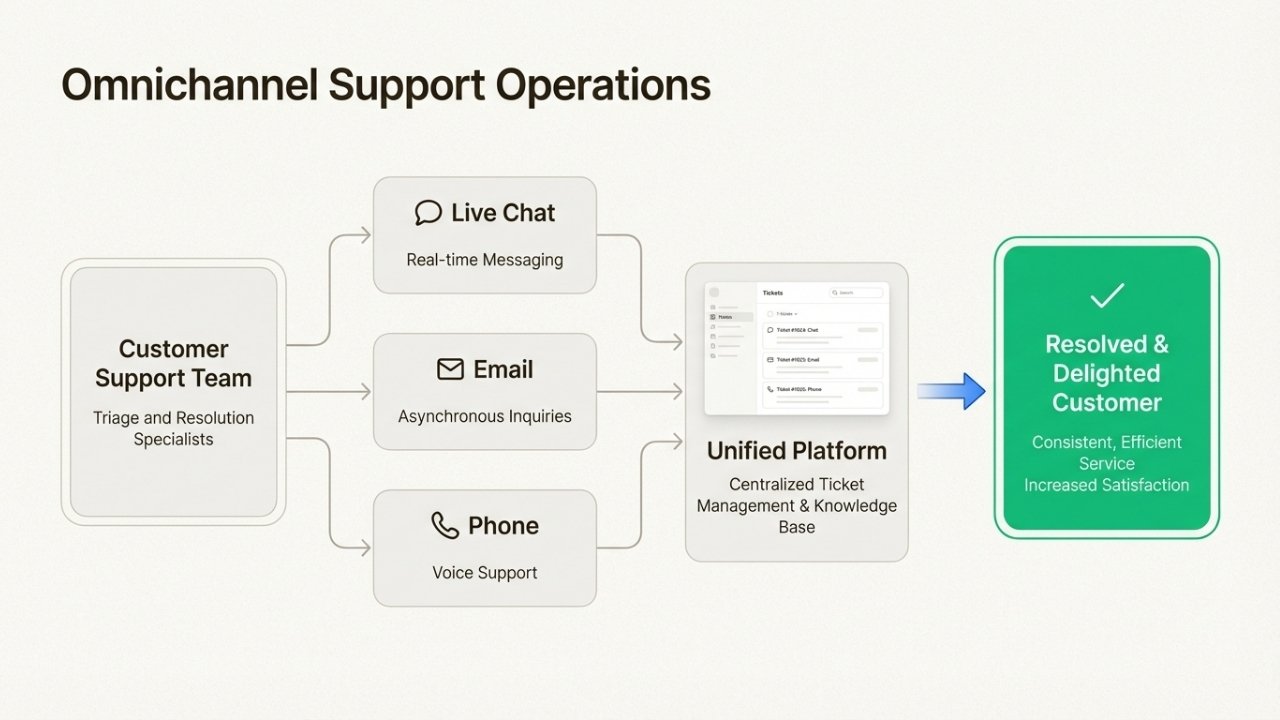
At its core, it offers live chat, email marketing automation, a knowledge base builder, and a help desk ticketing system.
Pricing starts at $25 per month per team member, which puts it in the mid-range for this category.
The platform works well for small to medium-sized teams that want unified messaging without juggling multiple tools.
However, as teams scale or need more specialized features, many start exploring alternatives.
Some common pain points include limited AI capabilities compared to newer competitors, interface preferences, and pricing that can add up quickly with larger teams.
Quick Comparison of HelpCrunch Alternatives
Before diving into each option, here's how they stack up at a glance:
| Tool | Starting Price | Free Plan | Best For |
|---|---|---|---|
| Crisp | $25/workspace/mo | 2 seats | Flat pricing, co-browsing |
| Tidio | $24.17/mo | 50 conversations | E-commerce, ticketing |
| Help Scout | $22/user/mo | 5 users | Human-centric support |
| Zendesk | $19/agent/mo (Support) | No | Enterprise, complex ops |
| Freshdesk | $15/agent/mo | 2 agents | Scalable omnichannel |
| LiveAgent | $15/agent/mo | No | Phone + chat combined |
| ProProfs Chat | $19.99/operator/mo | 1 operator | Solo operators, budget |
The 7 Best HelpCrunch Alternatives
1. Crisp
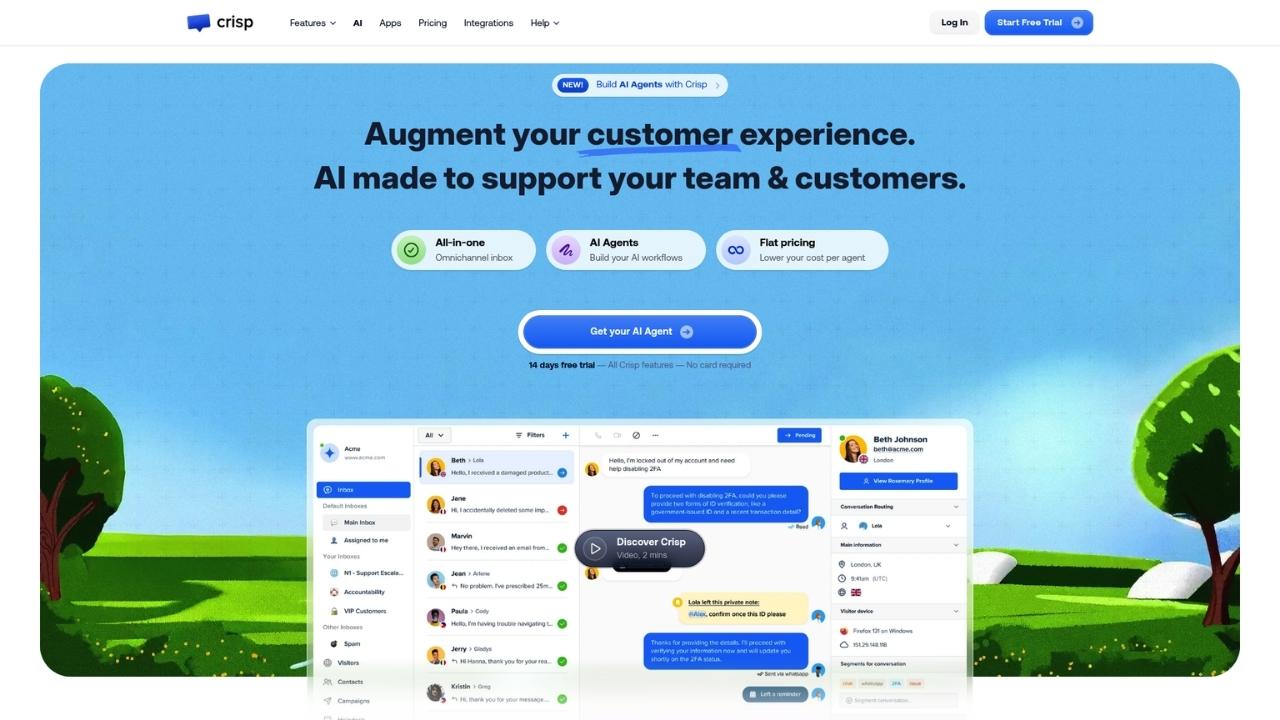
Crisp takes a different approach to pricing that many teams appreciate. Instead of charging per agent, they use a flat workspace model.
This can save significant money as your team grows.
Key features:
- MagicBrowse co-browsing (take control of user screens without plugins)
- AI chatbot with no-code workflow builder
- Omnichannel support (WhatsApp, Instagram, Messenger, Telegram, SMS, email)
- Built-in knowledge base with multilingual support
- Real-time translation in 50+ languages
Pricing:
| Plan | Price | Seats | Key Limits |
|---|---|---|---|
| Free | $0 | 2 | 100 customer profiles |
| Mini | $45/mo | 4 | 5,000 profiles, ~90 AI conversations |
| Essentials | $95/mo | 10 | 50,000 profiles, ~450 AI conversations |
| Plus | $295/mo | 20+ | 200,000 profiles, ~1,350 AI conversations |
Pros:
- Flat pricing saves money as you add agents
- Generous free plan for small teams
- MagicBrowse is genuinely useful for technical support
- Strong e-commerce integrations (Shopify, WooCommerce)
Cons:
- AI chatbot not available on free plan
- Reporting customization is limited
- Fewer enterprise features compared to Zendesk
Who it's best for: Startups and SMBs that want predictable pricing without per-agent fees.
The co-browsing feature is a standout for SaaS companies doing technical support.
2. Tidio

Tidio has carved out a strong position in the e-commerce space. If you run an online store, this is worth serious consideration.
Key features:
- Lyro AI Agent (solves up to 67% of customer problems automatically)
- Built-in ticketing system that converts from chat seamlessly
- Visual Flows builder for lead generation and sales automation
- Native Shopify actions and product recommendations
- AI Copilot for human agents
Pricing:
| Plan | Price | Key Limits |
|---|---|---|
| Free | $0 | 50 conversations, 100 Flows visitors, 10 seats |
| Starter | $24.17/mo | 100 conversations, 50 Lyro AI conversations |
| Growth | $49.17/mo+ | From 250 conversations, advanced analytics |
| Plus | $749/mo+ | Custom conversations, departments, success manager |
Pros:
- Best-in-class chat-to-ticket conversion
- Lyro AI has a guaranteed 50% resolution rate on higher tiers
- E-commerce features are genuinely useful, not bolted-on
- Easy chatbot setup with visual builder
Cons:
- No automatic chat assignment on free plan
- Support quality can vary
- Higher tiers get expensive quickly
Who it's best for: E-commerce stores that need both real-time chat and structured ticket management. The Shopify integration is particularly strong.
3. Help Scout
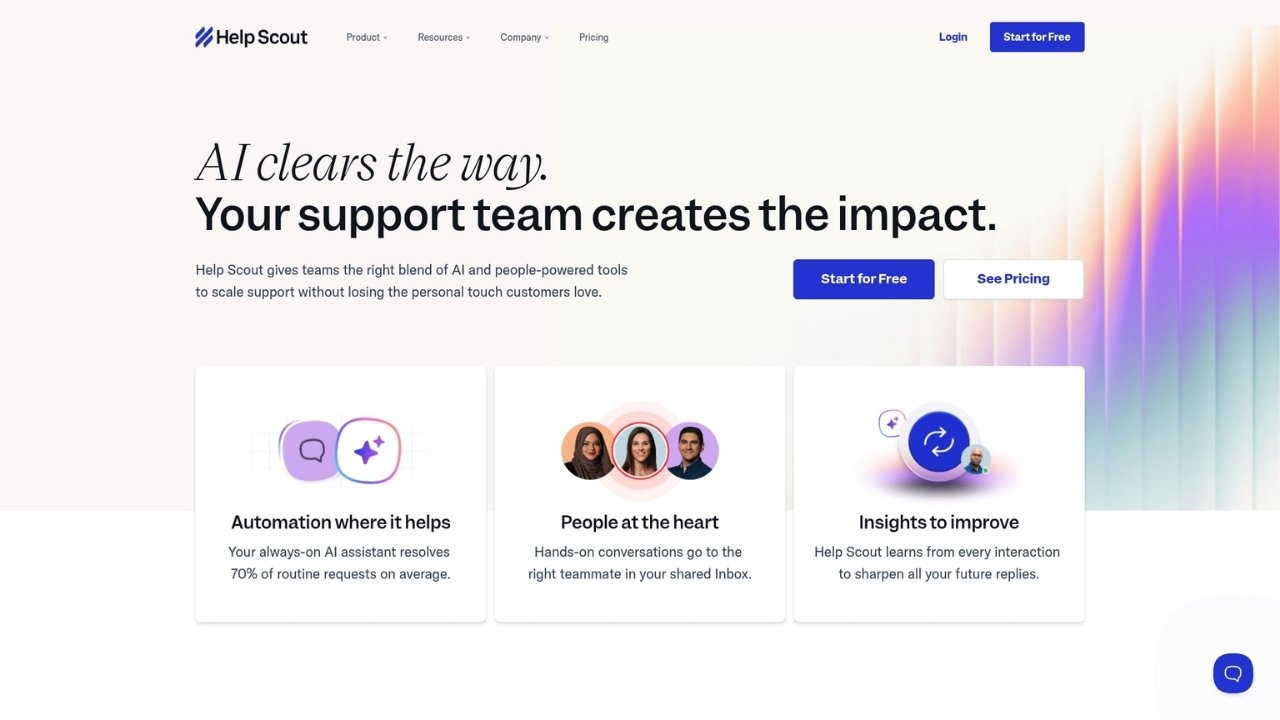
Help Scout takes a different philosophy than most tools on this list. They prioritize human connection over automation, which resonates with certain types of teams.
Key features:
- Shared inbox for email, live chat, and social
- Beacon embeddable support hub
- AI Assist for expanding, shortening, and translating text
- AI Drafts based on past conversations
- Customer profiles with conversation history
Pricing:
| Plan | Price | Key Limits |
|---|---|---|
| Free | $0 | 5 users, 1 inbox, 1 docs site, 100 contacts/mo |
| Standard | $25/user/mo | Up to 25 users, 2 inboxes |
| Plus | $45/user/mo | Up to 50 users, 5 inboxes, advanced workflows |
| Pro | $75/user/mo | Unlimited users, 10 inboxes, SSO, HIPAA |
Pros:
- Clean, intuitive interface that agents love
- Excellent collaboration features
- GDPR compliant out of the box
- 3-month free trial for AI Answers
Cons:
- Only 2 shared inboxes on starter plan
- Can feel limited for large teams
- AI features are add-ons, not built-in
Who it's best for: Small to mid-sized teams that value simplicity over feature bloat. If you believe great support comes from humans, not bots, this is your platform.
4. Zendesk

Zendesk is the industry standard for a reason. It's not the cheapest or easiest, but for complex operations, it's hard to beat.
Key features:
- AI agents with Essential and Advanced tiers
- Omnichannel support (email, messaging, voice, social)
- Multiple branded help centers (up to 300 on Enterprise)
- Copilot AI assistance for agents
- 1000+ prebuilt integrations
- Advanced analytics and custom reporting
Pricing:
| Plan | Annual Price | Key Features |
|---|---|---|
| Support Team | $19/agent/mo | Email, Facebook, X, basic ticketing |
| Suite Team | $55/agent/mo | AI agents, 1 help center, messaging, phone |
| Suite Professional | $115/agent/mo | 5 help centers, skills-based routing, HIPAA |
| Suite Enterprise | $169/agent/mo | 300 help centers, sandbox, custom roles |
Pros:
- Most comprehensive feature set in the industry
- Highly scalable for growing teams
- Strong ecosystem of integrations
- Enterprise-grade security and compliance
Cons:
- Expensive, especially with add-ons
- Steep learning curve
- Complex setup process
- Can be overkill for smaller teams
Who it's best for: Organizations with 50+ agents that need enterprise-grade capabilities. If you have complex routing requirements or need extensive customization, Zendesk is worth the investment.
5. Freshdesk

Freshdesk offers a compelling middle ground between affordability and features. It's particularly strong for teams that expect to grow.
Key features:
- Freddy AI Agent for email automation
- Freddy AI Copilot for agent assistance
- Omnichannel (email, chat, phone, social, WhatsApp)
- Field service management
- 5,000 collaborators included on Pro/Enterprise
- Customer portal with knowledge base
Pricing:
| Plan | Annual Price | Key Features |
|---|---|---|
| Free | $0 | Up to 2 agents for 6 months |
| Growth | $15/agent/mo | Ticketing, customer portal, basic reports |
| Pro | $49/agent/mo | Custom portals, custom objects, advanced routing |
| Enterprise | $79/agent/mo | Audit logs, approval workflows, skills-based assignment |
Pros:
- Affordable entry point with room to grow
- Strong free tier for getting started
- Good automation capabilities
- Field service management included
Cons:
- Advanced features require higher tiers
- Interface can feel cluttered
- AI sessions can get expensive at scale
Who it's best for: Growing teams that need a platform that scales with them. The free tier is genuinely useful for testing, and the pricing stays reasonable as you upgrade.
6. LiveAgent
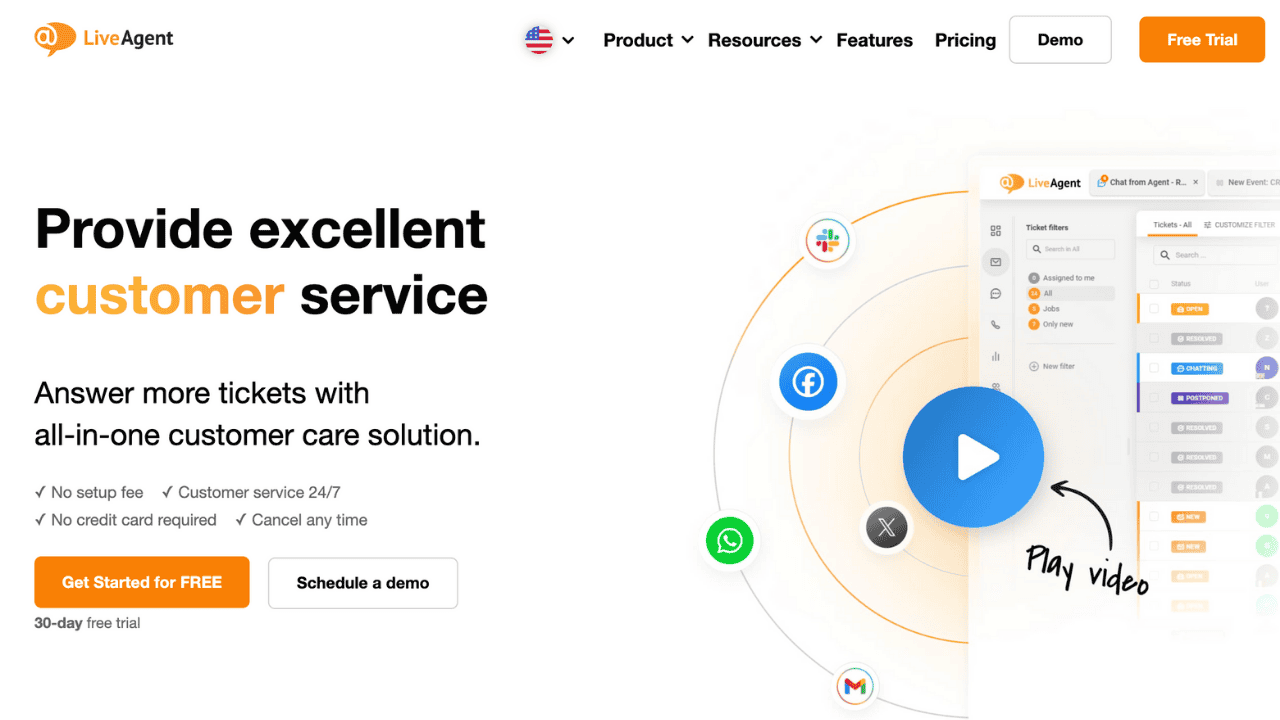
LiveAgent distinguishes itself with built-in call center capabilities and a focus on speed.
Key features:
- Built-in call center with IVR
- Fastest chat widget (2.5 second load time)
- Unlimited ticket history on all plans
- Social media integration (Facebook, Instagram, Twitter, Viber, WhatsApp)
- AI Answer Assistant and AI Chatbot
- Gamification with points and leaderboards
Pricing:
| Plan | Annual Price | Key Features |
|---|---|---|
| Small Business | $15/agent/mo | Ticketing, live chat, knowledge base, 3 email accounts |
| Medium Business | $29/agent/mo | Call center, IVR, proactive chat, 10 email accounts |
| Large Business | $49/agent/mo | Social channels, SSO, WhatsApp |
| Enterprise | $69/agent/mo | Dedicated account manager, priority support |
Pros:
- All-in-one solution with phone support
- Unlimited history on all plans (no data loss)
- Fast chat widget improves user experience
- 24/7 support included on most plans
Cons:
- Interface can feel overwhelming
- Setup takes time
- Social channels are expensive add-ons on lower tiers
Who it's best for: Businesses that need phone support integrated with their help desk. If voice calls are a significant part of your support strategy, LiveAgent is worth considering.
7. ProProfs Chat

ProProfs Chat offers one of the most generous free plans in the industry, making it ideal for solo operators and small teams on tight budgets.
Key features:
- AI chatbot available as paid add-on
- Real-time translation in 70+ languages
- Proactive chat triggers based on visitor behavior
- E-commerce integrations (Shopify, WooCommerce)
- Social media integration (Facebook, WhatsApp, Instagram)
- Voice Assistant for speech-to-text
- Unlimited domains and chat history
Pricing:
| Plan | Price | Key Limits |
|---|---|---|
| Free | $0 | 1 operator, all premium features, unlimited domains |
| Team | $19.99/operator/mo (annual) | 2+ operators, dedicated onboarding |
Pros:
- Free plan includes all premium features for one operator
- Affordable per-operator pricing
- Unlimited domains and chat history
- Strong chatbot NLP capabilities
Cons:
- Free plan limited to 1 operator
- AI chatbot is a separate add-on
- No on-premise option
Who it's best for: Solo operators and small teams that want full features without the cost. The free plan is genuinely usable long-term, not just a trial.
How to Choose the Right HelpCrunch Alternative
With seven solid options, how do you pick? Here's a decision framework based on team size and use case.
By team size:
| Team Size | Best Options | Why |
|---|---|---|
| 1-5 agents | Crisp, ProProfs Chat, Tidio | Free or low-cost tiers with core features |
| 5-20 agents | Help Scout, Freshdesk | Scalable pricing, good feature balance |
| 20+ agents | Zendesk, LiveAgent | Enterprise features, advanced routing |
By use case:
- E-commerce: Tidio or ProProfs Chat for strong store integrations
- B2B SaaS: Help Scout or Zendesk for professional, scalable support
- Phone-heavy operations: LiveAgent for integrated call center
- Budget-conscious: Crisp (flat pricing) or Freshdesk (low starting price)
Migration considerations:
Switching platforms always involves some friction. Plan for:
- Data export/import (tickets, customer records, knowledge base articles)
- Agent retraining on new workflows
- Potential downtime during cutover
- Customer communication about any changes to support channels
Most platforms offer migration assistance or documentation. Take advantage of free trials to test the migration process before committing.
Upgrade Your Support Stack Without the Headache
The right help desk platform depends on your specific needs. There's no universal "best" option, only the best fit for your team size, budget, and support strategy.
If you're looking for flat pricing and co-browsing, Crisp is hard to beat.
For e-commerce, Tidio's Shopify integration is genuinely useful. Teams prioritizing human connection over automation should look at Help Scout.
Enterprises with complex needs will find Zendesk worth the investment. Growing teams should consider Freshdesk's scalable pricing.
If phone support matters, LiveAgent delivers. And solo operators can run on ProProfs Chat's generous free plan indefinitely.
One gap many teams overlook is phone support. While these platforms handle chat and email well, voice calls often require additional tools.
If you're looking to add phone support to your stack, Ringly.io offers a simple way to handle calls while you evaluate which chat platform fits best.
Frequently Asked Questions
What are the best free HelpCrunch alternatives?
ProProfs Chat offers the most generous free plan with one operator and all premium features. Crisp gives you 2 seats on their free tier. Freshdesk offers a free plan for up to 2 agents for 6 months. Tidio provides 50 free conversations monthly.
Which HelpCrunch alternative has the best AI chatbot?
Tidio's Lyro AI Agent guarantees a 50% resolution rate on higher tiers and solves up to 67% of customer problems automatically. Zendesk's AI agents are also strong but require higher-tier plans. Crisp and Freshdesk offer solid AI capabilities at mid-range prices.
Is there a HelpCrunch alternative with flat pricing instead of per-agent?
Yes, Crisp uses flat workspace pricing starting at $45/month for 4 seats. This can save significant money compared to per-agent pricing as your team grows.
Which HelpCrunch alternative is best for e-commerce?
Tidio is specifically built for e-commerce with native Shopify actions, product recommendations, and visual flows for lead generation. ProProfs Chat also offers strong e-commerce integrations.
What's the most affordable HelpCrunch alternative for small teams?
Freshdesk starts at $15/agent/month annually, making it one of the most affordable options. LiveAgent matches this price point. ProProfs Chat is free for solo operators.
Which HelpCrunch alternative includes phone support?
LiveAgent includes built-in call center and IVR features on Medium Business plans and above. Zendesk Suite Team and above includes phone support. Most other tools require third-party integrations for voice calls.
How do I migrate from HelpCrunch to an alternative?
Most platforms offer migration tools or services. Start by exporting your data (tickets, contacts, knowledge base articles) from HelpCrunch. Import into your new platform during a trial period. Train agents on the new system before cutover. Plan for some downtime and communicate changes to customers.