


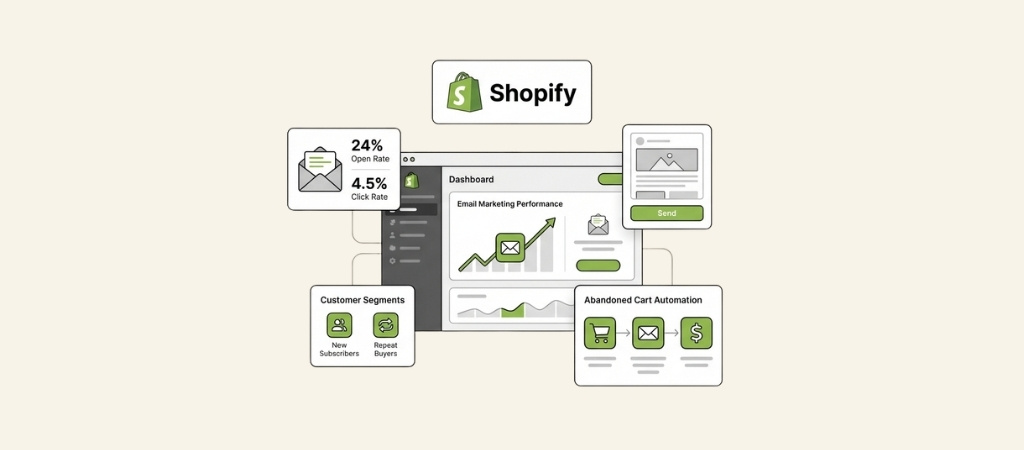
Email marketing remains one of the highest-ROI channels for ecommerce stores.
For Shopify merchants, the platform offers a built-in solution called Shopify Messaging (formerly Shopify Email).
But is it enough? Or should you invest in a dedicated email marketing platform like Klaviyo or Omnisend?
Let's break down what you actually get with each option, where the trade-offs lie, and how to decide what's right for your store.
Editor’s note: Want to hear some sample AI support calls made for your Shopify store?
- Just paste your store URL
- Get sample calls in under 20 seconds (no email required)
- Listen to demo calls for my store
What is Shopify email marketing?
Shopify email marketing refers to any system that lets you send promotional emails, automated sequences, and transactional messages to your Shopify customers.
This includes:
- Native solutions: Shopify Messaging, built directly into your admin
- Third-party apps: Dedicated email platforms that integrate with Shopify via the app store
- Hybrid approaches: Using Shopify for basics and external tools for advanced campaigns
The appeal is obvious. Email lets you own your customer relationships without paying platform fees for every touch.
You can nurture subscribers, recover abandoned carts, announce sales, and drive repeat purchases, all from one place.
But the challenge is choosing the right tool. Shopify's native option is free to start, while dedicated platforms offer more power at a monthly cost.
Understanding the differences will save you from switching platforms later.
Shopify Messaging: The native solution
Shopify Messaging is Shopify's built-in email and SMS marketing tool. It comes pre-installed on all paid Shopify plans and offers a surprisingly robust feature set for a native solution.
What you get for free
Every Shopify store on a paid plan gets 10,000 free emails per month.
This isn't a trial, it's ongoing. For many small stores, this covers their entire email marketing needs.
Here's how the pricing breaks down:
| Emails/Month | Cost |
|---|---|
| Up to 10,000 | Free |
| 10,001 - 300,000 | $1 per 1,000 emails |
| 300,001 - 750,000 | $0.65 per 1,000 emails |
| Over 750,000 | $0.55 per 1,000 emails |
Abandoned checkout automations are always free and don't count toward your 10,000 email limit.
This is significant because abandoned cart recovery is often the highest-ROI email automation for ecommerce stores.
Key features
Shopify Messaging includes most of what you'd expect from an email platform:
- Drag-and-drop editor: Build emails visually without touching code
- Brand auto-sync: Your logo, colors, and fonts pull automatically from your store settings
- 24 pre-built templates: Covering welcome series, product announcements, sales, and more
- AI copy generation: Sidekick, Shopify's AI assistant, helps write subject lines and body copy
- Product syncing: Insert products directly from your catalog with live pricing and images
- Basic segmentation: Target customers by purchase history, location, or behavior
- SMS marketing: Send text messages alongside emails from the same interface
- Performance analytics: Track opens, clicks, and sales attributed to each campaign
For stores just starting with email marketing, this covers the essentials. You can launch campaigns within minutes of setting up your store.
Where it falls short
Shopify Messaging isn't perfect. Here are the limitations that push growing stores toward third-party alternatives:
Batching for large lists: If you have over 1,000 subscribers, Shopify uses "batching" to send emails gradually.
Your campaign might take up to 72 hours to reach everyone. For time-sensitive promotions (like flash sales), this is a dealbreaker.
Limited multilingual support: Despite Shopify supporting multilingual stores, emails can only be sent in one language unless you're comfortable with custom coding.
Customers won't automatically receive emails in their browser's language.
No built-in product reviews: Shopify removed native product reviews, so you'll need a third-party app (like Loox or Judge.me) if you want to include review content in emails.
Basic automation: While you can set up welcome series and abandoned carts, the workflow builder lacks the sophistication of dedicated email platforms.
Complex branching logic or multi-step nurture sequences are difficult or impossible.
Less advanced segmentation: You can segment by basic criteria, but you can't get as granular as tools like Klaviyo allow (e.g., customers who viewed a specific product category but didn't purchase).
Top Shopify email marketing alternatives
When Shopify Messaging's limitations start holding you back, dedicated email platforms offer more power. Here are the three most popular alternatives.
Klaviyo

Klaviyo is the dominant email marketing platform for Shopify stores, especially at the mid-market and enterprise level.
It's built specifically for ecommerce and offers the deepest Shopify integration of any third-party tool.
What sets it apart:
- Predictive analytics: Klaviyo uses AI to predict customer lifetime value, churn risk, and optimal send times
- Advanced segmentation: Create segments based on virtually any behavior (viewed specific products, time since last purchase, average order value, etc.)
- Sophisticated automation: Build complex workflows with conditional branching, time delays, and multiple entry points
- Native integrations: Deep connections with 300+ apps including reviews, loyalty programs, and help desks
Pricing:
| Contacts | Monthly Cost | Emails Included |
|---|---|---|
| Up to 250 | Free | 500 |
| 500 | $20 | 5,000 |
| 1,000 | $30 | 10,000 |
| 5,000 | $100 | 50,000 |
| 10,000 | $150 | 100,000 |
Klaviyo is worth the investment if you're doing $500K+ in annual revenue and email is a major growth channel. The predictive features and granular segmentation justify the cost for stores with enough data to leverage them.
Omnisend
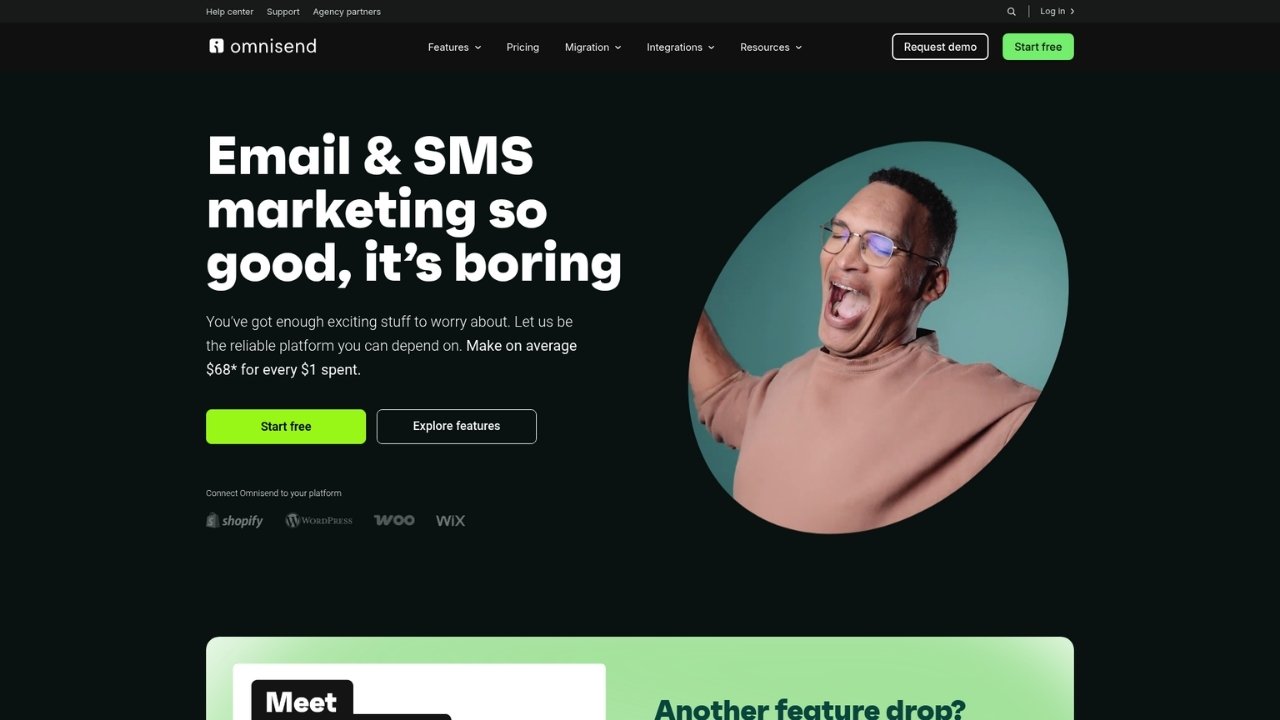
Omnisend is another ecommerce-focused platform that competes directly with Klaviyo.
It's often seen as the more user-friendly alternative with a gentler learning curve.
What sets it apart:
- Omnichannel marketing: Email, SMS, push notifications, and even WhatsApp in one platform
- Pre-built ecommerce workflows: Welcome series, abandoned cart, browse abandonment, and post-purchase sequences come ready to use
- Gamification features: Gift boxes, scratch cards, and spin-to-win wheels for lead generation
- Better free plan: More generous limits than Klaviyo on the free tier
Pricing:
| Contacts | Monthly Cost | Emails Included |
|---|---|---|
| Up to 250 | Free | 500 |
| 500 | $16 | 6,000 |
| 1,000 | $20 | 12,000 |
| 5,000 | $81 | 60,000 |
Omnisend is ideal for growing stores that want advanced features without Klaviyo's complexity or price tag. The pre-built workflows save significant setup time.
Mailchimp
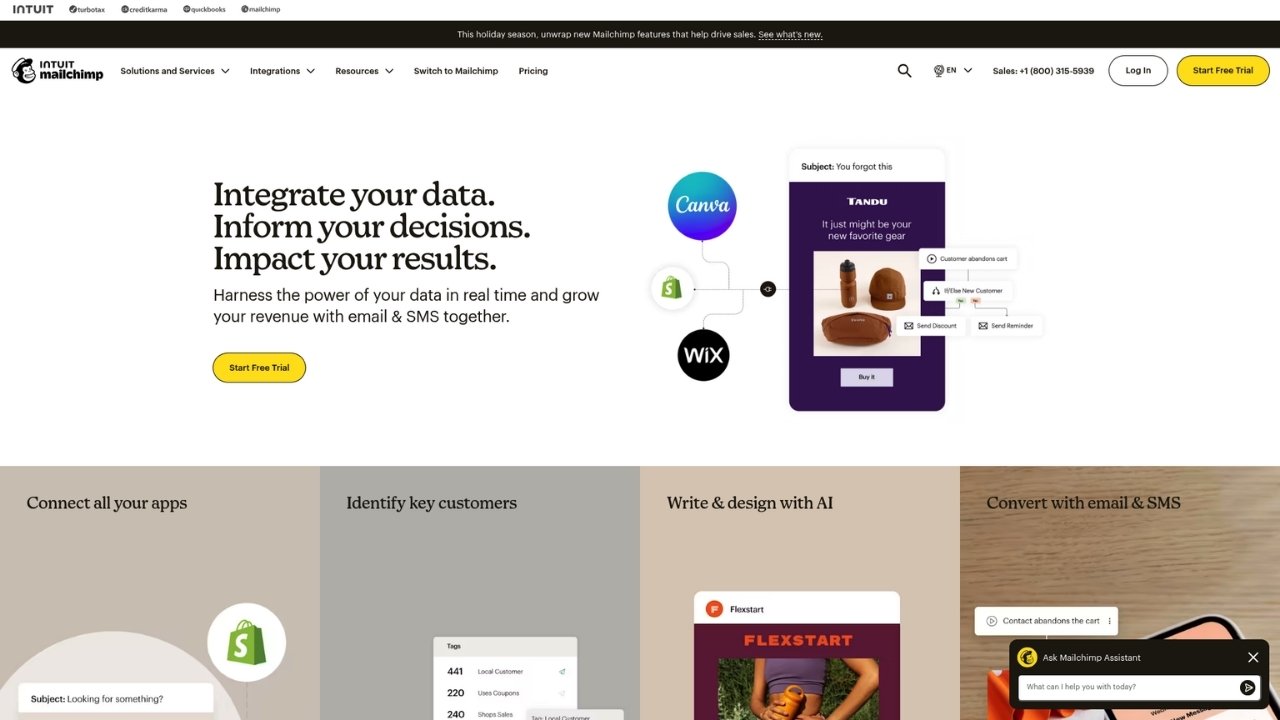
Mailchimp is the most recognizable name in email marketing and offers a Shopify integration through their app store. It's often the first tool new merchants try.
What sets it apart:
- Generous free plan: Up to 500 contacts and 1,000 sends per month on the free tier
- Ease of use: Intuitive interface with minimal learning curve
- Built-in creative tools: AI content generator, creative assistant, and Canva integration
- All-in-one marketing: Landing pages, social media scheduling, and postcards alongside email
Pricing:
| Contacts | Monthly Cost | Emails Included |
|---|---|---|
| Up to 250 | Free | 500 |
| 500 | $13 | 5,000 |
| 2,500 | $45 | 25,000 |
| 5,000 | $75 | 50,000 |
Mailchimp works well for beginners, but many stores outgrow it. The Shopify integration isn't as deep as Klaviyo or Omnisend, and advanced ecommerce features (like predictive analytics) are limited.
Pricing comparison: When does each option make sense?
Let's look at the math for different store sizes:
| Store Profile | Shopify Messaging | Klaviyo | Omnisend | Best Choice |
|---|---|---|---|---|
| Small (1,000 subscribers, 5K emails/mo) | Free | $20/mo | $16/mo | Shopify |
| Growing (5,000 subscribers, 25K emails/mo) | $15/mo | $100/mo | $81/mo | Shopify |
| Mid-size (10,000 subscribers, 50K emails/mo) | $40/mo | $150/mo | Custom | Depends |
| Large (50,000+ subscribers, 200K+ emails/mo) | $130+/mo | $700+/mo | Custom |
Klaviyo/Omnisend
The break-even point: Shopify Messaging is cheaper until you hit around 30,000-40,000 subscribers.
At that volume, the per-email pricing starts to approach dedicated platform costs, and the feature limitations become more painful.
But price isn't the only factor. Consider:
- Time-sensitive campaigns: If you run flash sales, Shopify's batching is a non-starter regardless of cost
- Automation complexity: If you need sophisticated nurture sequences, third-party tools save time that justifies the cost
- Revenue attribution: Better analytics from dedicated platforms often reveal optimization opportunities that pay for the tool
How to choose the right email tool for your store
Here's a simple framework for deciding:
Choose Shopify Messaging if:
- You send fewer than 10,000 emails per month
- Your list is under 5,000 subscribers
- You don't run time-sensitive flash sales
- Basic automation (welcome series, abandoned cart) is sufficient
- You want the simplest possible setup
Upgrade to a third-party app if:
- You need emails delivered instantly to large lists
- You want advanced segmentation and personalization
- You're running sophisticated multi-step automation
- You need multilingual campaigns
- Email is a primary revenue driver worth investing in
Questions to ask before deciding:
- How many subscribers do you have now? Project growth over the next 12 months
- What's your monthly email volume? Include both campaigns and automations
- What automation do you need? Map out your ideal customer journey
- Do you send time-sensitive promotions? Flash sales need instant delivery
- What's your email revenue target? Higher targets justify tool investment
Getting started with Shopify email marketing
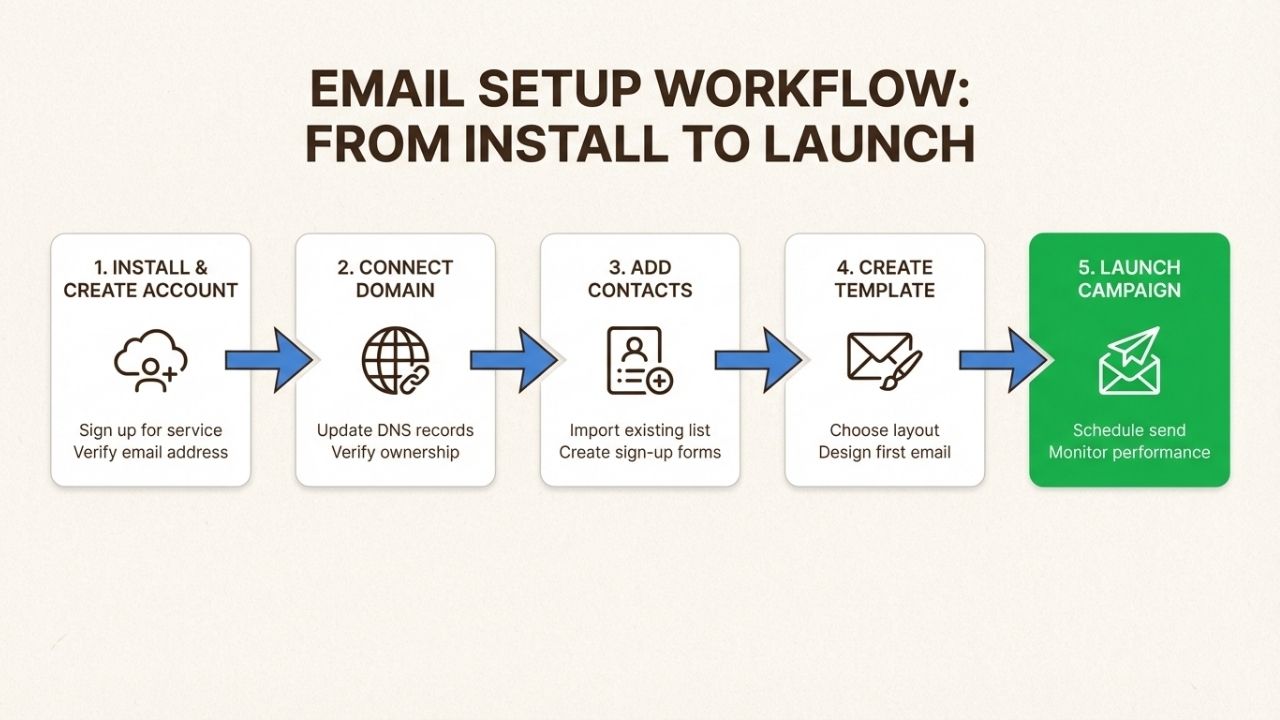
If you're ready to launch, here's the quickest path:
Step 1: Start with Shopify Messaging. It's free and gets you running immediately. Set up a welcome series and abandoned cart recovery.
Step 2: Import and clean your list. Sync existing customers from Shopify and remove inactive subscribers.
Step 3: Send your first campaign. Use a pre-built template, customize with your branding, and test thoroughly.
Step 4: Set up basic automations. Welcome new subscribers and recover abandoned carts first (these have the highest ROI).
Step 5: Review performance weekly. Track open rates, click rates, and revenue attributed to email.
Once you hit the limitations of Shopify Messaging (batching delays, automation complexity, segmentation needs), you'll know it's time to evaluate third-party options.
Beyond email: Building a complete customer communication strategy
Email marketing is powerful, but it's not the only channel that matters.
The best stores combine email with other touchpoints to create a seamless customer experience.
Think about your own shopping habits. You might discover a brand through Instagram, browse their site, get an abandoned cart email, and eventually call with a question before purchasing. Each touchpoint matters.
This is where Ringly.io fits in. While your email campaigns nurture subscribers and drive promotions, Ringly's AI phone agent The AI handles the conversations that email can't. the AI answers calls 24/7, looks up orders, processes returns, and escalates complex issues to your team.
The combination is powerful. Email handles the high-volume, asynchronous communication (promotions, newsletters, automations).
Phone support handled by the AI closes sales for customers who need immediate answers and handles urgent issues that can't wait for an email reply.
For stores doing significant volume, this multi-channel approach maximizes both conversion rates and customer satisfaction.
Frequently Asked Questions
Is Shopify email marketing free?
Shopify Messaging includes 10,000 free emails per month on all paid Shopify plans. After that, you pay $1 per 1,000 additional emails. Third-party apps like Klaviyo and Omnisend have their own pricing, typically starting at $16-20 per month.
What is the best email provider for Shopify?
For most stores, start with Shopify Messaging. It's free and covers the basics well. Upgrade to Klaviyo if you need advanced segmentation and predictive analytics, or Omnisend for omnichannel marketing (email + SMS + push). Mailchimp works for beginners but has less deep Shopify integration.
How much does Shopify email marketing cost at scale?
At 50,000 emails per month, Shopify Messaging costs around $40. At 100,000 emails, it's about $90. Compare this to Klaviyo at $150+ for 10,000 contacts. The break-even point where dedicated platforms become cost-competitive is typically around 30,000-40,000 subscribers.
Can I use Shopify email marketing for abandoned cart recovery?
Yes, and abandoned checkout automations are always free with Shopify Messaging (they don't count toward your 10,000 email limit). This is one of the highest-ROI automations you can set up.
What are the disadvantages of using Shopify email marketing?
The main limitations are: (1) 'Batching' delays for lists over 1,000 subscribers (emails send gradually over up to 72 hours), (2) No native multilingual support, (3) Less advanced automation and segmentation compared to dedicated platforms, and (4) No built-in product reviews.
How do I switch from Mailchimp to Shopify email marketing?
Export your subscriber list from Mailchimp as a CSV, then import it into Shopify Messaging or your new email platform. Make sure to verify your domain in Shopify to maintain deliverability. Most stores see similar or better performance after switching, especially with Shopify's native integration.



