
Request Tracker (RT) has been a staple in IT departments for over two decades. It is reliable, open-source, and gets the job done.
The interface feels dated, self-hosting requires technical overhead, and modern features like AI automation are nowhere to be found.
If you are evaluating Request Tracker alternatives, you are probably looking for something that fits your team's workflow better without breaking the budget.
This guide covers seven solid options, from free open-source tools to enterprise-grade solutions, with current pricing and feature breakdowns to help you decide.
Editor’s note: Want to hear some sample AI support calls made for your Shopify store?
- Just paste your store URL
- Hear sample calls for your store (no email required)
- Listen to demo calls for my store
Top Request Tracker alternatives at a glance
| Tool | Type | Best For | Starting Price |
|---|---|---|---|
| osTicket | Open source | Small IT teams, budget-conscious | Free (self-hosted) |
| Zammad | Open source | Teams wanting modern UI | Free / €7/agent/mo |
| Zendesk | Commercial | Growing support teams | $19/agent/mo |
| Freshdesk | Commercial | Small to mid-sized teams | Free / $15/agent/mo |
| Jira Service Management | Commercial | IT teams, DevOps | Free / $21/agent/mo |
| GLPI | Open source | IT asset management needs | Free (self-hosted) |
| GitHub Issues | Commercial | Development teams | Free / $4/user/mo |
The 7 best Request Tracker alternatives
1. osTicket

osTicket is the closest direct alternative to Request Tracker. It is open-source, lightweight, and has been around long enough to prove its stability. Over 15,000 businesses use it worldwide, and the community is active with regular security updates.
The feature set covers the basics well: custom fields and forms, ticket filtering and routing, configurable help topics, SLA tracking, and a customer portal. You can set up automatic responses, create internal tasks linked to tickets, and export data to CSV for reporting.
The interface is functional but not pretty. It looks like software from the early 2010s, which might not bother your IT team but could confuse end users. Setup requires some technical knowledge, though it is easier than RT's Perl-based installation.
Pricing: Completely free for self-hosted. A cloud option exists through SupportSystem if you want to skip the server management.
Best for: Small IT departments, nonprofits, and anyone who wants basic ticketing without subscription costs.
2. Zammad
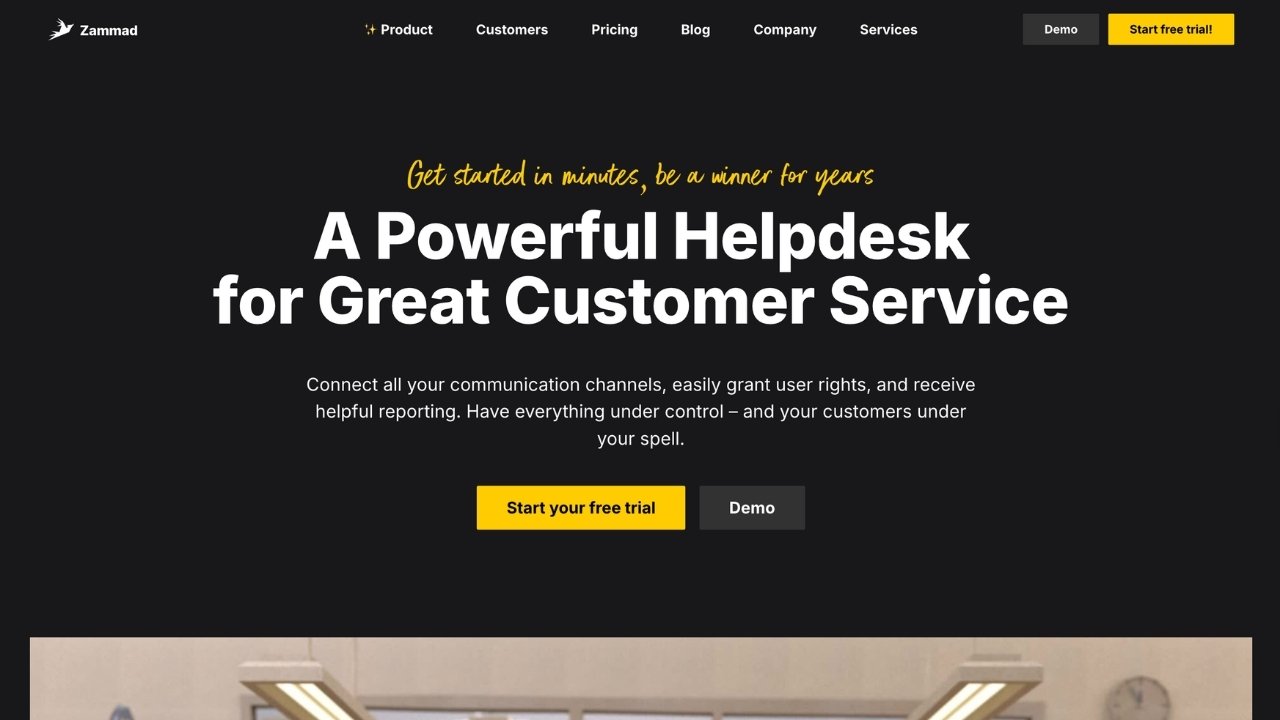
Zammad feels like what Request Tracker would be if it were rebuilt today. The interface is clean and modern, the documentation is excellent, and the feature set rivals commercial tools.
Where Zammad stands out is omnichannel support. The free self-hosted version handles email, web forms, and SMS. Paid tiers add chat, Telegram, Facebook, and WhatsApp. This matters if your users expect to reach you through multiple channels.
Other notable features include a built-in knowledge base (monolingual on lower tiers, multilingual on Plus), SLA management with automatic escalation, and GitHub/GitLab integration for development workflows. Security features like two-factor authentication come standard.
Pricing: Self-hosted is free. Cloud hosting starts at €5/agent/month for the Starter plan (5 agents max), €15 for Professional (35 agents), and €24 for Plus (unlimited agents). Self-hosted support contracts run €2,999 to €9,999 annually depending on response time requirements.
Best for: Teams wanting a modern open-source solution with room to grow into omnichannel support.
3. Zendesk

Zendesk is the category leader for a reason. It is powerful, scales to enterprise size, and has more integrations than any competitor. If you are moving from RT because you have outgrown basic ticketing, Zendesk is the obvious upgrade.
The AI features are genuinely useful, not just marketing fluff. AI agents can handle routine inquiries automatically, generative replies suggest responses to agents, and the knowledge builder helps maintain your help center content. These features start at the Suite Team level.
The trade-off is cost. Even the entry-level Support Team plan at $19/agent/month only covers email and basic social channels. To get messaging, live chat, and phone support, you need Suite Team at $55/agent/month. Professional and Enterprise tiers add custom reporting, multiple help centers, and advanced security.
Pricing: Support Team starts at $19/agent/month (annual). Suite Team is $55, Professional is $115, and Enterprise is $169. Add-ons like advanced AI agents, Copilot, and workforce management cost extra.
Best for: Growing customer support teams that need enterprise-grade features and can justify the investment.
4. Freshdesk

Freshdesk positions itself as the user-friendly alternative to Zendesk. The interface is cleaner, the learning curve is gentler, and there is a genuinely useful free tier for up to 10 agents.
Feature-wise, Freshdesk covers the essentials: multi-channel ticketing, automation rules, a self-service portal, and team collaboration tools. The paid tiers add more advanced features like custom roles, portal customization, and sandbox environments.
Where Freshdesk lags is in the depth of enterprise features. It handles standard support workflows well but lacks the advanced customization and AI capabilities of Zendesk. For most small to mid-sized teams, this is actually a benefit. You get a tool that works out of the box without weeks of configuration.
Pricing: Free for up to 10 agents. Growth starts at $15/agent/month, Pro at $49, and Enterprise at $79.
Best for: Small to mid-sized support teams that want a polished product without enterprise complexity.
5. Jira Service Management

If your team already lives in the Atlassian ecosystem, Jira Service Management is the natural choice. It integrates seamlessly with Jira Software, Confluence, and Bitbucket, making it ideal for DevOps and IT teams.
The ITIL practices are built-in, not bolted on. Incident management, problem management, and change management workflows come standard. You can link service requests directly to development issues, creating visibility between support and engineering teams.
The free tier is generous: up to 3 agents with 100 seats and 2 GB storage. Paid tiers add more agents, storage, and support levels. Premium includes advanced incident management with on-call scheduling, which is valuable for teams with strict uptime requirements.
Pricing: Free for up to 3 agents. Standard is $21/agent/month, Premium is $47, and Enterprise requires contacting sales.
Best for: IT teams following ITIL practices and organizations already using Atlassian products.
6. GLPI
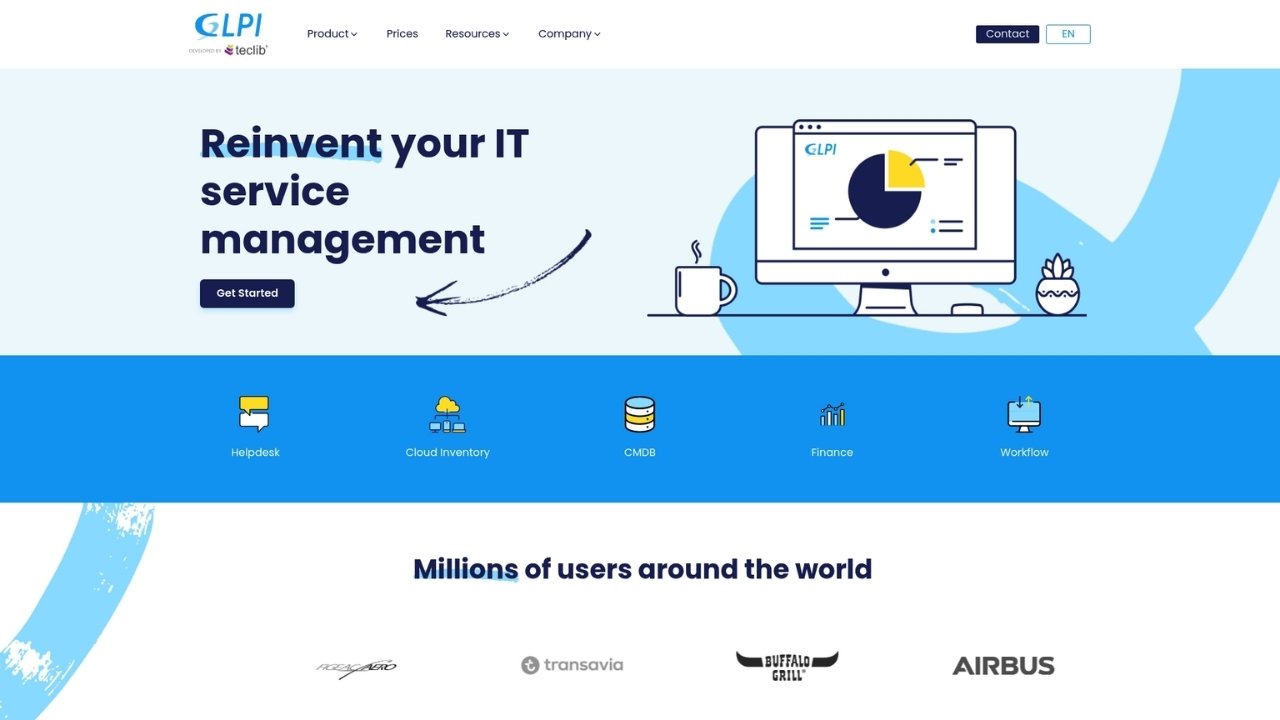
GLPI is more than a ticketing system. It is a full ITSM suite that includes asset management, network discovery, project management, and knowledge base functionality. If you are currently tracking assets in spreadsheets and tickets in RT, GLPI could consolidate both.
The ticketing features are solid: incident tracking, request management, and problem resolution workflows. Where it shines is the asset management integration. When a user submits a ticket about a laptop, you can see the full hardware history, software inventory, and network connections in one view.
The interface shows its age. It is functional but not as polished as Zammad or commercial alternatives. Self-hosting requires technical expertise, though the documentation is comprehensive.
Pricing: The community edition is free and open-source. GLPI Network Cloud starts at €10/user/month for managed hosting.
Best for: IT departments that need asset management tightly integrated with ticketing.
7. GitHub Issues
For development teams, GitHub Issues is often overlooked as a ticketing solution. It is already integrated into your workflow, free for public repositories, and handles the core needs of bug tracking and feature requests.
Project boards give you Kanban-style visualization. Automation through GitHub Actions can route issues, apply labels, and trigger notifications. The integration with pull requests and commits means you can trace every code change back to the original issue.
The limitations are clear: no SLA management, no customer-facing portal, and no phone support integration. This is a tool for tracking work, not running a customer service operation.
Pricing: Free for public repositories and private repos with limited features. Team plans start at $4/user/month, Enterprise at $21.
Best for: Development teams and open-source projects that want tight code integration.
Feature comparison
| Feature | osTicket | Zammad | Zendesk | Freshdesk | Jira SM | GLPI | GitHub Issues |
|---|---|---|---|---|---|---|---|
| Self-hosted option | ✅ | ✅ | ❌ | ❌ | ❌ | ✅ | ❌ |
| Free tier | ✅ | ✅ | ❌ | ✅ | ✅ | ✅ | ✅ |
| Omnichannel | ❌ | ✅ | ✅ | ✅ | ❌ | ❌ | ❌ |
| Asset management | ❌ | ❌ | ❌ | ❌ | ❌ | ✅ | ❌ |
| AI features | ❌ | ❌ | ✅ | ❌ | ❌ | ❌ | ❌ |
| ITIL compliance | ❌ | ❌ | ✅ | ❌ | ✅ | ✅ | ❌ |
| Developer integrations | ❌ | ✅ | ✅ | ✅ | ✅ | ❌ | ✅ |
How to choose the right Request Tracker alternative
The best choice depends on your specific situation.
Choose osTicket or Zammad if: You have a technical team that can handle self-hosting, your budget is tight, and you want full control over your data. Zammad is the better pick if you need a modern interface or might want omnichannel support later.
Choose Zendesk if: You are running a customer-facing support operation, need enterprise-grade features, and can justify the cost. The AI capabilities and integration ecosystem are hard to beat.
Choose Freshdesk if: You want a user-friendly tool that works out of the box, have a smaller team, and do not need the complexity of enterprise features.
Choose Jira Service Management if: You are already in the Atlassian ecosystem, follow ITIL practices, or need tight integration between support and development teams.
Choose GLPI if: Asset management is as important as ticketing, and you want both in one open-source platform.
Choose GitHub Issues if: You are a development team tracking bugs and features, not running a traditional support desk.
Consider phone support integration
One gap most of these alternatives share: they focus on digital channels. Email, chat, and web forms are covered. Phone support is often an afterthought or requires expensive add-ons.
If your users still call for support, consider how phone fits into your workflow. Ringly.io offers AI phone agents that handle inbound calls, look up orders, process returns, and escalate to your team when needed. the AI, our AI phone support rep, integrates with your existing tools and resolves up to 90% of calls without human intervention.
For teams switching from Request Tracker, this can fill a gap that ticketing systems alone do not address. You keep your digital ticketing workflow while adding 24/7 phone coverage.
Try it for free to see how AI phone support works alongside your new ticketing system.
Making your Request Tracker migration
Switching ticketing systems is never fun. Here is how to make it smoother:
- Export your data early. RT stores tickets in a MySQL or PostgreSQL database. Plan how you will migrate historical tickets and whether you need them in the new system.
- Run parallel during transition. Keep RT running while you test the new tool with a small team. This catches workflow issues before full rollout.
- Train power users first. Identify agents who can become experts in the new system. They will train others and handle questions during the transition.
- Start fresh if possible. Migrating years of ticket history often creates more problems than it solves. Consider archiving RT and starting with a clean slate.
Take advantage of free trials. Most commercial tools offer 14-30 day trials, and open-source options cost nothing to test. Set up a sandbox, create some test tickets, and see how the workflow feels before committing.
Frequently Asked Questions
What is the best free Request Tracker alternative?
For self-hosted options, osTicket and Zammad both offer robust free versions. osTicket is simpler to set up, while Zammad has a more modern interface. If you want cloud hosting without paying, Freshdesk and Jira Service Management both have genuinely useful free tiers for small teams.
Can I migrate my existing Request Tracker tickets to a new system?
Yes, but the complexity varies. Most alternatives offer CSV import, which works for basic ticket data. Attachments, custom fields, and ticket history often require custom scripts. Some teams choose to archive RT and start fresh rather than deal with migration headaches.
Which Request Tracker alternative is best for IT teams?
Jira Service Management and GLPI are both designed with IT teams in mind. Jira SM excels if you follow ITIL practices or use other Atlassian tools. GLPI is the choice if asset management is as important as ticketing. Zammad is a solid middle ground for smaller IT departments.
Do any Request Tracker alternatives include phone support?
Zendesk and Zammad include phone support at higher tiers. Most other tools focus on digital channels. If phone is critical to your workflow, you might need a dedicated phone solution like Ringly.io that integrates with your ticketing system.
Is self-hosting worth the effort compared to cloud options?
Self-hosting saves money on subscriptions but costs time in maintenance. You handle security patches, backups, and server management. For teams with dedicated IT staff, this trade-off makes sense. For smaller teams, the peace of mind from cloud hosting is usually worth the monthly cost.
How do Request Tracker alternatives compare for customer support?
For customer-facing support, Zendesk and Freshdesk are the clear leaders. They offer customer portals, satisfaction surveys, and features designed for external users. Open-source alternatives like Zammad can work but require more setup to match the out-of-box experience of commercial tools.