

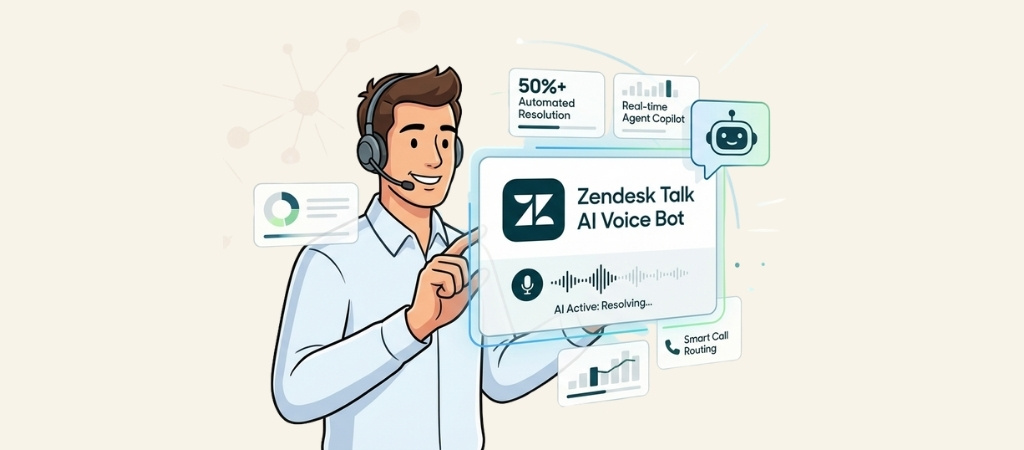
You add AI voice to Zendesk Talk by connecting an AI phone agent that answers inbound calls while Zendesk handles ticketing. Options include Zendesk AI agents, PolyAI, and Cresta. Ringly.io is a done-for-you AI phone agent for Shopify and DTC stores, answering calls 24/7 alongside Zendesk and billed by usage minutes not per seat.
$1,000 per month in labor costs is gone because your team answers "where is my order" calls all day.
You have built a real team to handle the phones, but now you are watching as your margins are shrinking.
It feels like you are paying premium wages for your staff to act like human tape recorders.
This guide will go over how the Zendesk Talk AI voice bot can automate your most expensive support channel.
You will learn exactly how to piece together Zendesk’s modular AI tools to deflect 50% of your calls and slash your cost per ticket.
First, we will break down the hidden costs of the Zendesk AI stack.
Then, we will compare it to specialized eCommerce alternatives so you can decide which fits your brand’s bottom line.
Editor’s note: Want to hear some sample calls made for your Shopify store?
- Just paste your store URL
- Hear sample calls for your store (no email required)
- Listen to demo calls for my store
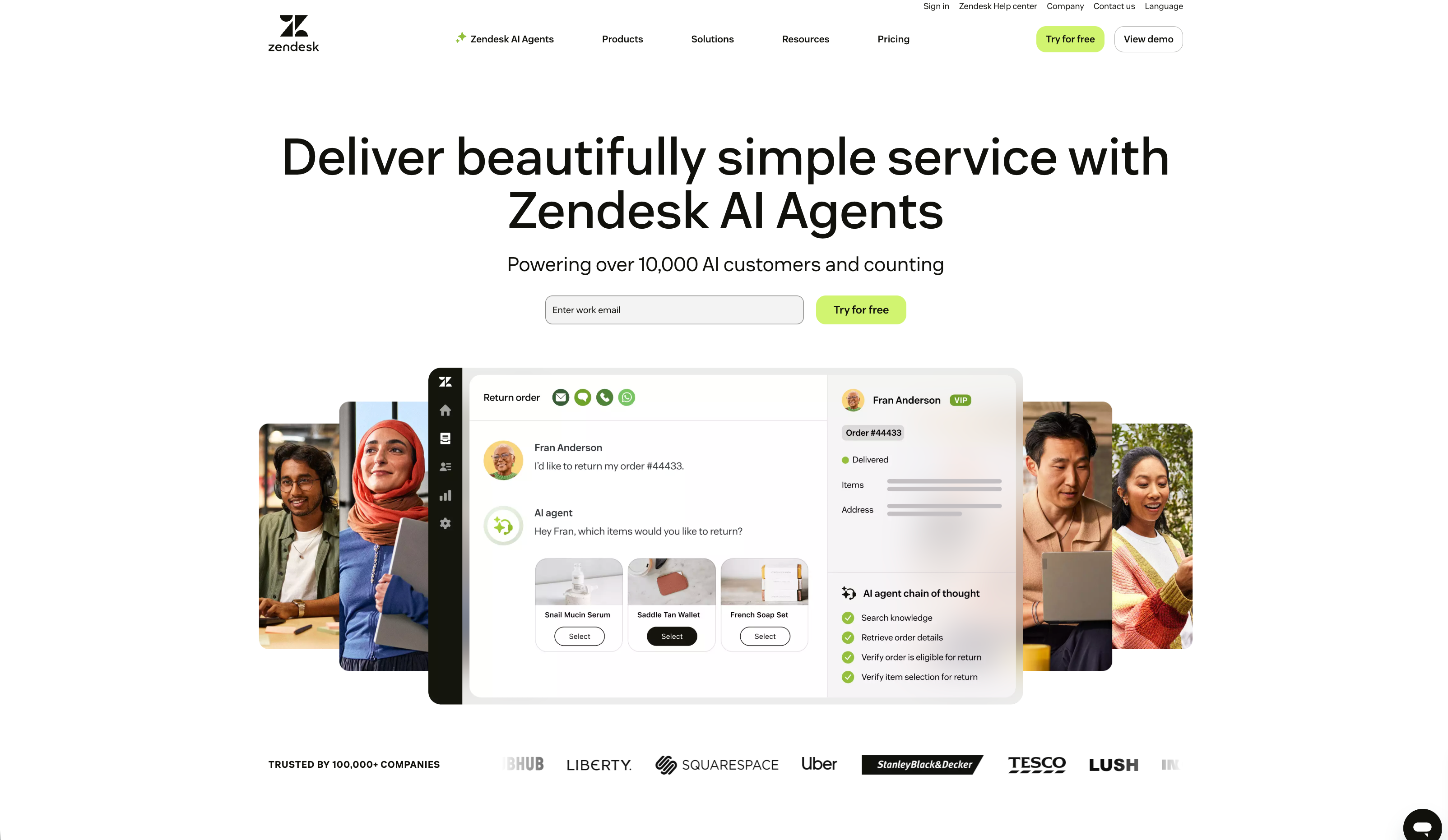
How do you add an AI voice bot to Zendesk Talk in 2026?
First, it helps to know that the Zendesk Talk AI voice bot is not a single product you can buy off the shelf. It’s a collection of tools and partnerships that you piece together to create an AI-powered phone experience.
This is a change from the original Zendesk Talk, which was a more basic VoIP phone system.
To get the full AI voice bot experience with Zendesk, you'll need a few different parts:
- Zendesk Voice: This is the core of the system. It's the phone solution built right into the Zendesk Suite that handles the basics of making and receiving calls.
- AI agents for voice: This is the conversational AI that talks to your customers. Zendesk has teamed up with PolyAI to power these agents. They're designed to handle and resolve more than half of all incoming calls without needing a person.
- Agent Copilot: Think of this as an AI assistant for your human agents. When a call gets passed on, Copilot gives them real-time suggestions and summaries to help solve problems faster. This is available as a paid add-on.
- Zendesk QA: This is another add-on that uses AI to automatically check call transcripts, helping you keep an eye on quality across all your conversations.
To build the complete AI voice bot, a business combines these different pieces. This approach affects both the cost and the complexity of the setup.
Key features of the Zendesk Talk AI voice bot
What can this combination of tools actually do? Let's look at how Zendesk Voice AI helps at every step of a customer's phone call.
How the Zendesk Talk AI voice bot works at every stage of the call
The AI is not just there to answer the phone; it’s involved from the moment a customer dials to long after they hang up.

- Before the call connects (AI agents): When a customer calls, the PolyAI-powered agent is the first one they'll talk to. Instead of a rigid "press one for sales" menu, the AI has a natural conversation. It can figure out what the caller wants, answer common questions, and even verify their identity. The idea is to resolve over 50% of calls on the spot, so only the more complex issues reach your team.
- During the call (Agent Copilot): If a call does need a human touch, the agent doesn't start from square one. They get a full summary of the AI's conversation. As they talk to the customer, Copilot transcribes the call in real time and offers AI-generated suggestions. This helps agents find answers quickly without making the customer wait on hold.
- After the call (Transcription and summaries): Once the call ends, the agent’s work is mostly done. The system automatically creates a full transcript and a summary and attaches them to the support ticket. This saves agents time on manual data entry and wrap-up tasks.
A unified workspace
One of the key benefits of using Zendesk Voice is how well it fits into the rest of the Zendesk Suite. Agents handle phone calls in the very same place where they manage emails, chats, and social media messages.
This all-in-one approach means agents have the full customer history right in front of them, which leads to more personal and effective conversations. As one user, Daniel Prouty at Caret, put it, the "Agent Workspace allowed for a better flow" by keeping all conversations in one spot.
There’s no need to switch between different apps to find what you're looking for.
Support for specialized industries
Because Zendesk is an all-purpose platform, its AI models are trained on general data. While this provides flexibility, it may require additional setup for specialized industries like e-commerce that have specific customer questions.
A generalist AI might not instantly understand the details of processing a return for a certain product or tracking a complicated order without extra setup.
In contrast, solutions built for a specific purpose, like Ringly.io's the AI for e-commerce, come pre-trained on industry-specific logic. It’s designed to handle questions about orders and returns and resolves up to 90% of support calls without a long setup process.
How to set up and implement the Zendesk Talk AI voice bot
Setting up Zendesk Voice involves several steps. Here are the steps you'll need to follow.

Preparing your phone line
The first step is getting a phone number. You can either buy new local or toll-free numbers directly from Zendesk or port an existing number you already have.
You’ll also want to make sure your team is ready to go. This means checking your network to ensure you have a stable, wired internet connection and giving your agents dedicated USB headsets for the best possible call quality.
Configuration and deployment
Once the basics are sorted, you'll configure everything from the Zendesk admin panel. This is where you turn on the voice channel, set your business hours, and create rules for how calls are sent to different agents or groups.
However, deploying the conversational AI agent from their partner, PolyAI, is a longer journey.
It can take up to 8 weeks to go live. This timeline is different from solutions built for a specific niche.
For instance, a platform like Ringly.io offers a quick setup for Shopify stores because it connects directly to your store data and is ready to go almost instantly.
Zendesk Talk AI voice bot pricing structure
The total cost for Zendesk's AI voice bot is composed of several different parts.
Understanding the multi-layered cost structure
The AI features are available through a combination of a base plan and several paid add-ons.
Here’s a breakdown of what you'll need:
1.
A Zendesk Suite Plan: The main voice channel is included in Zendesk's Suite plans, which act as your foundation.
2.
The Copilot Add-on: For features like real-time agent suggestions and automatic call summaries, you'll need the Copilot add-on. This costs an extra $50 per agent per month.
3.
Zendesk QA Add-on: If you want the AI-powered quality assurance features for checking calls, that's another add-on. It costs $35 per agent per month.
4.
AI agents for voice (PolyAI): The automated voice agent that first answers the phone is powered by a third party. This requires its own subscription, and the cost isn't public, so you'll need to budget for that as well.
Zendesk Suite pricing plans
The base voice features are available in most of the Zendesk Suite plans. Here’s a quick look at the plans and what they include, based on Zendesk's pricing page.
| Plan | Price (per agent/month, billed annually) | Key Voice & AI Features Included |
|---|---|---|
| Suite Team | $55 | Basic phone support, call routing. |
| Suite Professional | $115 | Adds IVR phone tree, skills-based routing, and SLA management. |
| Suite Enterprise | $169 | Adds advanced reporting, custom roles, and sandbox environment. |
Calculating the total cost
What's the financial bottom line? If you're on the Suite Professional plan and want the full AI experience, you're looking at $115 (base plan) + $50 (Copilot) + $35 (QA), for a total of $200 per agent per month. And that's before you add the separate cost of the PolyAI agent.
This modular approach offers flexibility, allowing businesses to choose the components they need. The total cost will depend on the selected plans and add-ons.
In comparison, some specialized providers offer all-in-one packages. For example, Ringly.io prices per call; the pricing page has the details. It also comes with a guarantee: If Seth resolves under 65% of calls in a month, that month comes back as credit (after 90 days on Pay per call).

Is the Zendesk Talk AI voice bot right for you?
To wrap things up, the new Zendesk Voice is a powerful platform that brings modern AI to phone support and is deeply integrated into its ecosystem.
Features like conversational AI agents, live agent help with Copilot, and automated summaries can help support teams.
However, it's also a modular solution with multiple components. Getting the full set of features means combining a core plan plus several add-ons. Its general-purpose design also means it might need more configuration and a longer setup time for businesses in specialized fields.
For large, multi-channel support teams already using Zendesk, it’s a strong and very customizable choice.
To see how some of these features come together inside the platform, you can watch a demonstration directly from Zendesk.
The following video walks through the process of creating and configuring a basic AI agent, giving you a visual sense of the admin experience.
This video from Zendesk walks through the process of creating and configuring a basic AI agent.
An alternative to the Zendesk Talk AI voice bot for e-commerce
If you're in the e-commerce world, a specialized tool can be a direct and budget-friendly way to automate your phone support.
Ringly.io is a solution built specifically for Shopify stores. It offers a focused approach with a few key benefits:
- quick setup: There’s no long implementation process. You can connect your store and have an AI agent running in under 1 hour.
- Deep Shopify Integration: The AI agent instantly understands your orders, returns, and products.
- High Resolution Rate: On average, the AI resolves up to 90% of calls without needing to pass them to a human.
- Transparent Pricing & Guarantee: Ringly prices per call; the pricing page has the details. If Seth resolves under 65% of calls in a month, that month comes back as credit (after 90 days on Pay per call).
If you run a Shopify store and want to automate phone support without the hassle, discover how Ringly.io can help.
Frequently Asked Questions
What exactly is the Zendesk Talk AI voice bot?
It's not a single product, but a combination of Zendesk's native phone solution (Zendesk Voice) and AI tools. This includes a conversational AI agent from a partner (PolyAI) to greet callers, an Agent Copilot to help human agents, and a QA tool to analyze calls.
Do I need a specific Zendesk plan to use the Zendesk Talk AI voice bot?
Yes, you need a Zendesk Suite plan as the foundation. On top of that, key AI features like Agent Copilot and QA are paid add-ons, and the conversational AI agent from their partner requires a separate subscription.
How long does it take to set up the Zendesk Talk AI voice bot?
Setting up the basic phone lines and routing can be done fairly quickly. However, deploying the conversational AI agent from their partner, PolyAI, can take up to 8 weeks to go live.
Is the Zendesk Talk AI voice bot a good choice for e-commerce stores?
It can be, but since it's a generalist platform, it may require significant configuration for specific e-commerce needs like order tracking or returns. Specialized solutions pre-trained on e-commerce logic might offer a faster and more direct setup for online stores.
What are the main costs associated with the Zendesk Talk AI voice bot?
The total cost is multi-layered. You'll have the cost of your base Zendesk Suite plan, plus paid add-ons for Copilot (around $50/agent/month) and QA (around $35/agent/month), and a separate subscription for the PolyAI voice agent.
Can the Zendesk Talk AI voice bot handle calls from start to finish?
The goal of the AI agent is to resolve over 50% of calls on its own by answering common questions and handling simple tasks. For more complex issues, it intelligently routes the call to a human agent with a full summary of the conversation so far.



