

Nearly 70% of all online carts are abandoned, but another big profit killer is what happens after the customer actually hits "buy."
You are likely losing thousands of dollars every month to the hidden costs of manual order fixes and shipping errors.
It is a slow leak in your business that turns your growth stage into a management nightmare.
And when you scale it gets worse.
Without a way for customers to fix their own mistakes, you are stuck paying for human labor to do tasks that a simple tool could handle in seconds.
This guide will go over the best order editing apps for Shopify.
First, we will break down the top tools for 2026.
Then, we will show you how to automate your phone support so you never miss a customer again.
Editor’s note: Want to hear some sample AI support calls made for your Shopify store?
- Just paste your store URL
- Hear sample calls for your store (no email required)
- Listen to demo AI calls for my store
What are order editing apps for Shopify?
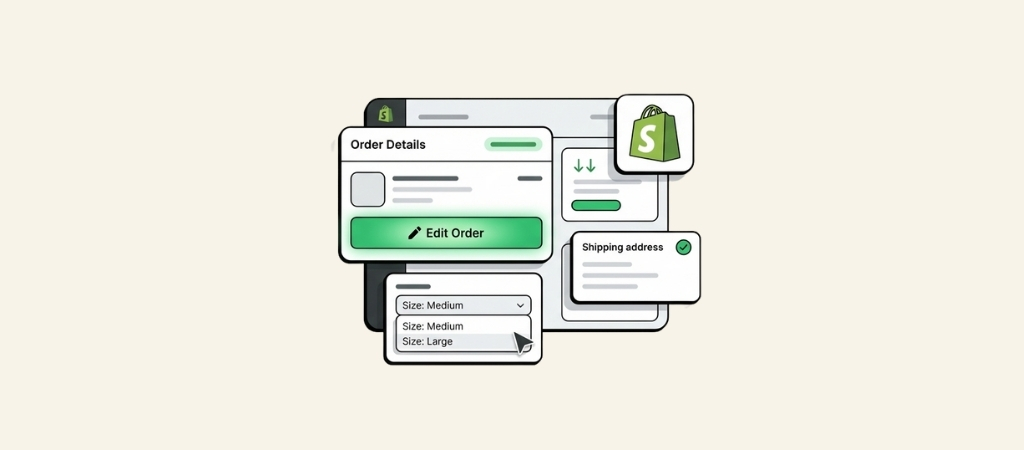
In a nutshell, these are tools that plug into your Shopify store and let you or your customers tweak an order after it’s been paid for.
Instead of the previous process of canceling the entire order and asking the customer to start over, these apps simplify making changes.
They can handle all the common issues, like:
- Swapping a product variant (like changing a medium shirt to a large)
- Fixing a typo in the shipping address
- Adding a forgotten item to the cart or removing one
- Applying a discount code that a customer forgot to enter at checkout
These apps generally come in two flavors. Some are staff-facing editors, which are enhanced versions of Shopify’s built-in editor for your support team. The others are customer-facing portals.
These are self-service tools that let customers log in and make changes themselves, usually right from their order status page. This reduces customer wait times and the need to create support tickets.
Why your store can benefit from an order editing app
Investing in one of these apps can offer significant benefits beyond convenience. By getting ahead of post-purchase issues, you can see some impressive results.
The graphic below highlights some of the key improvements you can expect.
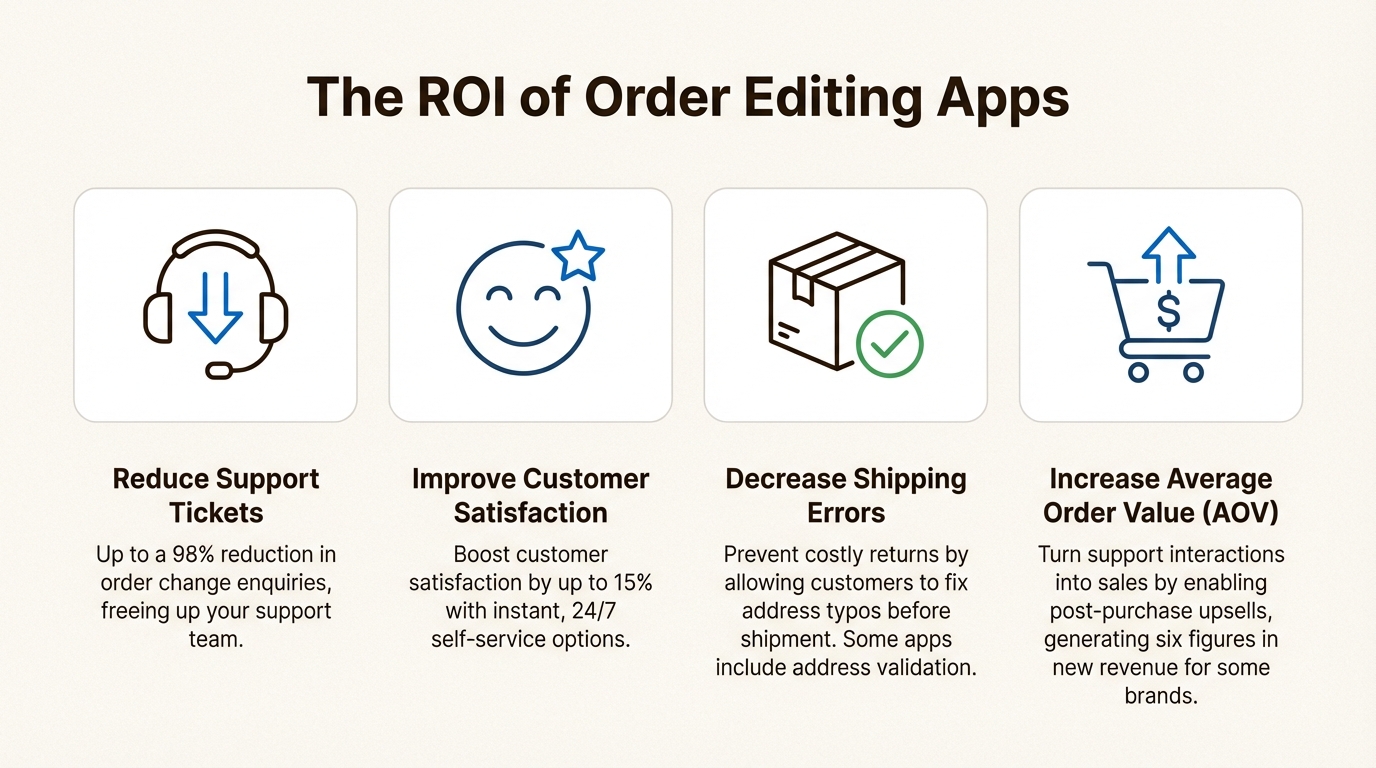
- Reduce support tickets. When customers can help themselves, they often do. Brands that use these tools have seen a significant drop in their support volume. E-commerce company Oh Polly, for instance, saw a 98% reduction in enquiries for order changes, while Peter Manning NYC was able to eliminate over 90% of order support requests.
- Improve customer satisfaction. Nobody likes waiting for a reply to a support ticket, especially when their order is on the line. Giving customers instant, 24/7 access to modify their orders can significantly improve the customer experience. It’s a modern, smooth experience that can lead to higher customer satisfaction. In fact, some brands have reported a 15% bump in customer satisfaction after adding self-service edits.
- Decrease costly shipping errors. A single typo in an address can lead to a returned package, an unhappy customer, and extra shipping fees for you. Letting customers fix their own address before an order goes out the door is an effective way to prevent these mistakes. Some of the top apps even have address validation built in, which adds another layer of security.
- Increase average order value (AOV). Some order editing apps not only solve problems but can also help generate revenue. By allowing customers to add more items to their order post-purchase, you can turn a support interaction into a sales opportunity. Brands using OrderEditing.com have generated six figures in upsell revenue.
A comparison of the best order editing apps for Shopify
To give you a quick overview, here's how the two leading solutions stack up against each other.
| Feature | Cleverific Order Editing | OrderEditing.com |
|---|---|---|
| Key Strength | Advanced staff editing & automation | Customer self-service & post-purchase upsells |
| Self-Service? | Yes, via Customer Portal | Yes, core feature |
| Best For | Complex edits, B2B/wholesale, automation | High-volume stores focused on AOV growth |
| Integrations | Shopify Flow, Klaviyo, Loop Returns | 3PLs/ERPs (ShipHero, NetSuite), Klaviyo, Gorgias |
| Standout Feature | Shopify Flow automation for adding free gifts | One-click post-purchase upsells & address validation |
| Starting Price | $49/month | $99/month (for 1,000-2,500 orders) |
| Free Trial | 21-day free trial | 14-day free trial |
A detailed look at top order editing apps for Shopify
Now, let's take a closer look at the features of these platforms.
1. Cleverific
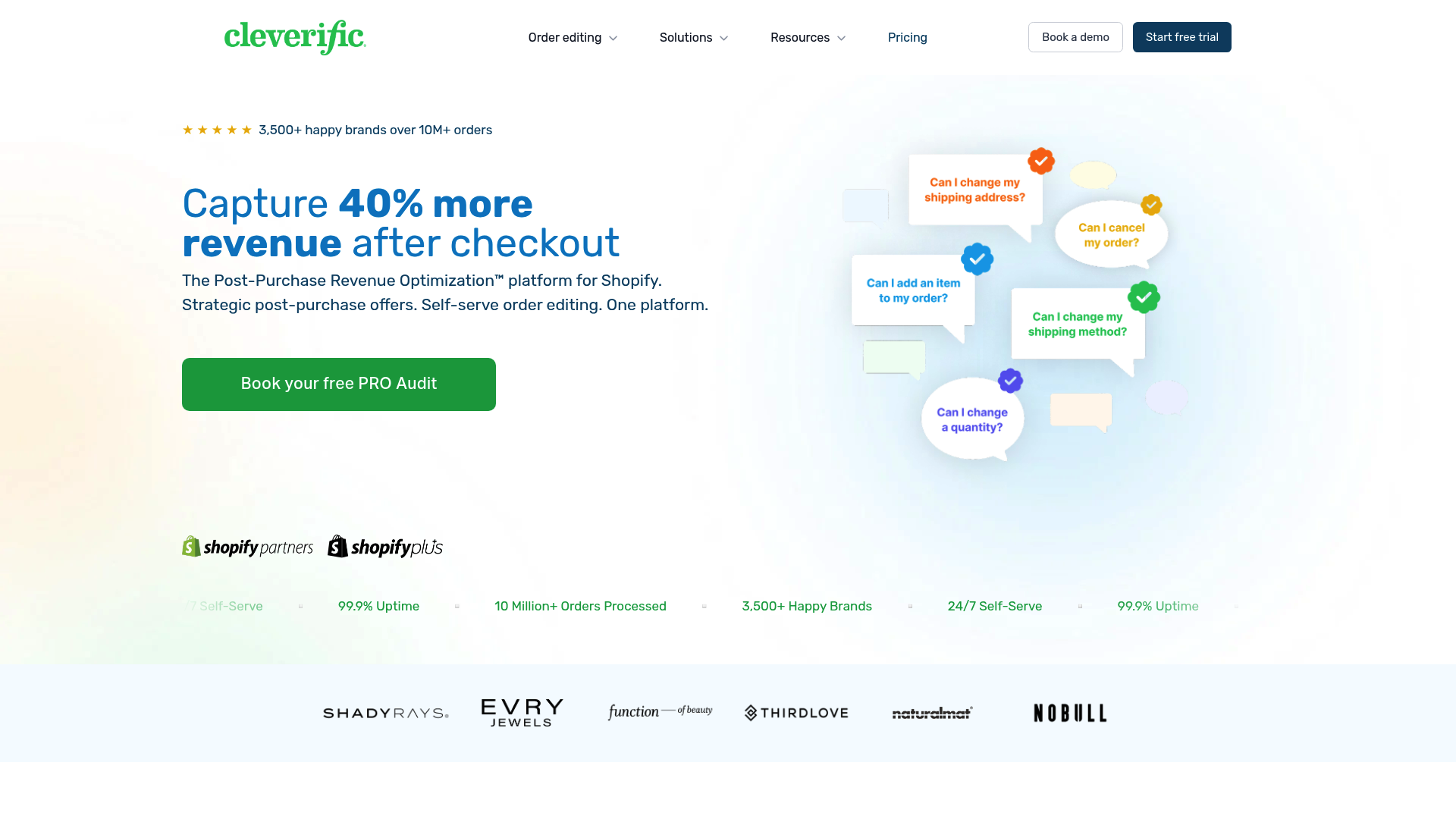
Cleverific has been available on Shopify for a while, trusted by over 3,500 brands for its extensive editing capabilities.
It's a popular choice for merchants who need more control than Shopify’s native editor can offer, especially those dealing with B2B, wholesale, or highly customized orders.
Pros:
- Advanced staff editor: Cleverific's "Advanced Mode" lets your staff edit things Shopify normally locks down, like billing addresses, product customizations, and even taxes after an order is placed.
- Powerful automation: The integration with Shopify Flow is a notable feature. You can set up workflows to automatically add free gifts to orders over a certain value or split product bundles into individual items for fulfillment.
- Comprehensive self-service: Its Customer Portal gives customers the power to change variants, update their shipping address, and even cancel orders, all based on the specific rules you set.
- High security standards: For brands concerned about data protection, Cleverific is SOC 2 Type 2 certified. This means they meet high industry standards for keeping your and your customers' data safe.
Cons:
- With many features and capabilities, there can be a bit of a learning curve for new users.
- The pricing might be a bit steep for a smaller store that just needs to handle the occasional address change.
Pricing:
- Growth: $49/month for 100 edits/automations.
- Professional: $349/month for 400 edits/automations.
- Premium Plus: $299/month for 800 edits/automations.
Who it's for: Cleverific is a suitable option for Shopify Plus stores or businesses with complex operational needs. It can be a good choice for those who need back-end control for their team and a self-service option for customers.
2. OrderEditing.com

OrderEditing.com approaches the problem with a focus on growth.
It’s designed to not only eliminate support tickets but also to actively boost your average order value. It’s used by e-commerce brands including Oh Polly, HexClad, and Ridge.
Pros:
- Revenue generation: This is a key feature of the app. It excels at driving new revenue through post-purchase upsells. The brand Nakie, for example, made an extra $80,000 in one month using this feature.
- Ticket reduction: The self-service portal is designed to be intuitive and effective. It's not uncommon for brands to see a 98% reduction in requests for order changes.
- Advanced integrations: It's built to be a central hub for your post-purchase experience, integrating with a huge range of 3PLs, WMS, and ERPs like NetSuite, ShipHero, and Celigo.
- Built-in address validation: This feature helps reduce shipping errors by automatically spotting and flagging invalid addresses, both during checkout and in the post-purchase editing portal.
Cons:
- There isn't a free plan available for live stores, which might be a consideration for new businesses on a tight budget.
- The pricing is based on your monthly order volume, so it can get more expensive as your store scales.
Pricing:
- 1,000-2,500 orders: $349/month
- 2,500-5,000 orders: $199/month
- 5,000-10,000 orders: $399/month
Who it's for: OrderEditing.com is an option for growth-focused brands. It is suitable for businesses whose main goals are to provide a self-service experience and increase sales.
Other tools and specialized apps
The Shopify app store has many apps, and while Cleverific and OrderEditing.com are top picks for all-in-one solutions, it's worth noting that there are simpler, more specialized apps available.
You can find tools that focus on just one thing, such as:
- Address editing: Lightweight apps that have a single job: letting customers fix address typos.
- Order merging: Tools for your staff that automatically combine multiple orders from the same customer to save on shipping.
These can be a good starting point if you have a very specific, singular problem to solve.
However, some stores may find they need the more complete capabilities that a platform like Cleverific or OrderEditing.com provides.
Beyond self-service: Automating calls that still get through
Even with an effective self-service portal, some customers will always prefer to pick up the phone.
They might have a question about the editing tool, need to discuss a more complicated issue, or just feel more comfortable talking to a person.
So, how do you offer helpful support on your voice channel without hiring a 24/7 call center?
This is where an AI phone agent can be beneficial. And that’s what we do at Ringly.io.
Our AI agent, the AI, was built specifically for Shopify stores to handle the calls that self-service tools can't. He is designed to answer the most common questions your team gets every day, like "Where is my order?", "How do I start a return?", and basic product questions.
the AI plugs directly into your Shopify store, so he can look up order information in real-time and give customers accurate, up-to-the-minute answers.
He works around the clock, speaks over 30 languages, and successfully resolves up to 90% of calls without needing to escalate to a human.
Think of it this way: your order editing app deflects the majority of support tickets through self-service, and the AI agent from Ringly.io automates the phone calls that still come through. Together, they create a streamlined, efficient, and cost-effective customer experience.
For more on how Shopify is improving the post-purchase experience for both developers and merchants, check out this video from ShopifyDevs.
This video from ShopifyDevs explains how new APIs are redefining merchant workflows and improving buyer relationships through better order editing.
Which order editing app should you choose?
An order editing app can be a valuable tool for any Shopify store that wants to run efficiently and keep customers happy. The right choice for you depends on your specific goals.
To recap our recommendations:
- Choose Cleverific if you need powerful admin tools, deep customization, and automation capabilities. It's a strong choice for B2B brands and stores with complex operational workflows.
- Choose OrderEditing.com if your main priorities are boosting AOV through post-purchase upsells and giving your customers a simple self-service experience.
And as you build out your automation strategy, don’t forget about your voice channel. While these apps do an amazing job of solving one piece of the puzzle, adding an AI agent like the AI agent from Ringly.io helps ensure that customers receive a fast, accurate answer, no matter how they decide to get in touch.
See how the AI agent from Ringly.io can answer your customers' order questions 24/7. Try it for free today.
Frequently Asked Questions
What's the main benefit of using the best order editing apps for Shopify?
The biggest benefit is cutting down on support tickets. By letting customers fix their own mistakes, like wrong addresses or sizes, you free up your support team's time and reduce costly shipping errors.
Can the best order editing apps for Shopify help increase my store's revenue?
Yes. Apps like OrderEditing.com are designed to do just that. They allow customers to add more items to their order after they've already checked out, turning a potential support issue into an upsell opportunity.
Are the best order editing apps for Shopify difficult to set up?
Most top-tier apps are designed for easy integration with your Shopify store. They plug right in, and you can configure the rules for what customers can and can't edit without needing to write any code.
How do I choose between the best order editing apps for Shopify for my business?
It comes down to your main goal. If you have complex orders (like B2B or wholesale) and need powerful automation, Cleverific is a great choice. If your focus is on boosting AOV and providing a super simple self-service portal for customers, OrderEditing.com is likely the better fit.
Do the best order editing apps for Shopify work for B2B stores?
Yes, some are specifically built with B2B in mind. Cleverific, for example, offers advanced editing features that are perfect for handling complex wholesale orders, custom line items, and specific billing requirements.
What's the difference between staff-facing and customer-facing features in the best order editing apps for Shopify?
Staff-facing tools are for your support team to make changes on the back end. Customer-facing portals are self-service tools that let shoppers edit their own orders directly from the order status page, which is usually more efficient for everyone.



