


The official Shopify connector is the way to use Claude with a Shopify store: you add it in Claude, approve access in your Shopify admin, and ask questions about your orders and sales in plain English. Developers have a second path, the Shopify AI Toolkit in Claude Code.
Video by Ruben Boonzaaijer, co-founder of Ringly.io and the author of this article.
For an operator, the official connector is the right starting point, and it should start read-only.
Hear what AI support calls sound like for your store. Just paste your Shopify URL and get sample calls in under 20 seconds, no email required. Listen to demo calls for my store.
What Claude can do with a Shopify store (and what it cannot)
Shopify describes the connector as a way to create or manage a Shopify store without leaving your chat. For an existing store, the everyday use is asking questions. The connector answers questions about your sales, orders, products, customers and fulfillment from your store's analytics data.
Here is what that means in practice:
- Reading orders and analytics: yes. Claude can answer from your store data once you approve access.
- Changing orders: no. The connector reads your orders but doesn't change them.
- Editing other store data: only if you approve write access. A connected AI tool can read data but not change it, unless you approve write access.
- Refunds, cancellations and gift cards: blocked. A connected AI tool can't issue refunds, cancel or capture orders, mark orders as paid, process returns, or create and adjust gift cards.
So can Claude edit your products and inventory? It can only do what the access you approve allows, and it never reaches the blocked list above. Can it refund or cancel? No. That is a good default for a tool that can misread a prompt.
Claude is also not a replacement for the rest of your stack. If you want a wider view of tools that fit around Shopify, our roundup of the best AI tools for Shopify covers the field.
Which way to connect: official connector or AI Toolkit
- Official connector: added in Claude, with data access approved in your Shopify admin.
- AI Toolkit: the developer route in Claude Code. Shopify recommends installing it as a plugin, and the server runs locally with no authentication.
Check what each one can read and write before you approve anything, because the access list is the part that matters.
Pick by the job. If your question is "what sold last week and what is waiting to ship," use the official connector.
If you have already looked at other assistants, the same logic applies in our guide to AI assistants for your Shopify store. Match the tool to the task before you match it to the brand name. A tool that fits your daily questions will save you more time than one with a longer feature list.
Step by step: connect the official Shopify connector to Claude
Keep your Shopify admin login handy, because you will need it partway through to approve access.
- Sign in to Claude with the account you want to use for store work.
- Add the Shopify connector to Claude.
- Start the install. Installing it connects Claude to Shopify and redirects you to your Shopify admin to approve the data access that the connector requests.
- Read the access list on the Shopify approval screen before you click anything.
- Approve only what you need. For a first run, that means read access.
- Return to Claude and test it with a simple question that names your store.
Two details save confusion. First, the Shopify connector for Claude isn't available on the Shopify App Store, so don't search there for it. Second, Shopify charges nothing extra for the connector, and you pay any Claude subscription costs to Anthropic rather than to Shopify.
Do you need a paid Claude plan? Shopify's page says Claude subscription costs are paid to Anthropic. Check Anthropic's current plan details for what your account tier includes.
Set permissions first: read-only access and what stays blocked
This is the part that protects your store. What the connector can do depends on the access you approve and on your user permissions.
Treat permissions as a short checklist:
- Start read-only. A connected AI tool can read data but not change it, unless you approve write access.
- Use a staff account with limited permissions if you can. Claude inherits each person's permissions from the connected service, as Anthropic's help center puts it, so a narrow account means a narrow Claude.
- Add write access later, deliberately, and only for a task you actually need done.
- Remember the hard limits. Refunds, cancellations, captures, marking orders as paid, returns and gift cards stay out of reach however you prompt.
Is it safe? The design points the right way: read-only by default, write access only on your approval, and a list of money actions that stay blocked. How much access you grant, and to which account, is up to you.
First prompts to try: orders, analytics, products and discounts
Name Shopify in every prompt. Shopify's own tip is to mention Shopify by name so that Claude uses the connector rather than answering from general knowledge.
Try these on read-only access:
- Orders: "Using Shopify, list my open orders and group them by fulfillment status."
- Analytics: "Using Shopify, summarize my sales and orders for the last month and flag anything unusual."
- Products: "Using Shopify, which products have the fewest orders, and what do their listings have in common?"
- Customers: "Using Shopify, which customers ordered more than once recently?"
- Discounts: "Using Shopify, what discount ideas would suit my slowest products?"
Keep write access off until you decide to approve it.
If an answer looks off, rephrase the question and name the period or the product you mean. Narrow questions with a clear date range are easier to check against your admin than broad ones.
Check answers against your admin the first few times. Claude reads your analytics data, and a quick spot check tells you how much to trust a given kind of question.
Keep a short note of the prompts that gave you clean answers. Reusing them saves time, and it makes it easier to see when an answer drifts from what your admin shows.
For developers: Claude Code with the Shopify AI Toolkit
If you build on Shopify, the AI Toolkit is for you. In Claude Code, the install route is a plugin: Plugins are the recommended way to install the AI Toolkit, according to Shopify's developer docs. Follow that page for the exact commands.
Do you need it as an operator? The connector covers questions about your orders and sales, so you can start there.
What Claude cannot do for your customers: phone support with Ringly.io
Claude in chat helps you. Phone calls are a different job. Those are the calls that fill a phone line: where is my order, I want to return this, cancel it.
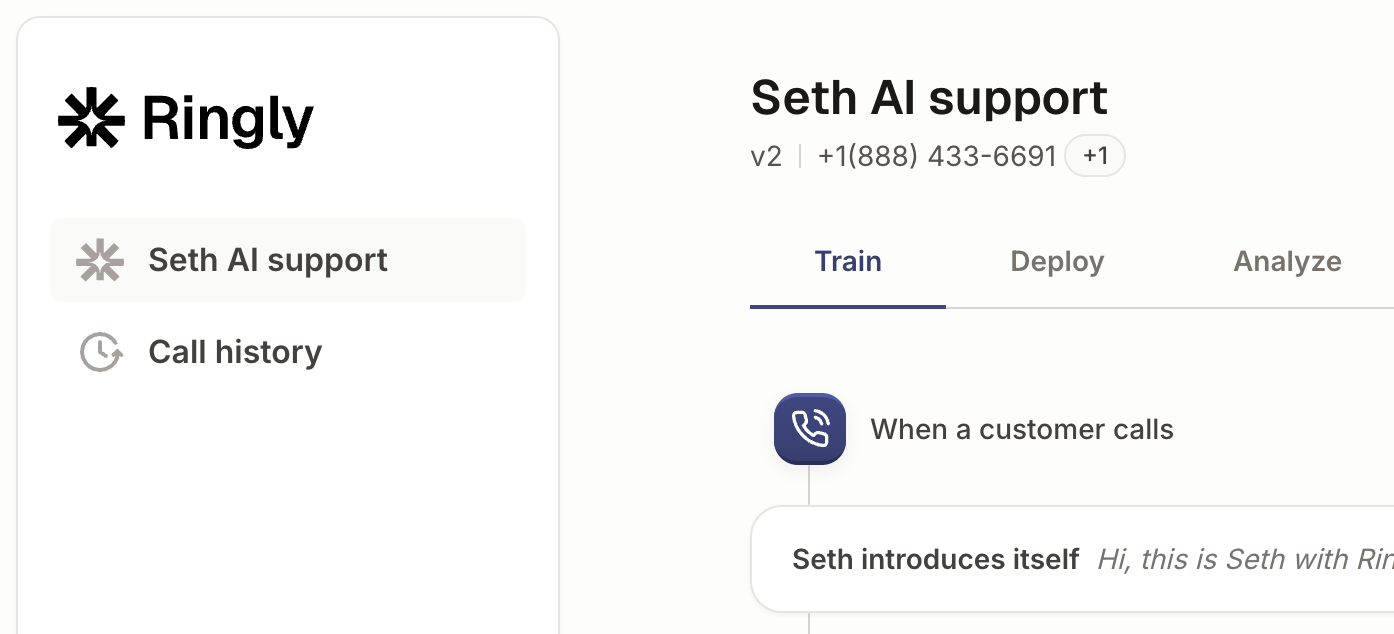
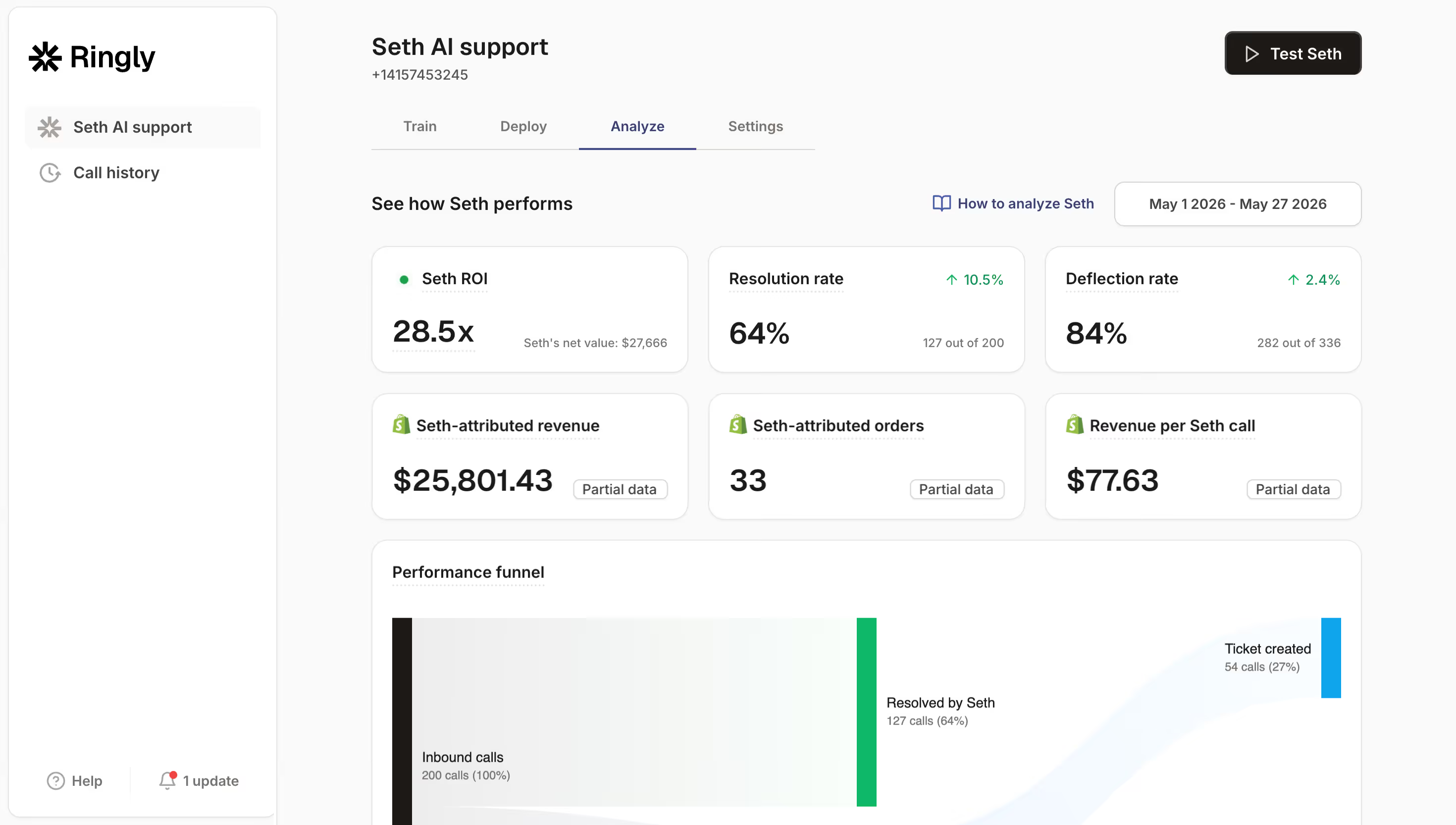
Ringly.io is AI phone support for Shopify brands. Its AI phone rep, Seth, looks up the order on the call and relays the carrier, status and estimated arrival. For returns, Seth checks eligibility and creates a draft for your team to approve. For cancellations, he can cancel and refund in Shopify on the call or log a request for your team, depending on how you set it up.
AI Coach is a chat assistant inside the Seth dashboard. It reads your settings and real calls, tells you what to fix first, and proposes changes you accept or dismiss, as Ringly's help center describes it. Coach is aimed at your phone line.
Seth reads orders in Shopify, sends calls to Gorgias or Zendesk as tickets, answers on a number you import from Twilio, and can call any API through custom skills. See the integrations list, and read more on AI voice support for Shopify and AI order support. Ringly.io charges per phone conversation, see pricing.
Frequently asked questions
How do I connect Claude to Shopify?
Add the Shopify connector in Claude, then approve data access in your Shopify admin when Shopify redirects you. Name Shopify in your prompts so Claude uses the connector.
Is there an official Shopify connector for Claude?
Yes. Shopify publishes a connector that lets you create or manage a store from chat. It isn't on the Shopify App Store, and Shopify adds no fee for it.
Can Claude issue refunds or cancel orders in Shopify?
No. A connected AI tool can't issue refunds, cancel or capture orders, mark orders as paid, process returns, or create and adjust gift cards. For phone calls about refunds and cancellations, a tool like Ringly.io's Seth handles the call instead.
Do I need a paid Claude plan to connect Shopify?
Shopify's page says Claude subscription costs are paid to Anthropic. Check Anthropic's plan page for what your tier includes.
What is the difference between the Shopify connector and the Shopify AI Toolkit?
The connector is added in Claude and you approve its data access in your Shopify admin. The AI Toolkit is installed as a plugin in Claude Code.
Is it safe to connect Claude to my Shopify store?
It is safer when you start read-only, because write access needs your approval and the money actions stay blocked. Use a limited staff account, since Claude inherits the permissions of the connected account.