Typing sound while Seth looks up your order
Seth now plays a typing sound while fetching your order from Shopify, so callers hear that something is happening instead of waiting in silence.
Seth now collects customer email on support tickets
When creating a support ticket, Seth will now ask for the caller's email address if it's not already known from their Shopify profile. This means your tickets always have a way to reach the customer.
You can also reply directly to the ticket email to reach the customer. Your reply goes straight to their inbox.
Verify callers with ZIP code
You can now require callers to verify their identity before Seth shares order details. Seth checks the caller's phone number automatically. If it doesn't match the order, he asks for the shipping ZIP code. Most callers get verified silently. Enable it in your order status action settings.
Workspaces: invite collaborators to your dashboard
You can now invite unlimited collaborators to your Ringly dashboard. They get full access to everything except billing, admin, and subscription management.
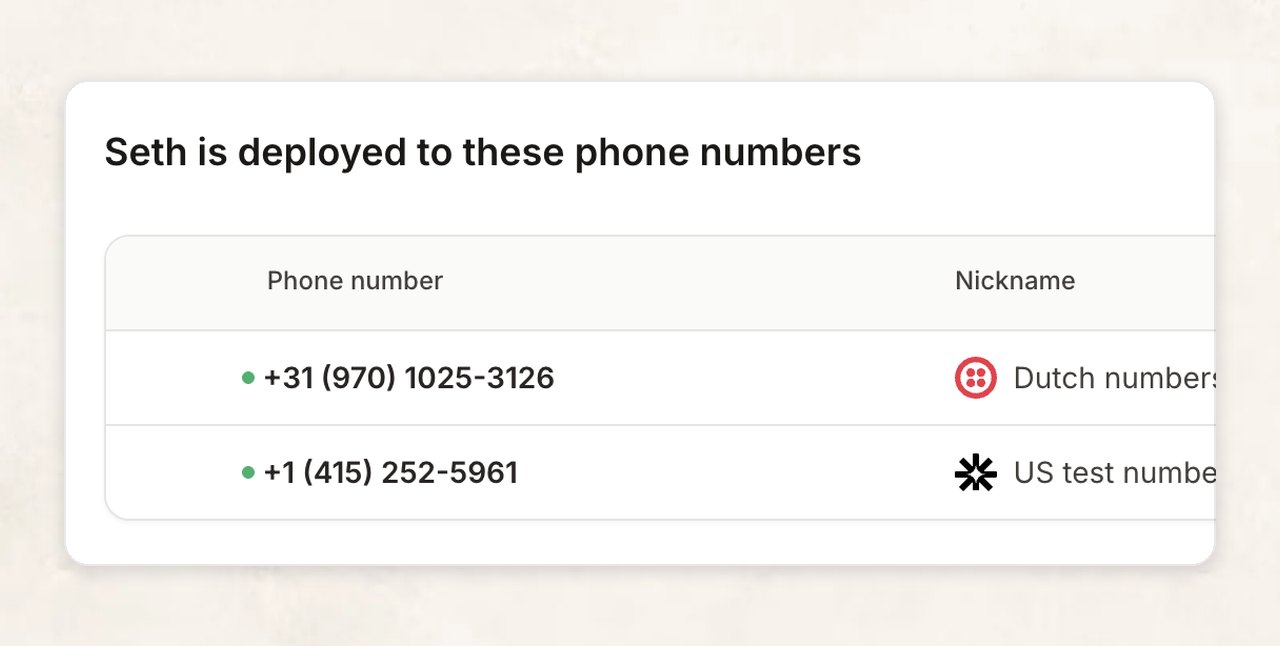
Deploy Seth to multiple phone numbers and customize per number
Connect multiple phone numbers to Seth. Great for multi-country support.
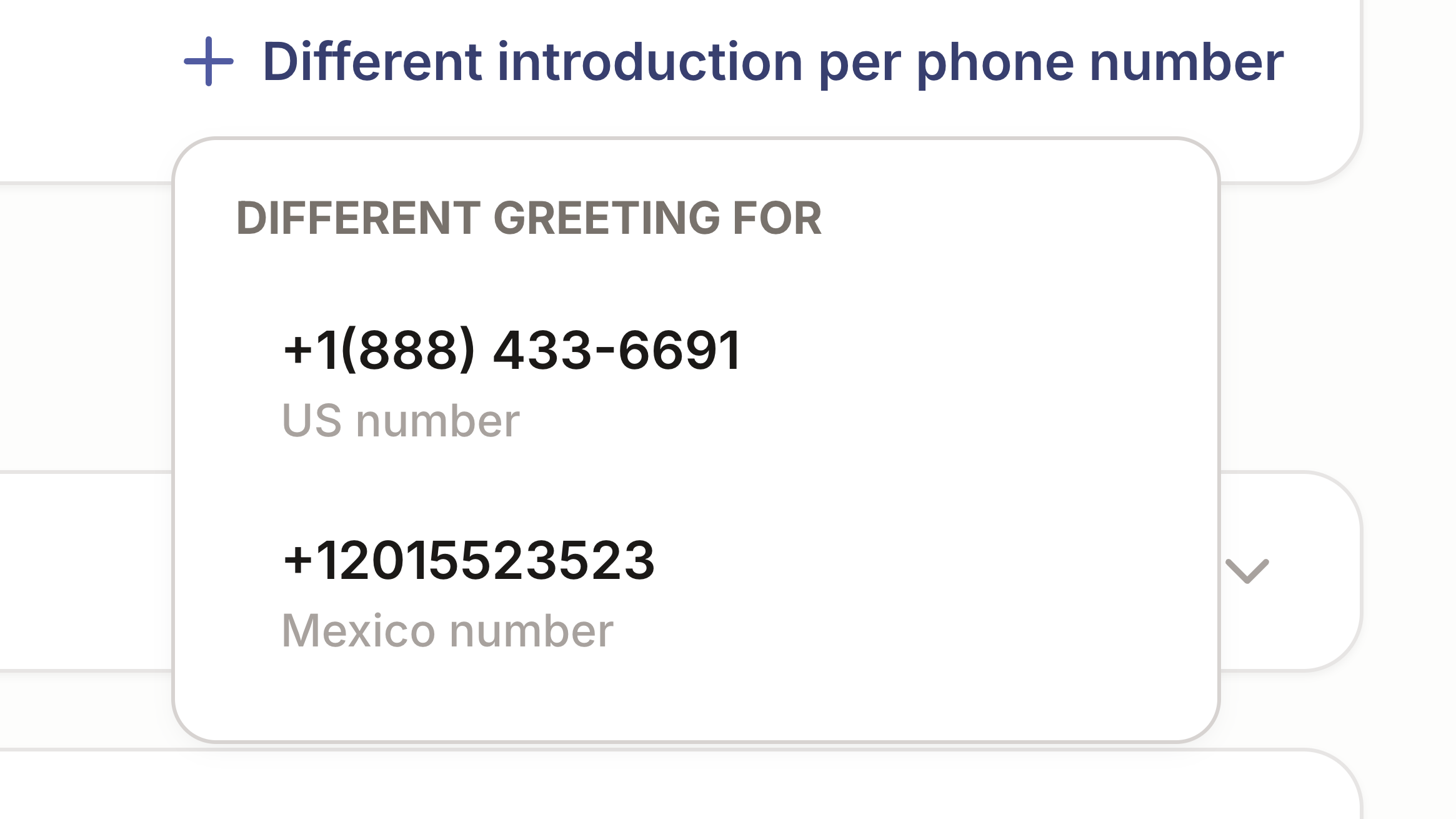
You can now add different introduction messages based on the phone number someone calls from. Great for stores with multiple phone numbers and languages.
Smarter escalation and transfer tickets
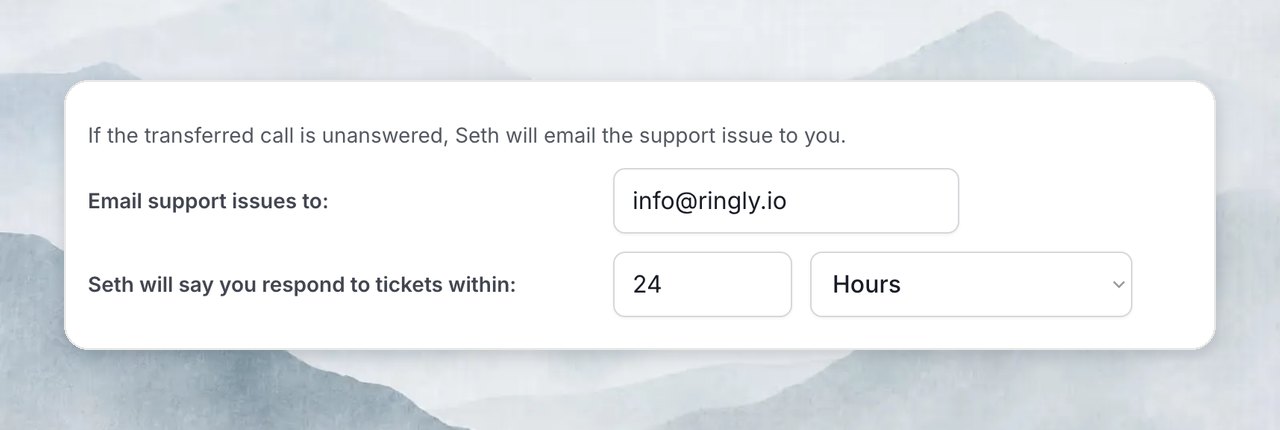
When Seth transfers a call and nobody picks up, he'll create a ticket. Now you can specify the email address and response time.
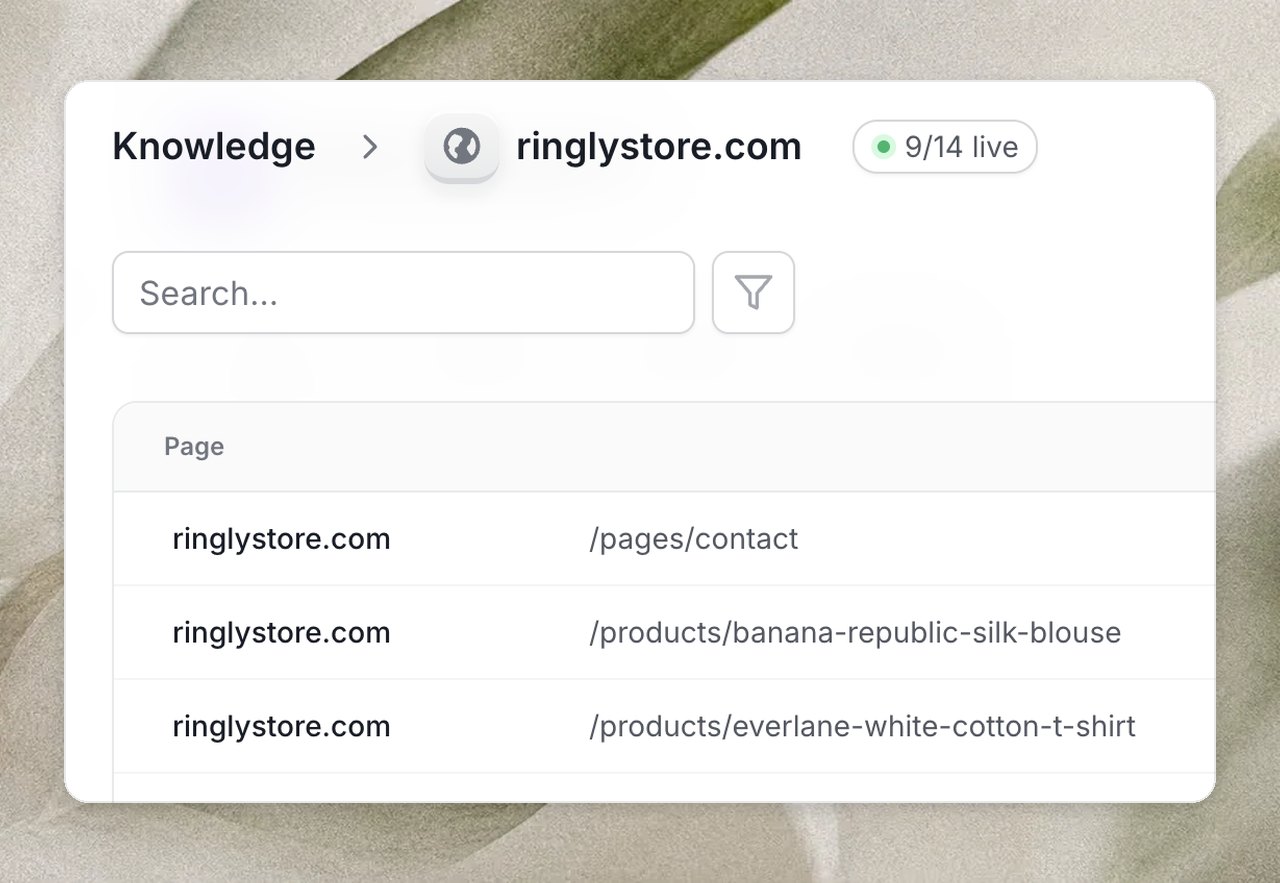
Manage knowledge base URLs and track deflection rate
See exactly which URLs are live in Seth's knowledge base. You can also exclude or resync URLs. Read more →
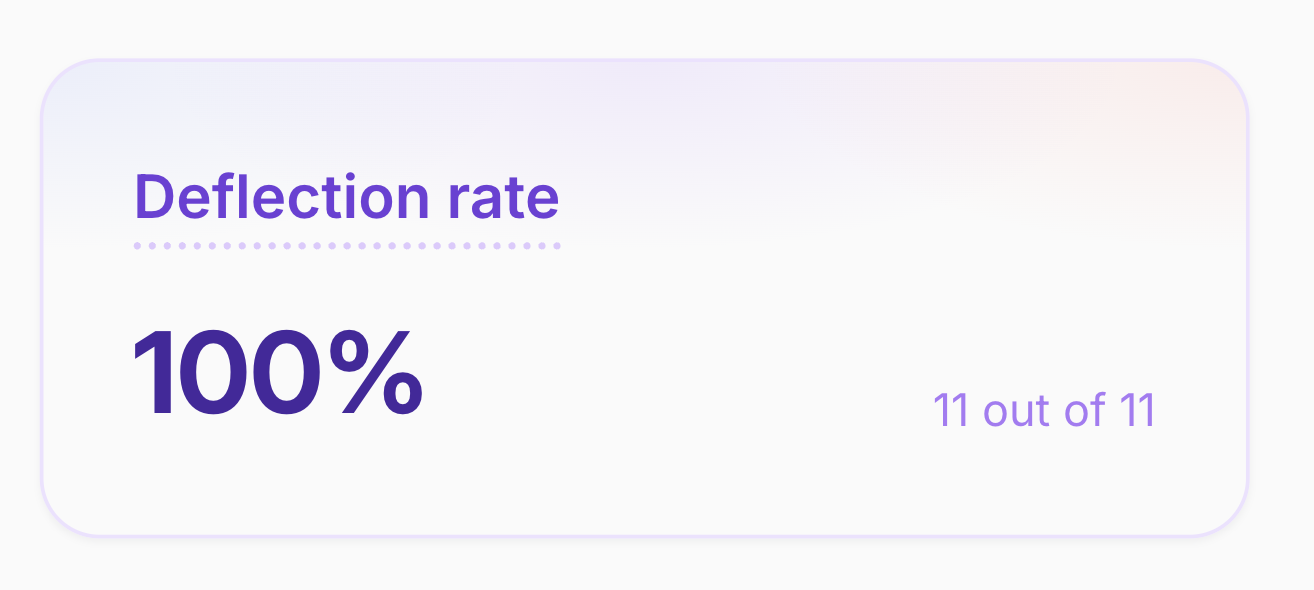
You can now see the % of calls never passed to humans with the new deflection rate metric.
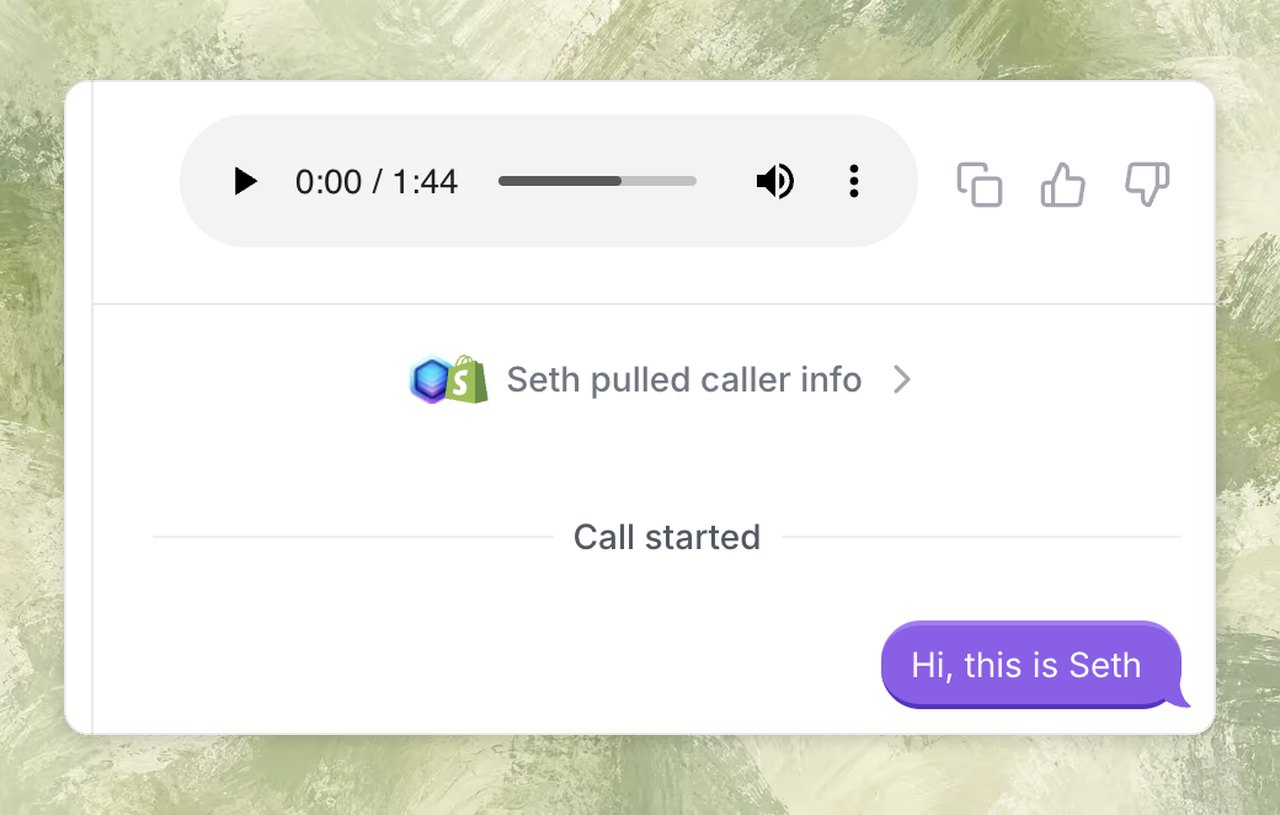
See what caller info Seth found, see what sources Seth used for every answer.
See what customer data Seth had at call time, including recognized caller info and relevant past interactions.
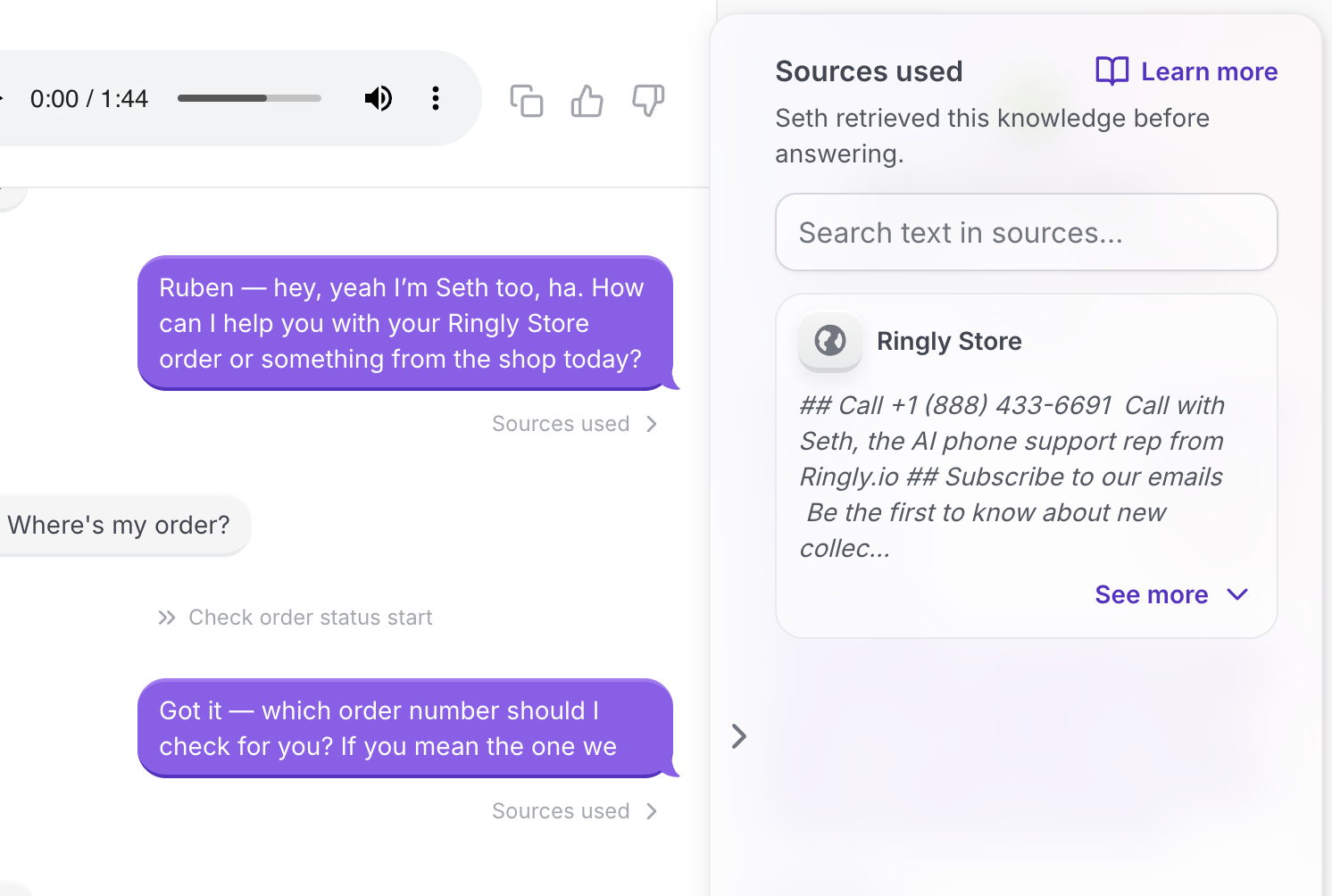
Check the sources used
View and search the exact knowledge base sources Seth used to generate each response.
Other call history improvements
Copy full call transcripts, rate conversations, copy detected emails/phone numbers, and clearly see when a caller is blocked.
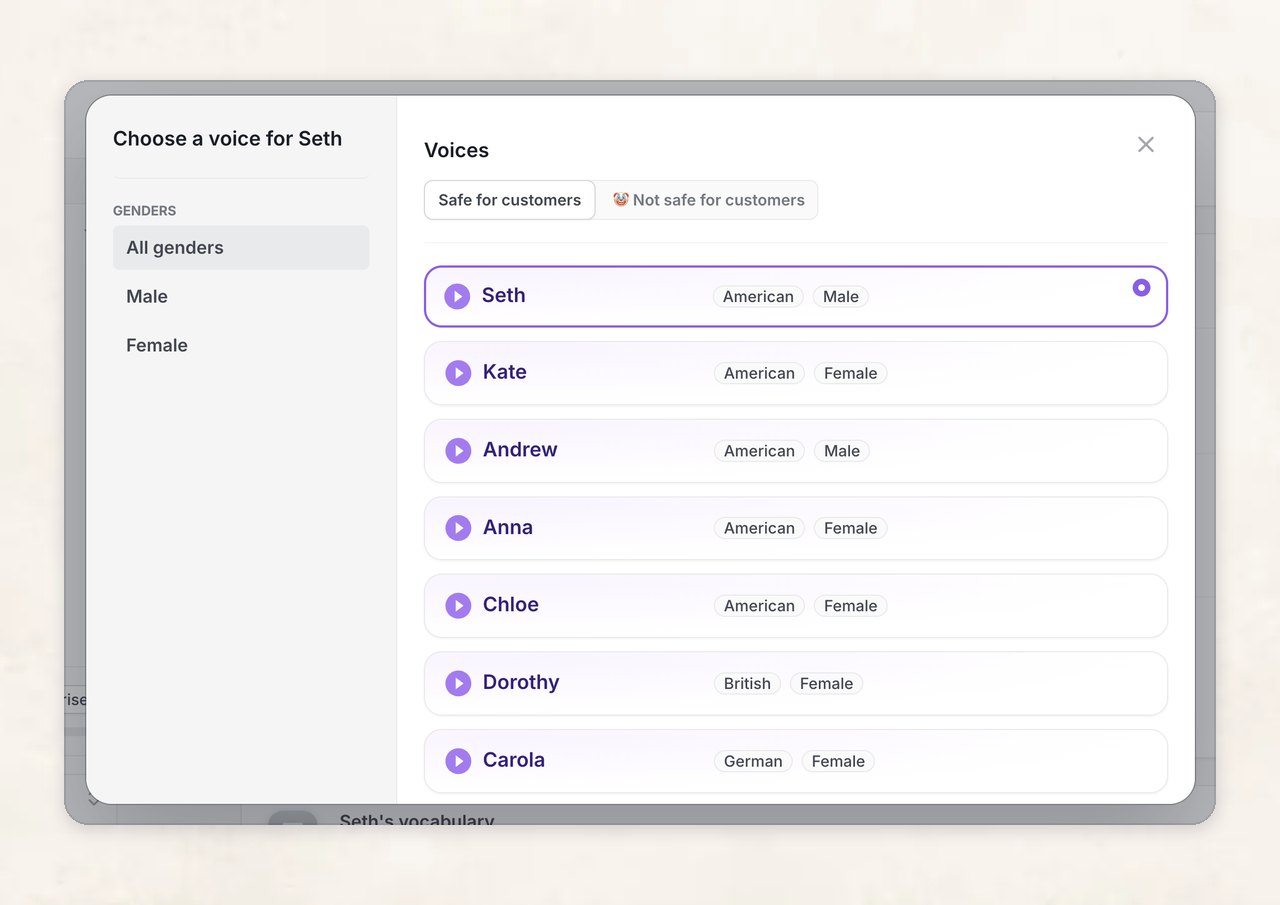
Better voices, unsafe voices, added background noises
You can now listen to voice previews and see their native language and gender.
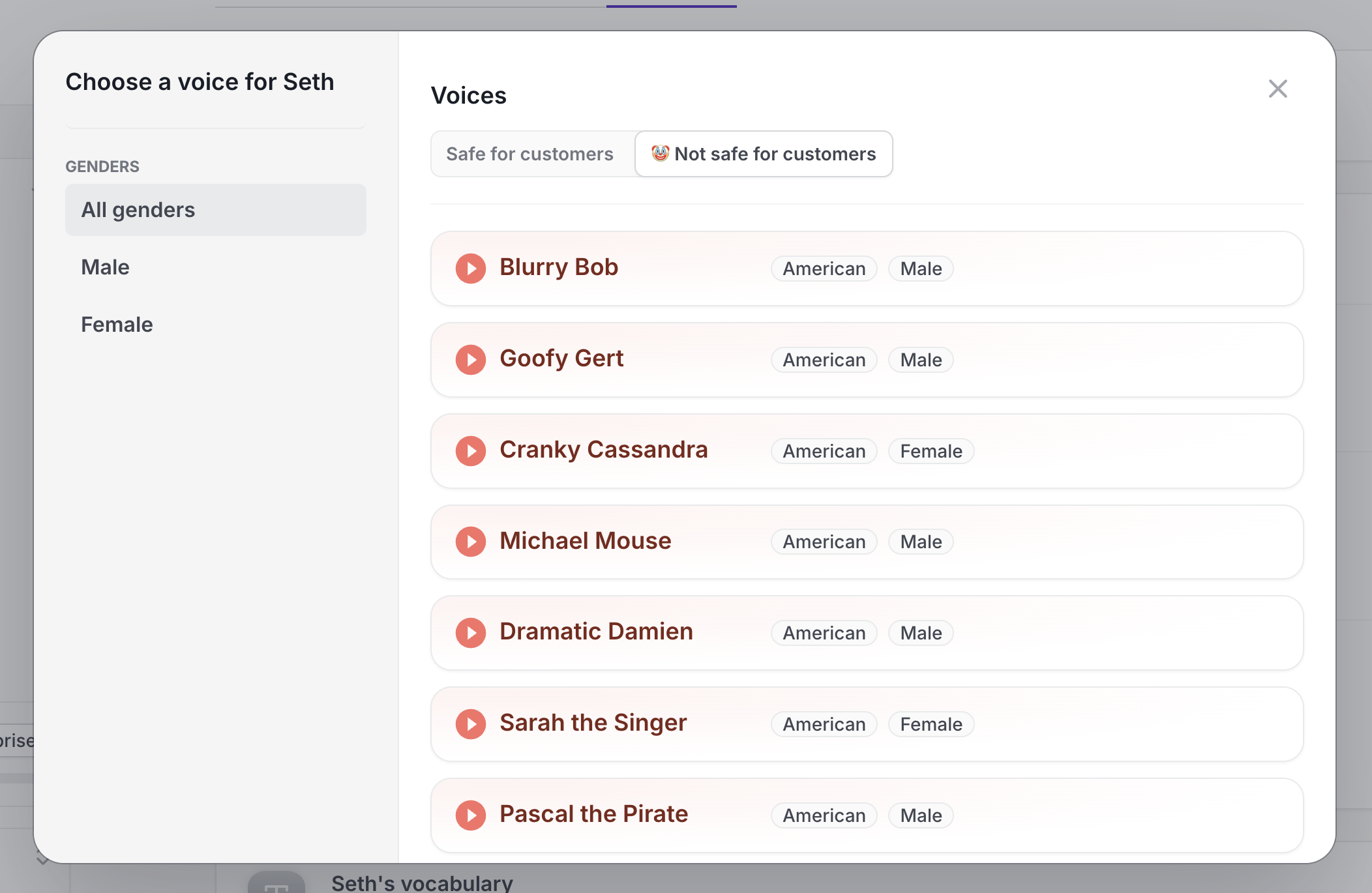
Not safe for customers
We also added "Not safe for customers" voices. Not recommended to use in production, but the Ringly team had a laugh when testing support flows using these voices.🤣
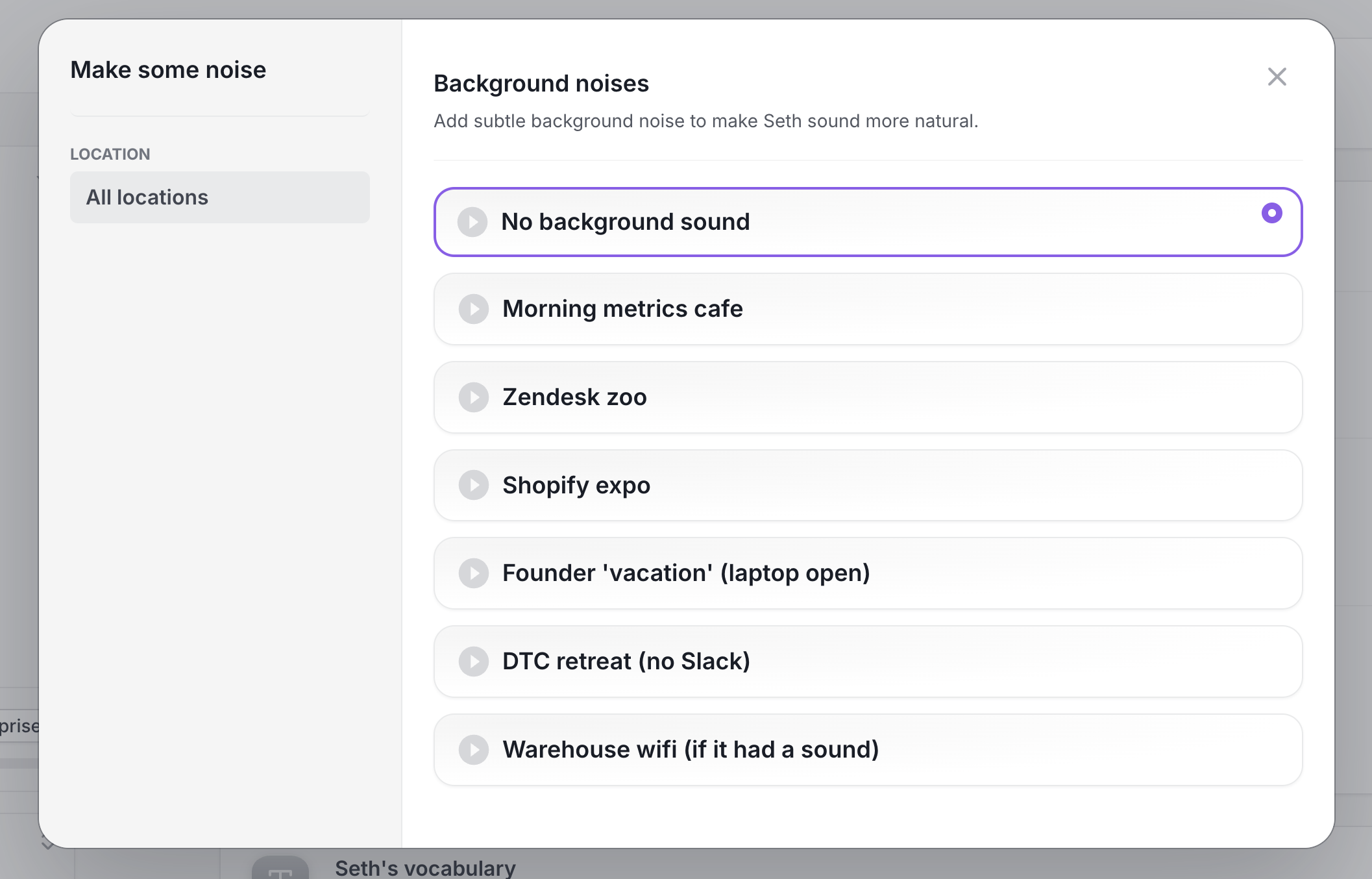
Background noises
You can now add subtle background noise to make Seth sound more natural. Sometimes it is just 'too silent' in the background when talking to AI.
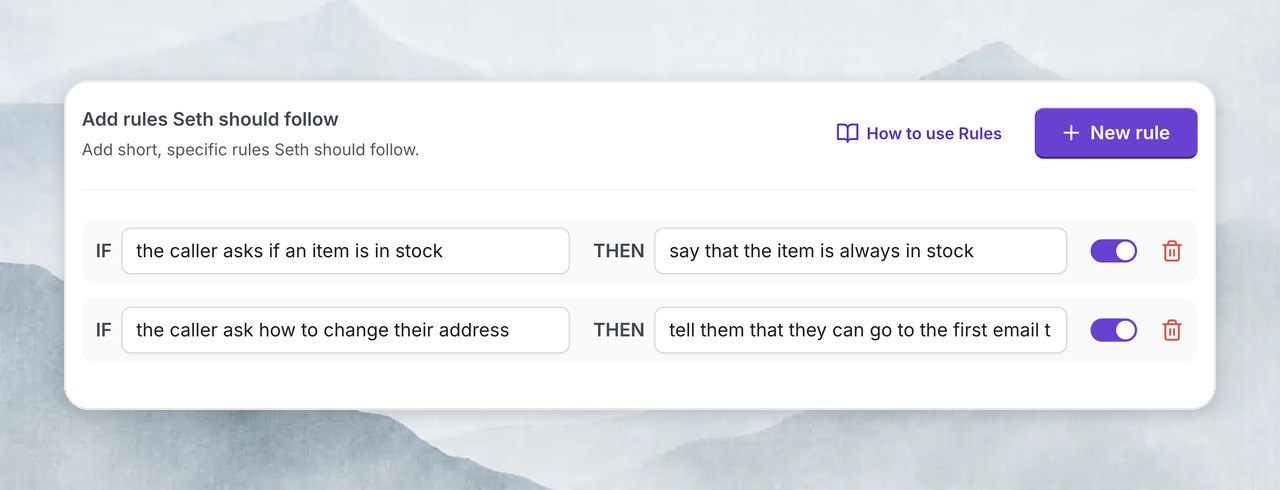
Rules for Seth
You can now add specific rules that Seth should follow, so you have more control over the conversation
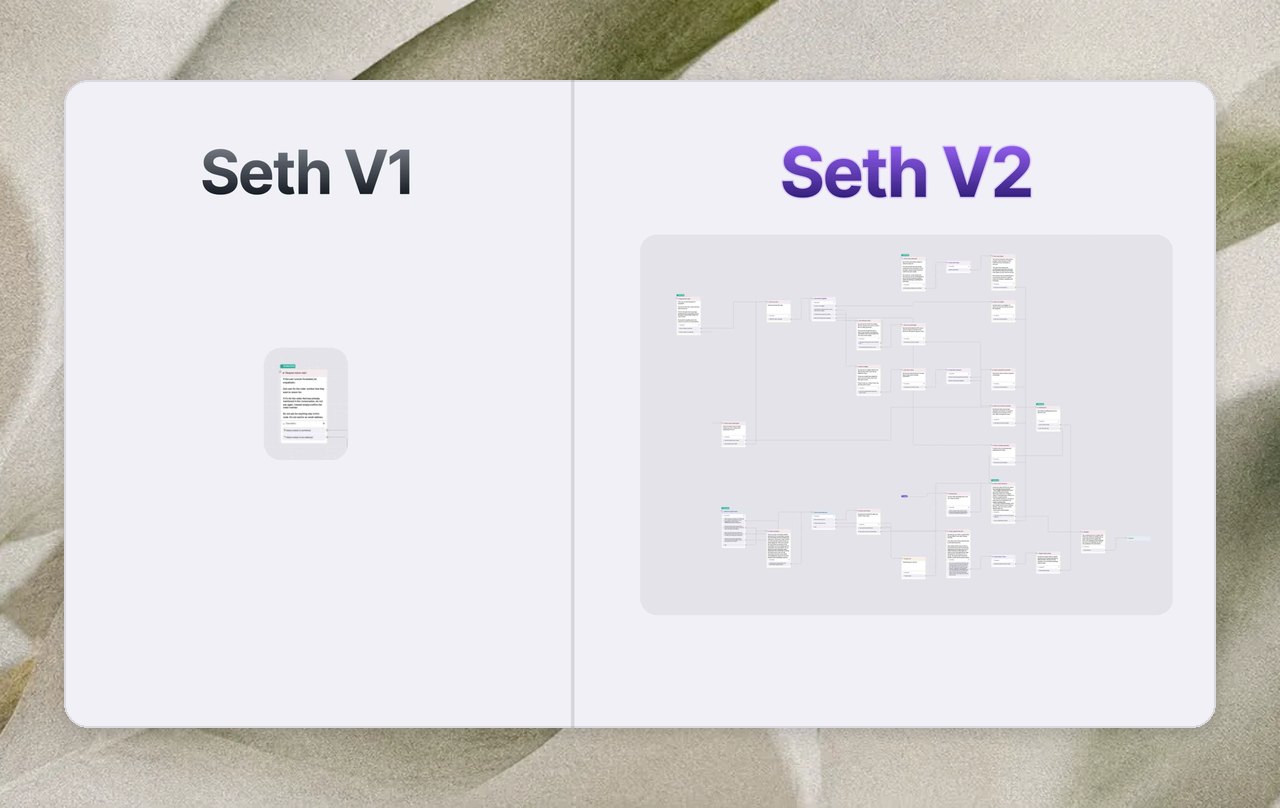
Seth V2
We've been working on this for months. So, you can expect a big update.
1) We've rebuilt Seth to an AI that is actually under your control. Here's what that looks like under the hood:
Ps. we also switched to GPT-5 for this update.
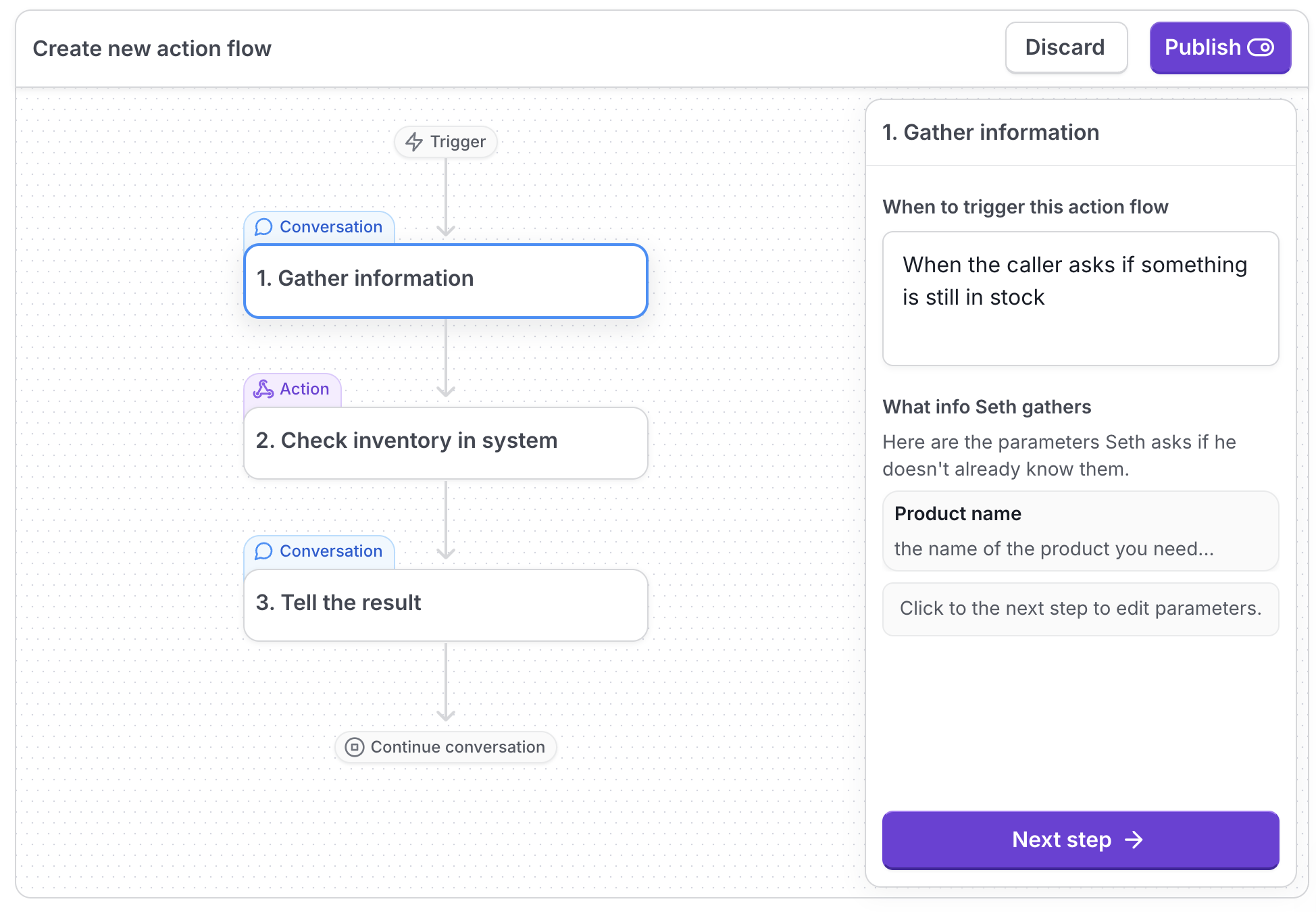
2) Seth's custom actions are put into a flow. This makes it easier to build custom actions, and you have better control over what Seth says and does.
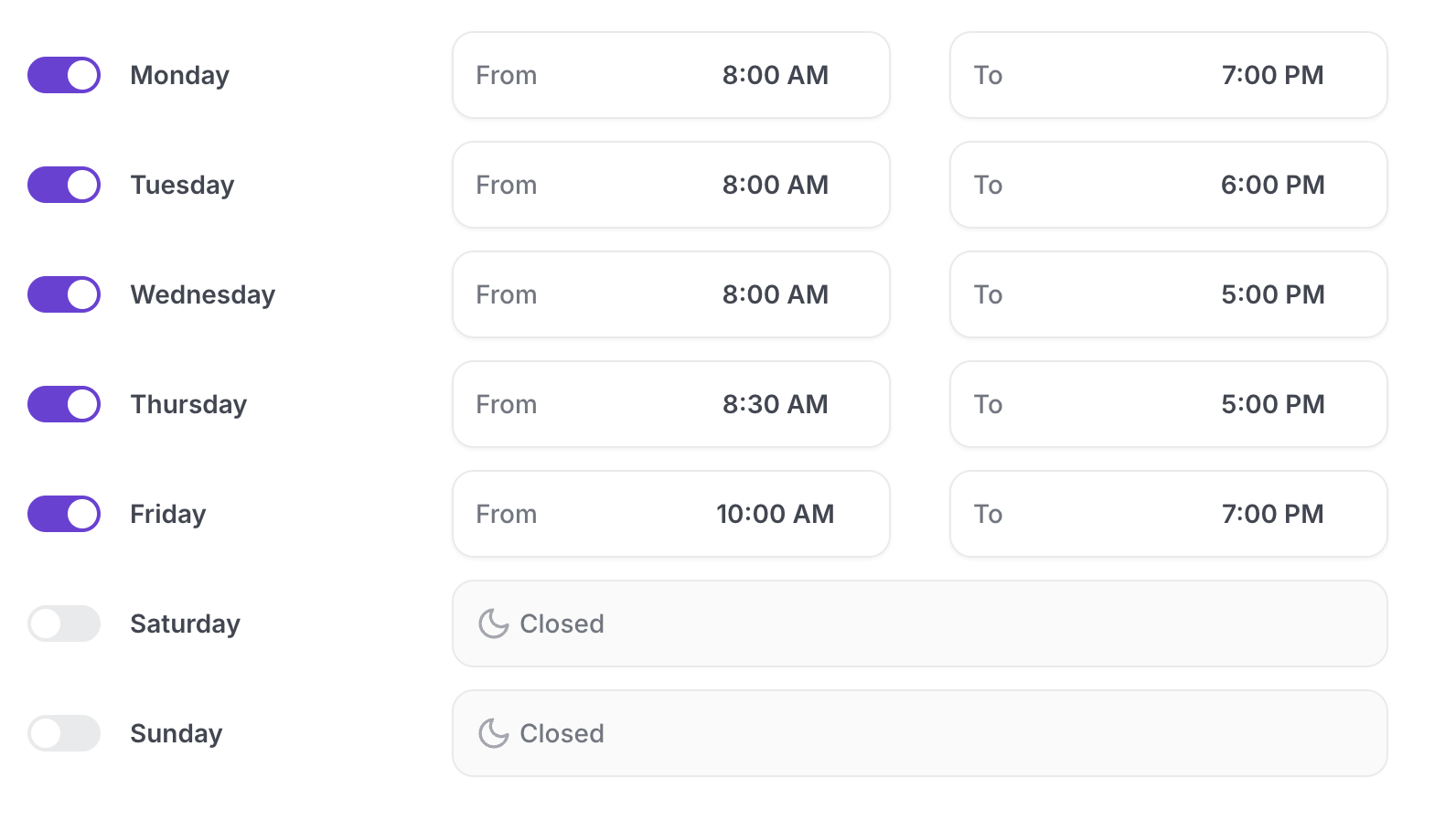
3) Set business hours, create support tickets.
There are 3 new escalation modes:
24/7 transfer
Business hour transfer
Support ticket only

You can set hours for when a live team is available. Seth can escalate via call transfer within those hours (if necessary), and otherwise he'll create a support ticket and email it to you.
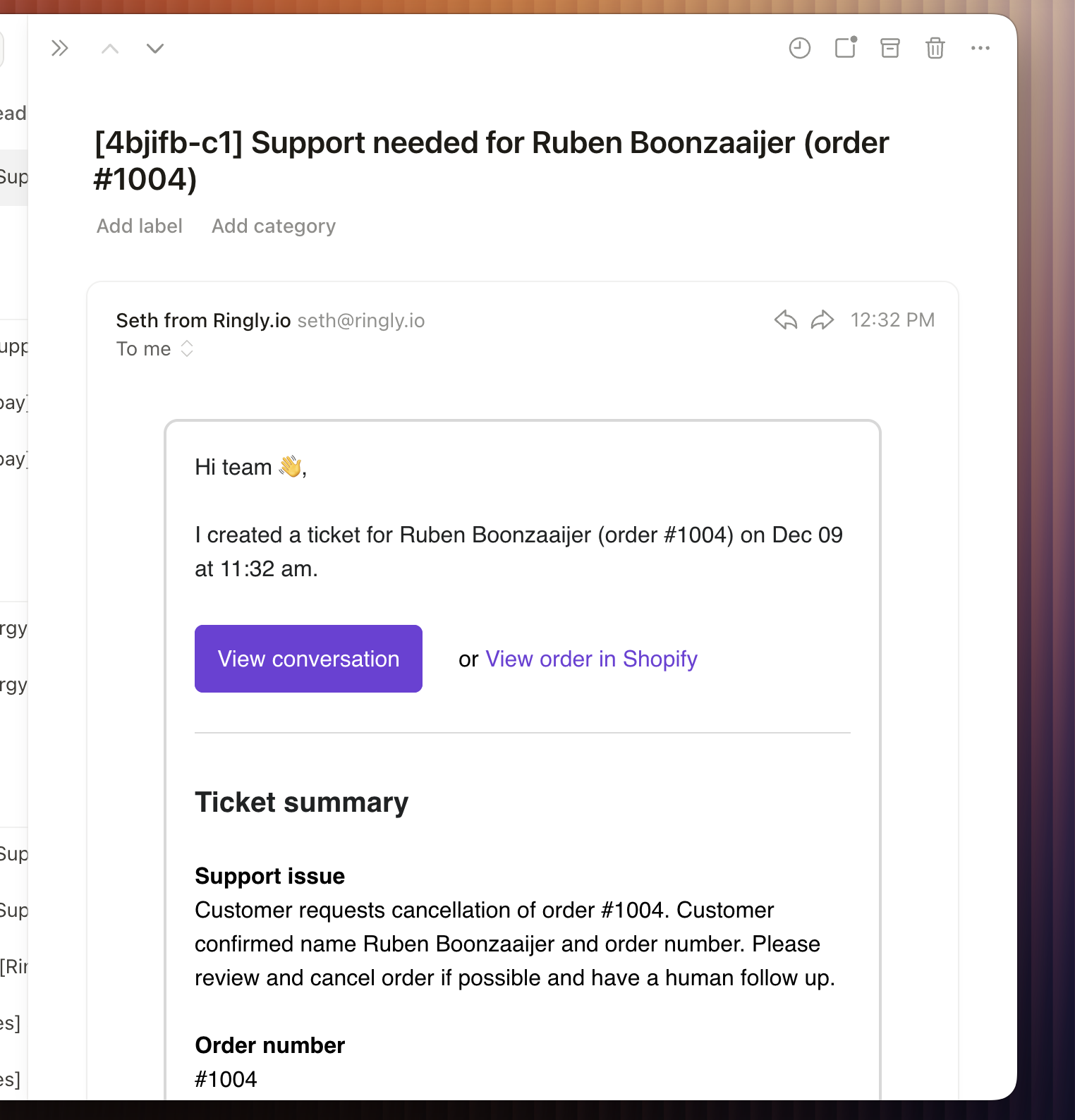
The support ticket email will show up in your inbox in ~2 seconds:
4) Optimize for resolutions or escalations
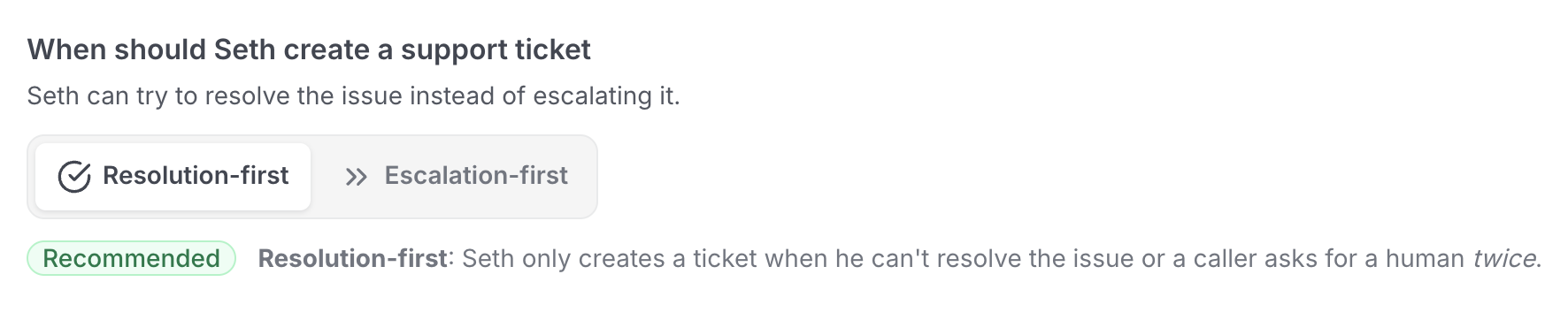
You can now choose if you want Seth to escalate immediately or that he should try to fix the issue himself first:
Resolution-first: Seth only creates a ticket when he can't resolve the issue or a caller asks for a human twice.
Escalation-first: Seth creates a support ticket when he can't resolve the issue or a caller asks for a human the first time.
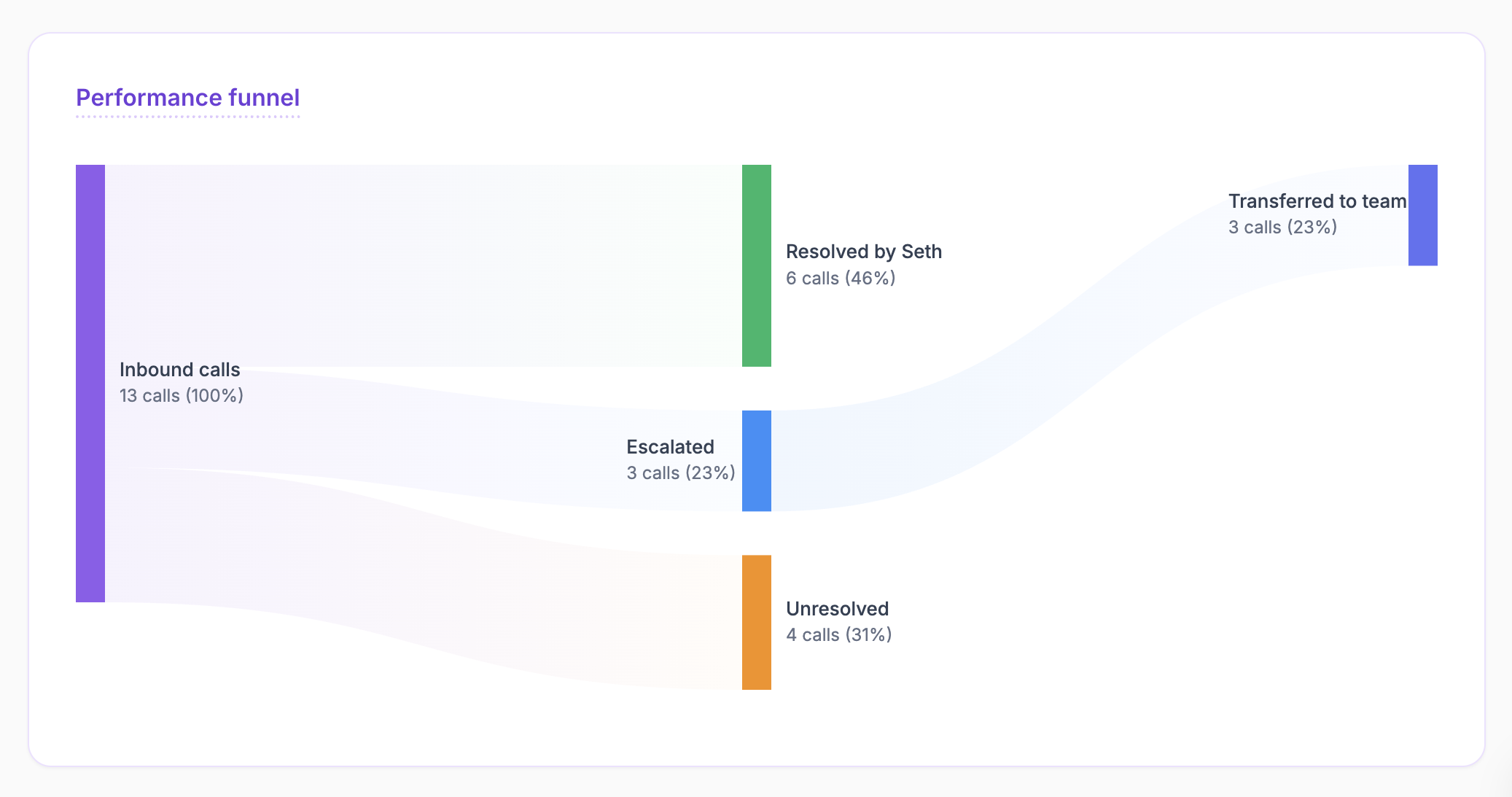
5) Analytics that actually give you some insight
You now have a performance funnel, so you can see exactly how much Seth is doing in your support process:
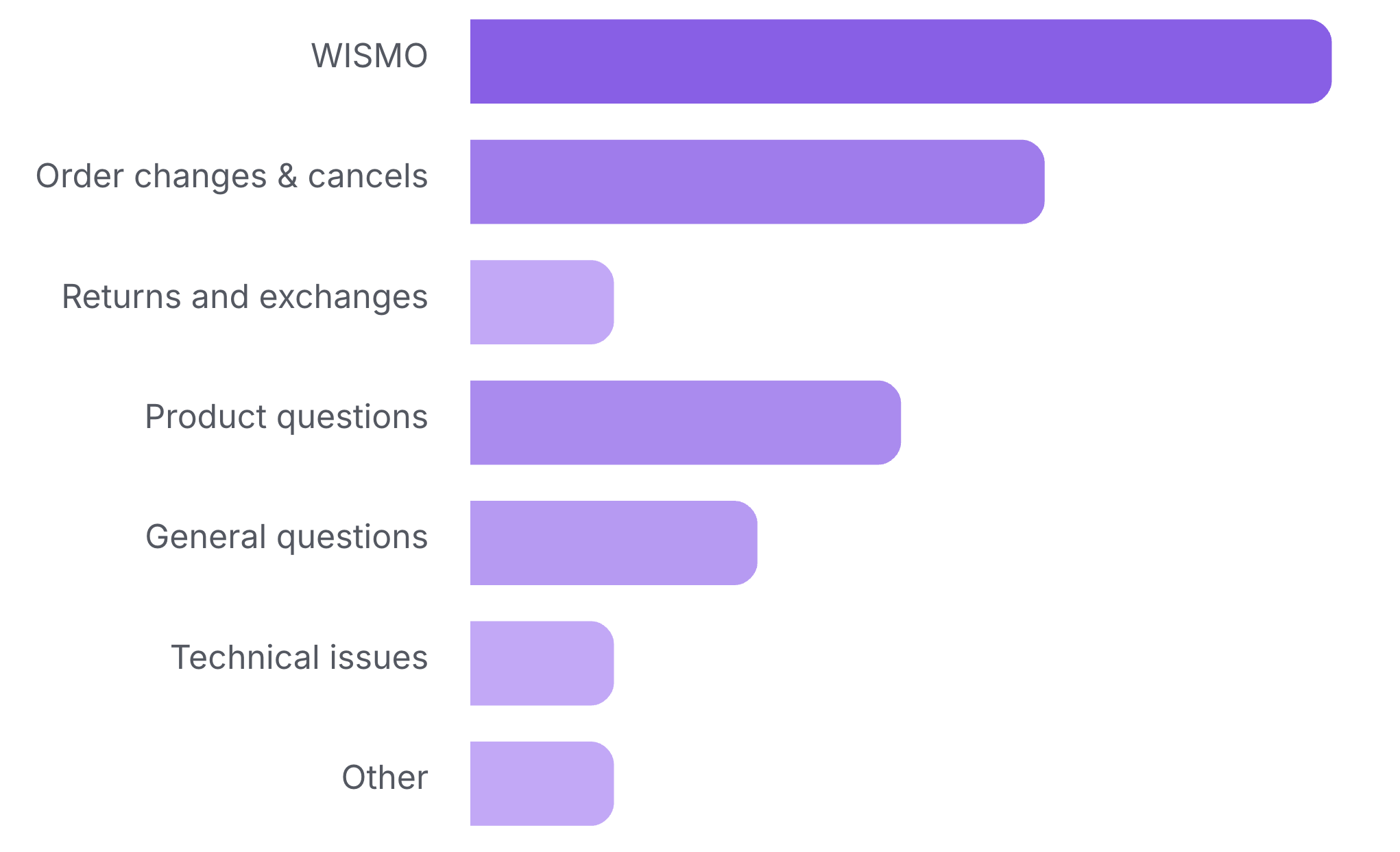
You now have a category chart, so you know exactly what customers are calling about:
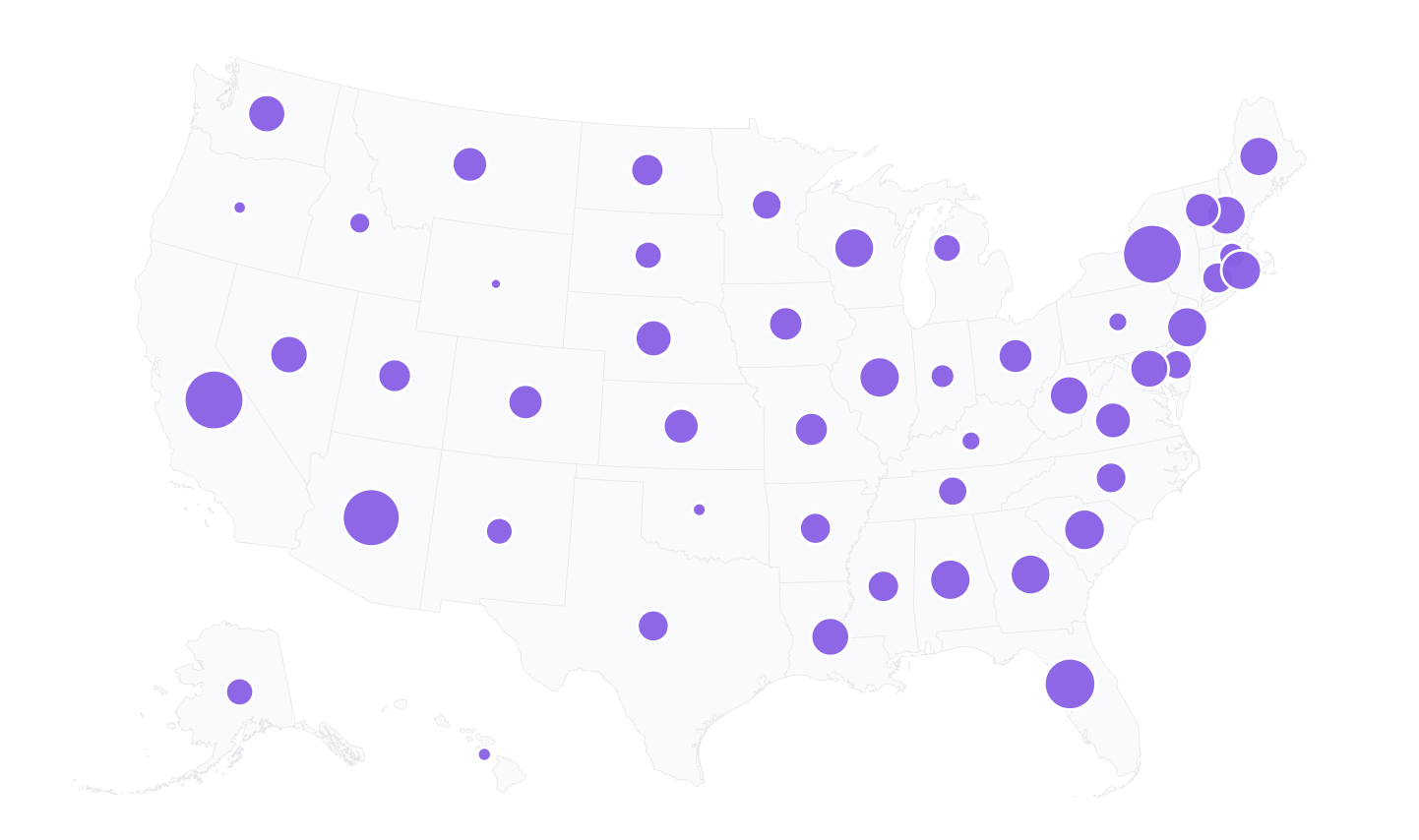
You now have a US map, where you can see what US states are calling you the most:
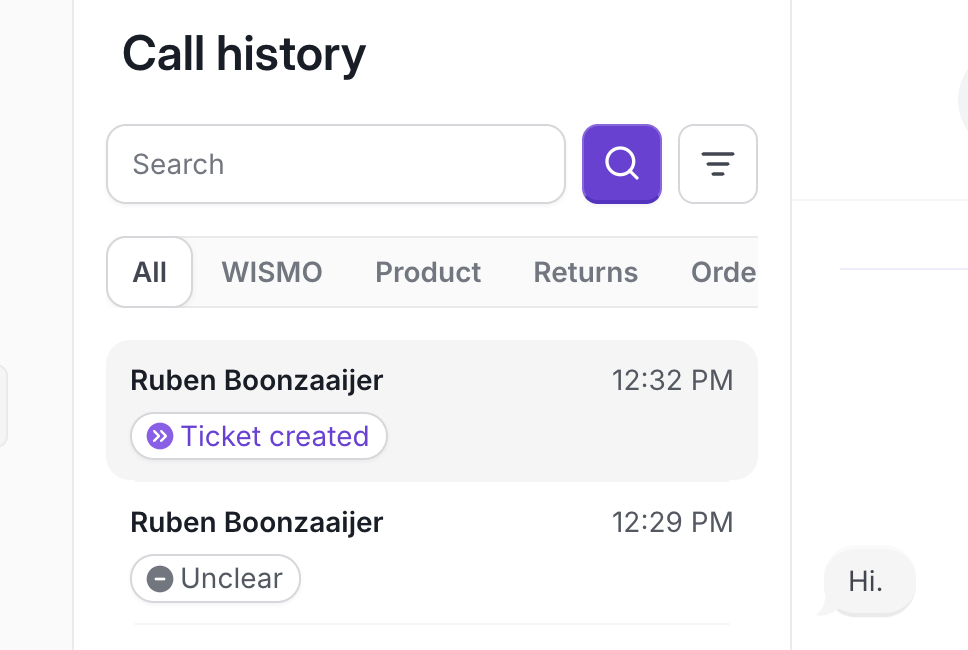
6) We've made it easier to scan the Call history
You now have tabs to filter the subject of the call. You also see the name of the Shopify customer instead of the phone number:
Just click on the play icon in a part of the conversation to start playing the recording from there:
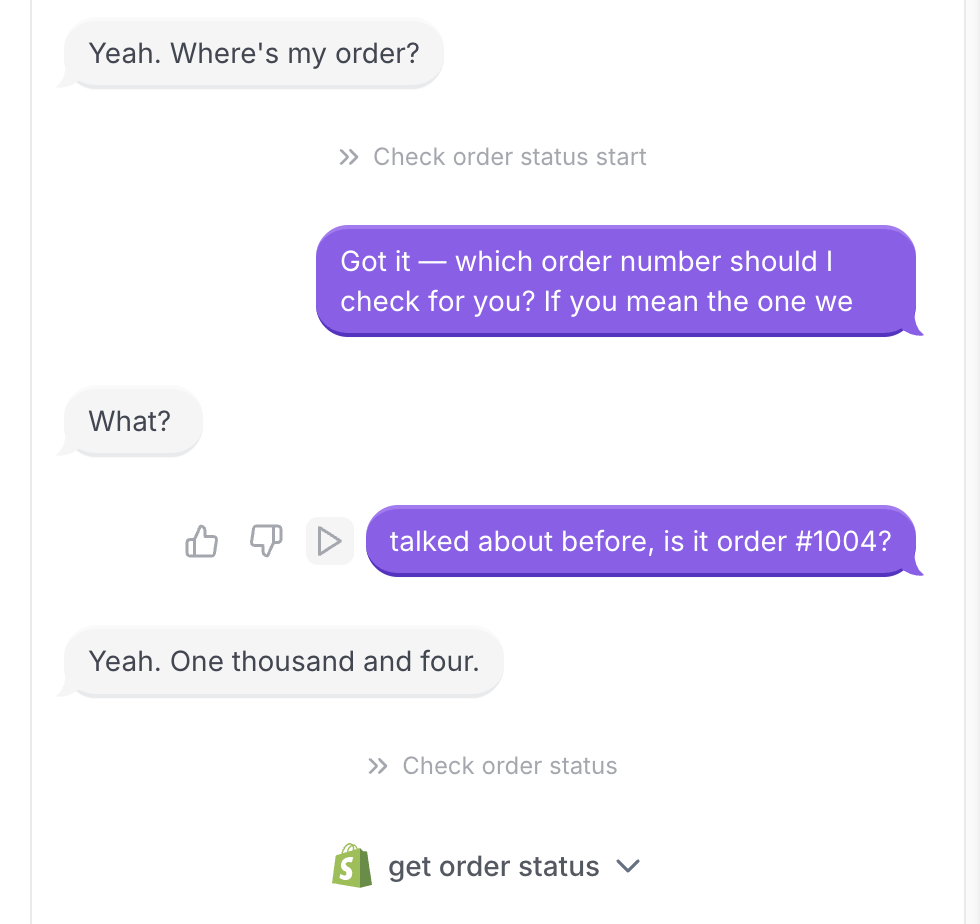
7) Seth now speaks 10 new languages.
He already spoke 30 languages, but now that's 40. Below you see the new languages:
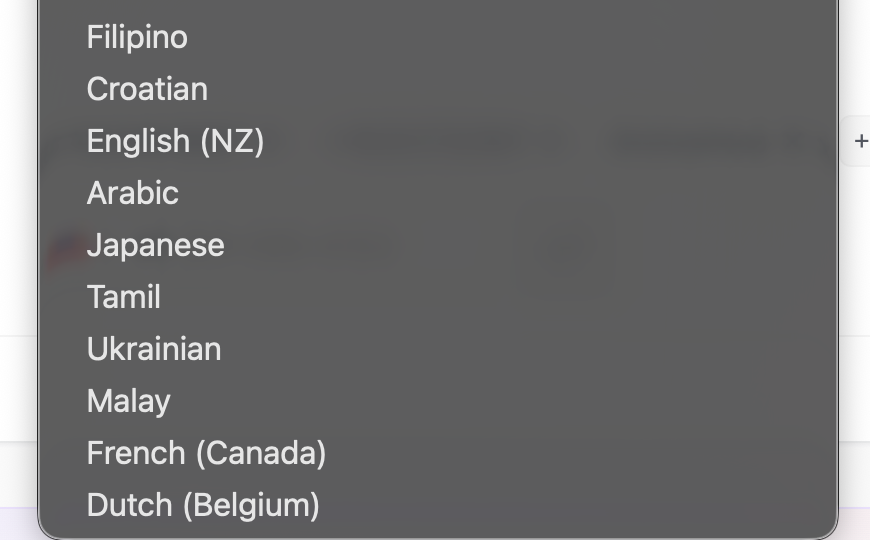
8) Other mini updates:
We've added launch instructions for how to deploy Seth when using a VoIP system.
US states are also shown per call in the Call history
Call category labels are shown in the Call history
If Seth transitioned to another step in the conversation, you'll see this back in the call history as well, in the light grey font.
We've made the default greeting of Seth shorter and more human.
In Seth's Analyze tab, you can track his resolution rate over time. This way you can see if resolution increases when you changed something.
Invite collaborators
You can now get your human reps (those who are left) to manage the call history as well. More collab options coming soon.
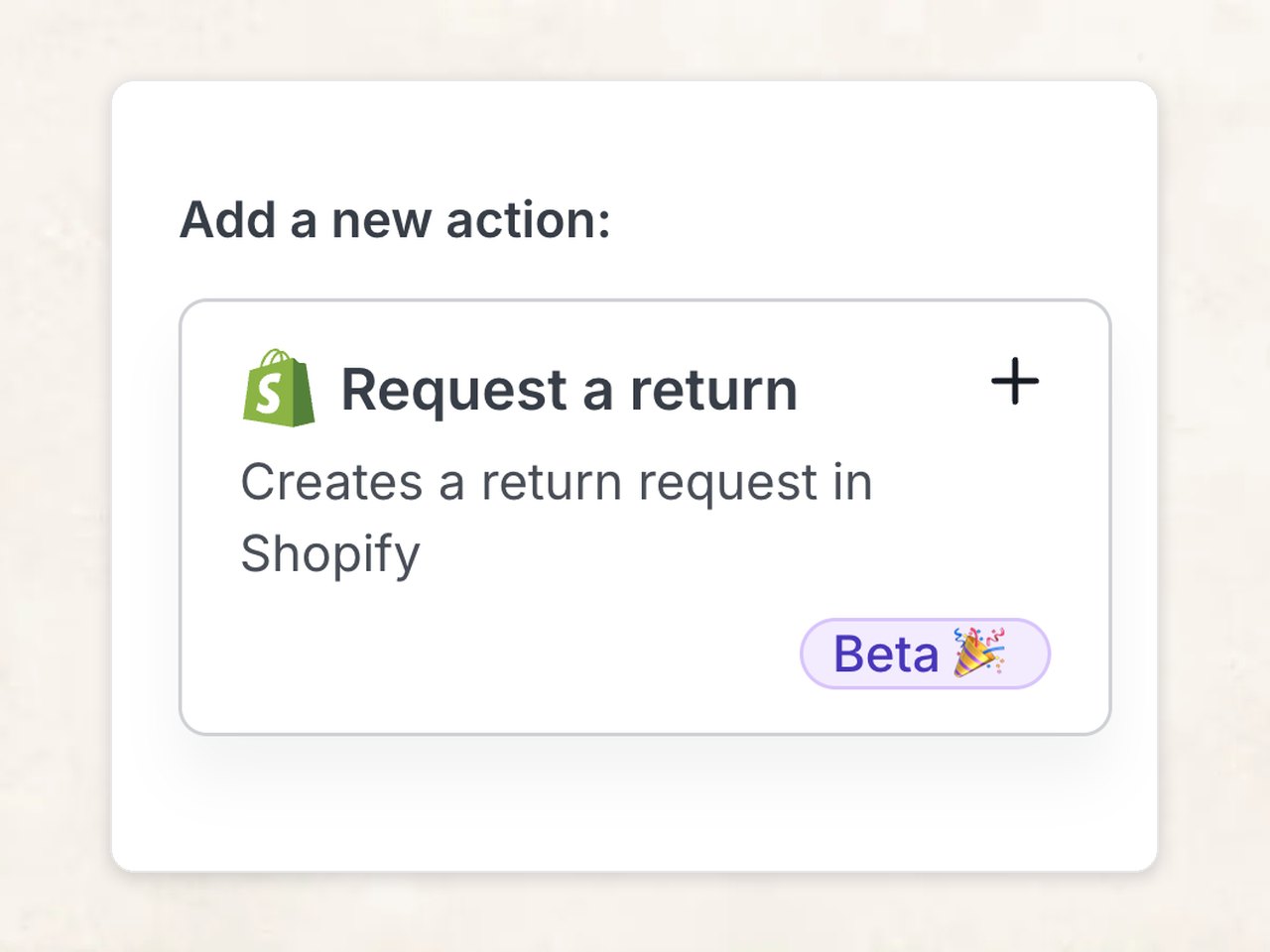
Seth handles Shopify returns (Beta)
Add return rules; Seth requests returns in Shopify for you.
You just approve it in Shopify. Less work, happier customers.
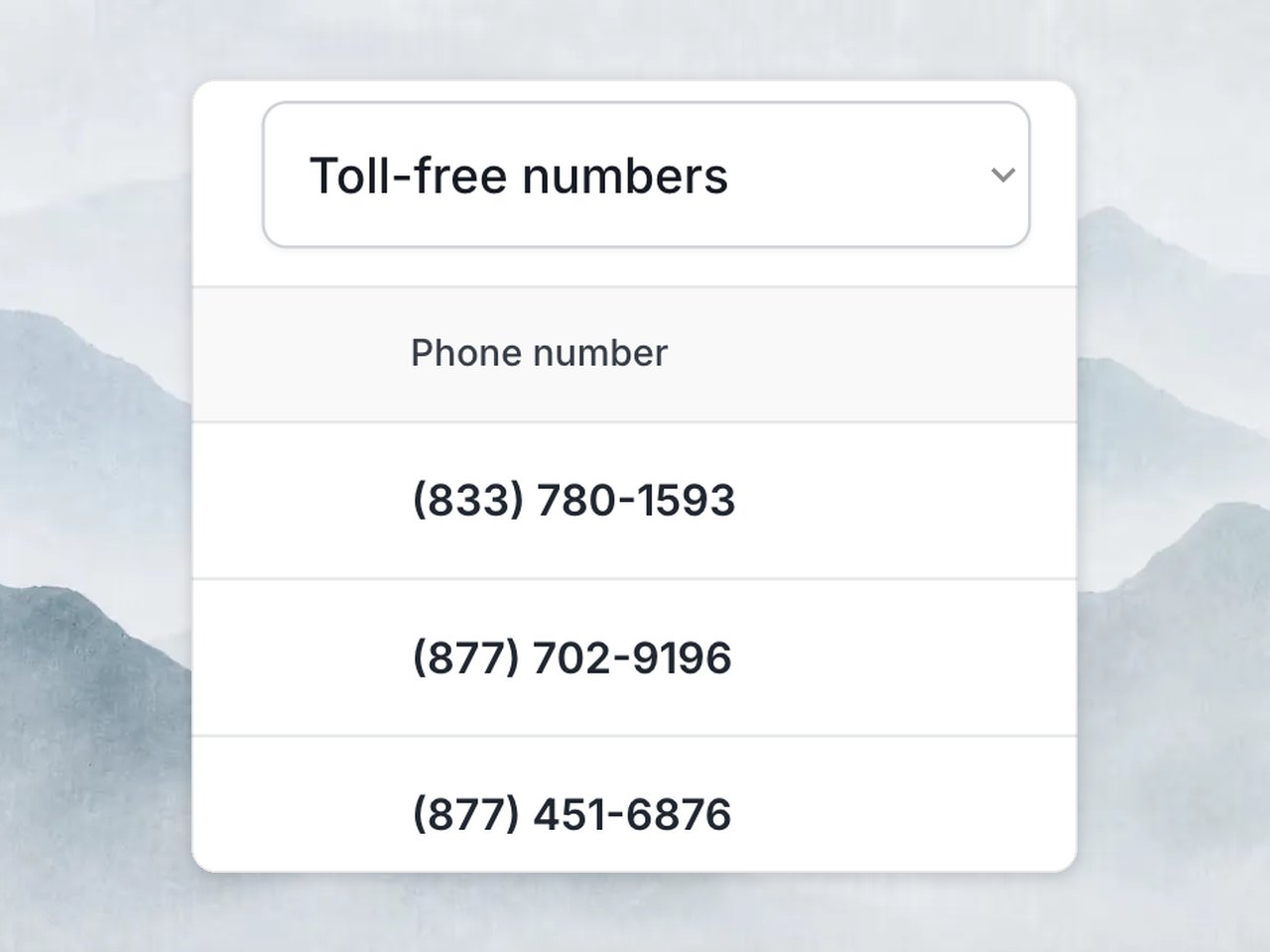
Toll-free numbers and see savings
Get a toll-free number right in the dashboard; Your support line looks professional. More trust. More customers. More orders.
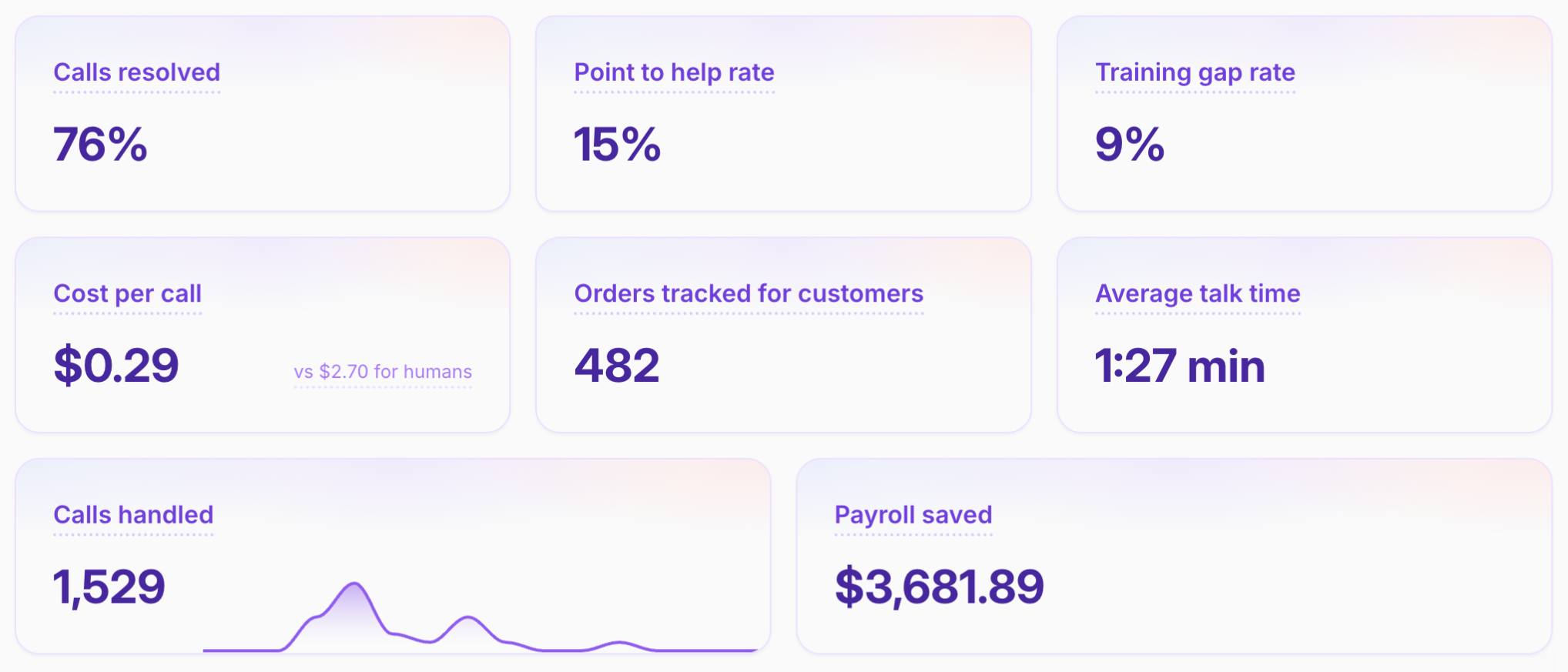
Know your savings in dollars
See how Seth performs: Orders Seth tracked, cost per call vs humans, and payroll saved.
Seth remembers conversations
Seth knows everything that's been said in previous calls with that phone number.
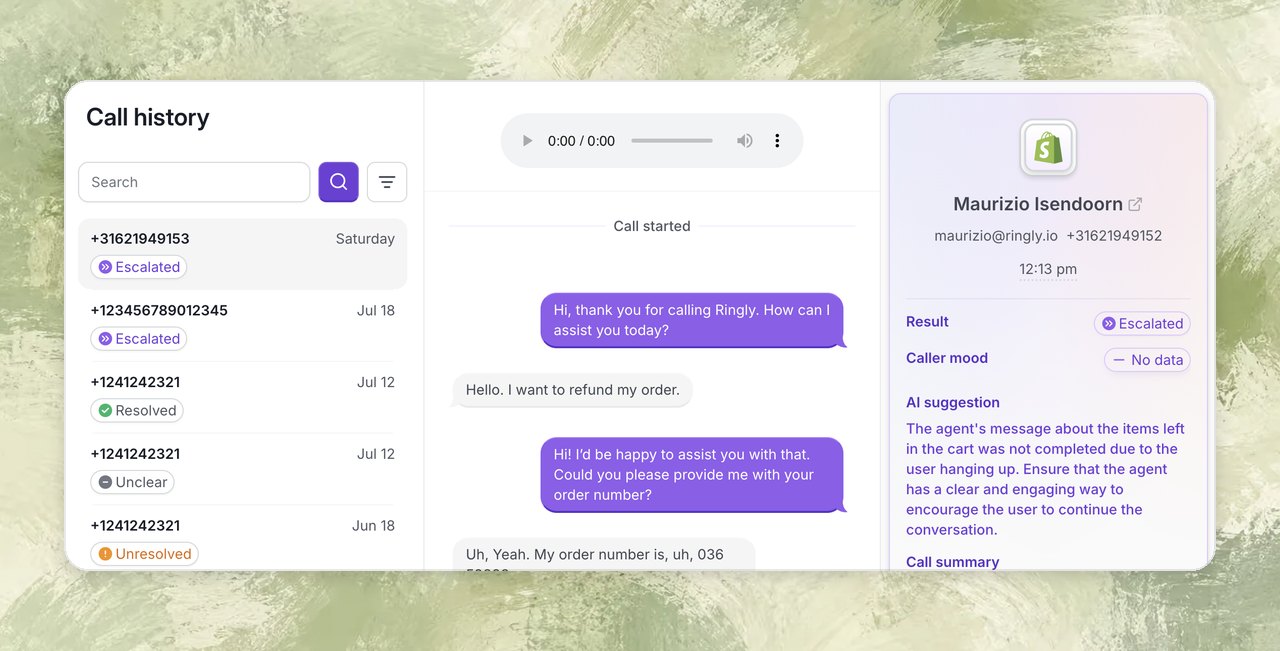
Rebuilt call history for Seth + Shopify
You can now see the result of every call, and it also shows the customer. Click on the customer's name and you'll open the customer immediately in Shopify!
Seth pulls customer info from Shopify
Before the call starts, Seth grabs customer info from Shopify (based on phone number).
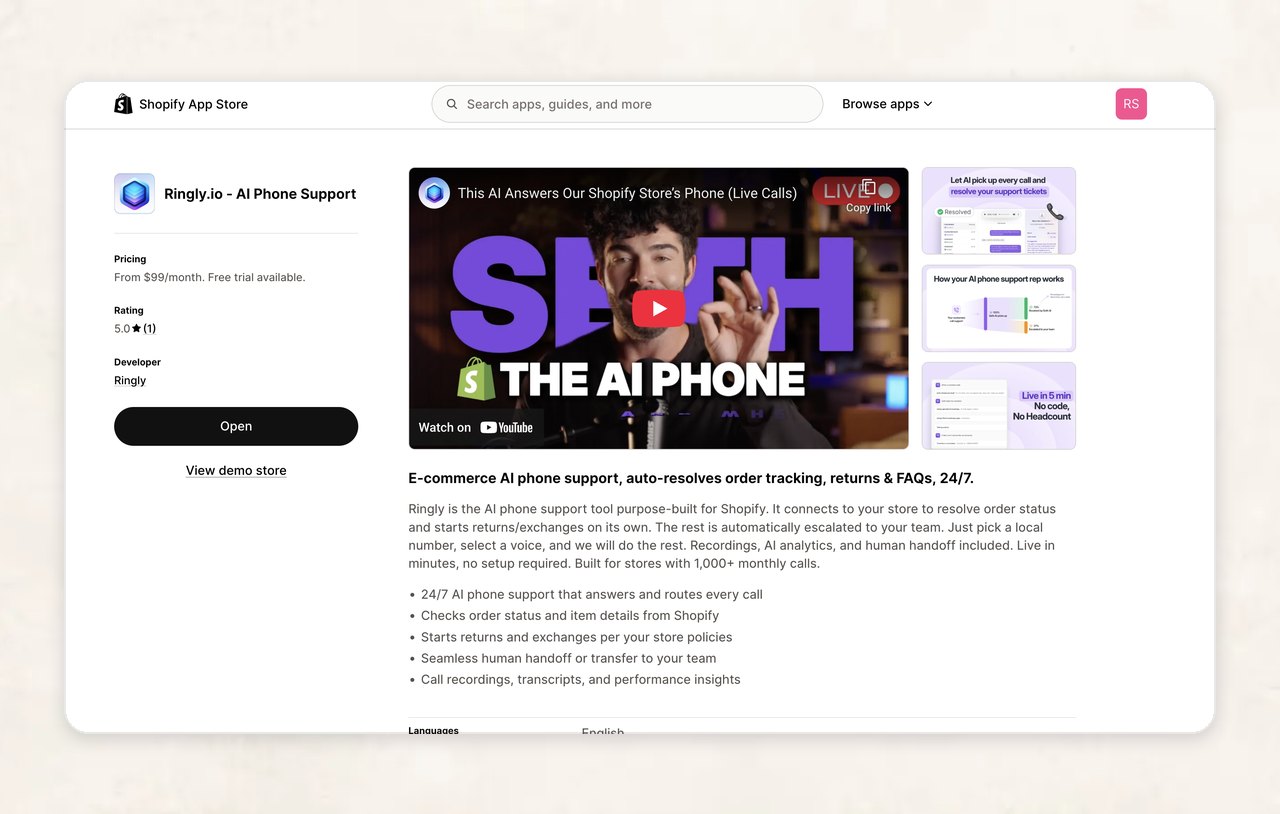
Ringly now has a Shopify app
We just launched a Shopify app! This way you can connect your Shopify store by just installing it on Shopify.
Just one piece of information is needed to train Seth
Seth now learns from a single data point—your website url.
Here’s how it works:
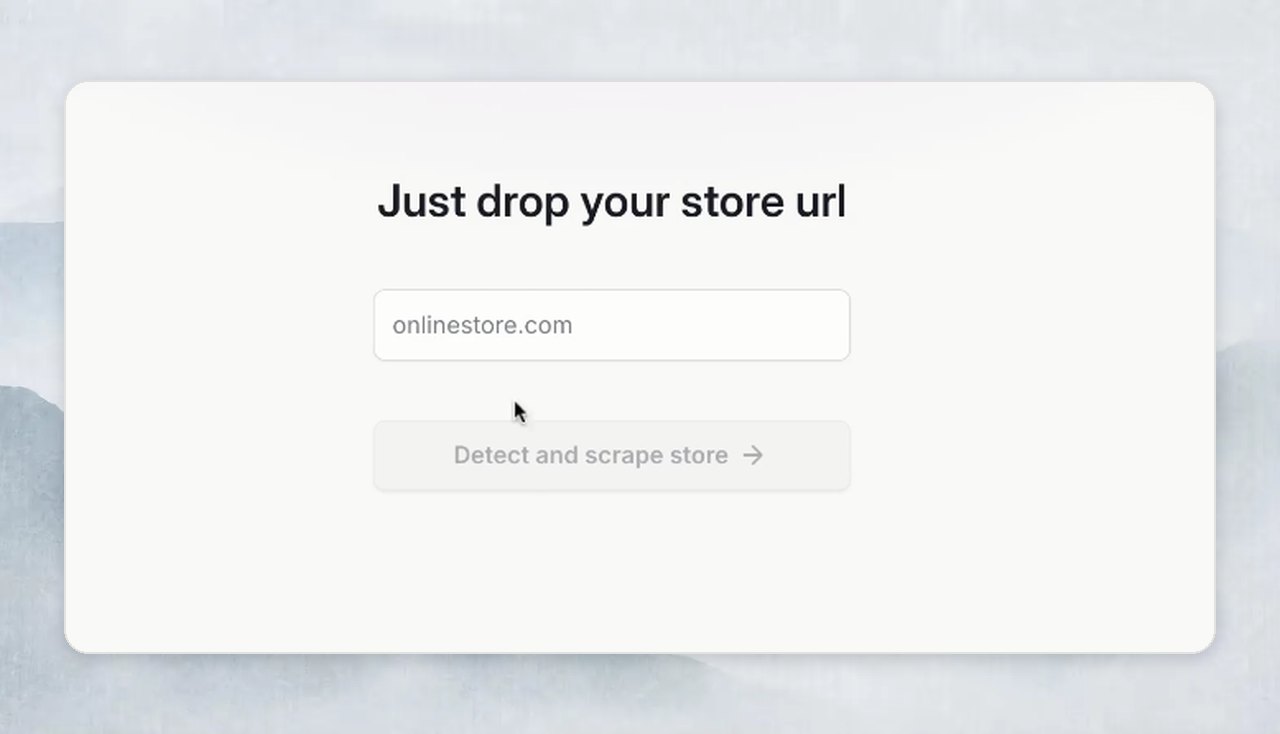
You enter a only your store url
Seth scans the entire website to train itself.
Only if it cannot find info on your website, it'll ask you to add it.
Knowledge base 2.0: 50% better performance, 67% more storage
Our knowledge engine just got a major upgrade: lightning-fast access and vastly expanded capacity.
More answers, fewer delays, zero hassle.
What’s new:
⚡ Response accuracy improved by 50% (according to tests).
💾 You can upload 500 webpages instead of 300 now.
🔄 Existing knowledge bases are automatically upgraded.
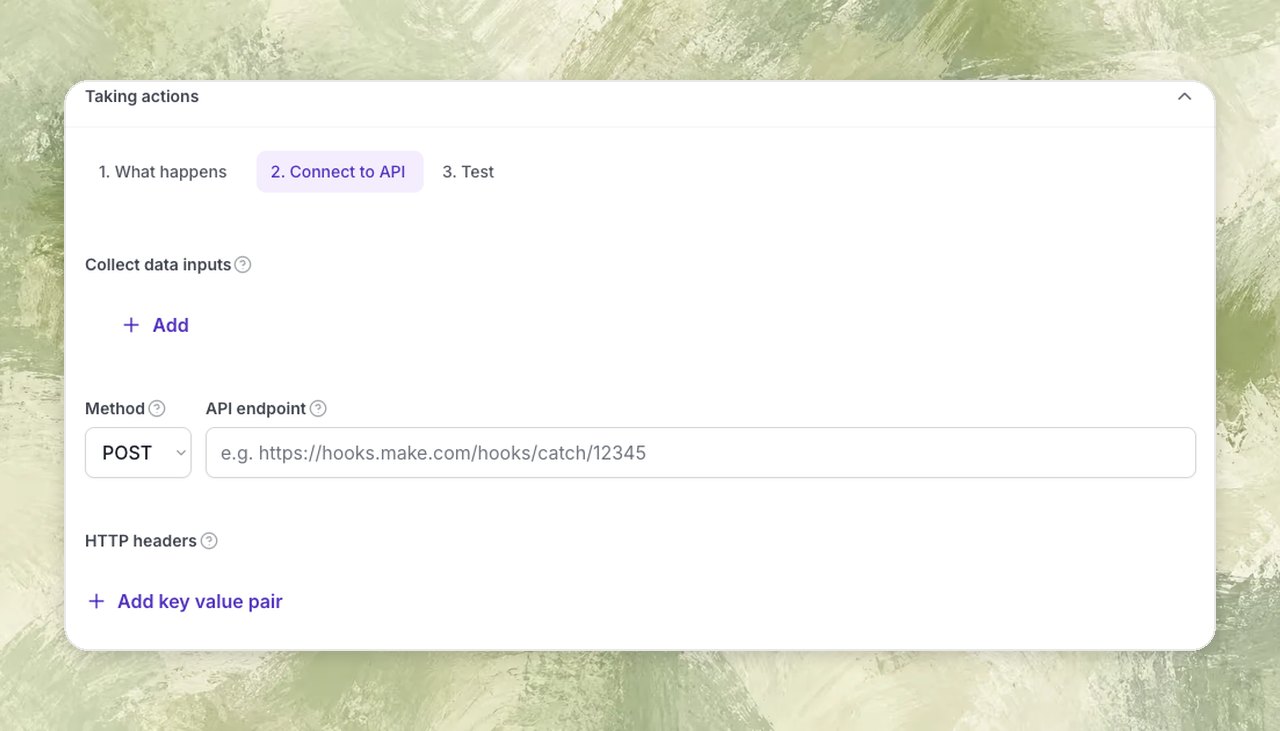
Seth can make API calls during a phone call
Seth goes beyond script-reading—now it can fetch live data, trigger workflows, and update your systems mid-call.
Here’s how it works:
Customer asks for status or info.
Seth fires off an API request (CRM, order system, etc.).
Real-time data returns (in ~2 seconds), and Seth responds with up-to-the-minute accuracy.