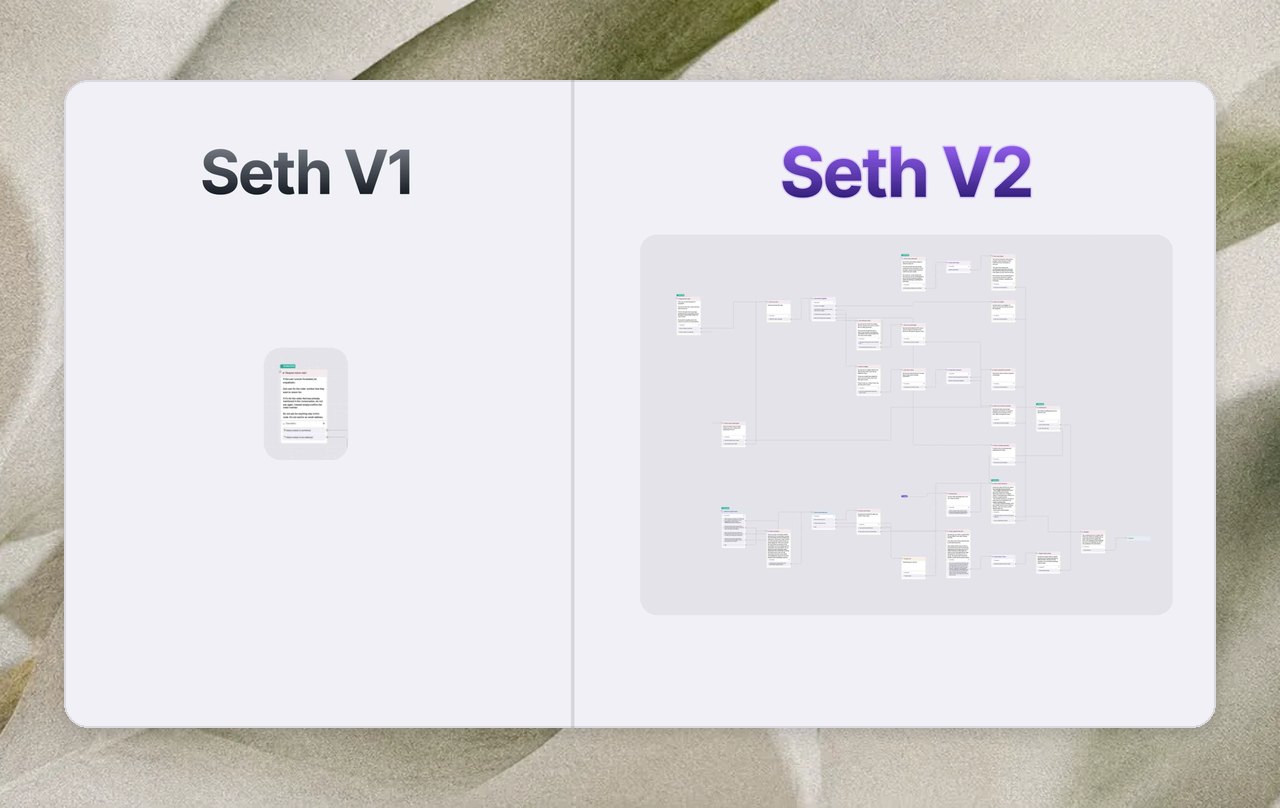
We've been working on this for months. So, you can expect a big update.
1) We've rebuilt Seth to an AI that is actually under your control. Here's what that looks like under the hood:
Ps. we also switched to GPT-5 for this update.
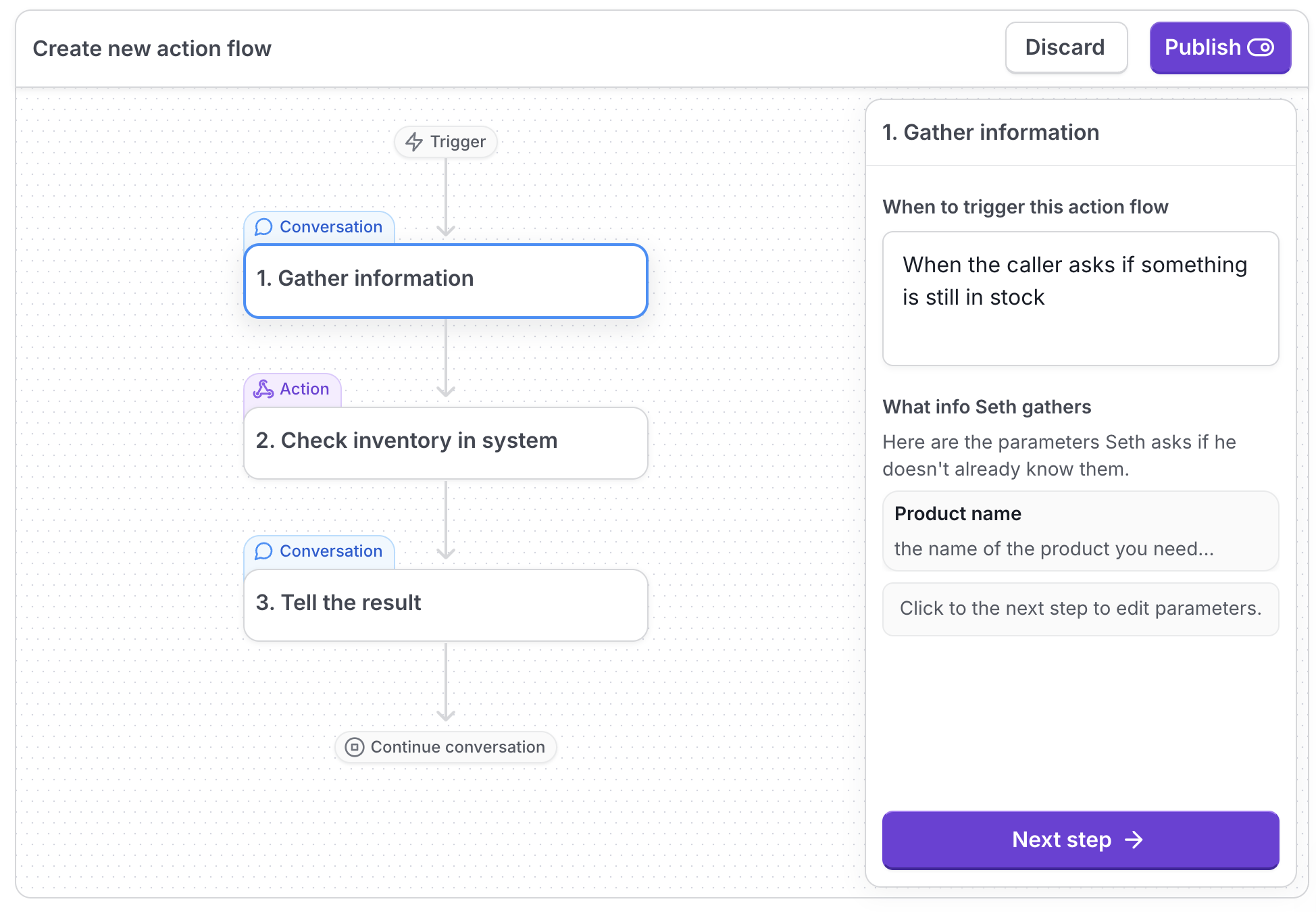
2) Seth's custom actions are put into a flow. This makes it easier to build custom actions, and you have better control over what Seth says and does.
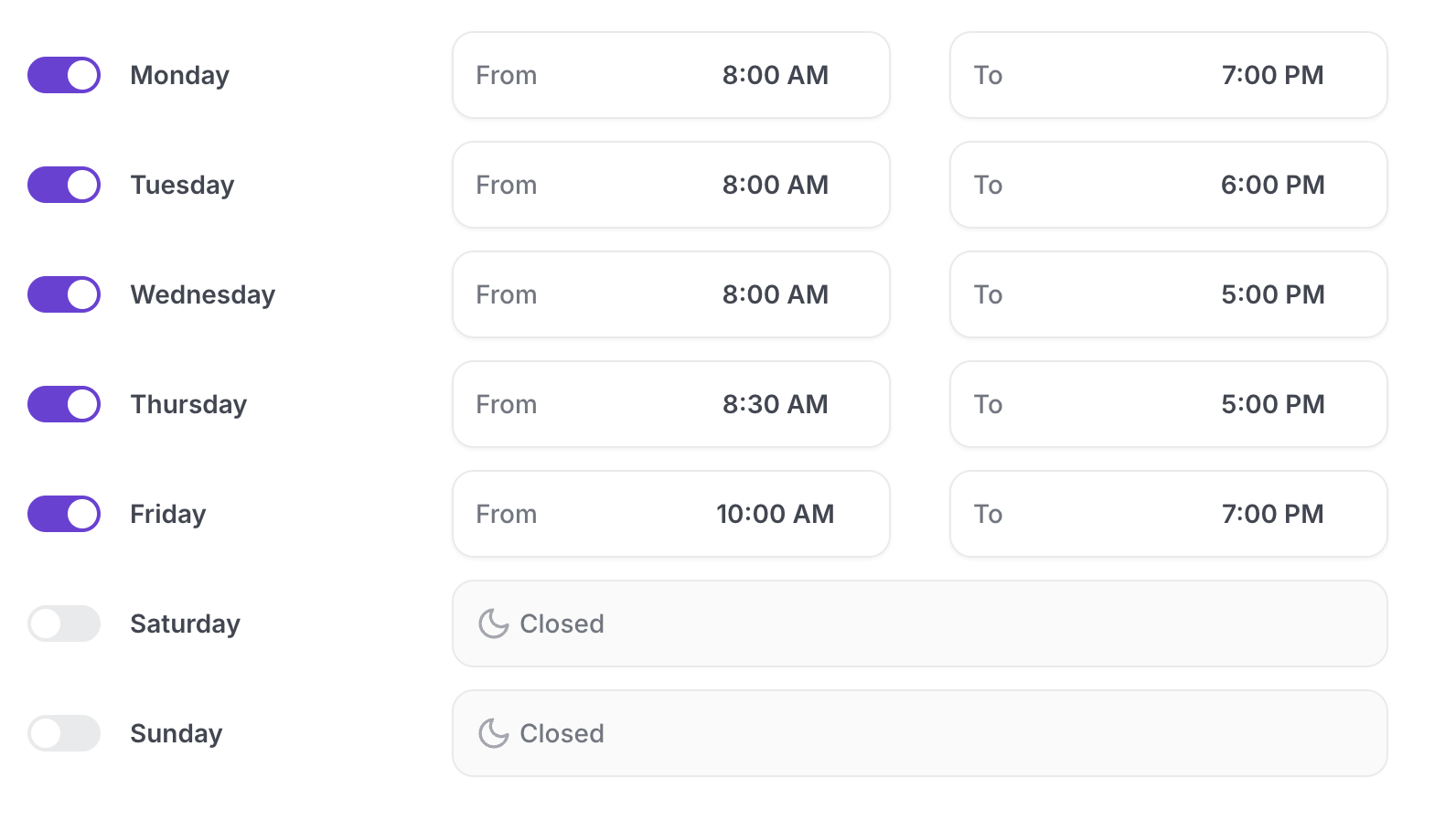
3) Set business hours, create support tickets.
There are 3 new escalation modes:
24/7 transfer
Business hour transfer
Support ticket only

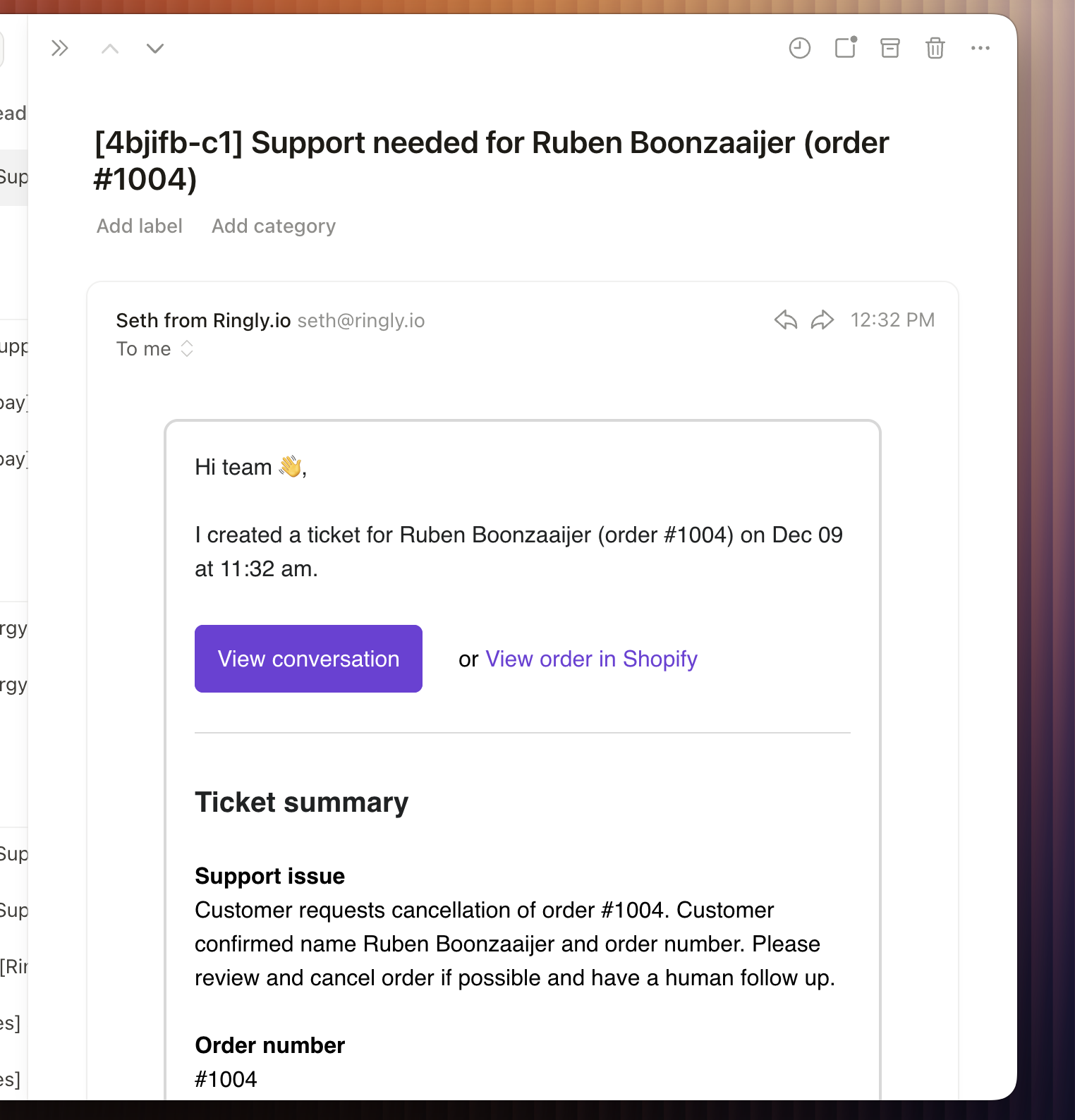
You can set hours for when a live team is available. Seth can escalate via call transfer within those hours (if necessary), and otherwise he'll create a support ticket and email it to you.
The support ticket email will show up in your inbox in ~2 seconds:
4) Optimize for resolutions or escalations
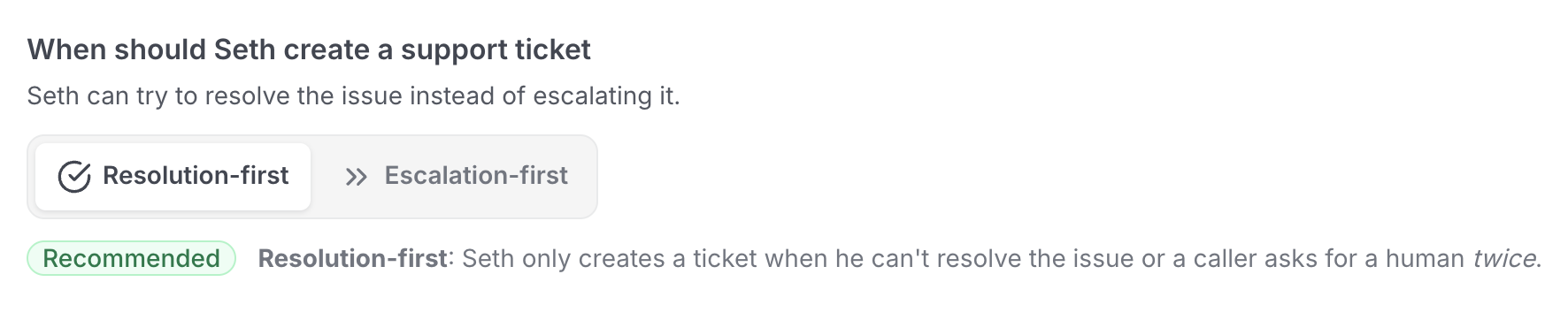
You can now choose if you want Seth to escalate immediately or that he should try to fix the issue himself first:
Resolution-first: Seth only creates a ticket when he can't resolve the issue or a caller asks for a human twice.
Escalation-first: Seth creates a support ticket when he can't resolve the issue or a caller asks for a human the first time.
5) Analytics that actually give you some insight
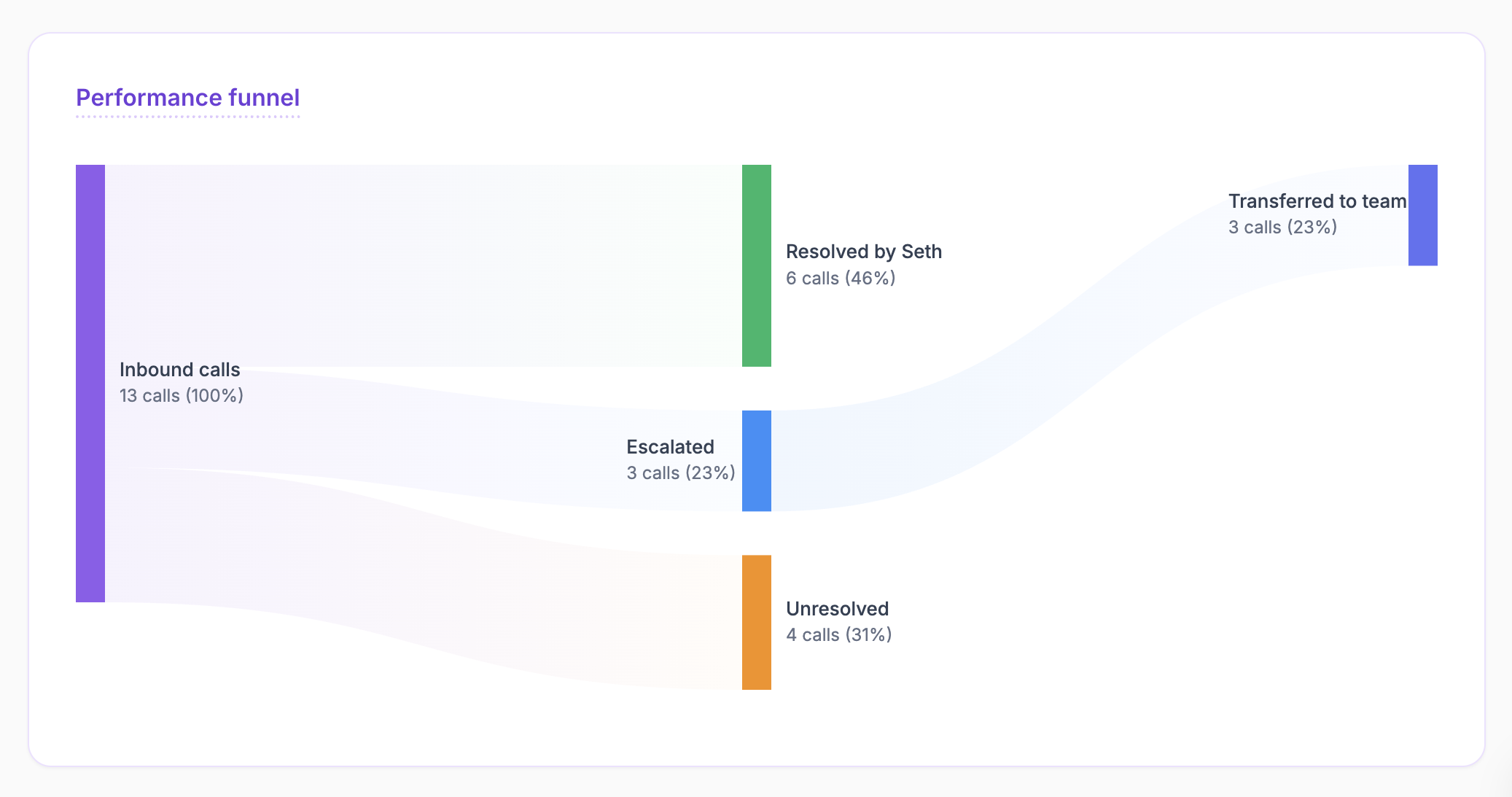
You now have a performance funnel, so you can see exactly how much Seth is doing in your support process:
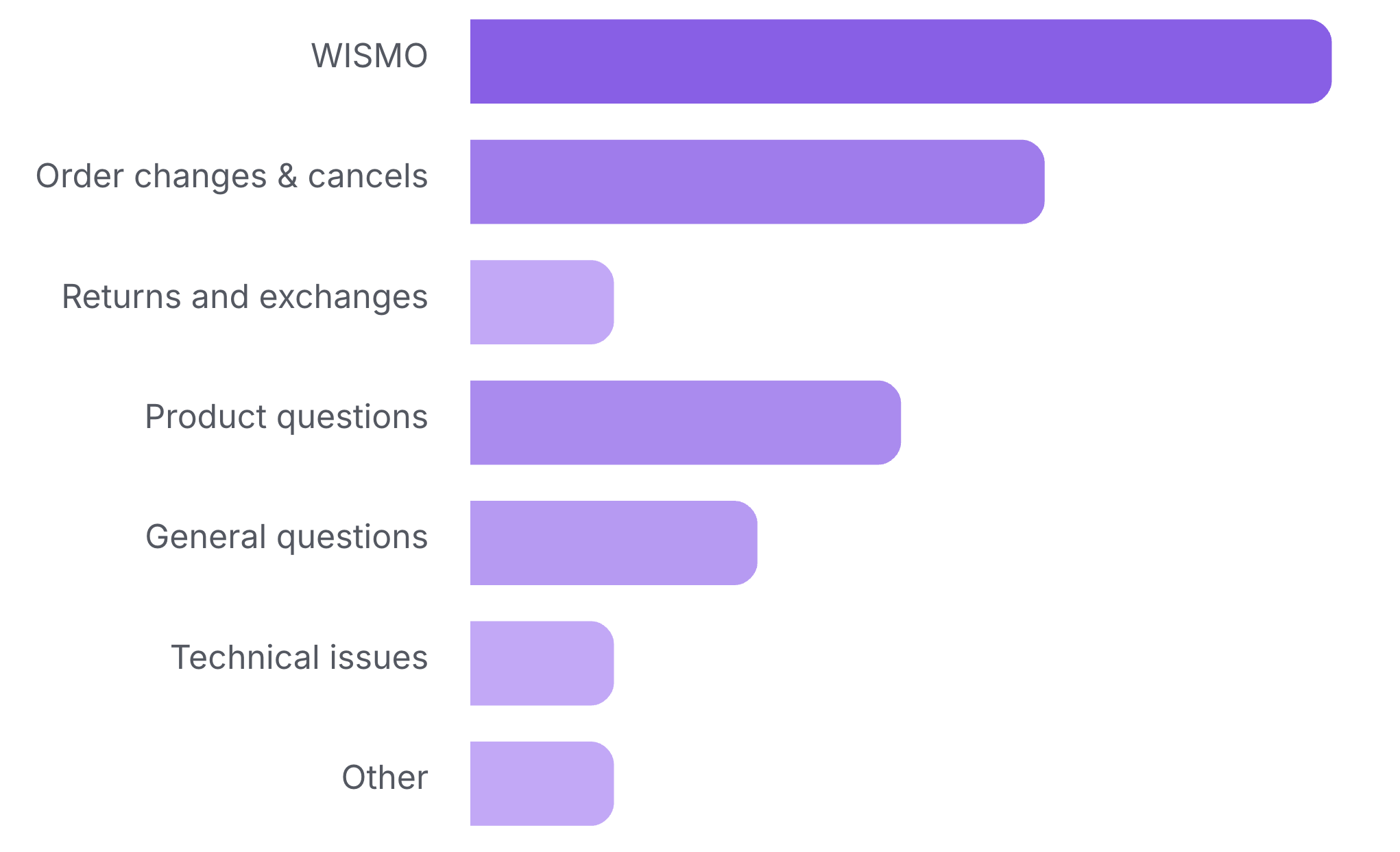
You now have a category chart, so you know exactly what customers are calling about:
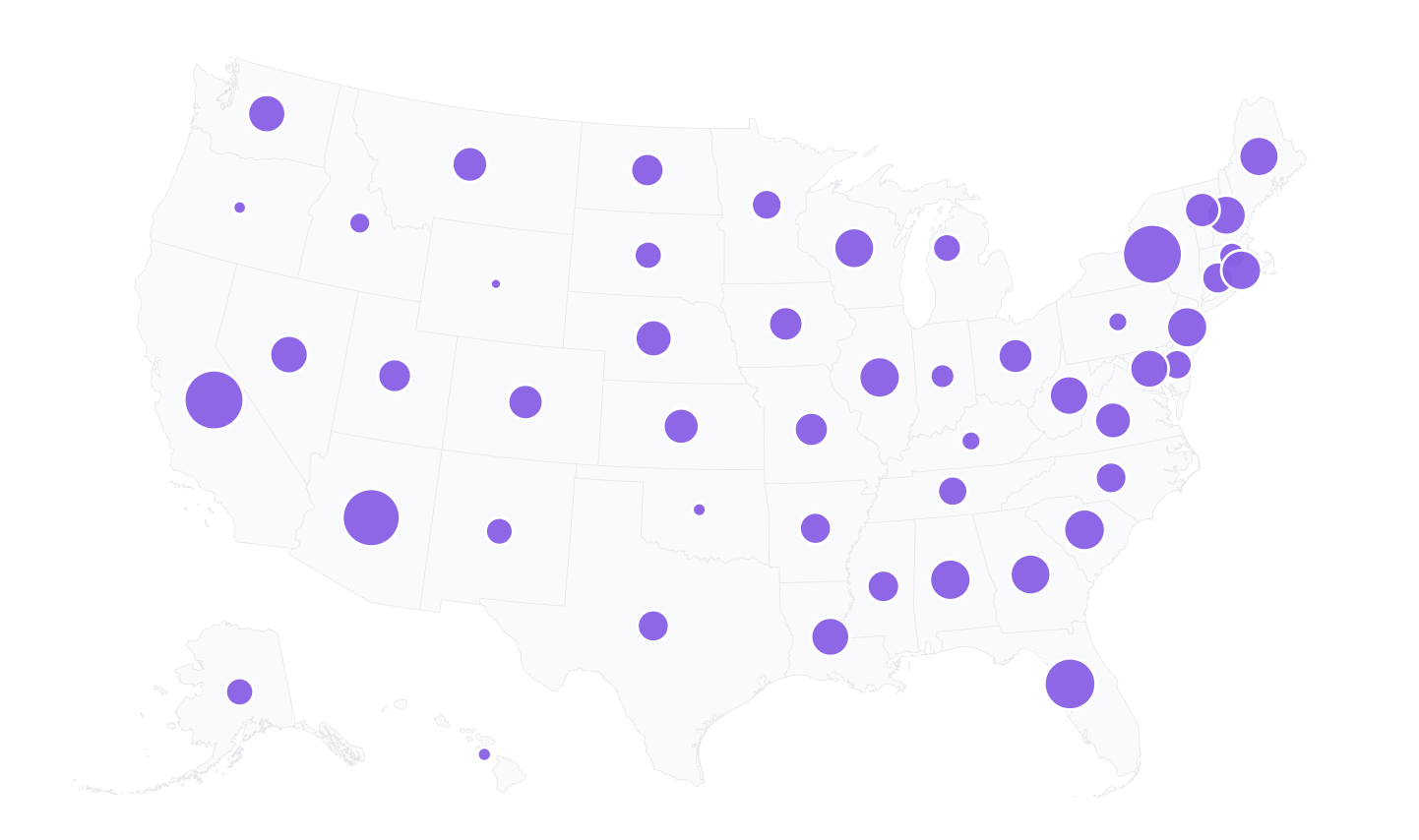
You now have a US map, where you can see what US states are calling you the most:
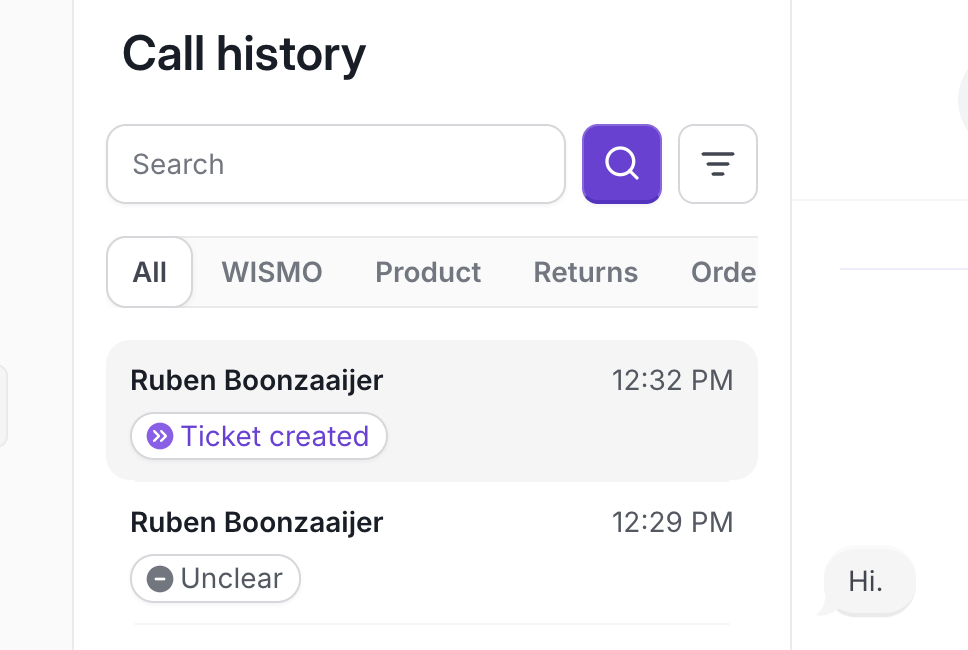
6) We've made it easier to scan the Call history
You now have tabs to filter the subject of the call. You also see the name of the Shopify customer instead of the phone number:
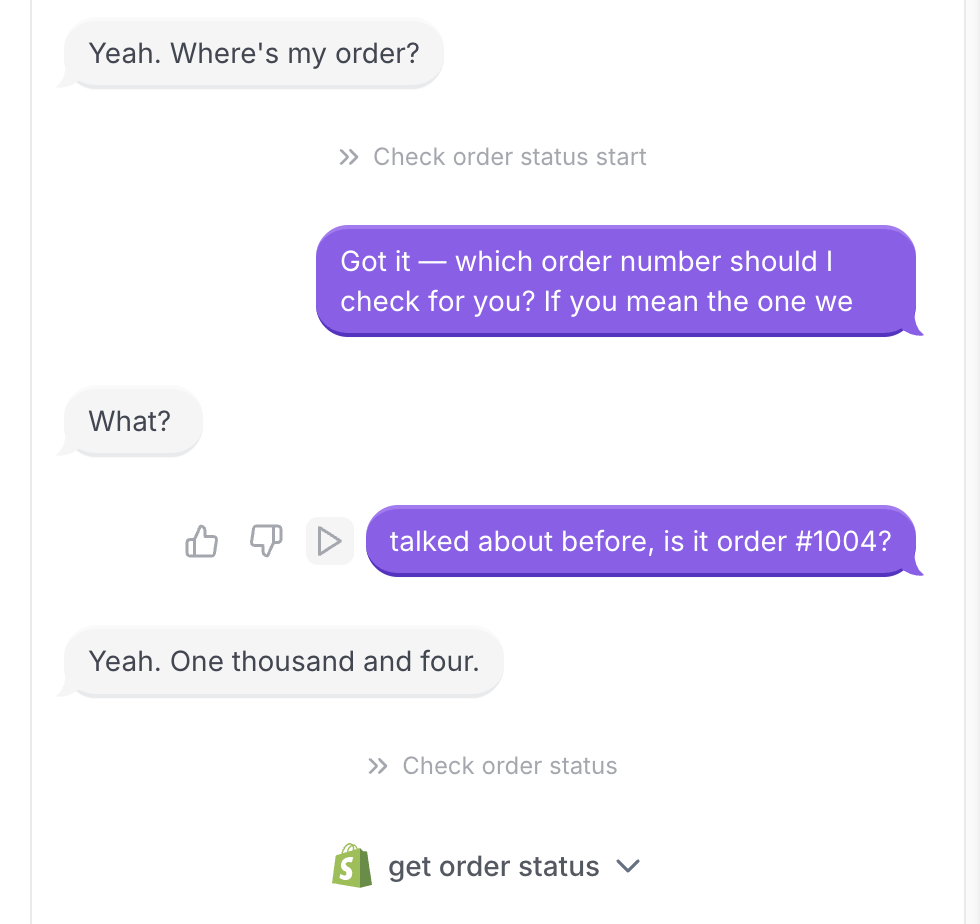
Just click on the play icon in a part of the conversation to start playing the recording from there:
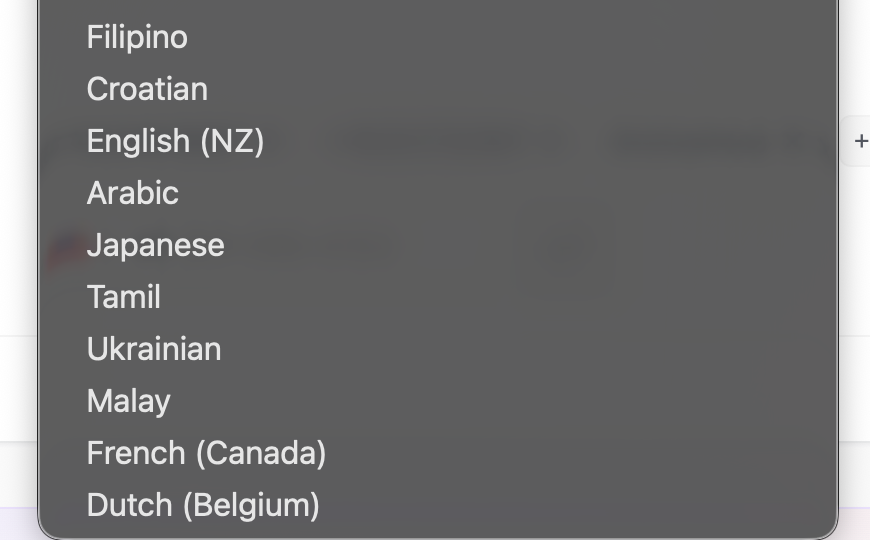
7) Seth now speaks 10 new languages.
He already spoke 30 languages, but now that's 40. Below you see the new languages:
8) Other mini updates:
We've added launch instructions for how to deploy Seth when using a VoIP system.
US states are also shown per call in the Call history
Call category labels are shown in the Call history
If Seth transitioned to another step in the conversation, you'll see this back in the call history as well, in the light grey font.
We've made the default greeting of Seth shorter and more human.
In Seth's Analyze tab, you can track his resolution rate over time. This way you can see if resolution increases when you changed something.