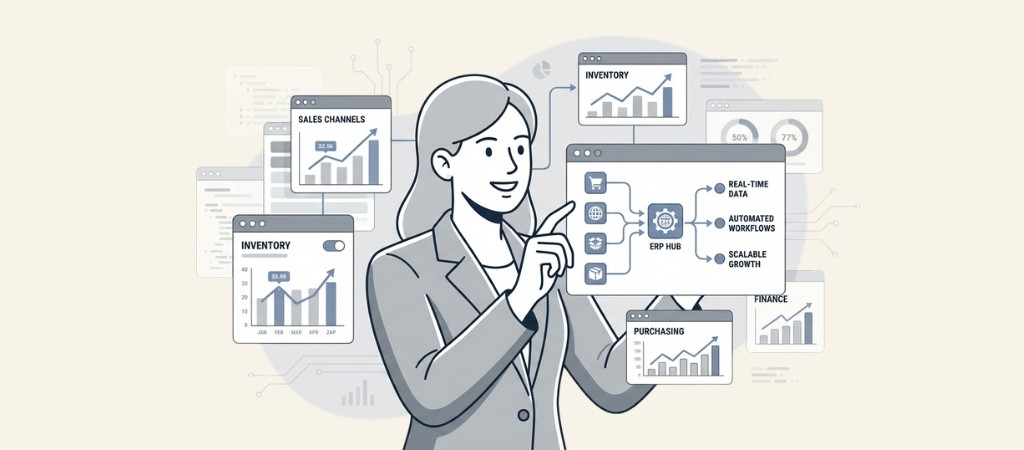
There is a predictable moment in every ecommerce company's growth trajectory where the tools that got you started begin holding you back.
You launched on Shopify or WooCommerce. You added Amazon as a channel.
Then Walmart. You started doing enough volume that managing inventory across channels in spreadsheets became a full-time job, and an error-prone one at that.
This is the ERP inflection point. It is the moment when ecommerce companies realize they need an operational backbone that connects sales channels to inventory, inventory to purchasing, purchasing to finance, and finance to reality.
Editor’s note: Want to hear some sample AI support calls made for your Shopify store?
- Just paste your store URL
- Get sample calls in under 20 seconds (no email required)
- Listen to demo calls for my store
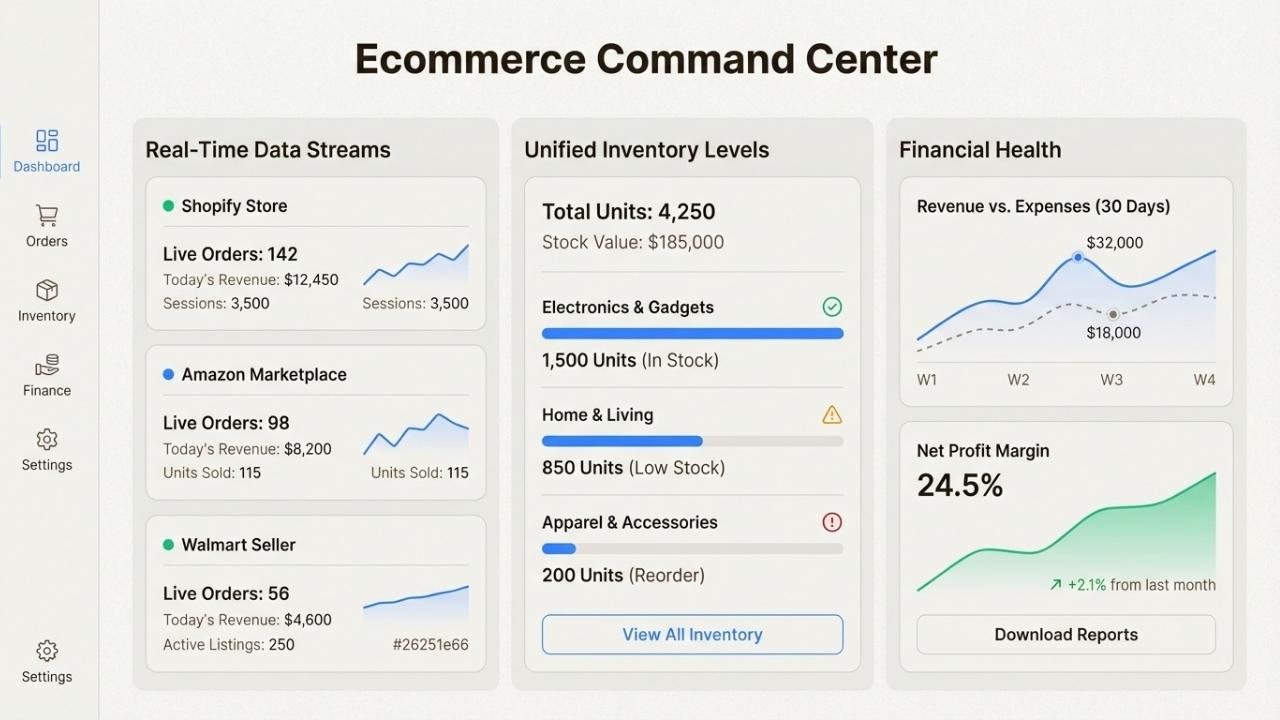
The right ERP system transforms chaotic operations into scalable systems. But with dozens of options on the market, how do you choose?
This guide breaks down the seven best ERP systems for ecommerce businesses in 2026, with real pricing, use cases, and honest assessments of what each does well (and where it falls short).
What is an ERP system for ecommerce?
An ERP (Enterprise Resource Planning) system is essentially the operating system for your entire business.
It pulls procurement, logistics, finance, HR, inventory, and customer data into one real-time dashboard.
No more toggling between spreadsheets, accounting tools, and warehouse apps.
For ecommerce specifically, ERP systems address unique challenges that traditional retail or manufacturing businesses do not face:
- Multi-channel selling: Managing inventory and orders across your website, Amazon, eBay, Walmart, and wholesale channels simultaneously
- Real-time inventory: Preventing oversells while avoiding excess safety stock that ties up cash
- Fast fulfillment: Meeting customer expectations for same-day or next-day shipping
- Returns management: Processing 15-30% return rates efficiently at scale
As of 2025, 53% of businesses consider ERP a priority investment.
The global ERP market is projected to grow from $81.15 billion in 2024 to $238.79 billion by 2032, with ecommerce fueling much of that growth.
When do you need an ERP for your ecommerce business?
You are likely at the ERP inflection point if several of these describe your situation:
- You are processing 100+ orders per day
- You are selling on three or more channels
- Your inventory value exceeds $500,000
- You are managing inventory in spreadsheets and experiencing regular stockouts or oversells
- Your finance team spends days each month reconciling marketplace payouts manually
- Adding a new sales channel feels scary rather than exciting
If three or more of these resonate, you need an ERP.
Not because it is the next milestone on some abstract maturity model, but because your current toolset is creating concrete operational and financial risk that grows with every order you process.
Top 7 ERP systems for ecommerce compared
Before diving into individual solutions, here is how they stack up at a glance:
| ERP | Best For | Starting Price | Deployment | Key Strength |
|---|---|---|---|---|
| NetSuite | Mid-market growth | $999+/mo | Cloud | Financial management |
| Acumatica | Unlimited users | Custom pricing | Cloud | Resource-based pricing |
| Odoo | Flexibility | $0 (Community) | Cloud/On-prem | Modular open-source |
| Microsoft Dynamics 365 | Microsoft ecosystem | $70/user/mo | Cloud/Hybrid | Power BI integration |
| SAP Business One | International growth | $1,500+/mo | Cloud/On-prem | Global compliance |
| Brightpearl | Multichannel retail | $400+/mo | Cloud | Built-in POS |
| Epicor | Manufacturing + ecommerce | Custom pricing | Cloud/On-prem | Production planning |
1. NetSuite ERP - Best for mid-market growth

NetSuite is the world's #1 AI cloud ERP provider, serving over 43,000 customers globally.
It is an all-in-one, AI-powered business management solution that helps organizations operate more effectively by automating core processes.
Key features:
- Financial management with automated accounting and real-time cash flow visibility
- Inventory management across multiple locations with reorder point automation
- Order management from sales quote to fulfillment with timely invoicing
- Supply chain management controlling flow of goods from suppliers to customers
- Warehouse management with RF-device-directed putaway and picking
- Global business management supporting multiple currencies and taxation rules
Pricing: NetSuite uses a subscription model based on three components: core platform, optional modules, and number of users.
There is also a one-time implementation fee. Expect to pay $999+ per month for most ecommerce implementations.
Pros:
- Comprehensive feature set covering all business functions
- Strong AI capabilities embedded throughout the platform
- Proven scalability for growing businesses
- Extensive global capabilities for international expansion
Cons:
- Higher price point than competitors
- Complex implementation process
- Can be overwhelming for smaller businesses
Best for: Mid-market to enterprise businesses needing robust financial controls and multi-subsidiary management.
2. Acumatica - Best for unlimited users

Acumatica has been the world's fastest-growing Cloud ERP company for 10 years running.
It consistently earns the highest customer satisfaction ratings in the industry.
The standout feature is its unique pricing model. Unlike most ERPs that charge per user, Acumatica uses resource-based pricing.
You pay based on transaction volume and data storage, not seats. This means unlimited users can access the system without breaking the bank.
Key features:
- Financial management with full accounting suite and reporting
- Distribution management for supply chain control and inventory optimization
- Retail and commerce management with unified online and in-store sales
- Manufacturing management connecting production lifecycle to ecommerce
- AI-powered automation handling routine processes and identifying anomalies
Pricing: Based on three factors: applications implemented, projected transaction volumes, and license type.
Contact Acumatica for custom pricing tailored to your business.
Pros:
- Unlimited users without per-seat fees
- Transparent pricing with no hidden costs
- Modern, user-friendly interface
- Strong AI and automation capabilities
Cons:
- Custom pricing requires sales consultation
- Reporting can be complex to set up initially
- Mobile app could use improvement
Best for: Growing companies that need many employees to have ERP access without per-user fees.
3. Odoo - Best for flexibility
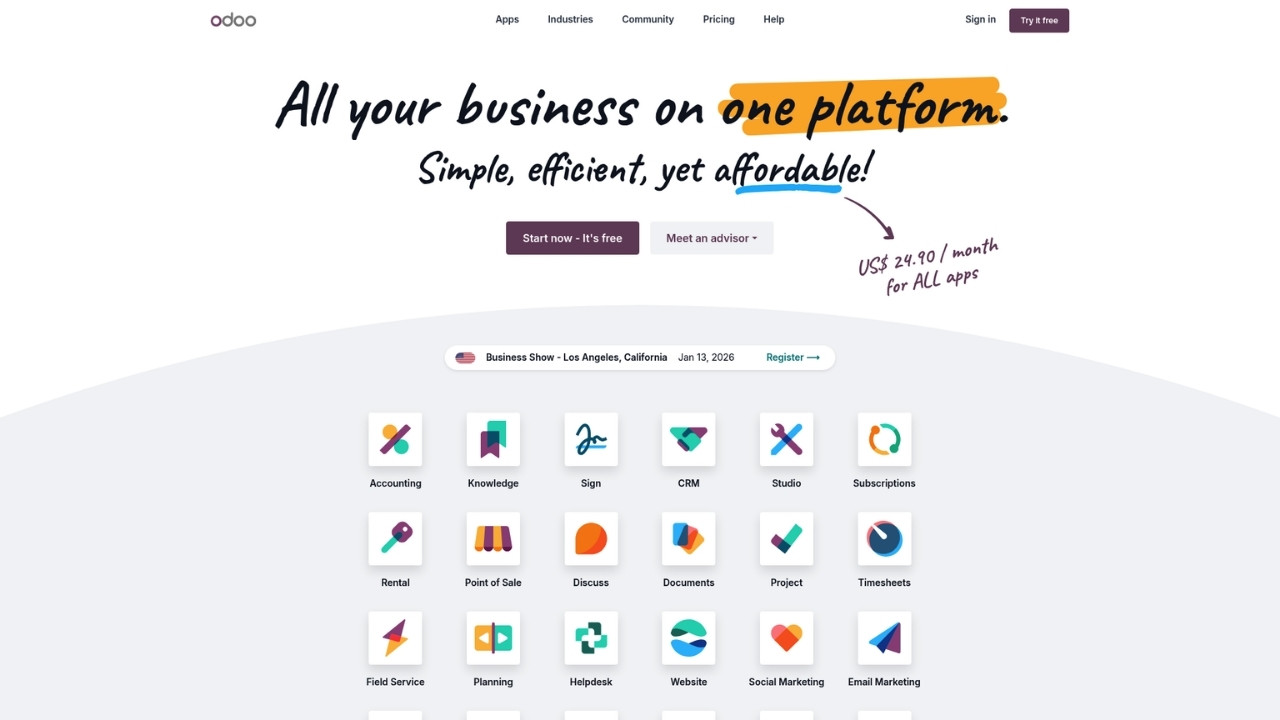
Odoo is an open-source ERP and CRM platform with one of the world's largest business app stores.
It has over 15 million users and a community of 100,000+ developers collaborating worldwide.
The modular approach lets you start with exactly what you need and add functionalities as you grow.
You are never locked in, you own your data in standard PostgreSQL format, and you get full source code access.
Key features:
- 40+ integrated business apps covering every business function
- Highly customizable with Odoo Studio for custom screens and automation
- 40,000+ community apps available in the app store
- Fair pricing with single per-user cost, all inclusive
- All operations complete in under 90ms
Pricing:
- Community Edition: Free and open source
- Enterprise Edition: Starting at €19.90/month for all apps
Pros:
- No vendor lock-in with full source code access
- Massive app ecosystem
- Highly customizable without coding
- Free Community edition for budget-conscious businesses
Cons:
- Can require technical expertise for advanced customization
- Community edition lacks some advanced enterprise features
- Support primarily through community for free version
Best for: Businesses looking for flexibility, customization, and freedom from vendor lock-in.
4. Microsoft Dynamics 365 - Best for Microsoft ecosystem
Dynamics 365 provides agentic CRM and ERP business applications that connect teams, processes, and data.
Forbes Advisor named it the best ERP system of 2024.
If your business already uses Microsoft 365, Teams, or Power BI, Dynamics 365 offers tight integration that feels natural to your team.
Key features:
- Dynamics 365 Business Central for SMBs with AI-powered ERP
- Native Power BI integration for business intelligence
- AI agents that handle essential business tasks autonomously
- Seamless Microsoft 365 and Teams integration
- Both B2B and B2C commerce capabilities
Pricing:
- Dynamics 365 Business Central Essentials: $70/user/month
- Dynamics 365 Business Central Premium: $100/user/month
- Sales Professional: $65/user/month
- Customer Service Professional: $50/user/month
ROI claims: Forrester research shows 106% ROI achieved by deploying Dynamics 365 ERP, with 40% reduction in average call handling time for customer service.
Pros:
- Familiar interface for Microsoft users
- Strong AI and automation capabilities
- Excellent business intelligence through Power BI
- Comprehensive ecosystem of apps and integrations
Cons:
- Integration with non-Microsoft platforms can be challenging
- Per-user pricing adds up for larger teams
- Can be complex to configure initially
Best for: Companies already invested in the Microsoft ecosystem who want an ERP that plays well with their existing tools.
5. SAP Business One - Best for international growth
SAP Business One is SAP's solution designed specifically for small to midsized businesses.
It brings the reliability and global expertise of SAP to growing companies that need enterprise-grade capabilities without enterprise complexity.
Key features:
- Financial management with accounting, banking, and reporting
- Sales and customer management covering the complete customer lifecycle
- Purchasing and procurement with automated workflows
- Inventory management with real-time tracking and valuation
- Production planning with bill of materials and material requirements planning
- Multi-currency and multi-language support for global operations
Pricing: Starting at $1,500+ per month depending on deployment and modules. SAP requires custom quotes for most implementations.
Pros:
- Rock-solid stability and performance
- Excellent inventory management
- Strong financial controls
- Good internationalization capabilities
Cons:
- Steeper learning curve than competitors
- Interface feels less modern than cloud-native alternatives
- Higher starting price point
Best for: Businesses planning substantial international expansion who need a system that can handle increasing complexity across borders.
6. Brightpearl - Best for multichannel retail

Brightpearl is a Retail Operating System (ROS) specifically built for retailers and wholesalers.
Unlike general ERPs adapted for retail, Brightpearl was designed from the ground up for multichannel commerce. It is part of the Sage Group and a certified Shopify partner.
Key features:
- Automation Engine saving customers two months per year on average
- 65% reduction in human errors through automation
- Advanced inventory planning with sales forecasting
- Built-in POS system for unified online and in-store sales
- Plug & Play integrations with Shopify, Amazon, BigCommerce, Magento, eBay
- Retail analytics with CAC, LTV, and performance benchmarks
Customer results:
- Save thousands of hours through automation
- 97% implementation success rate
- Powers millions of orders monthly for major brands
Pricing: Starting at $400+ per month, with pricing based on order volume and features.
Pros:
- Purpose-built for retail (not adapted from manufacturing)
- Excellent automation capabilities
- Strong multichannel order management
- Native BigCommerce and Shopify integration
Cons:
- Limited customization compared to general ERPs
- Focused on retail (not ideal for manufacturing)
- Less robust in accounting and CRM compared to full ERPs
Best for: Retailers selling through 3+ channels who need unified inventory and order management without the complexity of a full ERP.
7. Epicor - Best for manufacturing + ecommerce
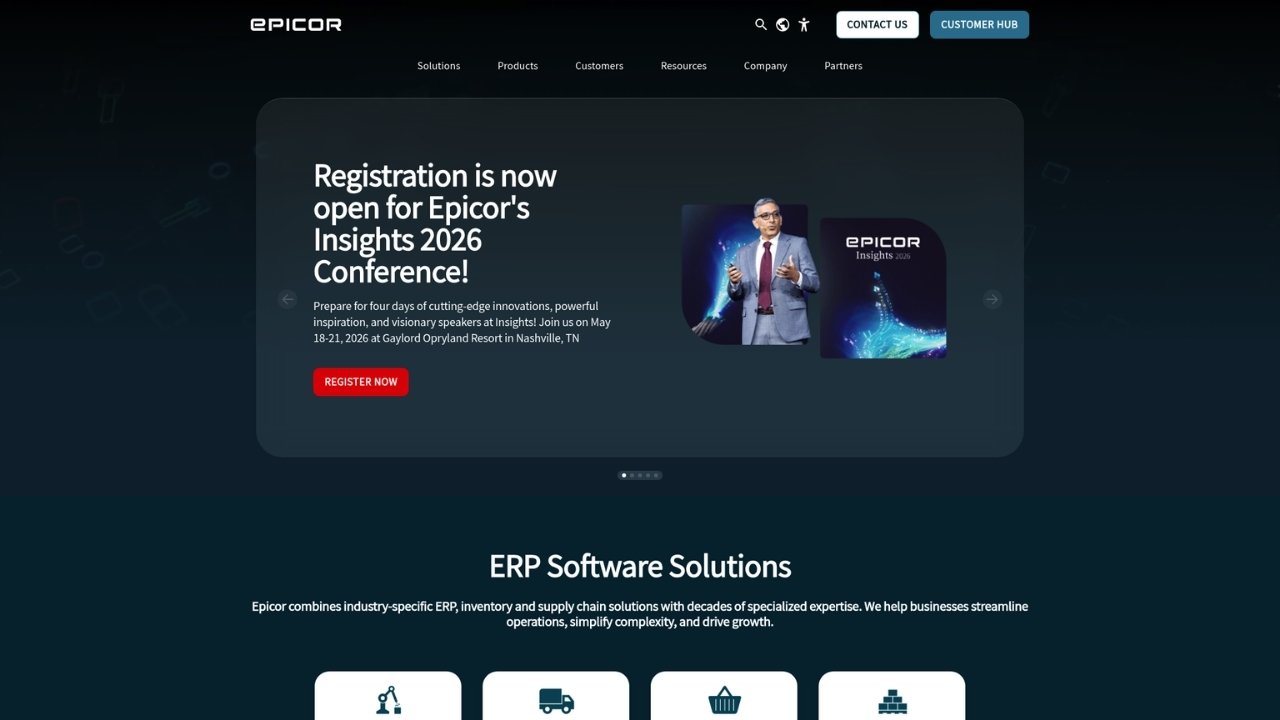
Epicor provides industry-specific ERP solutions for businesses that make, move, and sell products.
Gartner named Epicor a Leader in the 2025 Magic Quadrant for Cloud ERP for Product-Centric Enterprises for the third consecutive year.
Scale:
- 150+ countries
- 23,000+ customers
- 2.3 million+ daily users
Industry solutions:
- Epicor Kinetic for manufacturing with smart factory technology
- Epicor Prophet 21 for distribution and inventory management
- Epicor Propello for retail point-of-sale and digital commerce
- Building supply (70% of U.S. aftermarket parts sales rely on Epicor)
Key features:
- People-Centric AI for supply chain and inventory optimization
- People-Centric Automation for workforce productivity
- Cloud and on-premises deployment options
- Business intelligence for faster decision-making
- Production planning and quality management
Pricing: Custom pricing based on industry, modules, and deployment. Contact Epicor for quotes.
Pros:
- Deep industry expertise
- Strong manufacturing capabilities
- Flexible deployment options
- Proven scalability
Cons:
- Can be complex for pure ecommerce businesses
- Requires significant implementation effort
- Pricing not transparent
Best for: Businesses that manufacture products they sell online, especially in automotive, building supply, and distribution.
Key features to look for in an ecommerce ERP
When evaluating ERP systems for your ecommerce business, prioritize these capabilities:
Real-time inventory synchronization: Your ERP must update stock levels instantly across all channels when a sale occurs.
Nothing kills customer trust faster than selling products you do not actually have.
Multi-channel order management: Centralized order capture from your DTC website, Amazon, Walmart, eBay, wholesale, and B2B portals.
You need unified order processing regardless of where the order originated.
Automated fulfillment and 3PL integration: Electronic integration with major 3PLs like ShipBob and Deliverr, automated order routing, real-time inventory updates, and multi-carrier rate shopping.
Returns management (RMA): With ecommerce return rates of 15-30%, you need return merchandise authorization workflows, customer self-service portals, automated disposition rules, and return reason tracking.
Tax compliance across jurisdictions: Post-Wayfair, you need economic nexus tracking across all states, real-time tax rate determination, and integration with tax engines like Avalara or TaxJar.
Demand forecasting and purchasing automation: Statistical demand forecasting using historical sales data, lead time-aware reorder points, and automatic purchase order generation.
How to choose the right ERP for your business
Selecting an ERP is a significant decision that will impact your operations for years. Here is a practical framework:
Step 1: Evaluate current pain points and business goals
Start by listing your biggest operational headaches. Are you constantly overselling? Is your finance team drowning in manual reconciliation?
Do you avoid adding sales channels because of the complexity? Your ERP should solve your specific problems, not just check feature boxes.
Step 2: Assess must-have vs nice-to-have features
Differentiate between features you absolutely need and those that would be convenient.
Must-haves might include multi-channel inventory management and automated order routing.
Nice-to-haves could be advanced AI forecasting or built-in CRM.
Step 3: Consider scalability and future growth
The ERP you choose should grow with you. If you plan to expand internationally, prioritize global capabilities.
If you are adding B2B sales, look for wholesale features. Consider where your business will be in three to five years.
Step 4: Evaluate integration capabilities
Your ERP must integrate seamlessly with your existing ecommerce platform (Shopify, BigCommerce, WooCommerce), marketplaces (Amazon, Walmart), and tools (3PLs, accounting software, email marketing). Poor integrations create more work, not less.
Step 5: Calculate total cost of ownership
Look beyond the monthly subscription. Factor in implementation costs, training, customization, and ongoing support.
A cheaper ERP with a $50,000 implementation may cost more than a pricier option with simpler setup.
While ERP handles your backend operations, consider how you handle customer communications.
Ringly.io offers an AI phone agent called the AI that integrates with your Shopify store to handle order inquiries, returns, and support calls automatically.
It resolves around 70-73% of calls without human intervention, complementing your ERP investment by automating the customer-facing side of operations.
Start streamlining your ecommerce operations today
The right ERP transforms chaotic operations into scalable systems. It turns growth from a source of anxiety into a competitive advantage.
But choosing the wrong system can be expensive and disruptive.
Your decision should start with your current pain points and growth trajectory. If you need unlimited users without per-seat fees, Acumatica stands out.
For businesses already using Microsoft tools, Dynamics 365 is the natural choice. If you are manufacturing what you sell, Epicor offers unmatched capabilities. Pure retailers should look hard at Brightpearl's purpose-built features.
Remember that ERP implementation is just one part of operational efficiency.
While your new system handles inventory, orders, and finance, Ringly.io can automate your phone support with AI agent the AI.
It handles order tracking, returns, and FAQs while escalating complex calls to your team.
For ecommerce businesses looking to scale efficiently, combining a solid ERP with automated customer support creates a foundation for sustainable growth.
Frequently Asked Questions
What is an ERP system for ecommerce?
An ERP (Enterprise Resource Planning) system for ecommerce is software that integrates core business processes including inventory management, order processing, accounting, and customer data into a single platform. It synchronizes data across all sales channels in real-time, preventing oversells and streamlining operations.
How much does ERP for ecommerce cost?
Ecommerce ERP pricing varies widely. Entry-level solutions like Odoo Community are free, while mid-market options like Brightpearl start around $400/month. Enterprise solutions like NetSuite and SAP Business One typically start at $1,000-$1,500/month plus implementation fees. Most vendors require custom quotes based on your specific needs.
When should an ecommerce business implement an ERP?
You should consider ERP implementation when you are processing 100+ orders per day, selling on three or more channels, managing inventory value exceeding $500,000, or spending excessive time on manual data reconciliation. These signals indicate your current tools are creating operational risk.
Can small ecommerce businesses use ERP systems?
Yes. While traditional ERPs targeted enterprises, modern cloud solutions like Odoo, Acumatica, and Microsoft Dynamics 365 Business Central cater to small and midsized businesses. Many offer modular pricing so you only pay for what you need.
How long does ERP implementation take for ecommerce?
Implementation timelines vary from a few weeks for simple cloud deployments to 6-12 months for complex multi-location setups. Factors affecting timeline include data migration complexity, customization requirements, integrations needed, and team training. Most mid-market ecommerce businesses should plan for 3-6 months.
What is the difference between an ERP and an ecommerce platform?
An ecommerce platform (like Shopify or WooCommerce) handles your storefront, product listings, and basic order processing. An ERP manages your entire business operations including inventory across all channels, accounting, purchasing, and supply chain. Many growing businesses use both, with integration between them.
Do I need an ERP if I only sell on one channel?
Probably not yet. If you are selling through a single Shopify store with manageable order volume, your platform's native tools plus accounting software may suffice. Consider ERP when you add channels, hit 100+ orders daily, or need advanced inventory and financial management capabilities.