EngageBay is known as an affordable all-in-one CRM platform for small businesses.
But as your contact list grows and your needs evolve, you may hit its limitations.
Maybe your emails are landing in spam folders. Maybe the automation feels too basic. Or maybe the pricing jumps faster than expected when you scale.
We tested seven of the most popular EngageBay alternatives to see which ones actually solve these problems.
Each tool below was evaluated on real-world criteria: ease of setup, automation capabilities, integration options, and transparent pricing that won't surprise you later.
Editor’s note: Want to hear some sample AI support calls made for your Shopify store?
- Just paste your store URL
- Get sample calls in under 20 seconds (no email required)
- Listen to demo calls for my store

What is EngageBay?
EngageBay is an all-in-one marketing, sales, and service platform designed primarily for small to medium businesses with limited budgets.
It bundles email marketing, CRM, marketing automation, landing pages, and helpdesk functionality into a single subscription.
The platform targets businesses that want to avoid paying for multiple separate tools.
For startups and small teams, EngageBay's free tier and low starting prices make it an attractive entry point into CRM software.
However, several limitations drive users to search for alternatives. Email deliverability issues from shared IP reputation can hurt campaign performance.
The automation rules are basic compared to modern AI-powered tools. Interface complexity increases as you add modules.
And while the starting price looks appealing, costs escalate quickly once you need more contacts or advanced features.
Why Consider EngageBay Alternatives?
Here are the specific pain points that push businesses to look elsewhere.
Email deliverability problems. EngageBay uses shared IP addresses for email sending.
If other users on the same IP get flagged for spam, your deliverability suffers too. This is a dealbreaker for businesses where email is a primary revenue channel.
Limited automation intelligence. The platform offers rule-based automation but lacks AI learning capabilities.
You can set up "if this, then that" workflows, but the system doesn't optimize itself based on performance data or predict customer behavior.
Scaling costs. That attractive starting price doesn't stay attractive for long. As your contact database grows, you hit tier limits quickly.
The jump from one pricing tier to the next can be substantial.
Clunky interface. Users frequently report that navigating between modules feels unintuitive.
The learning curve is steeper than it should be for a tool targeting small businesses.
Limited integrations. Compared to established players, EngageBay's integration ecosystem is smaller.
If you rely on specific tools in your tech stack, you might find yourself working around compatibility issues.
How We Evaluated These EngageBay Alternatives
To make this comparison useful, we looked at five core criteria:
Automation capabilities. Does the tool offer basic rule-based workflows, or does it include AI-powered features like predictive sending and behavioral learning?
Ease of setup and use. How quickly can a new user get productive? We favored tools with intuitive interfaces and clear onboarding.
Integration ecosystem. Can the platform connect with your existing tech stack? We looked at native integrations, API availability, and Zapier support.
Pricing transparency. Are there hidden costs? Does the price scale reasonably as you grow? We compared entry-level pricing against enterprise tiers.
Support quality. When something breaks, how quickly can you get help? We considered support channels, response times, and available documentation.
Quick Comparison: All 7 EngageBay Alternatives
| Tool | Starting Price | Best For | Key Strength | Key Weakness |
|---|---|---|---|---|
| HubSpot | Free / $9/mo (Starter) | Scaling businesses | Comprehensive features | Expensive at scale |
| ActiveCampaign | $15/mo | Marketing automation | Sophisticated workflows | No helpdesk |
| Zoho CRM Plus | $20/mo | All-in-one value | 12+ bundled apps | Complex interface |
| Freshsales Suite | Contact sales | User experience | Clean, modern UI | Opaque pricing |
| Brevo | Free / $8.08/mo | Omnichannel marketing | Multi-channel messaging | Basic CRM |
| BIGContacts | Free / $9.99/mo | Simple contact management | Affordable, unlimited users | Limited features |
| Pipedrive | $14/mo | Sales teams | Visual pipeline | Limited marketing |
The 7 Best EngageBay Alternatives
1. HubSpot - Best for Scaling Businesses
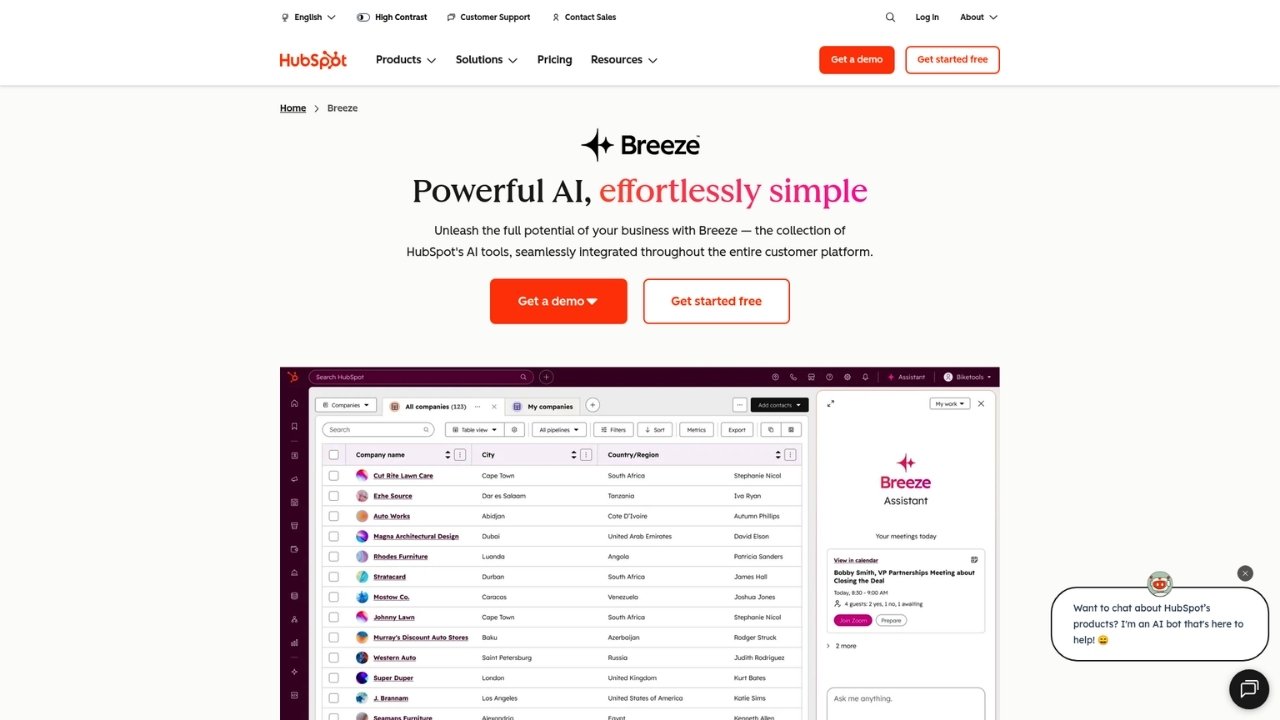
HubSpot is the industry gold standard for inbound marketing and CRM.
Founded in 2006, it has evolved into a comprehensive platform covering marketing, sales, customer service, and operations.
Key features:
- Visual workflow builder for complex marketing automation
- Comprehensive CRM with detailed contact management
- Email marketing with A/B testing and personalization
- Social media management and scheduling
- Lead scoring and predictive analytics
- 1,500+ integrations with popular business tools
- AI-powered features including Breeze Customer Agent and Data Agent
Pros:
- Free tier includes genuinely useful features
- Extensive learning resources and community
- Scales from startup to enterprise
- Regular product updates and new features
Cons:
- Professional and Enterprise tiers get expensive quickly
- Advanced features require significant investment
- Steep learning curve for full platform utilization
Pricing:
| Plan | Monthly Price | Annual Price | Key Features |
|---|---|---|---|
| Free | $0 | $0 | Basic CRM, 2,000 email sends, forms, live chat |
| Starter | $20/mo/seat | $9/mo/seat | 1,000 contacts, simple automation |
| Professional | $890/mo | $800/mo | 2,000 contacts, omni-channel automation, social media |
| Enterprise | $3,600/mo | $3,600/mo | 10,000 contacts, multi-touch attribution |
Best for: Medium to large enterprises, B2B companies with complex sales cycles, organizations needing comprehensive inbound marketing capabilities.
2. ActiveCampaign - Best for Marketing Automation
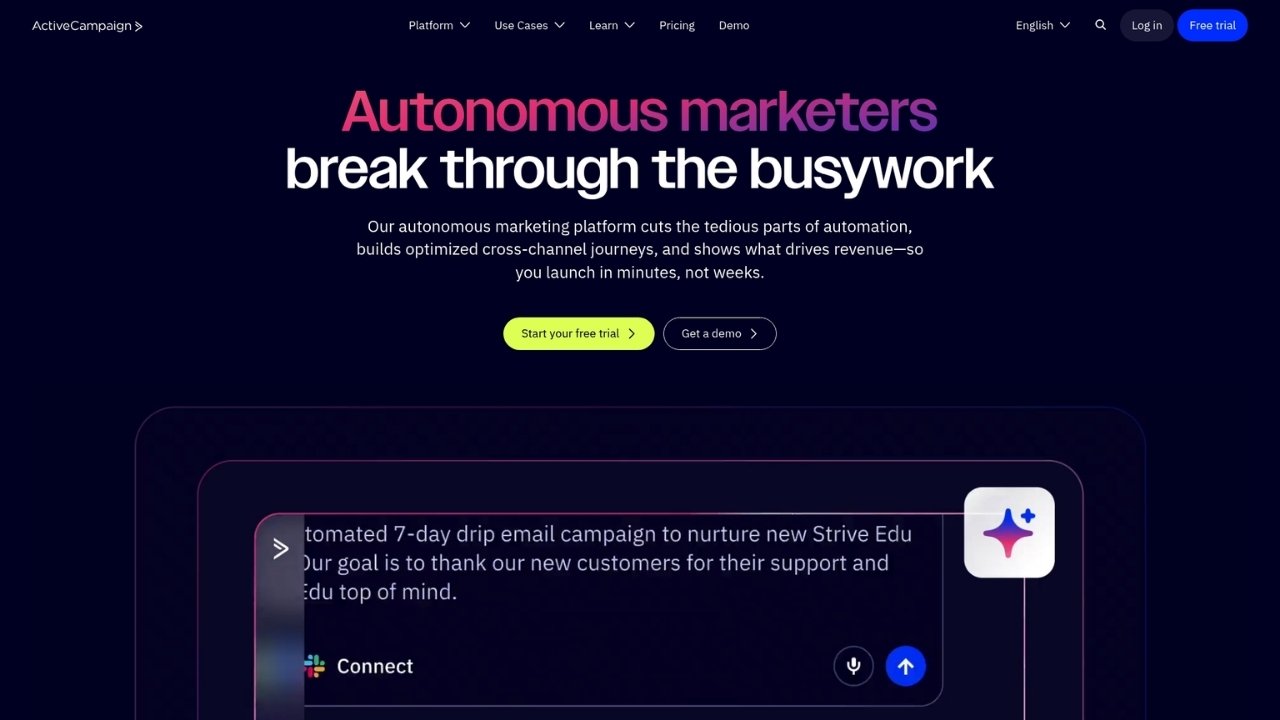
ActiveCampaign serves over 180,000 businesses with a focus on sophisticated email marketing automation.
While it includes CRM functionality, its core strength is customer journey orchestration.
Key features:
- Multi-step marketing automation with 950+ pre-built recipes
- Advanced segmentation with behavioral triggers
- AI-powered automation builder
- Predictive sending and conditional content
- Landing pages and form builder
- Site and event tracking
- 1,000+ integrations including Shopify, WooCommerce, and Salesforce
Pros:
- Best-in-class automation capabilities
- Powerful segmentation options
- Solid deliverability reputation
- 30-day money-back guarantee
Cons:
- No built-in helpdesk functionality
- Interface can feel complex due to extensive features
- CRM capabilities secondary to marketing automation
Pricing:
| Plan | Monthly Price (Annual) | Key Features | Users |
|---|---|---|---|
| Starter | $15/mo | 5 actions per automation, limited segmentation | 1 |
| Plus | $49/mo | Unlimited automation actions, standard segmentation | 1 |
| Pro | $79/mo | Advanced segmentation, predictive content | 3 |
| Enterprise | $145/mo | Premium segmentation, custom objects, SSO | 5 |
Best for: B2B companies focused on email marketing, SaaS businesses needing sophisticated customer journey automation, organizations prioritizing marketing automation over sales CRM.
3. Zoho CRM Plus - Best All-in-One Value

Zoho CRM Plus bundles 12+ business applications into a single subscription.
If you're tired of paying for separate tools for CRM, helpdesk, live chat, and marketing, this is worth considering.
Key features:
- Unified platform with single interface
- Sales automation and pipeline management
- Helpdesk with ticket management
- Email marketing with unlimited sends (up to 100,000 contacts)
- Social media management across 11 channels
- Visitor insights and website tracking
- AI-powered assistant (Zia)
Included applications:
- Zoho CRM for sales automation
- SalesIQ for live chat and visitor tracking
- Desk for helpdesk support
- Projects for project management
- Campaigns for email marketing
- Social for social media management
- Survey for customer feedback
- Analytics for unified reporting
- Marketing Automation, Backstage, Meeting, and Cliq
Pros:
- Incredible value for the feature set
- True all-in-one functionality
- Consistent updates across all apps
- 30-day free trial
Cons:
- User experience varies between different Zoho apps
- Can feel overwhelming due to sheer number of features
- Learning curve for full platform utilization
Pricing:
| Plan | Monthly Price | Annual Price | Key Features |
|---|---|---|---|
| Starter | $25/user/mo | $20/user/mo | 2,500 workflow rules, 5 support channels, 1 chatbot |
| Enterprise | $69/user/mo | $57/user/mo | 10 GB storage, 100 blueprints, 10 support channels |
Best for: Small to medium businesses wanting maximum features per dollar, companies needing true all-in-one functionality, teams wanting to avoid multiple software subscriptions.
4. Freshsales Suite - Best User Experience
Freshsales Suite (part of Freshworks) emphasizes clean design and intuitive navigation. If EngageBay's interface frustrated you, Freshsales offers a refreshing alternative.
Key features:
- AI assistant "Freddy" for lead scoring and deal insights
- Visual sales pipeline management
- Email marketing and automation
- Built-in phone and chat capabilities
- Website visitor tracking
- Mobile apps for iOS and Android
- Integration with Freshdesk for support
Pros:
- Modern, intuitive interface
- AI-powered features included
- Good mobile app experience
- Strong Freshworks ecosystem integration
Cons:
- Pricing no longer transparent (must contact sales)
- Fewer integrations than HubSpot
- Less advanced AI compared to specialized tools
Pricing:
Freshworks has removed public pricing for Freshsales Suite. Previously started around $9/user/month, now requires contacting sales or signing up for a trial.
Best for: Small to medium businesses prioritizing ease of use, teams wanting modern, intuitive interface, companies already using Freshworks ecosystem.
5. Brevo - Best for Omnichannel Marketing
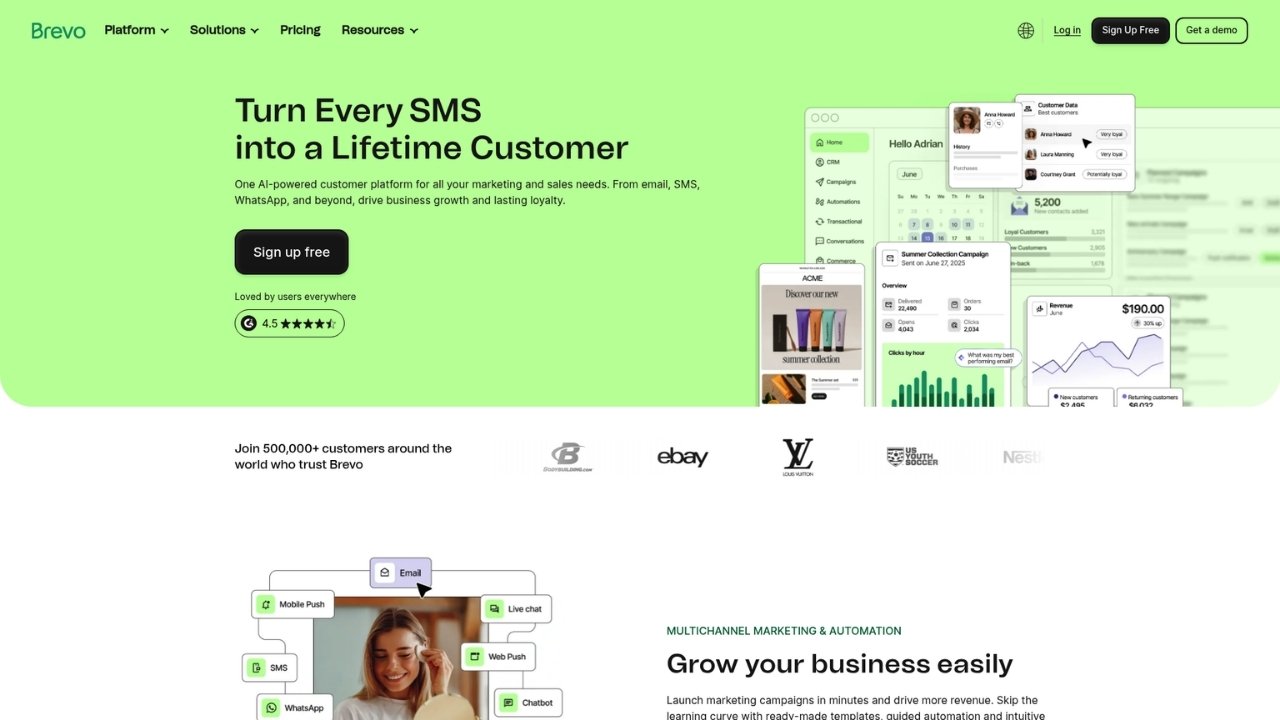
Formerly known as Sendinblue, Brevo focuses on reaching customers across multiple channels: email, SMS, WhatsApp, and chat.
If your customers expect to hear from you on their preferred channel, this platform delivers.
Key features:
- Email marketing with drag-and-drop editor
- SMS and WhatsApp marketing
- Marketing automation workflows
- Landing page builder
- CRM with deal management
- Transactional email capabilities
- AI content generator
Pros:
- Generous free plan (300 emails/day)
- True omnichannel capabilities
- Strong EU presence and compliance
- Affordable pricing tiers
Cons:
- CRM and sales automation more basic than competitors
- Limited advanced reporting on lower tiers
- Phone support only on Professional tier and above
Pricing:
| Plan | Monthly Price | Annual Price | Key Features |
|---|---|---|---|
| Free | $0 | $0 | Up to 300 emails/day, unlimited contacts |
| Starter | $10.80 | $8.08 | 5,000 emails/month, no Brevo logo |
| Standard | $18 | $16.17 | Marketing automation, A/B testing, landing pages |
| Professional | $499 | $449.08 | 150,000 emails, WhatsApp, 10 seats |
| Enterprise | Custom | Custom | Multi-account management, dedicated IP, SSO |
Sales Package Add-ons:
- Sales Essentials: $27.92/month (automation, unlimited deals, AI enrichment)
- Sales Advanced: $58.50/month/user
Best for: Businesses wanting to reach customers across multiple channels, companies with international audiences, teams needing generous free tier.
6. BIGContacts - Best for Simple Contact Management

BIGContacts strips CRM down to its essentials. No overwhelming feature lists, no complex configuration.
Just straightforward contact management that your team can start using immediately.
Key features:
- Contact management with custom fields and tags
- Sales pipeline tracking (Kanban and list views)
- Email marketing with automation
- Task and activity management
- Meeting scheduler with reminders
- 100+ reports and analytics
- Integrations with Outlook, Google Calendar, QuickBooks, Zapier
Pros:
- Very easy to use with minimal training
- Unlimited users on paid plans
- Affordable pricing
- Mobile app access
Cons:
- No advanced automation or AI features
- Limited integrations compared to enterprise CRMs
- No built-in helpdesk or support features
Pricing:
| Plan | Price | Contacts | Key Features |
|---|---|---|---|
| Free | $0 | 100 | All premium features for single user |
| Business (Annual) | $9.99/mo | 1,000 | Unlimited users, unlimited storage |
| Business (Monthly) | $19.99/mo | 1,000 | Same features, monthly billing |
Best for: Small teams needing simple, affordable contact management, businesses wanting unlimited users without per-seat pricing, teams prioritizing ease of use over advanced features.
7. Pipedrive - Best for Sales-Focused Teams
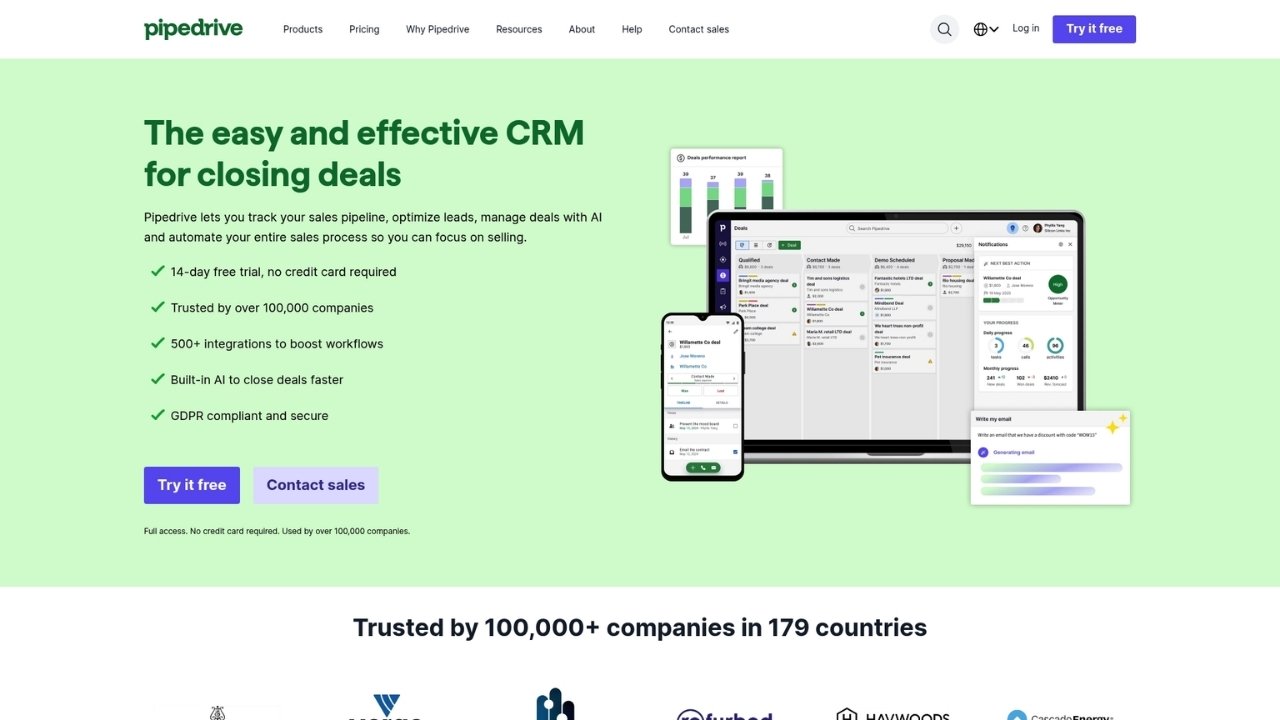
Pipedrive was built by salespeople for salespeople.
Every feature revolves around the visual pipeline, making it easy to see exactly where each deal stands at a glance.
Key features:
- Visual sales pipeline with drag-and-drop
- AI-powered report creation
- Email sync and tracking
- Meeting scheduler
- Mobile apps for iOS and Android
- 500+ integrations
- Custom fields and reporting
Pros:
- Intuitive pipeline view
- Strong sales-focused features
- Good mobile experience
- Clear, transparent pricing
Cons:
- Limited marketing automation features
- No built-in helpdesk (requires add-ons)
- Email marketing requires Campaigns add-on
- Per-seat pricing can add up for larger teams
Pricing:
| Plan | Monthly Price (Annual) | Key Features |
|---|---|---|
| Lite | $14/seat/mo | Lead, calendar, pipeline management, 500+ integrations |
| Growth | $39/seat/mo | Email sync, automations, subscriptions, live chat support |
| Premium | $59/seat/mo | Lead generation, custom scoring, AI email tools, e-signatures |
| Ultimate | $79/seat/mo | Security rules, data enrichment, sandbox, extended phone support |
Add-ons:
- LeadBooster: From $32.50
- Projects: From $6.67
- Campaigns (email marketing): From $13.33
- Web Visitors: From $41
- Smart Docs: From $32.50
Best for: Sales teams prioritizing pipeline management, small to medium businesses with sales-focused workflows, teams wanting intuitive, visual CRM interface.
Feature Comparison: What Each Alternative Does Best
Here's a detailed breakdown of how these EngageBay alternatives compare across key categories:
| Feature Category | HubSpot | ActiveCampaign | Zoho CRM Plus | Freshsales | Brevo | BIGContacts | Pipedrive |
|---|---|---|---|---|---|---|---|
| CRM | Excellent | Good | Excellent | Very Good | Basic | Good | Excellent |
| Marketing Automation | Excellent | Excellent | Good | Good | Very Good | Basic | Basic |
| AI Features | Excellent | Very Good | Good | Good | Basic | None | Good |
| Integrations | 1,500+ | 1,000+ | Good | Moderate | Good | Limited | 500+ |
| Ease of Use | Moderate | Moderate | Moderate | Excellent | Very Good | Excellent | Excellent |
| Value for Money | Fair | Good | Excellent | Good | Very Good | Excellent | Good |
| Support Quality | Excellent | Good | Good | Good | Good | Good | Very Good |
How to Choose the Right EngageBay Alternative
With seven solid options, how do you pick the right one? Here's the short version:
Start with your biggest pain point. If email deliverability is killing your campaigns, look at HubSpot or ActiveCampaign.
If you need phone and chat support, consider Zoho CRM Plus. If your team struggles with complex interfaces, try Freshsales or BIGContacts.
Consider enhancement vs. replacement. Do you need to completely replace EngageBay, or could you supplement it with specialized tools?
Sometimes adding a dedicated email platform or helpdesk tool is more cost-effective than migrating everything.
Test with real scenarios. Don't just kick the tires. Import a sample of your actual contacts, create a real workflow, and send test campaigns.
Most platforms offer free trials or free tiers for this purpose.
Look beyond starting price. That $9/month plan looks appealing, but what happens when you hit 1,000 contacts? 5,000?
Calculate the total cost of ownership over 12-24 months.
Factor in migration complexity. Moving CRMs is never trivial. Consider the cost of data migration, team retraining, and potential downtime.
Sometimes the "better" tool isn't worth the disruption.
Closing the Phone Support Gap
Here's something most of these EngageBay alternatives have in common: they handle digital channels well, but phone support remains a weak spot.
Even the most comprehensive CRM platforms treat voice as an afterthought.
At Ringly.io, we built the AI specifically to solve this problem. the AI is an AI phone agent that handles inbound customer calls 24/7, answering questions, looking up orders, processing returns, and escalating only when necessary.
It integrates with your existing CRM (whether that's HubSpot, Zoho, or any of the others on this list) to pull customer data and log call outcomes.
The result? Your customers get instant phone support without you hiring additional staff. The AI resolves around 73% of calls autonomously, which means your human agents can focus on the complex issues that actually need their attention.
If you're already evaluating CRM alternatives to improve your customer experience, consider what happens when those customers pick up the phone.
A modern CRM paired with AI phone support gives you coverage across every channel your customers actually use.
Frequently Asked Questions
Which EngageBay alternative offers the best free plan?
HubSpot and Brevo both offer genuinely useful free tiers. HubSpot's free plan includes CRM, email marketing (up to 2,000 sends), forms, and live chat. Brevo's free plan allows up to 300 emails per day with unlimited contacts. For simple contact management, BIGContacts offers a free plan for up to 100 contacts with all premium features.
Is HubSpot worth the price compared to EngageBay?
It depends on your stage. HubSpot's Starter tier at $9/month is competitive with EngageBay, but costs escalate quickly as you grow. If you need advanced features like omni-channel automation and lead scoring, HubSpot delivers value that justifies the price. For basic needs, EngageBay or BIGContacts might be sufficient.
Can I migrate my data from EngageBay to these alternatives?
Yes, all seven alternatives support contact and deal import via CSV. HubSpot, ActiveCampaign, and Zoho also offer migration services or tools to help transfer your data. Expect some manual cleanup, especially for custom fields and automation rules.
Which alternative is best for e-commerce businesses?
ActiveCampaign and Brevo both offer strong e-commerce integrations. ActiveCampaign connects with Shopify, WooCommerce, and BigCommerce, offering abandoned cart automation and product recommendations. Brevo includes similar features plus SMS marketing for order updates. HubSpot also works well for e-commerce but at a higher price point.
Do any of these alternatives include phone support features?
Most include basic call logging or integration with third-party phone systems, but none offer native AI phone agents. Zoho CRM Plus includes telephony integration, and Freshsales has built-in phone capabilities. For AI-powered phone support that handles calls autonomously, you would need to integrate with a specialized solution like Ringly.io.
How long does it typically take to switch from EngageBay to a new platform?
A basic migration (contacts, deals, and simple email templates) can be done in a few days. More complex setups with custom workflows, integrations, and team retraining typically take 2-4 weeks. Plan for a transition period where you might run both systems in parallel.