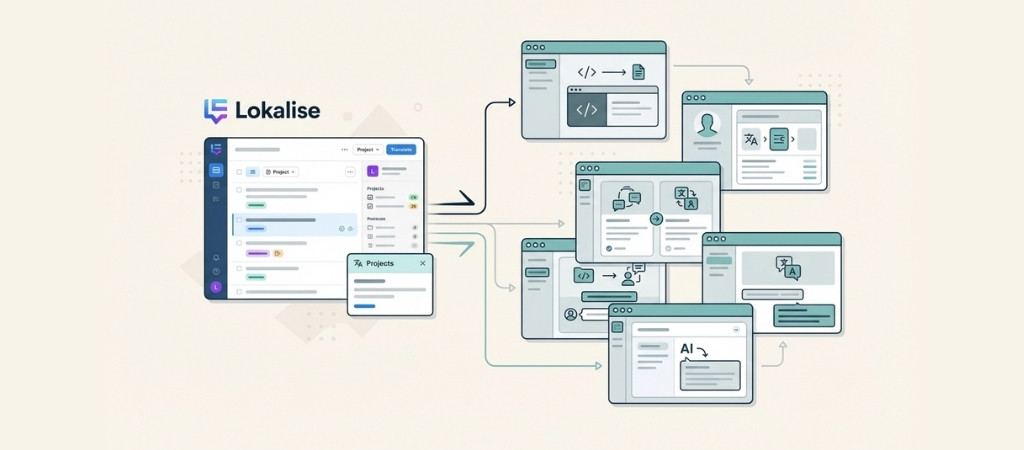
Lokalise starts at $120 per month. For many teams, that price puts it out of reach.
Others find the interface overwhelming or discover it lacks specific integrations their workflow requires.
I spent the past few weeks testing seven of the most popular Lokalise alternatives to see which ones actually deliver.
Some surprised me with their value. Others revealed limitations that only become apparent after days of use.
Here's what I found.
Editor’s note: Want to hear some sample AI support calls made for your Shopify store?
- Just paste your store URL
- Get sample calls in under 20 seconds (no email required)
- Listen to demo calls for my store

What is a translation management system?
A translation management system (TMS) is software that helps teams localize their products, websites, and content into multiple languages.
Think of it as a central hub where developers, translators, and project managers collaborate.
The core features include:
- Translation memory that reuses previous translations to save time and money
- Collaboration tools for teams to work together on multilingual content
- Integrations with development workflows, design tools, and content management systems
- Automation that streamlines the handoff between developers and translators
These tools serve developers building multilingual apps, marketers managing global websites, and localization managers coordinating translation projects across time zones.
How I evaluated these Lokalise alternatives
I tested each platform using a consistent methodology. Here's what I looked for:
- Pricing transparency: Clear pricing tiers without hidden costs
- Ease of use: How quickly a new team member could get productive
- Integration ecosystem: Whether it plays nicely with existing tools
- AI translation features: Quality and cost of machine translation options
- Support quality: Response times and helpfulness when issues arise
All pricing reflects current rates as of February 2026.
Quick comparison: All 7 Lokalise alternatives
| Tool | Starting Price | Free Tier | Best For | Key Strength |
|---|---|---|---|---|
| Crowdin | $50/mo | Yes (60K words) | Developers, Open Source | 700+ integrations |
| Weglot | $17/mo | Yes (2K words) | Marketers, SMBs | No-code setup |
| Phrase | $135/mo | No | Enterprises | Dual TMS/Strings products |
| SimpleLocalize | $12/mo | Yes (100 keys) | Budget teams | Best value pricing |
| Tolgee | €42/yr | Yes (1K strings) | JS developers | Open source |
| Smartling | Custom | No | Large enterprises | Visual context |
| POEditor | $14.99/mo | Yes (1K strings) | Freelancers | Simplicity |
1. Crowdin — Best for teams needing extensive integrations
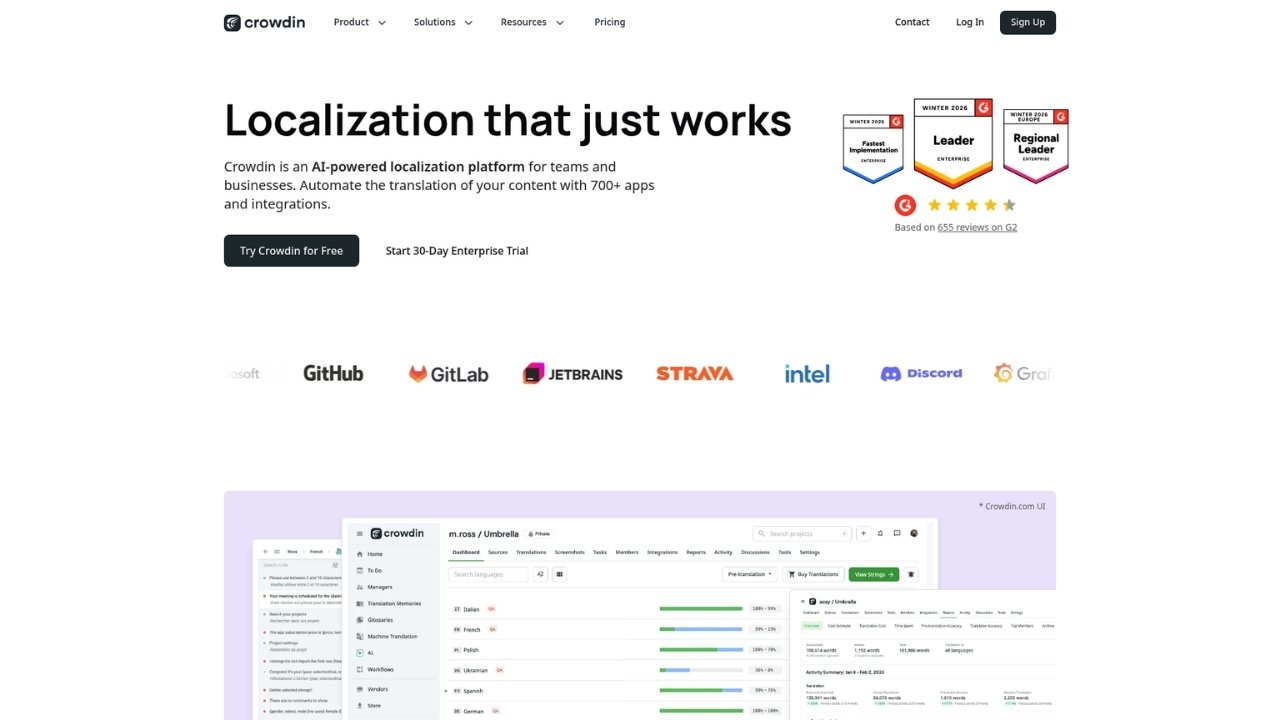
Crowdin has been around since 2009 and serves over 2 million registered users.
The platform's biggest differentiator is its integration ecosystem, with over 700 apps and connectors.
Pricing:
| Plan | Price | Hosted Words | Key Features |
|---|---|---|---|
| Free | $0 | 60K | 1 private project, 1 integration |
| Pro | $50/mo | 60K | 2 integrations, 3 private projects |
| Team | $150/mo | 100K | 3 integrations, unlimited projects, 5 managers |
| Team+ | $450/mo | 500K | Unlimited integrations, advanced workflows |
| Business | Custom | Unlimited | SSO, SLAs, priority support |
Source: Crowdin Pricing
What stands out:
- 700+ integrations including GitHub, GitLab, Bitbucket, Figma, Sketch, Jira, Slack, and more
- Crowdin AI with multiple provider options (OpenAI, Google Gemini, Anthropic) without markup
- Strong open-source support with free licenses for non-profit projects
- Over-the-air SDK for real-time mobile app updates
Pros:
- Best-in-class integration ecosystem
- Free tier is genuinely usable
- AI translation without vendor lock-in
- Excellent for open-source projects
Cons:
- Interface can feel overwhelming initially
- Learning curve for advanced features
- Limited design tool integrations compared to some competitors
Best for: Development teams with complex CI/CD workflows, open-source projects, and companies needing extensive third-party integrations.
2. Weglot — Best for no-code website translation
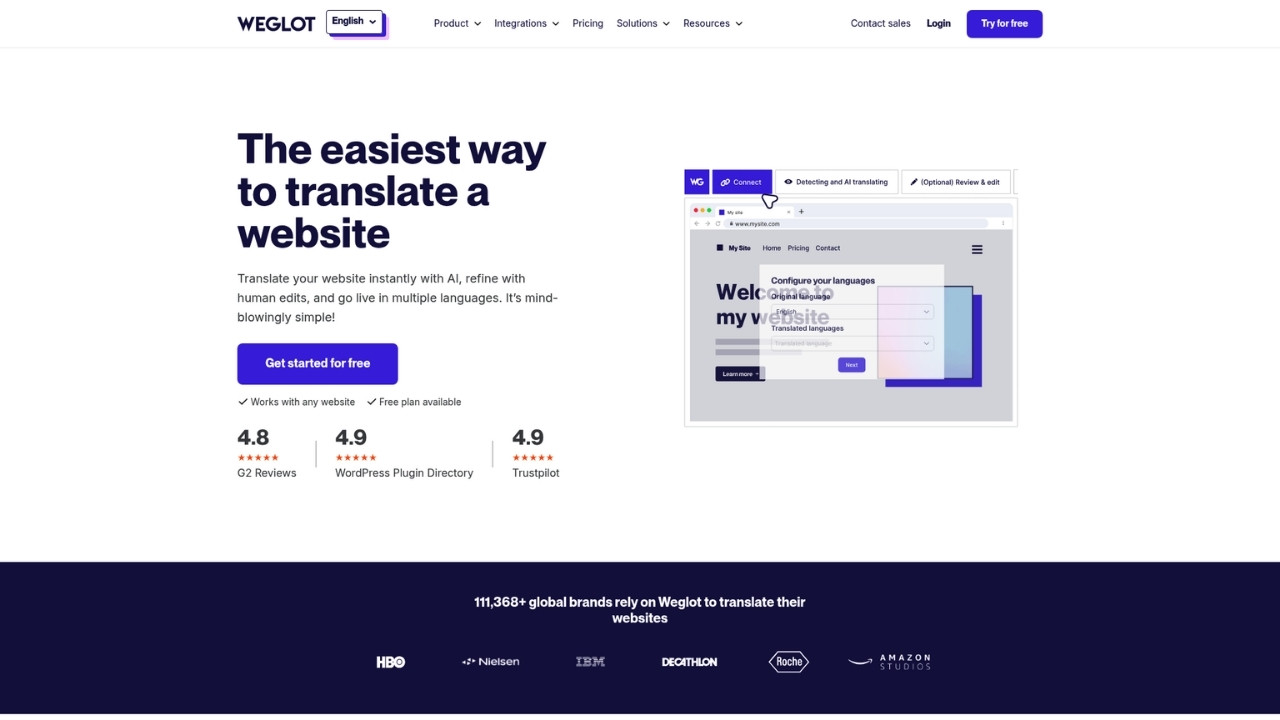
Weglot takes a completely different approach.
Instead of requiring developers to integrate APIs and manage translation files, it automatically detects and translates website content without any coding.
Pricing:
| Plan | Price | Words | Languages | Key Features |
|---|---|---|---|---|
| Free | $0 | 2,000 | 1 | Basic AI translation, multilingual SEO |
| Starter | $17/mo | 10,000 | 1 | Media translation, visitor redirection |
| Business | $32/mo | 50,000 | 3 | Pro translator access |
| Pro | $87/mo | 200,000 | 5 | Statistics, translated URLs |
| Advanced | $329/mo | 1M | 10 | Export/import, custom languages |
| Extended | $769/mo | 5M | 20 | Top-level domains, premium support |
| Enterprise | Custom | Custom | Custom | SSO, SLA, custom contracts |
Source: Weglot Pricing
What stands out:
- Automatic content detection scans your website and translates new content instantly
- 110+ languages supported out of the box
- Multilingual SEO with automatic hreflang tags and translated URLs
- Visual editor lets you edit translations directly on your live website
Pros:
- Fastest setup of any tool I tested (under 5 minutes)
- No developer resources required
- Strong SEO features built-in
- Clean, intuitive interface
Cons:
- Limited for mobile app localization
- Less developer control than API-first alternatives
- Word-based pricing can get expensive for large sites
Best for: Marketing teams, SMBs without developer resources, WordPress/Shopify users, and teams prioritizing SEO and ease of use.
3. Phrase — Best for developer-focused workflows
Phrase formed from the merger of PhraseApp and Memsource, creating a comprehensive platform that serves both developers and enterprise localization teams. Major customers include Uber, Zendesk, and Puma.
Pricing:
Software UI/UX Plan (Developer-focused):
| Plan | Price | Key Limits |
|---|---|---|
| Freelancer | $27/mo | 1 TMS seat, 650K words/year |
| Professional | $525/mo | Unlimited seats, 4M words/year, 200K Strings words |
| Business | Custom | Unlimited seats, 26M words/year, SSO |
| Enterprise | Custom | Everything plus premium success |
| Team Plans: | ||
| Plan | Price | Key Limits |
| Team | $1,045/mo | 20 Strings seats, 2.5M TMS words, 2M MT units |
| Business | Custom | 150 Strings seats, 12M TMS words |
| Enterprise | Custom | Custom capacity, premium support |
Source: Phrase Pricing
What stands out:
- Dual product suite: Phrase Strings for developers, Phrase TMS for enterprises
- Phrase NextMT: Proprietary machine translation engine
- Custom AI training: Build domain-specific translation models
- Over-the-air updates: Real-time mobile SDK for iOS and Android
Pros:
- Built specifically for developer workflows
- Robust API and CLI tools
- Excellent documentation
- Handles massive scale (enterprise-ready)
Cons:
- Expensive at scale
- Complex for non-technical users
- No free tier for testing
Best for: Engineering teams, API-driven workflows, tech companies, and organizations with high-volume translation requirements.
4. SimpleLocalize — Best budget alternative
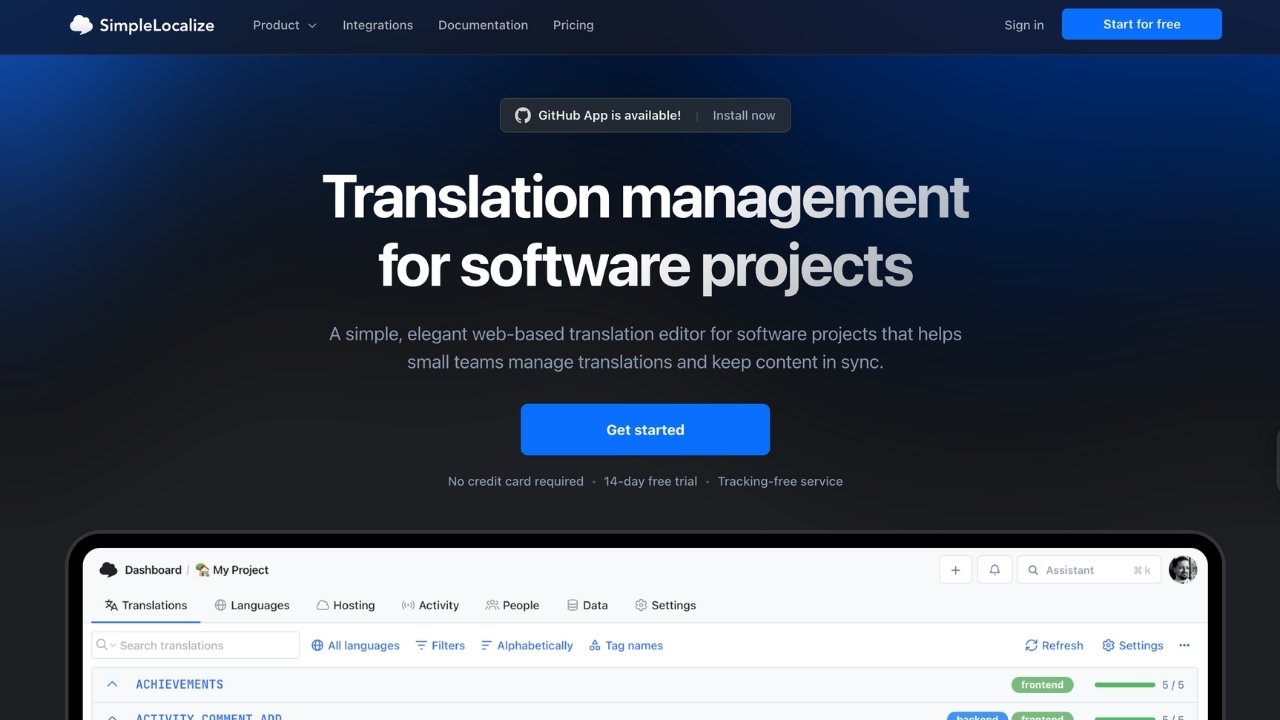
SimpleLocalize is a newer platform founded by Jakub Pomykała that positions itself as a simpler, more affordable alternative to Lokalise. The pricing is refreshingly transparent.
Pricing:
| Plan | Price | Keys | Team Members | AI Characters |
|---|---|---|---|---|
| Community | $0 | 250 | 1 | N/A |
| Developer | $12/mo | 1,000 | 5 | 100K start + 10K/mo |
| Team | $35/mo | 4,000 | 25 | 250K start + 50K/mo |
| Business | $99/mo | 12,000 | 100 | 500K start + 100K/mo |
Source: SimpleLocalize Pricing
What stands out:
- AI translation included: Auto-translation characters are part of the plan, not expensive add-ons
- Modern developer tools: VS Code extension, GitHub App, MCP server support
- Translation hosting: CDN delivery built-in
- Screenshots with OCR: Visual context for translators
Pros:
- Best value pricing in the market ($35 vs Lokalise's $140 for comparable features)
- Transparent, predictable costs
- Easy to use interface
- Excellent customer support (according to user reviews)
Cons:
- Smaller integration ecosystem than established players
- Newer company with less track record
- Limited enterprise features
Best for: Small to mid-size teams, startups, budget-conscious businesses, and teams wanting AI translation without surprise costs.
5. Tolgee — Best open-source option
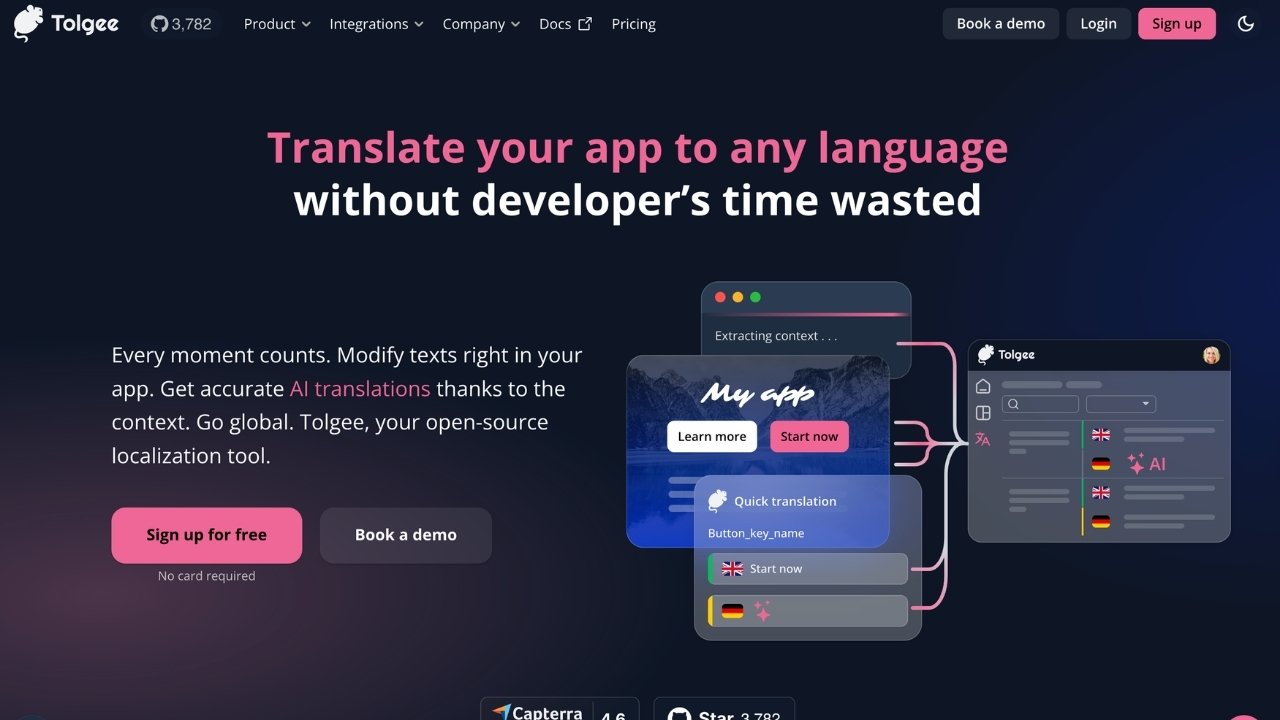
Tolgee is an open-source localization platform that has gained significant traction in the developer community, with over 3,778 GitHub stars. It focuses on JavaScript framework integration and in-context editing.
Pricing:
| Plan | Price | Keys | Seats | MT Credits |
|---|---|---|---|---|
| Free (Cloud) | €0 | 500 | 3 | 10,000 |
| Team | €89/mo | 3,000 | 5 | 10,000 |
| Business | €249/mo | 10,000 | 10 | 1,000,000 |
| Enterprise | Custom | Custom | Custom | Custom |
| Self-hosted | Free | Unlimited | Unlimited | BYO API keys |
Source: Tolgee Pricing
What stands out:
- Fully open-source under Apache 2.0 license
- In-context translating: Edit translations directly within your application
- Framework SDKs: Native support for React, Angular, Vue, Svelte, Next.js
- Free for open source: Business plan free for OSS projects
Pros:
- Self-hosting option costs nothing
- Developer-friendly with modern framework support
- Active community and regular updates
- Data sovereignty for privacy-conscious teams
Cons:
- Requires technical setup for self-hosting
- Smaller feature set than commercial alternatives
- Newer platform with fewer enterprise customers
Best for: JavaScript developers, open-source projects, teams wanting data sovereignty, and startups wanting to start free and scale.
6. Smartling — Best for enterprise visual context
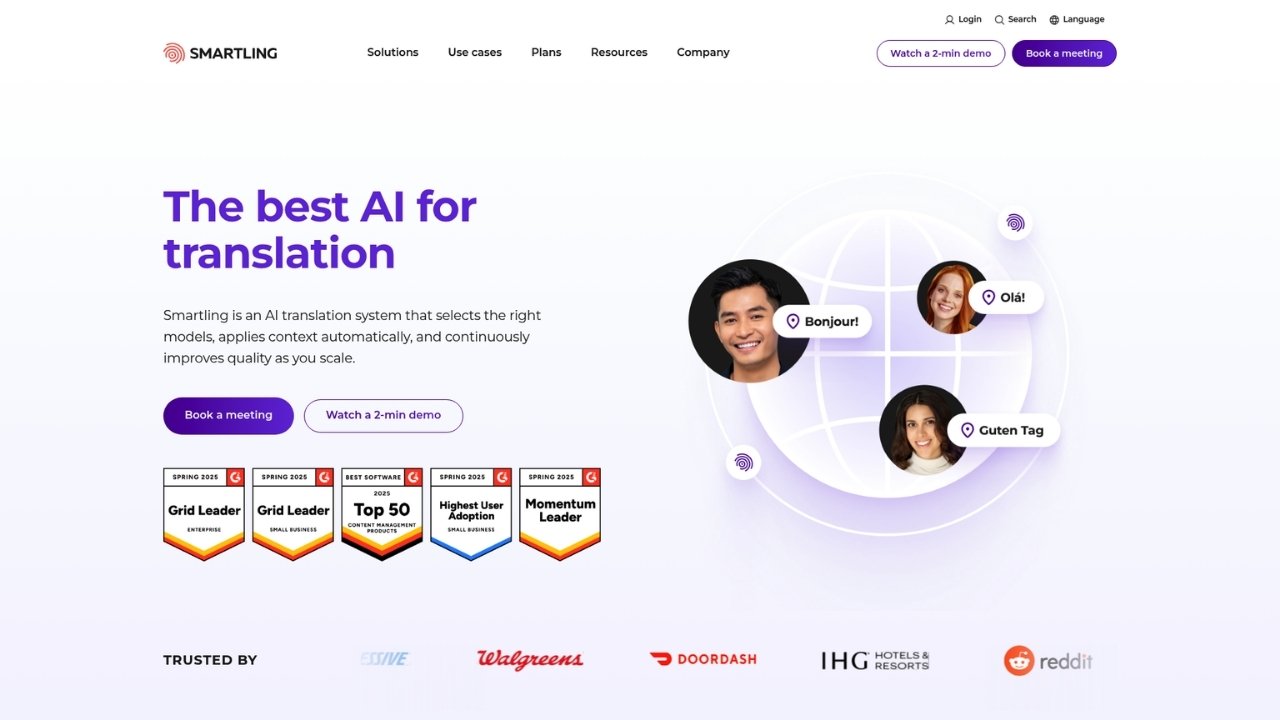
Smartling is an enterprise-focused translation management platform founded in 2009.
It emphasizes visual context and quality assurance for organizations with complex localization requirements.
Pricing: Custom pricing based on volume and requirements. Contact sales for quotes.
What stands out:
- Visual context: Translators see exactly how translations appear in the actual UI
- Quality assurance: Advanced automated QA checks and review workflows
- Professional services: Integrated access to translation vendors
- Enterprise integrations: Adobe Experience Manager, Salesforce, Contentful
Pros:
- Best-in-class visual context for accuracy
- Built for large organizations
- Strong quality control features
- Professional translation services available
Cons:
- Expensive (custom enterprise pricing)
- Complex setup process
- Overkill for small teams
Best for: Large enterprises, companies with quality-critical content, organizations needing professional translation services, and teams requiring visual context for accuracy.
7. POEditor — Best for simple translation needs
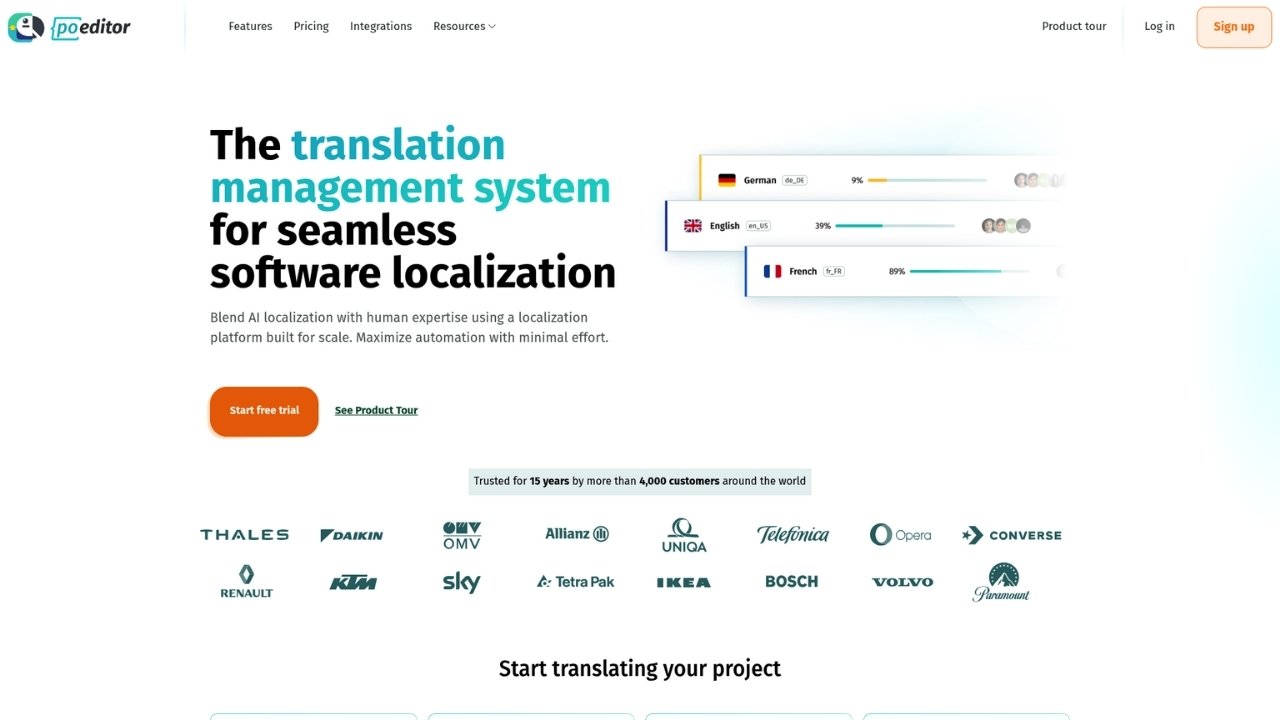
POEditor has been around for 15 years and serves over 4,000 customers with 200,000+ active projects. It emphasizes simplicity and affordability above all else.
Pricing:
| Plan | Price | Key Limits |
|---|---|---|
| Free | $0 | 1,000 strings, unlimited projects |
| Paid plans | From $12.74/mo | Higher limits, additional features |
What stands out:
- 270+ languages supported
- 40+ file formats including all major localization formats
- Simple interface that new users learn quickly
- Established platform with 15 years of stable service
Pros:
- Most affordable paid plans
- Clean, intuitive interface
- Wide file format support
- Stable, reliable service history
Cons:
- Limited advanced features
- Basic automation compared to competitors
- Smaller integration ecosystem
Best for: Freelancers, solo developers, small teams with simple needs, and budget-conscious users wanting basic TMS features.
Tips for choosing the right Lokalise alternative
After testing all seven platforms, here are my recommendations for making the right choice:
Match the tool to your team's technical skills. If you have developers who can handle API integration, tools like Crowdin, Phrase, or Tolgee offer more flexibility.
If you need something marketing can manage without engineering help, Weglot is the clear winner.
Consider total cost, not just starting price. Some platforms charge extra for AI translation, additional seats, or overage fees.
SimpleLocalize and Crowdin include more in their base pricing.
Evaluate your integration requirements before committing. Make a list of your essential tools (GitHub, Figma, Slack, CMS) and verify each platform supports them. Crowdin leads here with 700+ integrations.
Test free tiers before purchasing. Every tool on this list except Phrase offers a free tier or trial. Spend a few days with each to see which interface clicks with your workflow.
Plan for growth. A tool that works for 1,000 translation keys might become expensive or limiting at 50,000.
Check pricing at your projected 12-month scale, not just today's needs.
When to stick with Lokalise
Despite the alternatives, Lokalise remains the right choice for some teams:
- Design-stage localization: If you need Figma and Sketch plugins for translating during the design phase, Lokalise has mature features here
- 24/7 live chat support: Their sub-2-minute response time is genuinely impressive
- Unlimited hosted words: All paid plans include unlimited words, which simplifies budgeting
- Over-the-air SDK: For mobile apps needing real-time translation updates without app store releases
If these features are critical to your workflow, the $120 starting price may be justified.
Streamline your global customer support too
Localizing your product is just one piece of going global. You also need to support customers in their native language when they call.
That's where Ringly.io comes in. the AI, their AI phone support representative, handles inbound customer calls 24/7 in over 30 languages.
It answers questions, looks up orders, processes returns, and only escalates to your team when necessary.
The platform integrates directly with Shopify and resolves around 73% of calls without human intervention.
For e-commerce businesses expanding internationally, it fills the gap between translated websites and human support teams.
Start your free trial and see how AI phone support works in your target markets.
Frequently Asked Questions
What are the best free Lokalise alternatives?
The best free Lokalise alternatives are Tolgee (500 keys, self-hosted option), Crowdin (60,000 hosted words), and Weglot (2,000 words). For open-source projects, Tolgee and Crowdin both offer generous free tiers that scale with your project.
Which Lokalise alternative has the best integration ecosystem?
Crowdin leads with over 700 integrations including GitHub, GitLab, Bitbucket, Figma, Sketch, Jira, and Slack. Phrase also offers extensive integrations but at a higher price point. For no-code integrations, Weglot connects easily with WordPress, Shopify, Webflow, and Squarespace.
Is there a cheaper alternative to Lokalise for small teams?
SimpleLocalize offers the best value at $35 per month for 4,000 translation keys and 25 team members, compared to Lokalise's $140 starting price. POEditor starts even lower at $12.74 per month for freelancers with simple needs.
Which Lokalise alternative is best for developers?
Tolgee is the top choice for JavaScript developers with its in-context editing and native React, Angular, Vue, and Next.js SDKs. For teams needing extensive API capabilities and CI/CD integration, Crowdin and Phrase both offer robust developer tools.
Can I self-host a Lokalise alternative for free?
Yes, Tolgee is fully open-source under the Apache 2.0 license and can be self-hosted for free. This gives you complete data sovereignty and eliminates per-seat pricing. The self-hosted version includes all core features, though you'll need to bring your own API keys for machine translation.
Which Lokalise alternative works best for website translation without coding?
Weglot is specifically designed for no-code website translation. It automatically detects content, provides a visual editor for making changes directly on your site, and handles multilingual SEO automatically. Setup takes under 5 minutes and requires no developer resources.
What Lokalise alternative do enterprises use?
Large enterprises typically choose Phrase or Smartling. Phrase serves major companies like Uber and Zendesk with its dual TMS/Strings product suite. Smartling focuses on enterprise visual context and quality assurance for organizations with complex localization requirements and quality-critical content.