


Running an online store means juggling stock across multiple channels while trying to avoid two costly mistakes: overselling items you don't have and tying up cash in inventory that sits unsold.
The right inventory management software helps you thread that needle.
I've looked at dozens of solutions to find the seven best options for ecommerce businesses in 2026.
Whether you're just starting out or managing thousands of SKUs across multiple warehouses, there's something here for you.
Editor’s note: Want to hear some sample AI support calls made for your Shopify store?
- Just paste your store URL
- Hear sample calls for your store (no email required)
- Listen to demo calls for my store
What is inventory management software?
At its core, inventory management software tracks what you have, where it is, and how fast it's moving. Unlike a simple spreadsheet, these tools connect directly to your sales channels, update stock levels in real time, and can even predict when you'll need to reorder.
For ecommerce specifically, this means:
- Syncing inventory across Shopify, Amazon, eBay, and other marketplaces
- Preventing overselling by automatically adjusting stock when orders come in
- Tracking products across multiple warehouses or fulfillment centers
- Generating purchase orders when items run low
- Providing data on which products sell fastest (and which don't)
How we chose these inventory management tools
To make this list, each solution had to meet several criteria:
- Real multi-channel integration with major ecommerce platforms
- Transparent pricing without hidden fees
- Scalability to grow with your business
- Strong user reviews and proven track records
- Features that actually matter for online sellers
I also prioritized options with free tiers or trials so you can test before committing.
Quick comparison
| Software | Starting Price | Free Plan | Best For | Key Integration |
|---|---|---|---|---|
| Zoho Inventory | $29/month | Yes (50 orders) | Small businesses | Zoho ecosystem |
| Odoo Inventory | $0 (one app) | Yes (unlimited users) | Open-source flexibility | 30+ Odoo apps |
| Veeqo | Free | Yes (Amazon sellers) | Multichannel sellers | Amazon, Shopify |
| Finale Inventory | $499/month | No | High-volume sellers | 40+ integrations |
| Sortly | $49/month | Yes (100 items) | Visual tracking | QuickBooks Online |
| Fishbowl | $229/month | No | Manufacturing | QuickBooks |
| Unleashed | $99/month | No | B2B ecommerce | Xero, Shopify |
1. Zoho Inventory
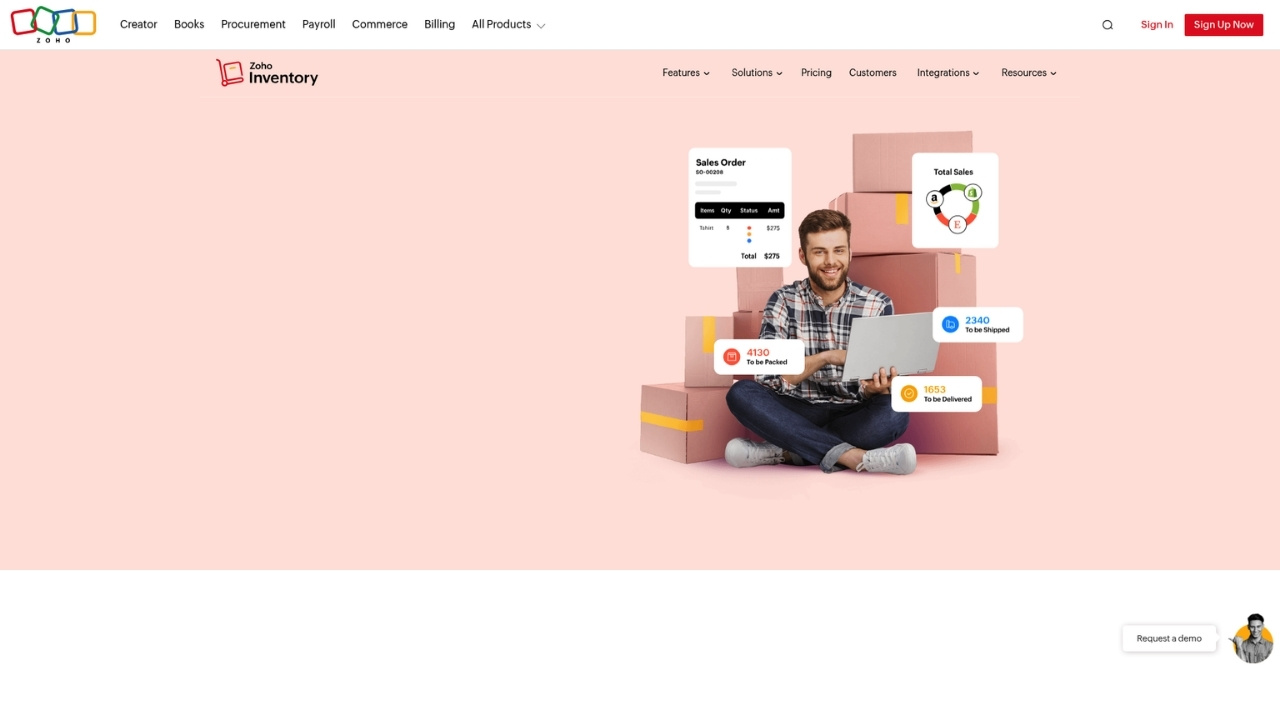
Zoho Inventory stands out for offering a genuinely useful free tier that lets small businesses manage up to 50 orders per month without spending a dime. When you're ready to grow, paid plans start at just $29 per month.
Key features:
- Multi-channel selling across Shopify, Amazon, eBay, and Etsy
- Automated workflows for repetitive tasks
- Serial and batch number tracking (on higher tiers)
- Vendor portal for supplier communication
- Aftership integration for delivery tracking
Pricing:
| Plan | Price | Orders/Month | Users | Locations |
|---|---|---|---|---|
| Free | $0 | 50 | 1 | 2 |
| Standard | $29/month | 500 | 2 | 2 |
| Professional | $79/month | 3,000 | 2 | 4 |
| Premium | $129/month | 7,500 | 2 | 6 |
| Enterprise | $249/month | 15,000 | 7 | 10 |
Pros:
- Generous free tier with real functionality
- Affordable upgrade path
- Strong integration with other Zoho apps
- Good mobile app for on-the-go management
Cons:
- Limited customization compared to open-source alternatives
- Can feel complex if you only need basic features
- Higher tiers get pricey for the features offered
Best for: Small businesses and startups already using or considering the Zoho ecosystem.
2. Odoo Inventory
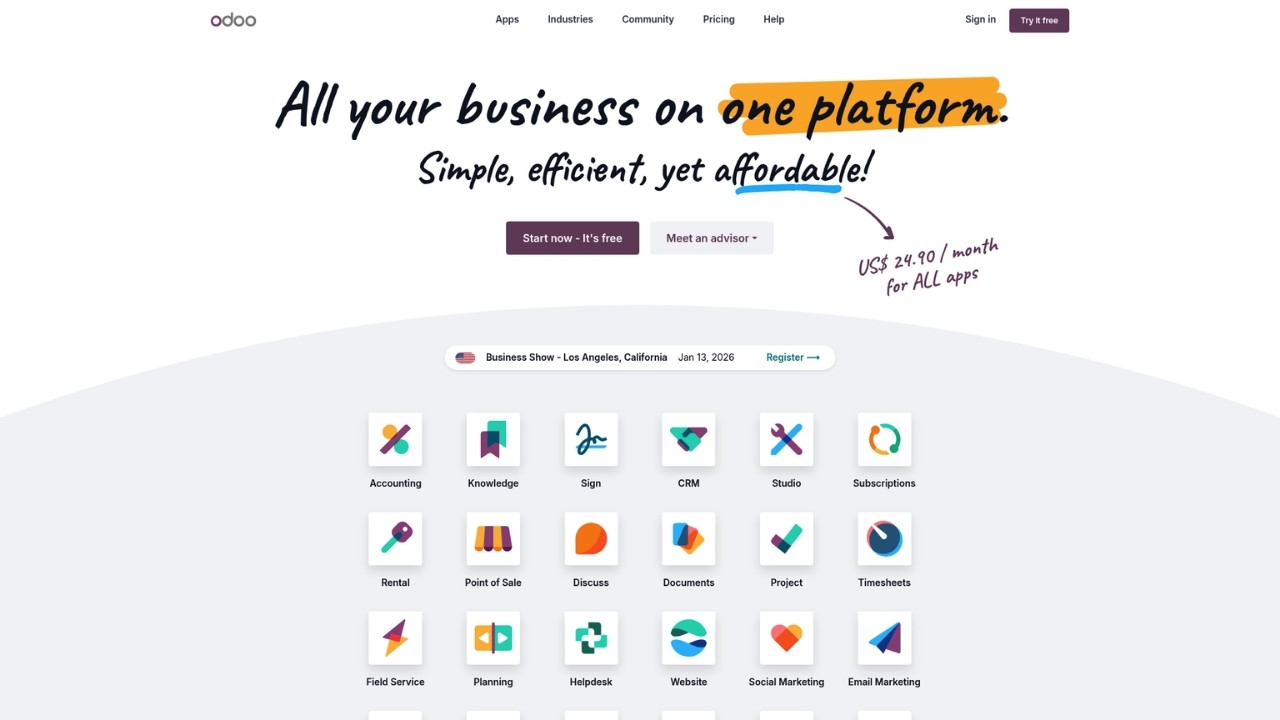
Odoo takes a unique approach with its "One App Free" plan. You get unlimited users for a single app (like Inventory) at absolutely no cost. This makes it incredibly attractive for startups that want professional-grade software without the price tag.
Key features:
- Smart replenishment with min-max rules and make-to-order
- Multiple picking strategies (wave, batch, cluster)
- Works offline with no WiFi required
- Fast barcode scanning supporting QR and GS-1 codes
- Multiple inventory valuation methods (FIFO, LIFO, average)
Pricing:
| Plan | Price | Users | Notes |
|---|---|---|---|
| One App Free | $0 | Unlimited | One app only (Inventory counts as one) |
| Standard | $31.10/user/month | Per user | All apps included |
| Custom | $61/user/month | Per user | Includes on-premise and API access |
Pros:
- Truly free for single-app use
- Open-source with extensive customization options
- Works offline (great for warehouses with spotty connectivity)
- Can expand into full ERP as you grow
Cons:
- Steep learning curve
- Requires technical knowledge for customization
- Support can be limited on the free tier
Best for: Tech-savvy businesses that want flexibility and room to grow into a full ERP system.
3. Veeqo
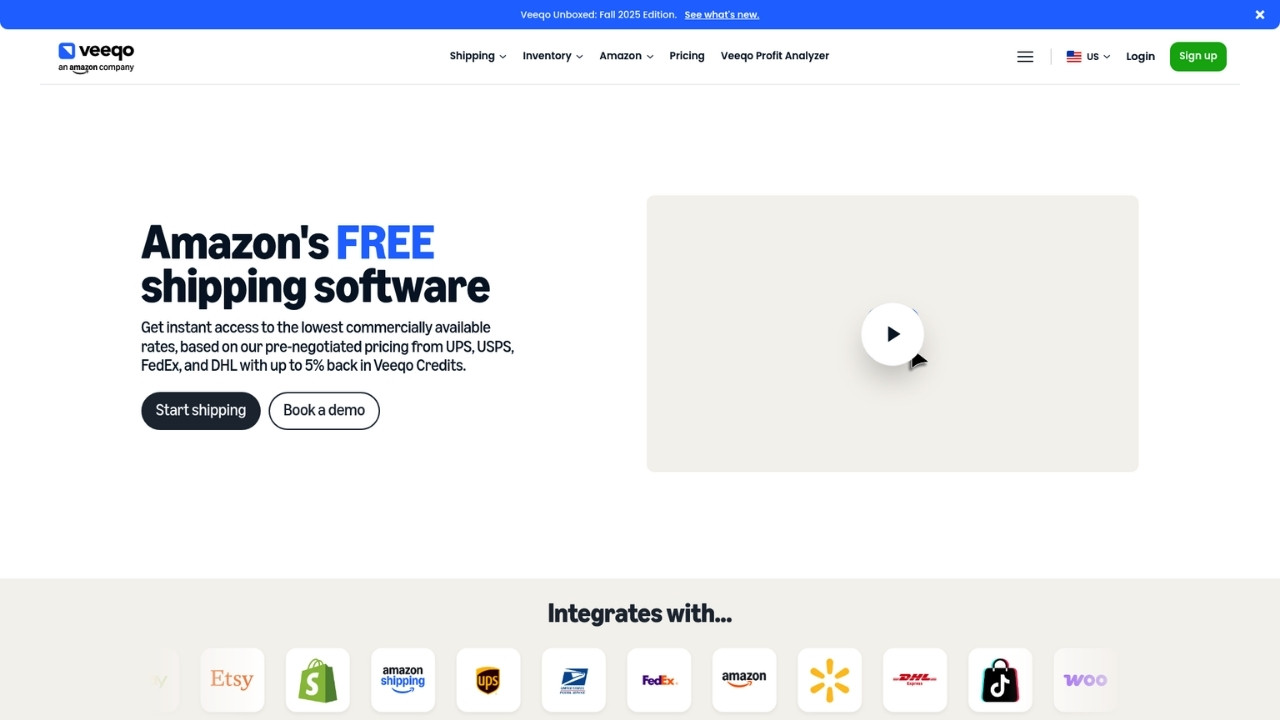
Veeqo is owned by Amazon and offers something rare: completely free shipping software for all sellers, with optional paid tiers for inventory management. If you sell on Amazon, this is a no-brainer to evaluate.
Key features:
- Smart order routing to fulfill from the nearest location
- Up to 5% back in Veeqo Credits on shipping labels
- Bulk ship up to 100 orders in one click
- Digital picking with the Veeqo scanner app
- Pre-negotiated rates with major carriers
Pricing:
| Plan | Price | Best For |
|---|---|---|
| Shipping | Free | Unlimited orders, basic shipping needs |
| Inventory | From $19/month | Automated sync, demand forecasting |
| High Volume | From $350/month | ERP integrations, dedicated support |
Pros:
- Completely free shipping tier
- Excellent for Amazon sellers
- Competitive shipping rates
- Fast setup with built-in integrations
Cons:
- Limited features on the free tier
- Amazon ownership may concern some sellers
- Inventory features require paid plans
Best for: Amazon sellers and multichannel retailers focused on shipping efficiency.
4. Finale Inventory
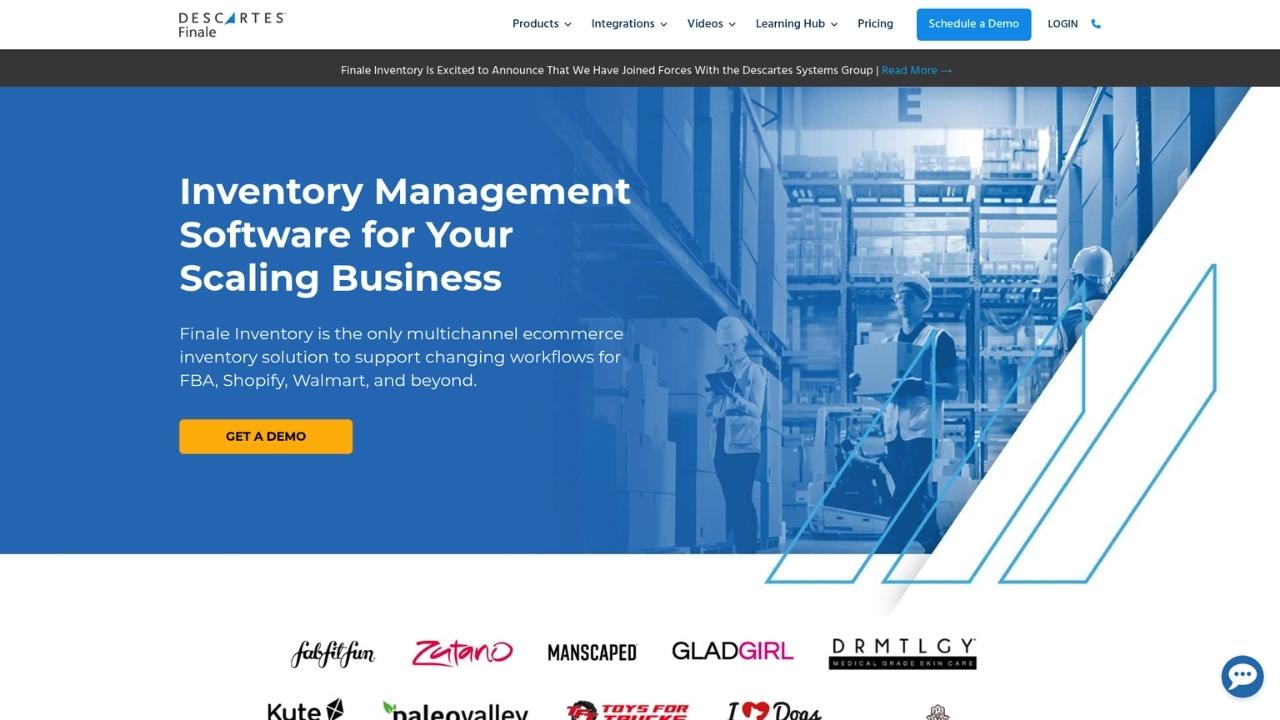
Finale Inventory targets serious sellers who need robust inventory control across multiple channels. Starting at $499 per month, it's not cheap, but the feature set justifies the price for high-volume operations.
Key features:
- Dynamic reorder points based on sales velocity
- Advanced barcode workflows and wave picking
- COGS and landed cost calculation
- 40+ integrations including FBA and Shopify
- REST and GraphQL API access
- EDI integrations with SPS Commerce
Pricing:
Plans start at $499/month with custom pricing based on users, integrations, order volume, and add-ons.
Pros:
- Excellent for FBA sellers
- Strong reporting and analytics
- Highly scalable
- Dedicated onboarding support
Cons:
- No free plan or trial
- Higher starting price than competitors
- Complex feature set requires training
Best for: High-volume multichannel sellers, especially those heavily invested in Amazon FBA.
5. Sortly
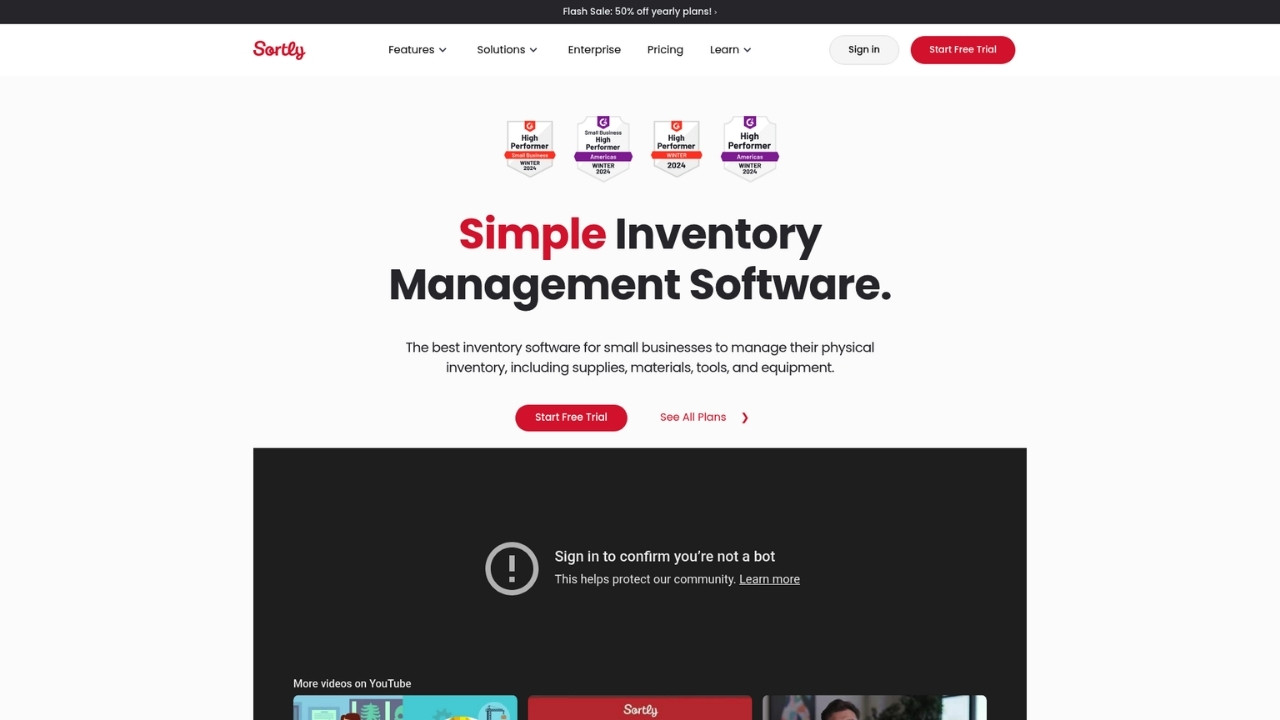
Sortly takes a visual approach to inventory management. Instead of just SKUs and numbers, you get high-resolution photos of every item. This makes it intuitive for teams that don't live in spreadsheets.
Key features:
- Photo-based inventory tracking
- In-app QR and barcode scanning
- Offline mobile access
- Low stock alerts
- Check-in/check-out functionality
- Custom fields and folders
Pricing:
| Plan | Price | Items | Users |
|---|---|---|---|
| Free | $0 | 100 | 1 |
| Advanced | $49/month ($24 with yearly) | 500 | 2 |
| Ultra | $149/month ($74 with yearly) | 2,000 | 5 |
| Premium | $299/month ($149 with yearly) | 5,000 | 8 |
| Enterprise | Custom | 10,000+ | 12+ |
Pros:
- Intuitive visual interface
- Great for non-technical users
- Strong mobile app
- Works offline
Cons:
- Limited direct ecommerce integrations
- Better for asset tracking than high-volume sales
- Item limits can be restrictive
Best for: Small teams that need visual inventory tracking for equipment, assets, or smaller product catalogs.
6. Fishbowl

Fishbowl has built its reputation on deep QuickBooks integration and strong manufacturing features. If you make products, not just resell them, Fishbowl deserves a look.
Key features:
- Manufacturing BOM (bill of materials) management
- Multi-level production planning
- Lot, serial, and expiration date tracking
- Advanced QuickBooks integration
- AI-powered demand forecasting
- Mobile barcode scanning
Pricing:
| Plan | Price | Users | Key Features |
|---|---|---|---|
| Essentials | $229/month | 2 | Inventory tracking, cycle counts |
| Growth | $429/month | 5 | Shipping tools, AI reporting |
| Scale | $729/month | 10 | Forecasting, advanced AI |
| Advanced | Custom | Custom | Payment processing, audit trails |
Pros:
- Excellent manufacturing features
- Strong QuickBooks sync
- Perpetual license option available
- Good for complex workflows
Cons:
- Expensive for small businesses
- Complex setup process
- Interface feels dated
Best for: Manufacturing and wholesale businesses that need production management alongside inventory tracking.
7. Unleashed
Unleashed boasts a 4.8/5 rating on Trustpilot and focuses on B2B ecommerce with strong manufacturing support. The B2B portal feature lets your wholesale customers place orders directly.
Key features:
- B2B eCommerce portal for wholesale customers
- Production management with kanban planning
- Demand forecasting and MRP
- Access Evo AI assistant
- Multi-bin warehouse management
- Serial and batch tracking
Pricing:
| Plan | Price | Users | Orders/Month |
|---|---|---|---|
| Lite | $99/month | 3 | 100 |
| Core | $399/month | 3 | 100 |
| Pro | $729/month | 5 | 300 |
Optional modules range from $69 to $429 per month for additional features like production, CRM, and advanced inventory management.
Pros:
- Excellent B2B features
- Strong manufacturing support
- Highly rated customer support
- Comprehensive reporting
Cons:
- No free plan
- Expensive for small businesses
- Feature overload for simple sellers
Best for: B2B and manufacturing ecommerce businesses that need a wholesale portal and production planning.
Tips for choosing the right inventory software
Picking the wrong tool can cost you months of setup time and thousands in subscription fees. Here's how to avoid that mistake:
Match software to your sales volume. A tool built for enterprise sellers will overwhelm a small shop. Start simple and upgrade as you grow.
Consider total cost, not just the sticker price. Factor in implementation, training, and any required add-ons. That "cheap" plan might get expensive fast.
Test integrations before committing. Connect one sales channel first and verify data flows correctly before adding more.
Plan for mobile access. Your warehouse team needs to check and update inventory from the floor, not just from a desktop computer.
Check the API limits. If you plan to build custom integrations, make sure the API call limits on your tier support your needs.
Getting started with inventory management software
Once you've chosen a tool, here's how to roll it out without disrupting your business:
- Start with a trial. Most tools offer 14-day trials. Use this time to import a subset of your inventory and test workflows.
- Clean your data first. Export your current inventory and fix discrepancies before importing. Garbage in, garbage out.
- Set up one channel at a time. Connect your primary sales channel first, verify sync is working, then add others.
- Train your team before going live. Make sure everyone knows how to receive stock, process orders, and handle returns.
- Monitor the metrics that matter. Track stockout rate, inventory turnover, and order accuracy to measure improvement.
Frequently Asked Questions
Do I really need inventory management software for my small ecommerce store?
If you're selling on more than one channel or processing more than 50 orders per month, yes. Spreadsheets break down quickly when you're juggling multiple sales platforms. The cost of a stockout or oversell usually exceeds the monthly software cost.
Can I use inventory management software for dropshipping?
Most modern tools support dropshipping workflows. Look for features like vendor portals, automated purchase orders, and the ability to mark items as 'dropship only.' Zoho Inventory and Finale both handle dropshipping well.
How long does implementation typically take?
Simple setups with one sales channel can be done in a day. Complex implementations with multiple warehouses, manufacturing, and custom integrations can take 4-8 weeks. Plan for training time on top of technical setup.
What's the difference between inventory management and warehouse management?
Inventory management tracks what you have and where it is. Warehouse management adds operational details like bin locations, picking routes, and labor tracking. Many tools (like Odoo and Fishbowl) include both.
Can inventory management software help with demand forecasting?
Yes, most mid-tier and above plans include forecasting features. These analyze your sales history to predict future demand and suggest reorder points. Unleashed and Fishbowl have particularly strong forecasting capabilities.
Is it worth paying for inventory management software when some options are free?
Free plans work well for very small operations or testing. Once you hit their limits (usually around 50-100 orders per month), the time savings from automation typically justify the cost of a paid plan. Calculate your hourly rate and compare it to the software cost.



